
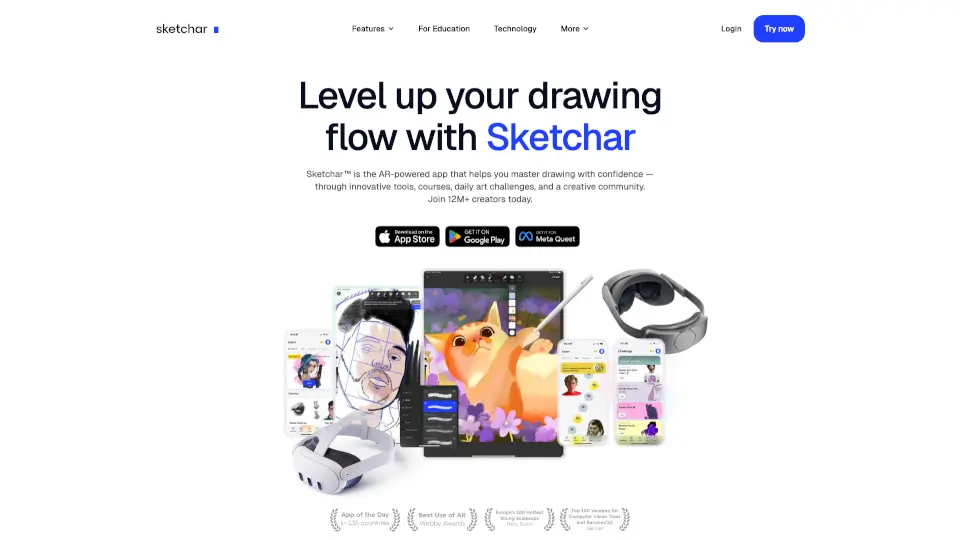
What is Sketchar?
Sketchar is the ultimate AR drawing app that makes art creation, learning, and collaboration a breeze. Whether you're a beginner or a pro, Sketchar’s patented AR technology helps you draw like never before. With 12M+ users, it’s the go-to app for artists who want to trace, learn, and share their work effortlessly.
What are the features of Sketchar?
- AR Drawing Assistant: Project images onto any surface (paper, walls, fabric) and trace them with ease.
- Digital Canvas: Create and edit using brushes, layers, and a liquid brush for smooth strokes.
- 750+ Drawing Lessons: Master anime, portraits, animals, and more with step-by-step guides.
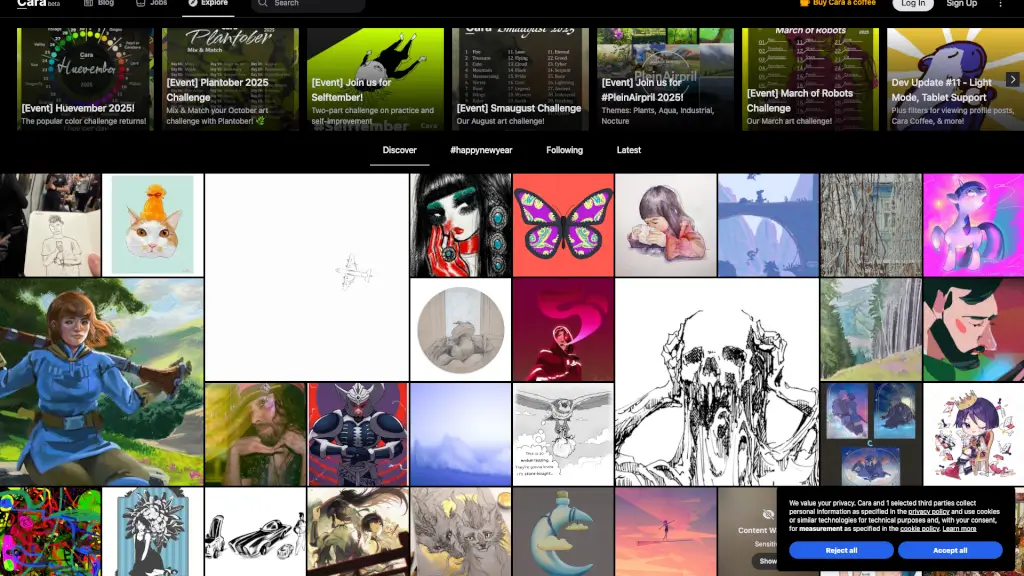
- Community & Contests: Share your art, join challenges, and connect with 12M+ creators.
- VR/AR Compatibility: Works with Meta Quest, HoloLens, and Apple Vision Pro for immersive 3D drawing.
What are the use cases of Sketchar?
- Beginners: Learn to draw from scratch with guided AR lessons.
- Artists: Speed up sketching and tracing for murals or detailed work.
- Educators: Use in classrooms** for interactive art lessons.
- Hobbyists: Reduce stress and express creativity daily.
How to use Sketchar?
- Download Sketchar from the App Store or Google Play.
- Open the app, pick an image or lesson, and project it via AR.
- Trace or follow step-by-step instructions to create your art.
- Share your work with the Sketchar community or save it to your gallery.