What is Companion AI?
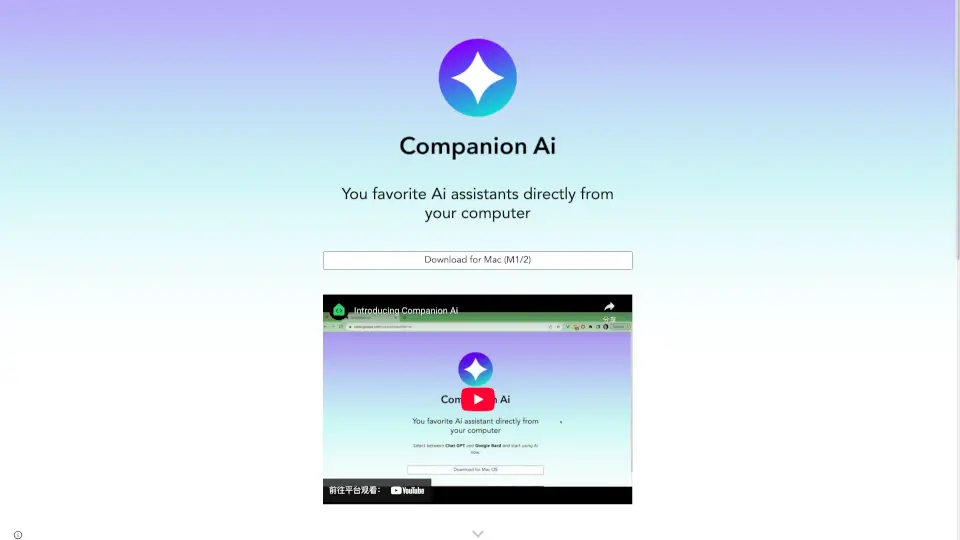
Meet Companion AI, your friendly assistant that makes your digital life easier. Whether you need help with tasks or just want a chat, Companion AI is here for you!
What are the features of Companion AI?
- Easy Companion Selection: Right-click the "spark ✨" icon to choose your favorite AI companion.
- Startup Convenience: Set Companion AI to launch automatically when you start your Mac.
- Hide/Show Functionality: Click the "spark ✨" icon to quickly hide or show Companion AI.
- Auto Updates: Enjoy seamless updates without lifting a finger.
- Multiple Companions: Choose from various companions like Chat GPT, Google Gemini, Claude.ai, and more.
What are the use cases of Companion AI?
- Daily Assistance: Get help with reminders, scheduling, and more.
- Casual Conversations: Chat with your AI companion for fun and entertainment.
- Quick Access: Easily switch between different AI companions based on your needs.
How to use Companion AI?
- To select a companion, right-click the "spark ✨" icon and choose "Select companion."
- To make Companion AI start with your Mac, go to "System Settings" > "General > Login Items" and add it to your startup items.
- To hide or show Companion AI, simply click the "spark ✨" icon.