What is Companion AI?
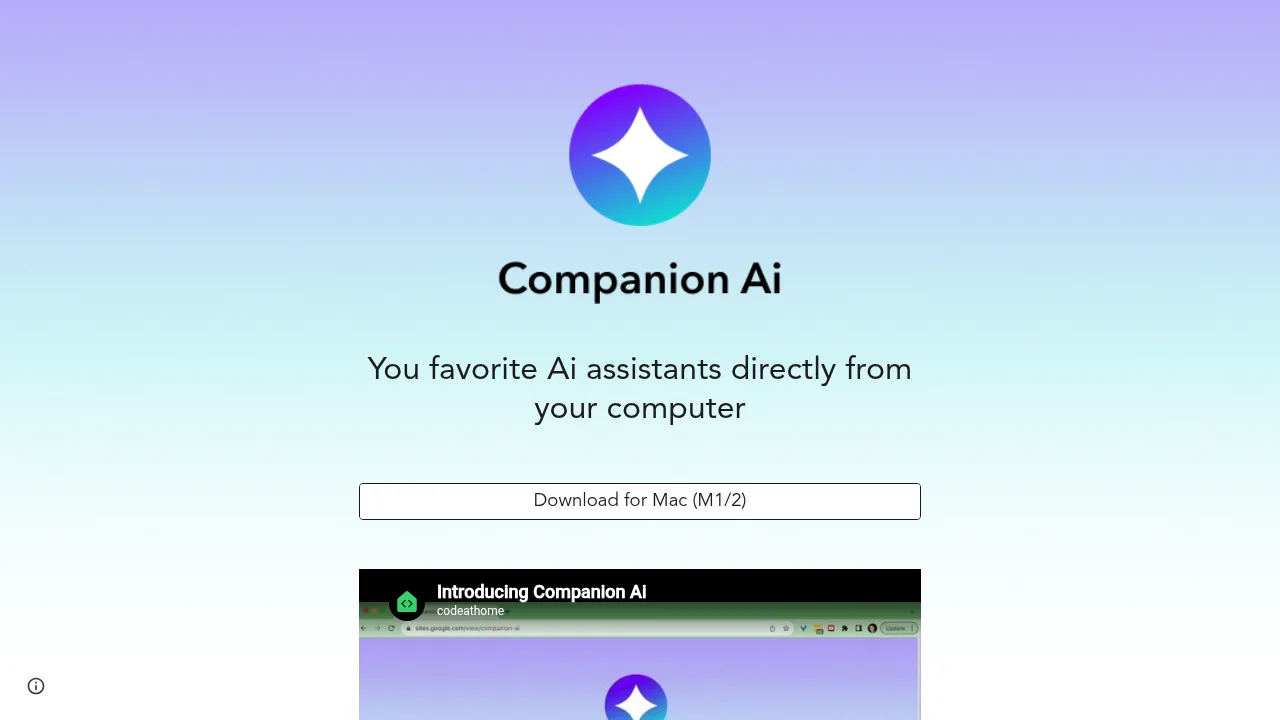
Companion AI is a macOS desktop application that provides quick access to multiple third-party AI assistants from the menu bar. It is available exclusively for Mac computers with M1 or M2 processors. The app acts as a launcher and switcher rather than an AI model itself.
What are the features of Companion AI?
- Menu bar interfaceShows or hides the application window by clicking the spark icon in the system tray.
- Assistant switchingRight-clicks the tray icon to open a contextual menu for selecting between different AI companions.
- Supported servicesAccesses ChatGPT, Google Gemini, Claude.ai, Character.ai, and Midjourney through the interface.
- Automatic updatesDownloads and applies new versions of the application without manual intervention.
- External link handlingOpens links generated within the app in the default web browser.
How to use Companion AI?
- Launch at startup (macOS)Open System Settings, navigate to General > Login Items, click the plus button under "Open at Login", and select the Companion-Ai application.
- Switch assistantRight-click the spark icon on the menu bar and use the "Select companion" option or the "Settings" list to choose a service.
- Toggle visibilityClick the spark icon on the menu bar to show or hide the Companion AI window.