What is ShortMatic?
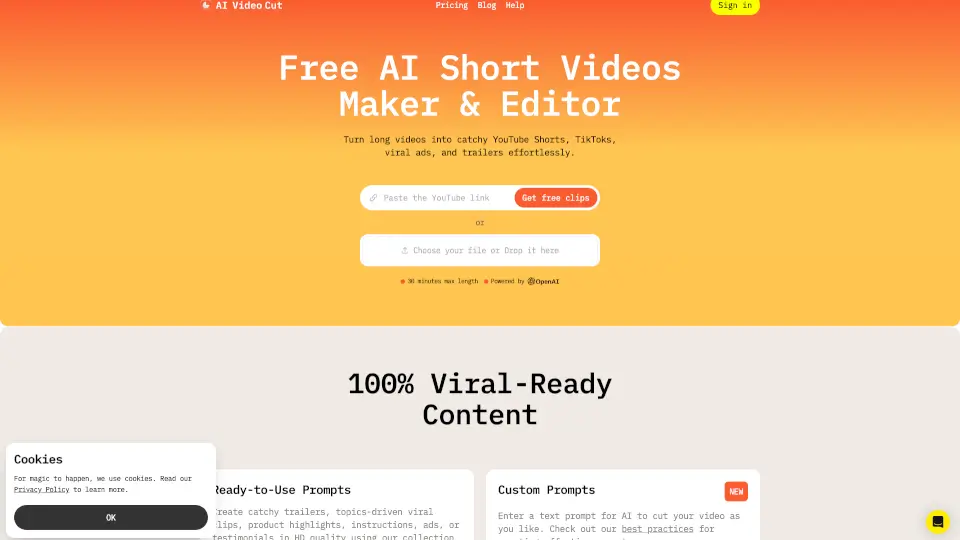
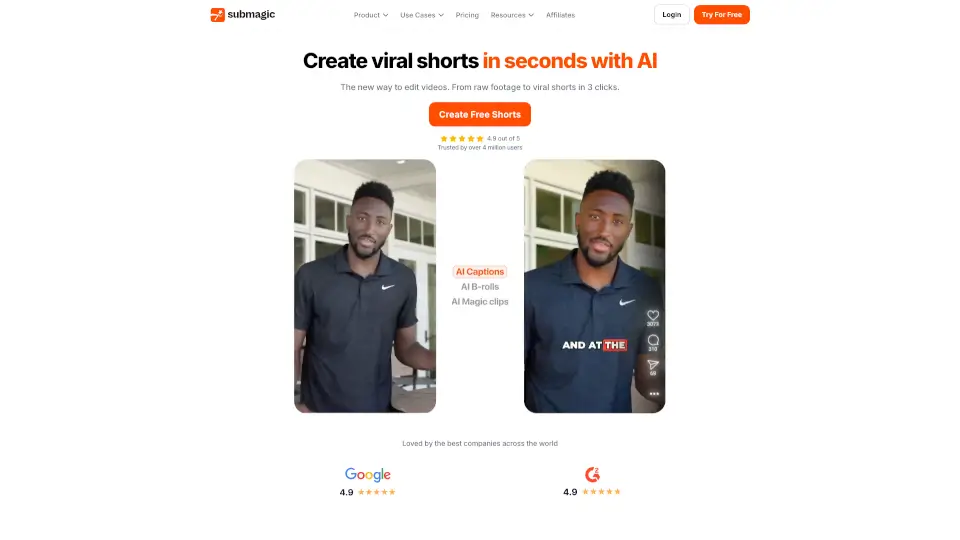
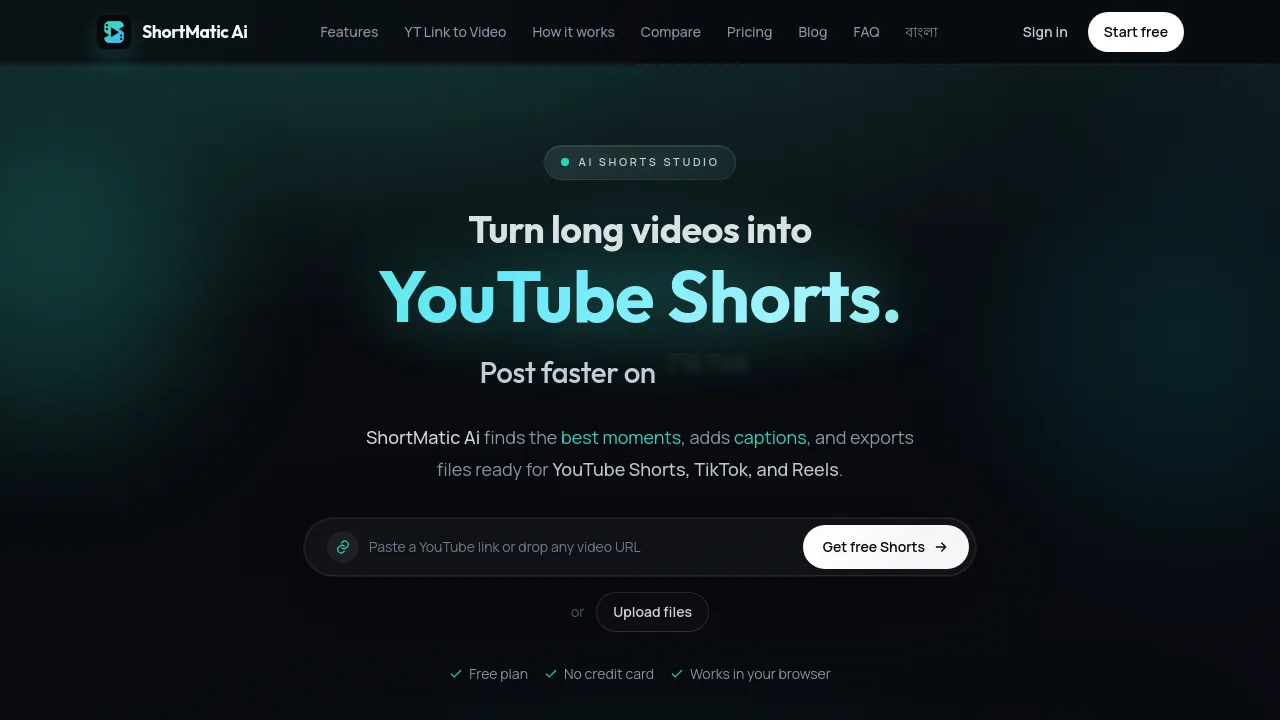
ShortMatic Ai is an AI-powered web app for creators — YouTubers, podcasters, educators, and agencies — that turns long videos (podcasts, tutorials, interviews, webinars) into short vertical clips for YouTube Shorts, TikTok, and Instagram Reels. It uses AI to find the best moments, add word-timed captions, and auto-reframe for mobile. No credit card is needed to start with the free plan, and everything works in a browser.
What are the features of ShortMatic?
- Moment Finder: AI watches the entire video, then scores transcripts, scenes, and hooks to cut the parts worth posting as Shorts candidates.
- Captions with Style Options: Word-timed captions from Bold Reels to One Word, or choose None when the clip should stay clean.
- Auto-Reframe: Subject-aware crop keeps faces and action in frame for 9:16 vertical, 4:5, and 1:1 formats.
- AI Shorts Studio: Upload a file or paste a YouTube link; AI generates vertical, captioned clips ready for download without extra editing software.
- Multi-Platform Export: Export clips optimized for YouTube Shorts, TikTok, Instagram Reels, and Facebook Reels.
What are the use cases of ShortMatic?
- YouTubers: Turn long video uploads into daily Shorts to grow your channel without additional editing.
- Podcasters: Clip episode highlights into shareable moments for social media promotion.
- Educators: Repurpose recorded lessons into vertical tips for TikTok or Instagram Reels.
- Agencies: Produce client Shorts from long-form content without full re-edits in traditional video software.
- Content Teams: Convert webinars, interviews, and tutorials into short-form posts for multiple platforms.
How to use ShortMatic?
- Paste a YouTube link or upload a long video file (podcast, tutorial, interview) to the ShortMatic Studio.
- Let AI automatically find strong moments, crop to vertical, and prepare captions in one flow.
- Download the generated clips, which are ready to post on YouTube Shorts, TikTok, and Instagram Reels.
- Start with a free account (no credit card required) to test the workflow with up to 15 source minutes.