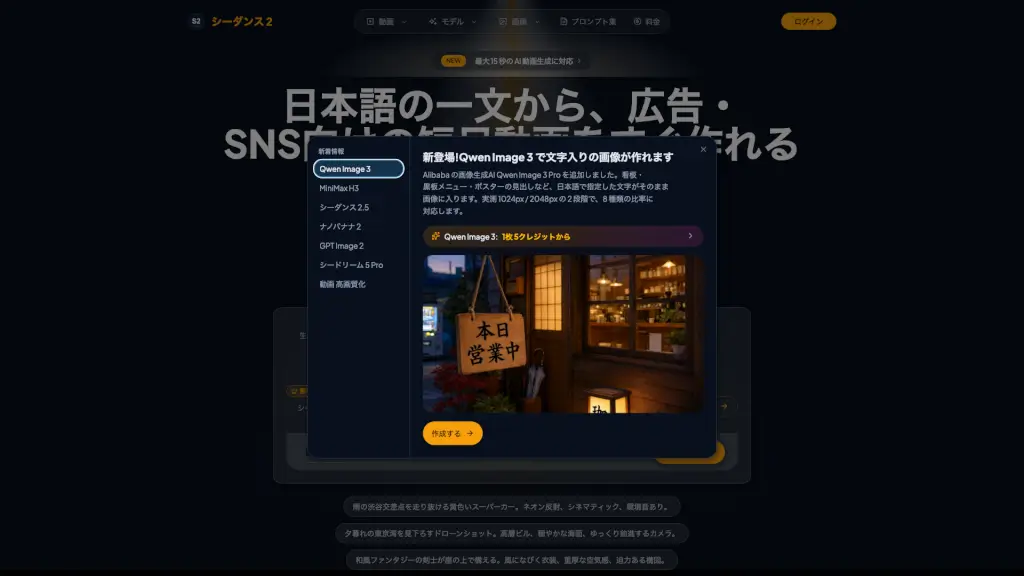
What is Seedance 2 AI?
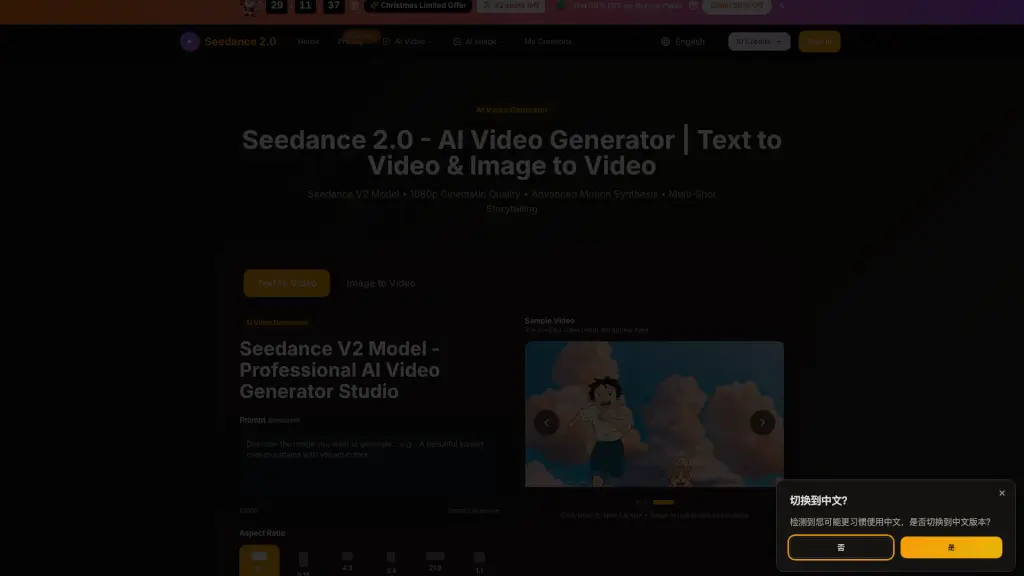
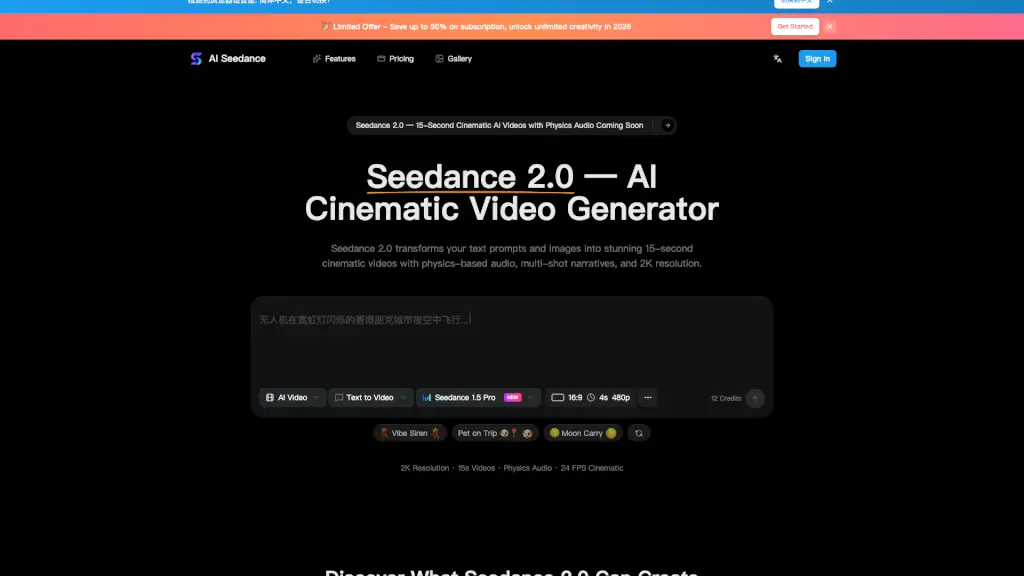
Seedance 2.0 is an AI video generation tool designed for Japanese users, developed by ByteDance. It creates up to 15-second short videos from text prompts or static images. The tool targets ad operators, SNS managers, video directors, and individual creators who need quick drafts for ad roughs, social media shorts, or planning proposals. It supports Japanese-language prompts and offers multiple models (Mini, Fast, MiniMax H3) with adjustable resolution and audio.
What are the features of Seedance 2 AI?
- Text to VideoGenerate 3–15 second videos from Japanese text prompts. Ideal for quickly turning a script or idea into a visual draft.
- Image to VideoUpload a starting image and add motion, camera movement, or environmental changes. You can also specify an end image for more control.
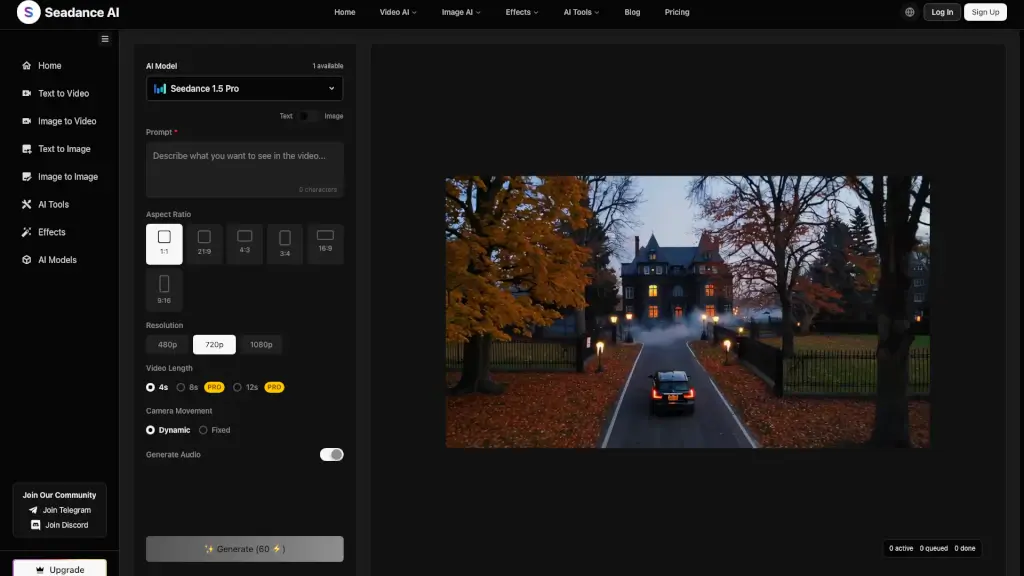
- Multiple Resolution OptionsChoose between 480p (default), 720p, or 1080p depending on your output quality needs and credit budget.
- Native Audio GenerationEnable built-in sound effects or voice alongside the video, useful for ad roughs or SNS clips without separate audio editing.
- Credit-Based UsageEach video generation consumes credits based on length, model, resolution, and audio. Annual plans offer bonus credits for regular users.
What are the use cases of Seedance 2 AI?
- Ad operatorsQuickly generate rough video drafts from a text description to pitch to clients or test creative directions.
- SNS managersCreate short, engaging clips for platforms like Instagram or TikTok using Japanese prompts without video editing skills.
- Video directorsConvert static concept art or storyboard images into motion previews for client approvals or internal reviews.
- Individual creatorsTurn a single product photo into a short promotional video with camera movement and lighting effects.
How to use Seedance 2 AI?
- Sign up and receive free credits to test the Seedance 2 Mini model at 480p resolution.
- For a text-to-video task, enter a Japanese prompt describing the scene, camera motion, and atmosphere.
- For image-to-video, upload a starting image and optionally an end image, then add a text prompt for motion guidance.
- Choose your desired video length (3–15 seconds), resolution, and whether to include native audio before generating.
- Check the credit cost before generating; longer videos, higher resolutions, and advanced models consume more credits.