What is Seedance 2 Video Generator?
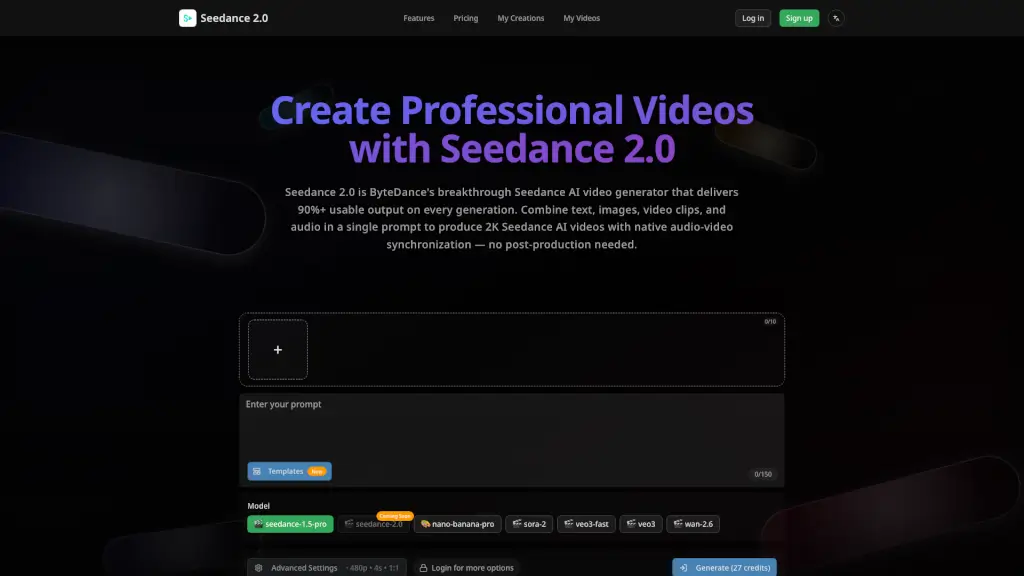
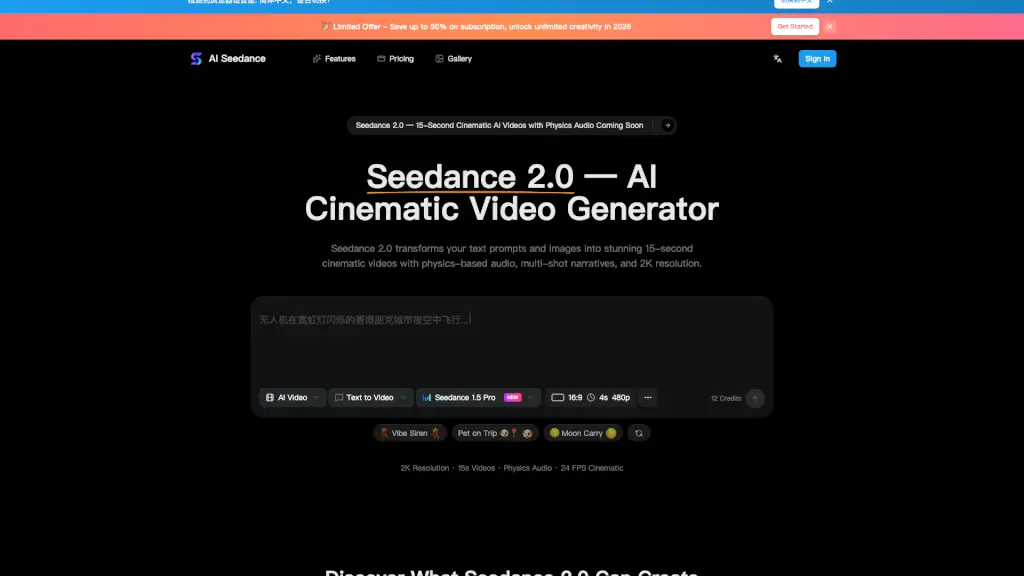
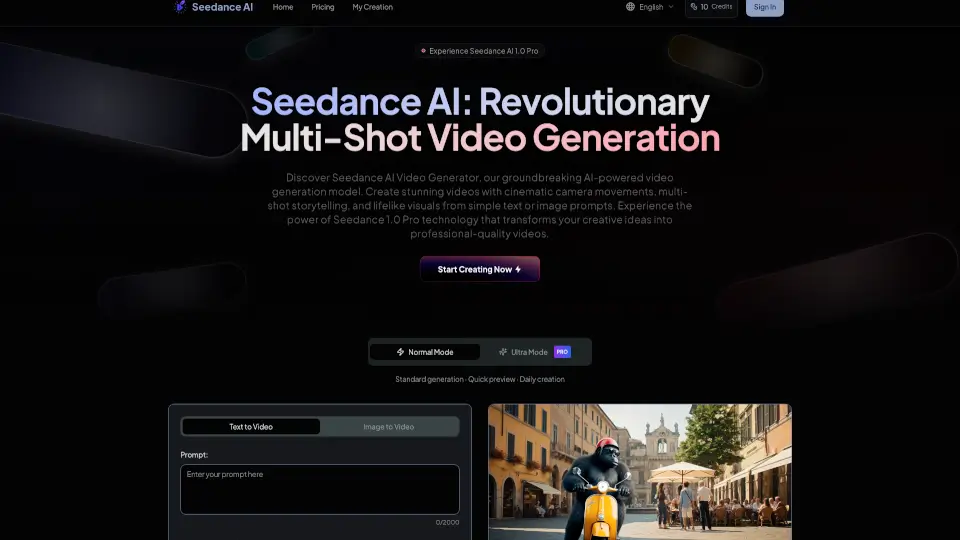
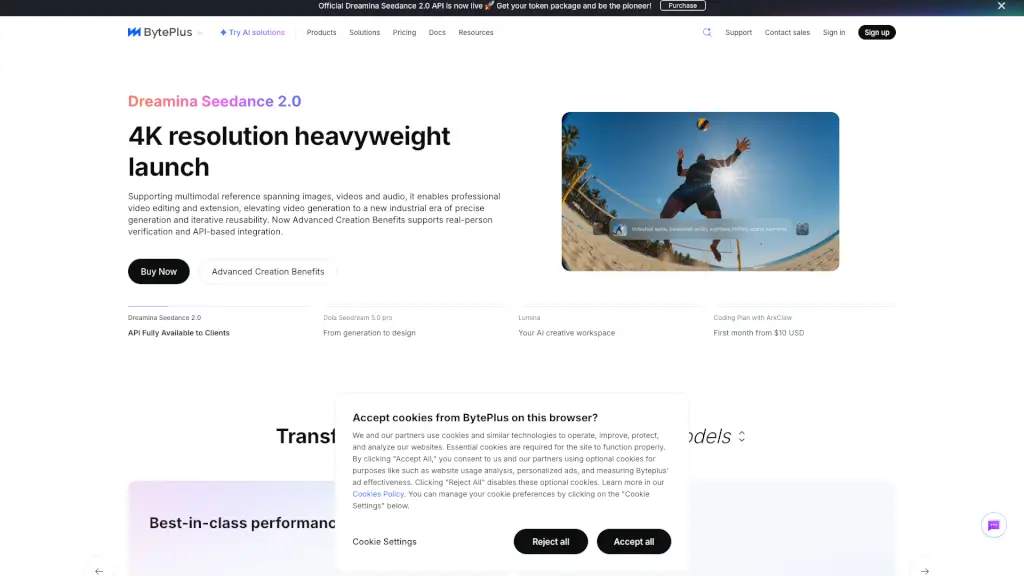
Meet Seedance 2.0, the latest AI video generator by ByteDance, designed to help creators and marketers produce high-quality, engaging videos with ease. Whether you're crafting social media ads, short-form content, or storyboards, Seedance 2.0 offers a seamless workflow that turns your ideas into reality. With its ability to generate multi-shot videos, native audio sync, and up to 1080p resolution, this tool is perfect for anyone looking to create fast, consistent, and professional-looking videos without the need for extensive editing.
What are the features of Seedance 2 Video Generator?
- Multi-Shot Storytelling: Seedance 2.0 can generate a sequence of shots from a single prompt, ensuring consistent characters and visual logic throughout the video. This feature is ideal for creating narratives with a clear beginning, middle, and end.
- Native Audio Sync: The model generates both video and audio, including dialogue and ambient sound effects, making your clips feel complete right from the start. This saves time on post-production and ensures that your videos are ready to go.
- 1080p Output and Flexible Formats: Seedance 2.0 supports up to 1080p resolution and multiple aspect ratios, making it easy to tailor your videos for different platforms, whether it's for social media feeds, stories, or landing pages.
- Precise Prompt Following: The model is designed to follow detailed instructions, allowing you to direct complex scenes with multiple subjects, actions, and camera movements. This reduces the need for trial-and-error iterations and makes the creative process more efficient.
- Image-to-Video Conversion: You can use reference images to keep a subject consistent while changing the action, mood, or setting. This is particularly useful for maintaining brand consistency across different videos.
What are the use cases of Seedance 2 Video Generator?
- Social Media Ads: Create engaging, attention-grabbing ads with consistent branding and storytelling.
- Short-Form Content: Produce quick, impactful videos for platforms like TikTok, Instagram, and YouTube.
- Storyboards: Develop detailed storyboards for larger projects, ensuring that each shot flows seamlessly into the next.
- Marketing Campaigns: Generate a series of videos with consistent characters and themes for a cohesive marketing campaign.
- Educational Content: Create educational videos with clear, step-by-step explanations and engaging visuals.
- Personal Projects: Bring your creative ideas to life with professional-looking videos, whether it's for a personal blog, vlog, or portfolio.
How to use Seedance 2 Video Generator?
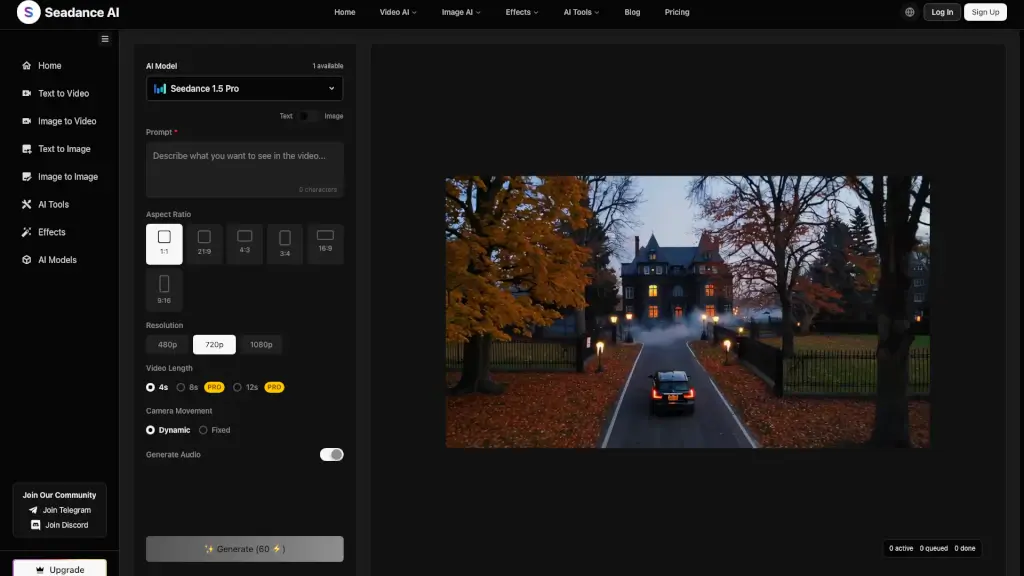
- Write a Clear Prompt: Start by describing the scene, subject, action, mood, and ending. If you have a specific look in mind, add a reference image.
- Choose Your Settings: Select the aspect ratio, duration, and resolution that best fit your platform and needs.
- Generate and Review: Generate the first draft, watch it, and then refine one detail at a time in subsequent prompts.
- Refine and Iterate: Make small, incremental changes to your prompt and regenerate until you achieve the desired result.
- Export and Share: Once you're satisfied, export the video and share it on your chosen platform.