
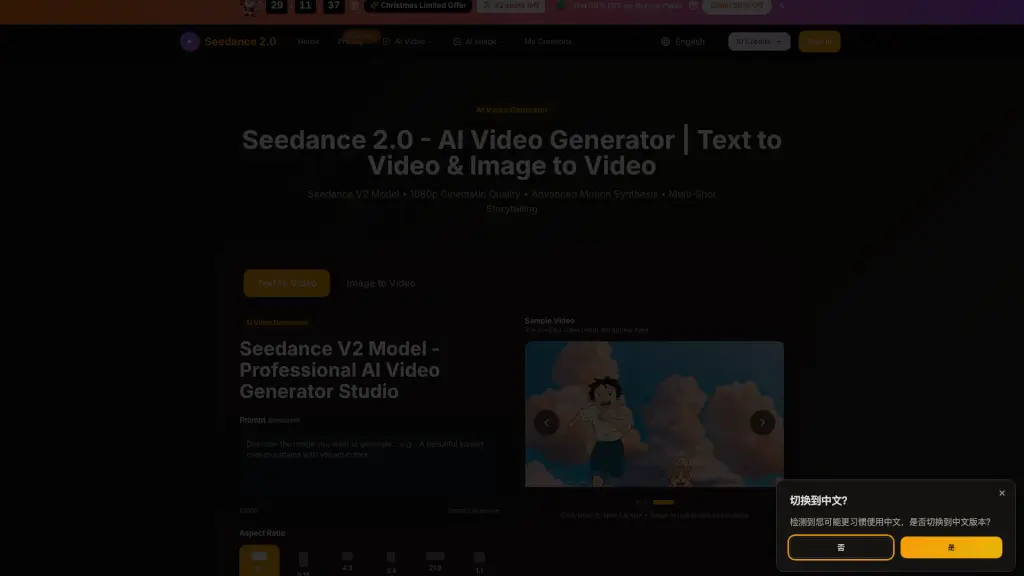
What is Seedance 2.0?
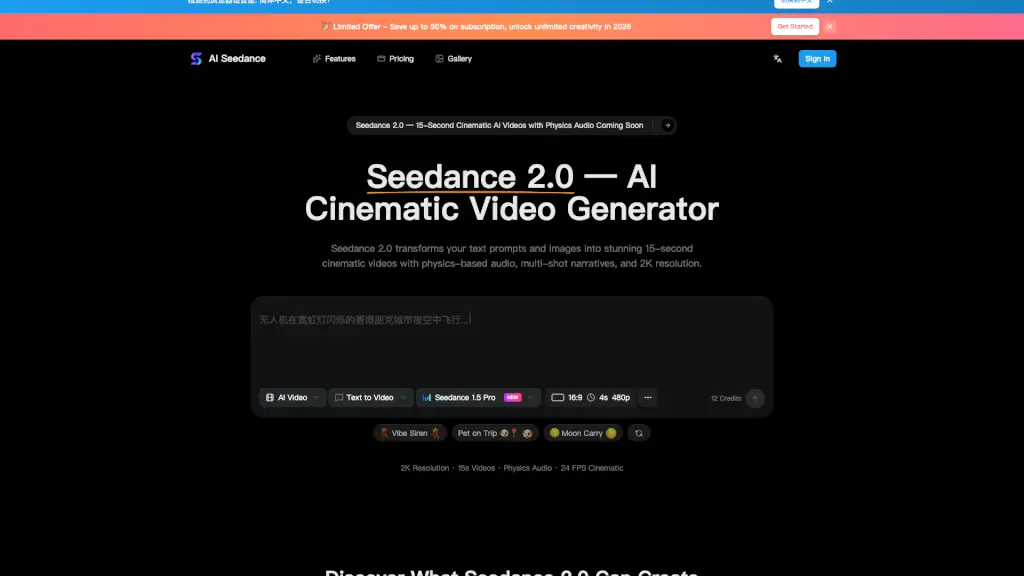
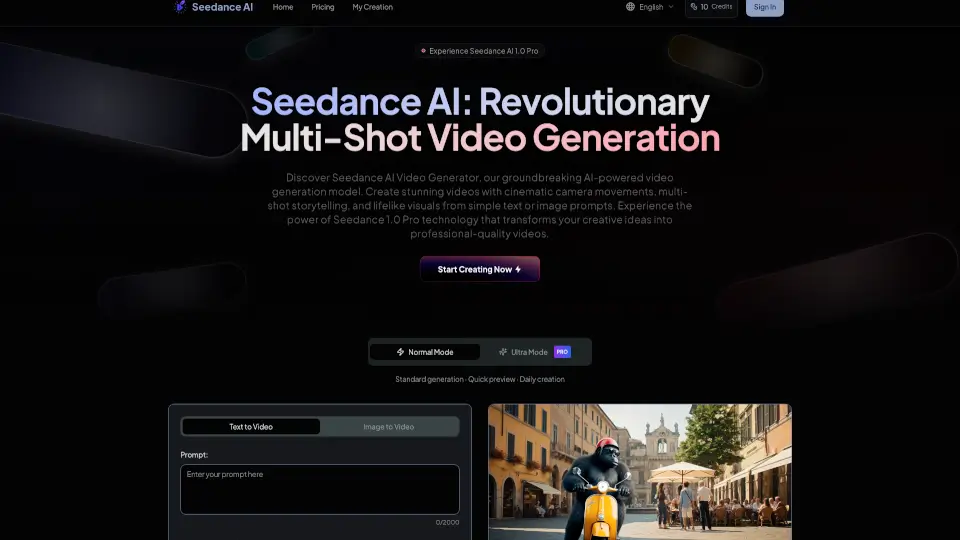
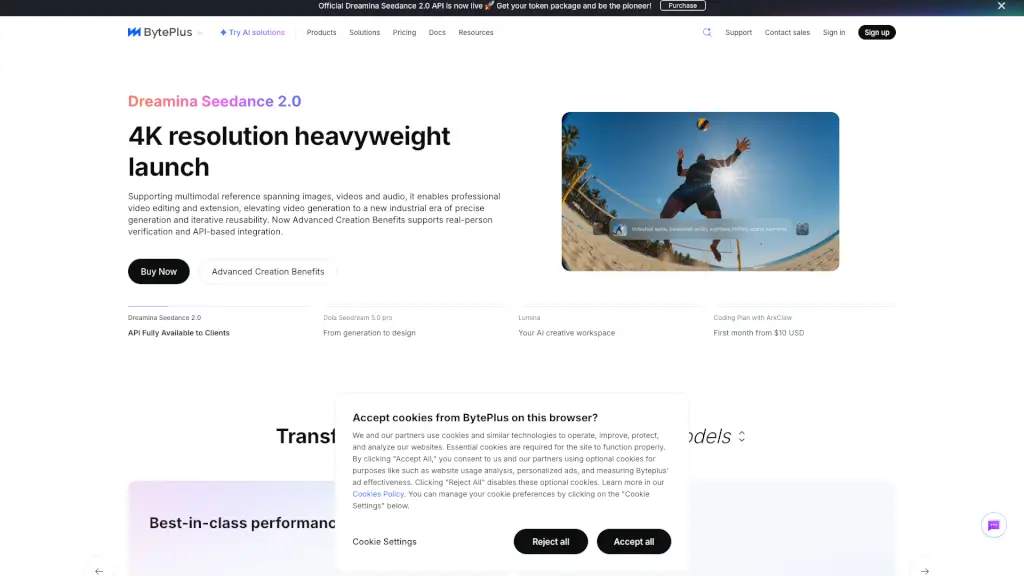
Seedance 2.0 is a cutting-edge AI video generator that transforms text and images into stunning 1080p videos with cinematic quality. Whether you're a content creator, marketer, or just someone looking to bring your ideas to life, Seedance 2.0 offers a powerful and user-friendly solution. With advanced motion synthesis, multi-shot storytelling, and lightning-fast generation, it's the perfect tool for creating professional-grade videos without the need for complex editing skills.
What are the features of Seedance 2.0?
- 1080p Cinematic Quality: Generate high-definition videos with smooth motion and rich details.
- Advanced Motion Synthesis: Create realistic and seamless motion in your videos, making them look professionally produced.
- Multi-Shot Storytelling: Craft cohesive narrative videos with multiple shots while maintaining consistency in characters, visual style, and atmosphere.
- Lightning-Fast Generation: Get your videos generated in seconds, saving you time and effort.
- Text and Image to Video: Transform both text prompts and static images into dynamic video content.
- Diverse Visual Styles: Choose from a variety of aesthetic styles, from photorealism to anime, cyberpunk to watercolor.
What are the use cases of Seedance 2.0?
- Marketing Campaigns: Create engaging promotional videos for your products or services.
- Social Media Content: Produce eye-catching videos for platforms like Instagram, TikTok, and Facebook.
- Product Demonstrations: Showcase your products in action with detailed and realistic videos.
- Creative Storytelling: Bring your stories to life with multi-shot narratives and cinematic visuals.
- Educational Videos: Make learning more engaging with visually appealing and informative videos.
- Personal Projects: Turn your personal photos and memories into beautiful, shareable videos.
How to use Seedance 2.0?
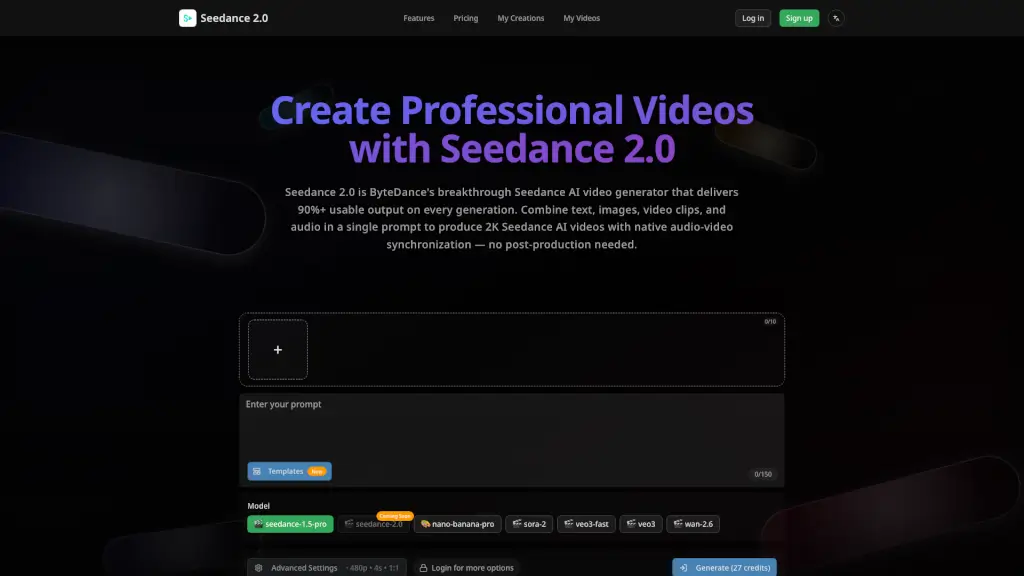
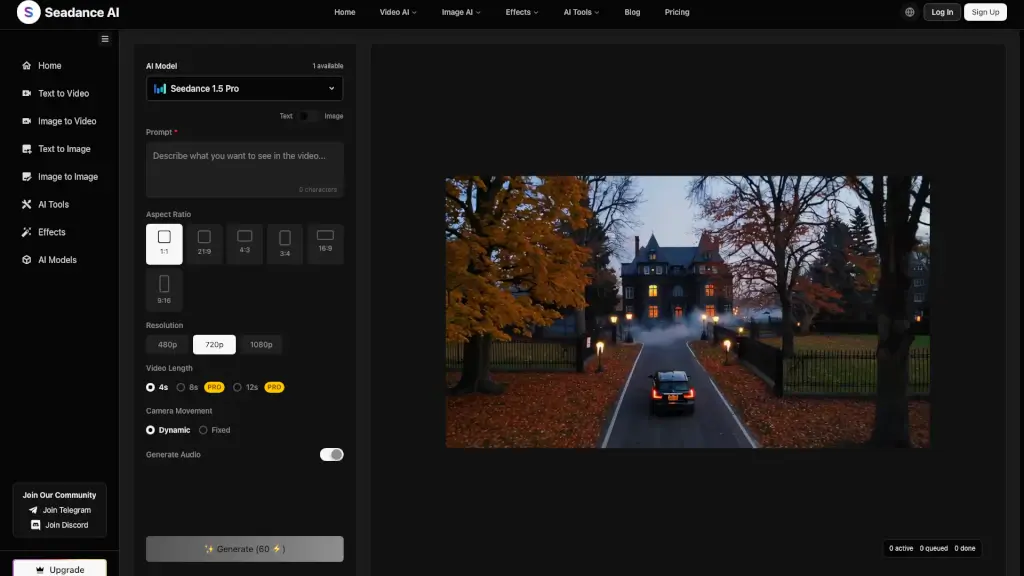
- Choose Your Input: Start by either entering a text prompt or uploading an image.
- Select Settings: Choose the aspect ratio, video quality, and duration that best fit your needs.
- Generate Your Video: Click the "Generate" button and let Seedance 2.0 create your video.
- Review and Download: Preview the generated video and download it once you're satisfied with the result.
- Customize Further: If needed, you can make adjustments and generate new versions until you get the perfect video.