
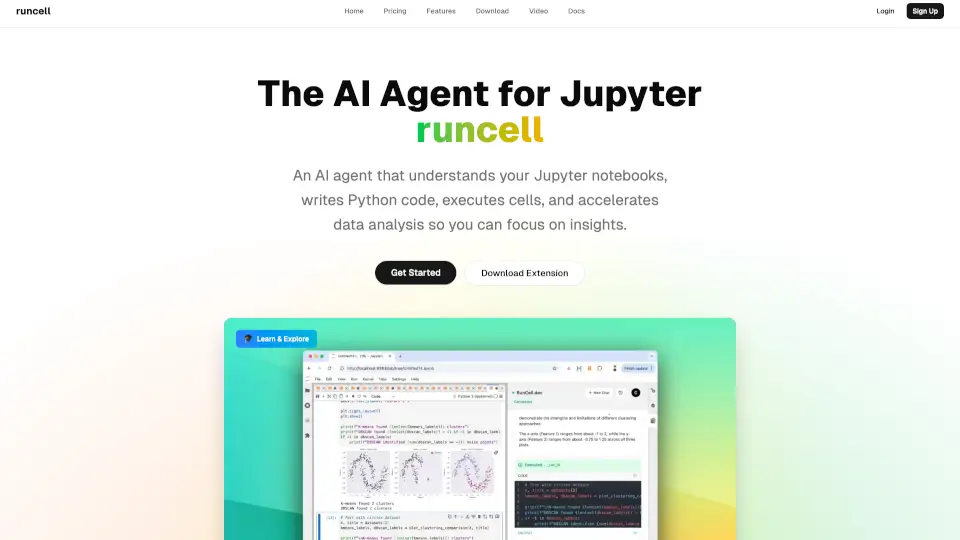
What is Runcell?
Runcell is your smart assistant for Jupyter notebooks. It helps you write Python code, run cells, debug errors, and explain data analysis results—all in real time. With Runcell, you can automate repetitive tasks and focus on what matters: getting insights from your data.
What are the features of Runcell?
- AI-Powered Code Suggestions: Get relevant Python code for each cell, tailored to your notebook’s context.
- Automatic Cell Execution & Debugging: Run cells safely, fix errors quickly, and keep your workflow smooth.
- Natural-Language Queries: Ask questions, generate charts, and create reports using simple conversational prompts.
- Continuous Context Awareness: Runcell learns from your notebook and recommends the next best action.
- Seamless Integration: Works with JupyterLab, classic Notebook, and VS Code—no need to switch editors.
- Interactive Learning Mode: Learn concepts with live examples, perfect for comparing algorithms like K-means vs DBSCAN.
- Autonomous Agent Mode: Let Runcell take control and complete complex workflows automatically.
- Advanced Reasoning Agent: Get step-by-step code improvements and deep analysis.
What are the use cases of Runcell?
- Automate Data Analysis: Speed up your workflow by letting Runcell handle repetitive coding and cell execution.
- Learn Data Science: Use the interactive learning mode to understand algorithms and concepts with real examples.
- Debug Notebooks: Diagnose and fix errors without breaking your momentum.
- Generate Reports: Create charts and summaries from simple prompts, ready for publication.
- Collaborate Easily: Work with your team in the notebooks you already use, with smart recommendations from Runcell.
How to use Runcell?
- Install the Extension: Download and add Runcell to your Jupyter environment.
- Authenticate with One Click: Log in and start collaborating with your AI agent.
- Ask Questions or Give Prompts: Use natural language to get code, charts, or explanations.
- Let Runcell Automate Tasks: Enable autonomous mode for full workflow automation.
- Switch Between Modes: Choose interactive learning or autonomous agent as needed.