What is AIlice?
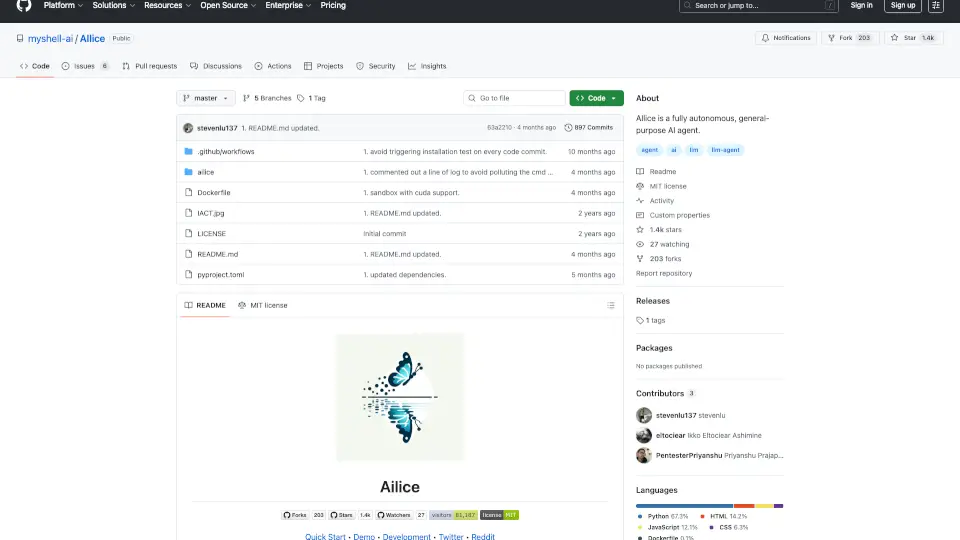
AIlice is a fully autonomous, general-purpose AI agent designed for developers, researchers, and system administrators who need a self-directed assistant that can handle complex, multi-step tasks. Built on the Interactive Agents Call Tree (IACT) architecture, AIlice decomposes tasks into dynamically constructed sub-agents, enabling it to research, code, manage systems, and perform academic literature reviews with high fault tolerance. It supports both open-source LLMs (like Qwen2.5-72B) and commercial models, and can run locally or via Docker for privacy.
What are the features of AIlice?
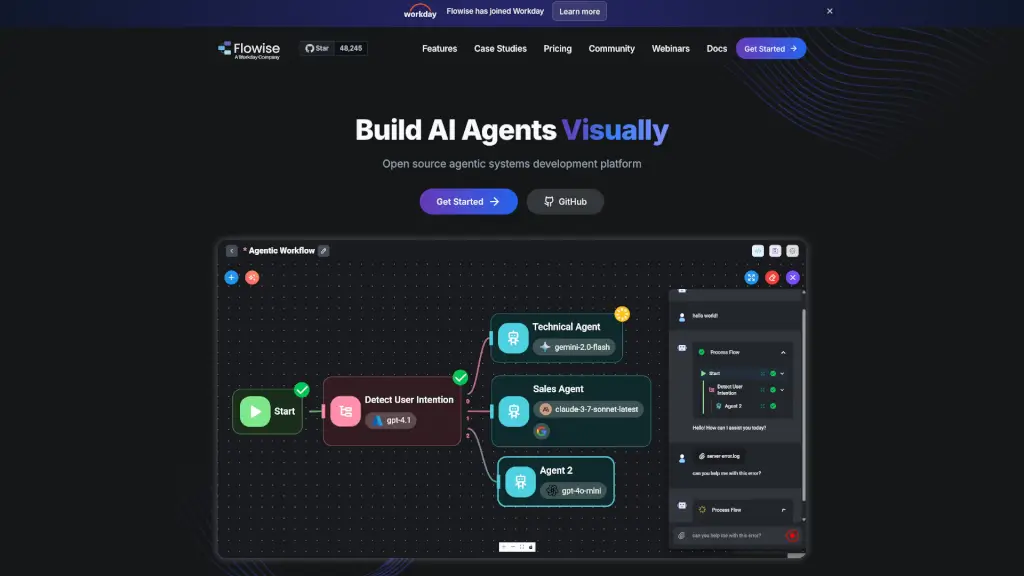
- IACT ArchitectureDynamically breaks down complex tasks into callable sub-agents with bidirectional communication, allowing error correction and contextual handoffs between agents.
- Multi-Agent CooperationDifferent agents (e.g., coder, researcher, search engine) can be assigned distinct LLMs, balancing cost and performance on a per-task basis.
- Self-Expansion via Dynamic ModulesAIlice can autonomously write and load new external interaction modules (ext-modules) or agent types, extending its capabilities through simple prompts.
- Native Multimodal SupportAll agents handle rich media including images, video, audio, LaTeX formulas, and code highlighting, with automatic variable passing between agents.
- MCP Tool IntegrationWraps any MCP-compatible server (stdio or SSE) as a standard extension module, allowing AIlice to leverage a growing ecosystem of tools.
- Voice InteractionSupports text-to-speech (TTS) and speech-to-text (STT) with configurable devices, enabling hands-free operation.
What are the use cases of AIlice?
- Thematic researchAsk AIlice to investigate a topic, gather sources, and produce a structured report with citations.
- Automated coding and debuggingDelegate software development tasks—clone repos, analyze architecture, write code, and run tests.
- System administrationInstall software, configure environments, and run security scans on a target machine.
- Academic literature reviewSearch for recent papers, read them, and compile a summary of field progress.
- Document generationCreate formatted PDFs, LaTeX slides, or web pages with self-determined content and layout.
How to use AIlice?
- Quick startClone the repo, run
pip install -e ., then launch AIlice withailice --contextWindowRatio=0.2. - Configure an LLMUse
--modelIDwith a prefix (e.g.,anthropic:claude-sonnet-4) or setagentModelConfiginconfig.jsonfor per-agent model selection. - Enable voiceAdd
--speechOn=1 --ttsDevice=cuda --sttDevice=cudato activate voice dialogue. - Run in DockerBuild the image and use
docker runwith exposed ports; optionally add CUDA or GUI support. - Extend with MCPAdd an MCP server to
config.jsonusingailice_mcp_wrapperto bring in external tools.