AI Transcription by Riverside logo

AI Transcription by Riverside

5.0
(0 Reviews)
United States43.89%

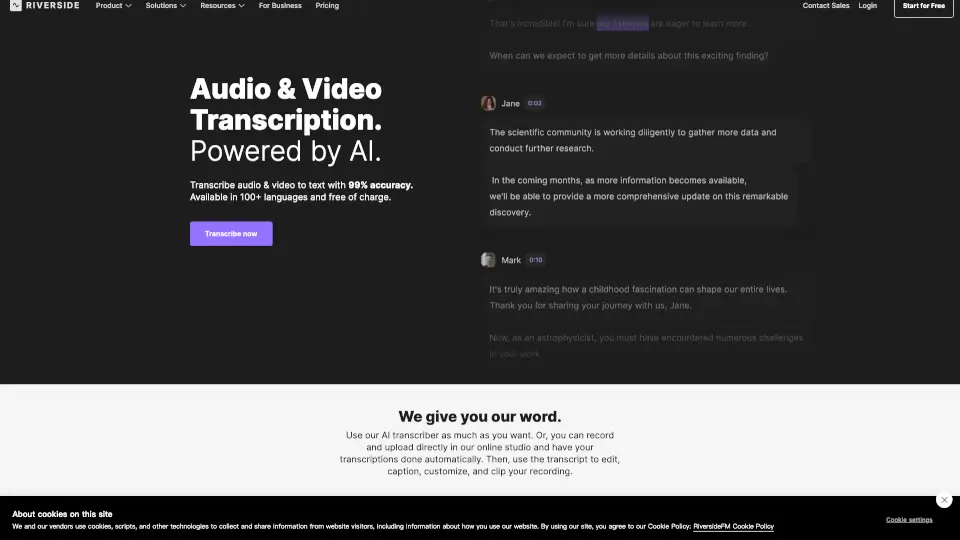
Riverside offers free, 99% accurate AI transcription for audio and video in 100+ languages with instant downloads in TXT or SRT format.

Verified by SeekTool
Social Media:
AI Transcription by Riverside

AI Transcription by Riverside Product Information

What is AI Transcription by Riverside?

Need to turn your audio or video into text—fast, free, and accurate? Riverside’s AI-powered transcription tool does exactly that with 99% accuracy across 100+ languages, no sign-up required. Whether you’re uploading a podcast interview, webinar recording, or tutorial video, Riverside transcribes it word-for-word while handling accents, dialects, and even speaker changes like a pro.

Best of all, it’s completely free to use for unlimited transcriptions. Just drag in your file, pick your language, and get a polished transcript ready to download as TXT or SRT. Perfect for creators, marketers, educators, and teams who need reliable text from spoken content—without the hassle or cost.

What are the features of AI Transcription by Riverside?

  • 99% Accurate AI Transcription: Uses advanced speech recognition trained on multilingual data to capture nuance, idioms, and regional accents.
  • 100+ Language Support: Transcribe in languages ranging from English and Spanish to Hindi, Arabic, Japanese, and Swahili—with native-level precision.
  • Free Unlimited Transcriptions: No paywall, no trial limits—transcribe as many files as you want at no cost.
  • Multiple File Format Support: Accepts MP3, WAV, MP4, and MOV files for flexible uploading.
  • Dual Download Options: Get transcripts as plain TXT (great for blogs or notes) or timestamped SRT files (ideal for subtitles).
  • Automatic Speaker Detection (on paid plans): When recording in Riverside, each participant gets labeled separately in the transcript.
  • Instant Processing: Transcription starts immediately after upload—usually ready in just minutes.
  • In-Editor Transcript Editing: Fix errors directly in the transcript; edits sync automatically with your video timeline.

What are the use cases of AI Transcription by Riverside?

  • Turning podcast episodes into searchable show notes or blog posts
  • Adding accurate captions to YouTube or social media videos for accessibility
  • Repurposing webinar content into email summaries or training materials
  • Creating study guides or transcripts for online courses and tutorials
  • Generating quotes or key insights from customer interviews or testimonials
  • Preparing subtitles for multilingual audiences using SRT files
  • Cleaning up internal meeting recordings for team documentation

How to use AI Transcription by Riverside?

  • Go to Riverside’s free transcription page and drag or upload your audio/video file (MP3, WAV, MP4, or MOV).
  • Select your language from the dropdown menu to boost accuracy—especially important for non-English content.
  • Choose your content type (e.g., podcast, interview, webinar) and intended use (captions, social post, etc.).
  • Click “Start transcribing” and wait a few minutes while AI processes your file.
  • Once ready, download your transcript as TXT or SRT—don’t forget to save it before starting a new file!
  • For best speaker separation, record directly in Riverside’s studio so each person is on a separate audio track.

Do you like this tool?

Upvote to help others discover it!

AI Transcription by Riverside Alternatives

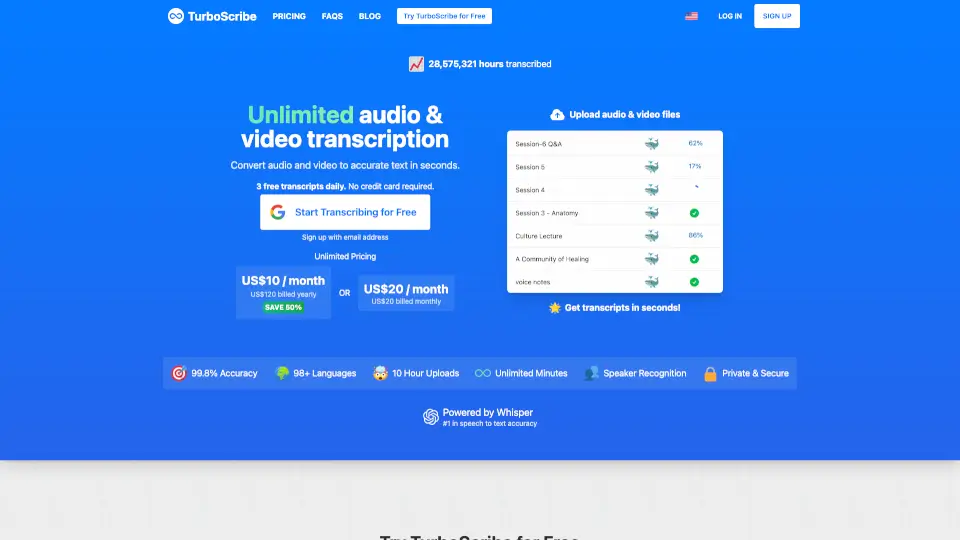
TurboScribe

TurboScribe is a lightning-fast, highly accurate AI transcription tool that converts audio and video to text in 98+ languages with unlimited minutes for paid users.

BR
12.96%
27.3M
5.0
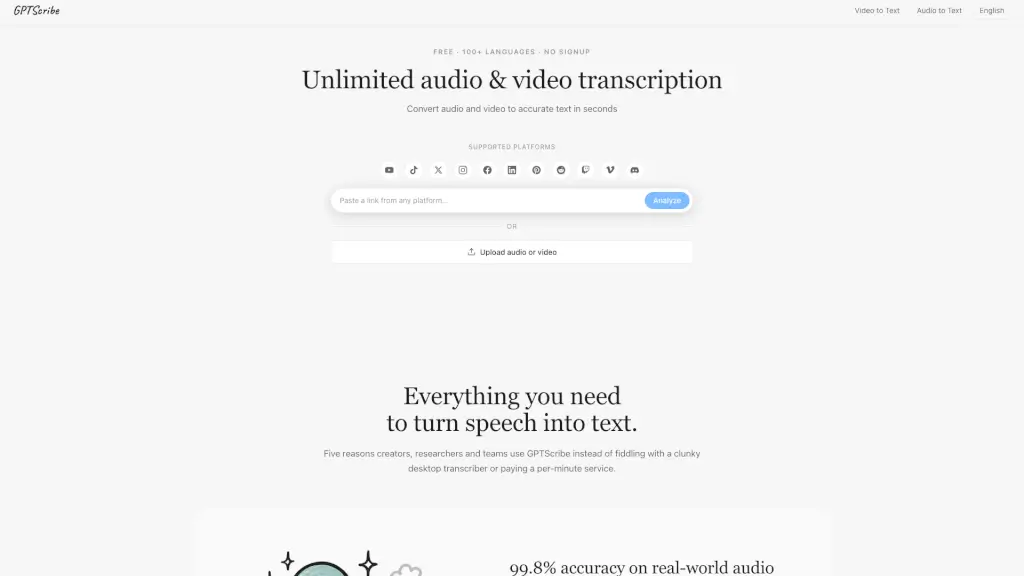
GPTScribe

GPTScribe is a free, no-signup AI tool that transcribes audio and video to text with 99.8% accuracy in 100+ languages and exports subtitles instantly.

3.0
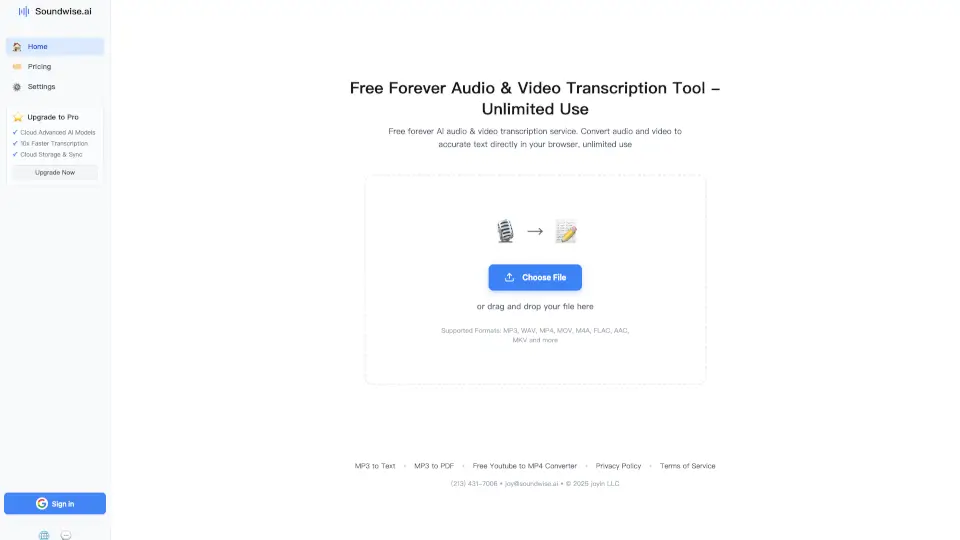
SoundWise.ai

Soundwise.ai is a free, browser-based AI transcription tool that converts audio and video to text in 90+ languages with high accuracy and unlimited use.

CN
23.07%
223.6K
5.0
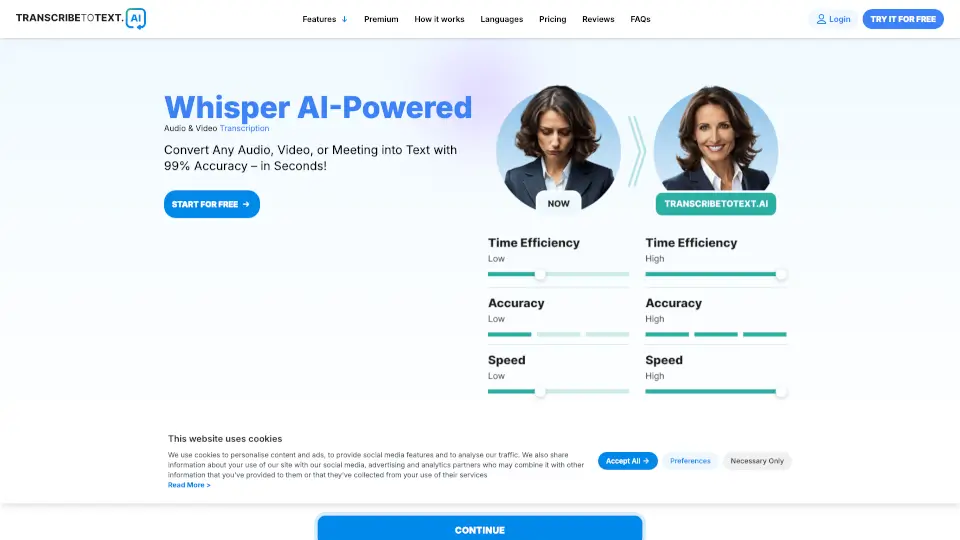
TranscribeToText.AI

TranscribeToText.AI offers fast, accurate, and unlimited AI-powered transcription for audio and video files in over 117 languages, perfect for students, professionals, and content creators.

US
63.63%
99.1K
5.0
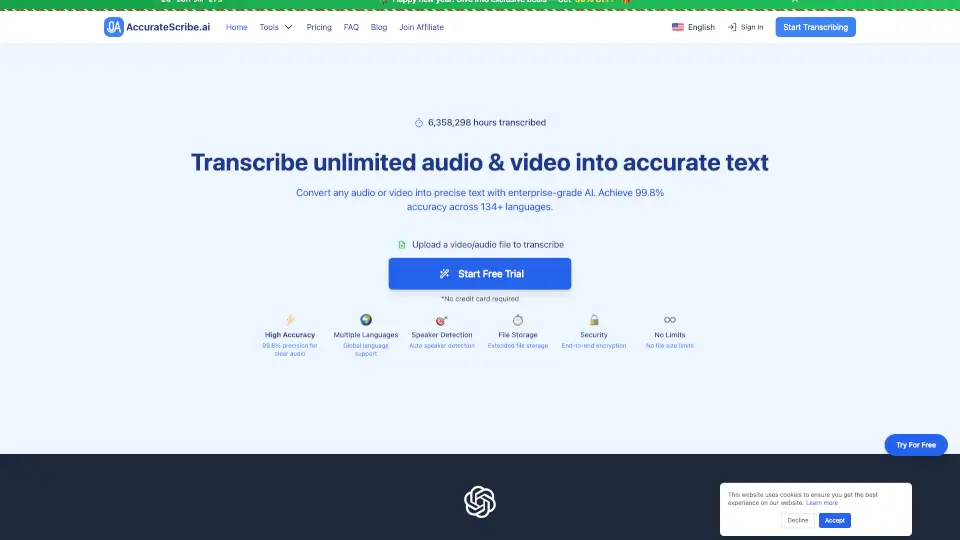
AccurateScribe.ai

AccurateScribe.ai provides fast, accurate, and secure transcription for audio and video in over 134 languages, perfect for professionals, students, and content creators.

ES
22.49%
309.8K
5.0
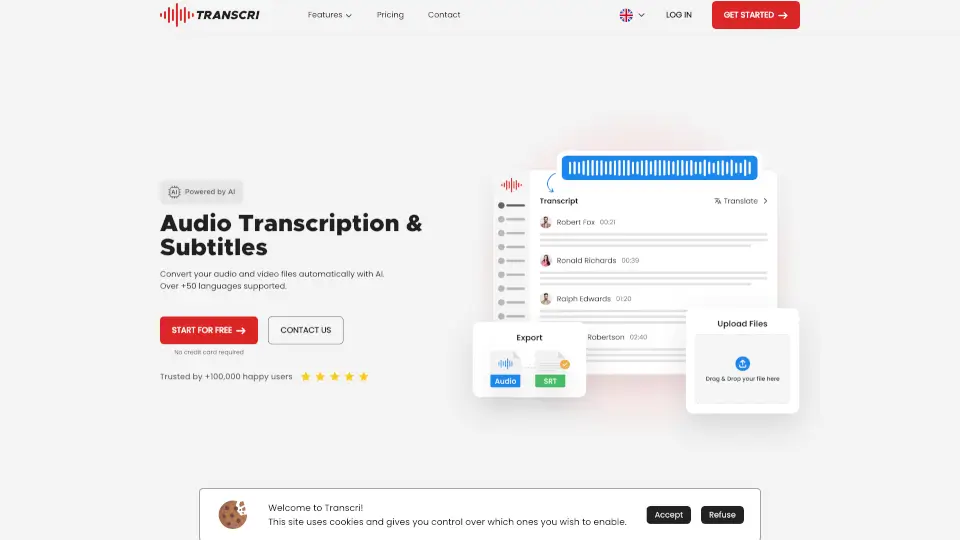
Transcri.io

Transcri is an AI-powered transcription and subtitle generator that supports 50+ languages, offering fast, accurate, and secure solutions for audio and video files.

FR
13.82%
252.3K
5.0
Transkriptor

Transkriptor is a fast, accurate AI transcription tool that converts audio and video to text in 100+ languages, with smart features like meeting summaries, speaker identification, and searchable insights.

BR
12.95%
767.0K
5.0
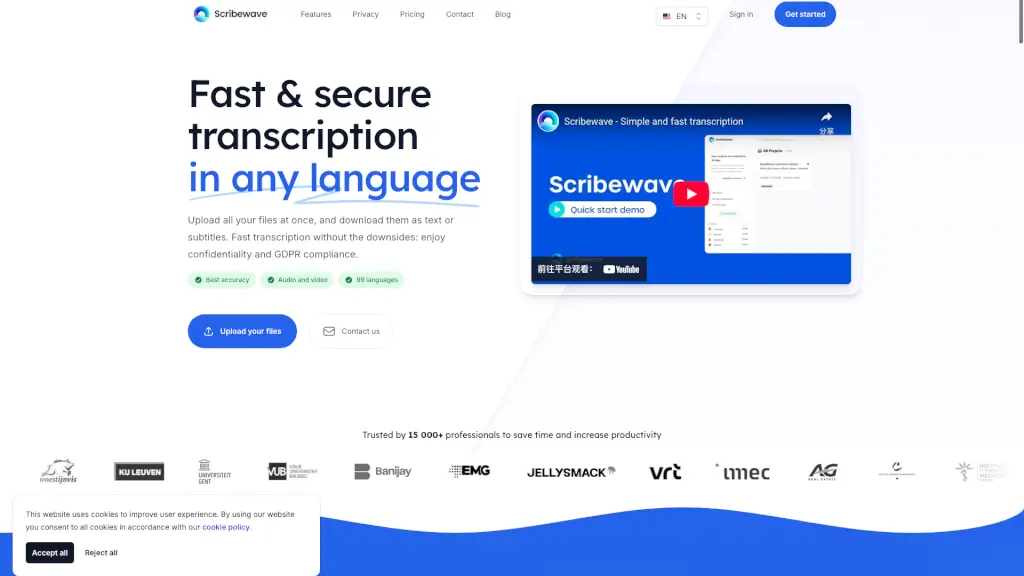
Scribewave

Scribewave is a fast, accurate, and secure AI transcription tool that supports 99 languages, helping you transcribe, translate, and subtitle your audio and video files with ease.

BE
35.65%
34.1K
4.0

AI Transcription by Riverside Related Other Categories

AI Transcription by Riverside Traffic Analysis

💡 Insights

Medium Scale
100K-1M monthly visits. Growing tool with active development.
📊
Steady Growth
Recent growth of 25%. Product is in a healthy upward trend.
👍
Good Experience
Bounce rate of 53%. Users are willing to explore features.
🌍
United States Dominant
44% users from United States. Optimized for this market.
  • Monthly Visits

    106.14K

  • Bounce Rate

    53.44%

  • Pages Per Visit

    1.43

  • Visit Duration

    00:00:23

  • Global Rank

    423097

  • Country Rank

    309533

Visits Over Time

Traffic Sources

SearchOrganic73.16%
Direct16.83%
SocialOrganic2.98%
DisplayAds2.79%
Referrals2.52%
Mail1.73%
GenAi0.00%
SearchPaid0.00%
SocialPaid0.00%
Affiliate0.00%

Top Keywords

1
riverside.fm/transcription
CPC$0.27
2.11KTraffic
2
riverside.fm
CPC$2.16
1.22KTraffic
3
riverside transcription
CPC$2.16
160Traffic
4
riverside recording stuiod mcp or api?
140Traffic
5
test access to riverside
140Traffic

Top Regions

RegionPercentage
United States
United States
43.89%
United Kingdom
United Kingdom
14.17%
Nigeria
Nigeria
4.06%
Vietnam
Vietnam
3.78%
Brazil
Brazil
2.59%
Low
High

Powered by SimilarWeb

AI Transcription by Riverside FAQ

How accurate is Riverside's transcription service?

Riverside's transcription service is up to 99% accurate. It uses advanced speech-recognition technology trained on multilingual data to recognize accents and dialects with near-human precision. Recording directly in Riverside also captures high-quality, uncompressed audio, which further boosts accuracy.

What formats can I download my transcripts in?

You can download transcripts in TXT (plain text for blogs, notes, or articles) or SRT (timestamped subtitle files for video captions). Both are widely supported and easy to use across platforms.

How long does it take to transcribe a recording?

Transcription usually takes just a few minutes, depending on file length and server load. You can even start editing your video while the transcript processes in the background.

What are the pricing plans for Riverside's transcription services?

The free plan lets you transcribe unlimited files without signing up—but multi-speaker files will appear as one speaker. Paid plans ($24/month and up) include full speaker detection, text-based editing, automatic captions, and more.

How does Riverside handle different accents in transcription?

Riverside supports 100+ languages and dialects, including regional accents. For best results, select the correct language when uploading or set it in your studio settings before recording.

Are there any additional features for editing transcripts?

Yes! You can edit transcripts directly in Riverside’s editor, search for keywords, auto-generate captions, fix repeated words everywhere at once (“Correct everywhere”), and even use AI to extract quotes or repurpose content into posts or emails.

How does speaker detection work in Riverside's transcription?

Speaker detection labels each person only if they’re recorded on separate audio tracks—like when using Riverside’s studio. If you upload a single mixed-audio file (e.g., from Zoom), all speech appears under one speaker.

AI Transcription by Riverside Reviews

0

0

0 Reviews
Sign Into leave a review

Recent Reviews

No reviews yet

AI Transcription by Riverside Embed

Use website badges to drive community support for SeekTool.ai. They are easy to embed in your homepage or footer.

Light
Dark
AI Transcription by Riverside - Featured on SeekTool.aiAI Transcription by Riverside - Featured on SeekTool.ai
How to install?