
Reshot AI logo

Reshot AI

1
4.0
(0 Reviews)
United States35.47%

Reshot AI is the #1 online AI face editor for changing facial expressions, eye direction, and head pose in real time with professional, high-resolution results.

Added on: 2025.03.13 · Updated on: 2026.06.04
Social Media:
Reshot AI

Reshot AI Product Information

What is Reshot AI?

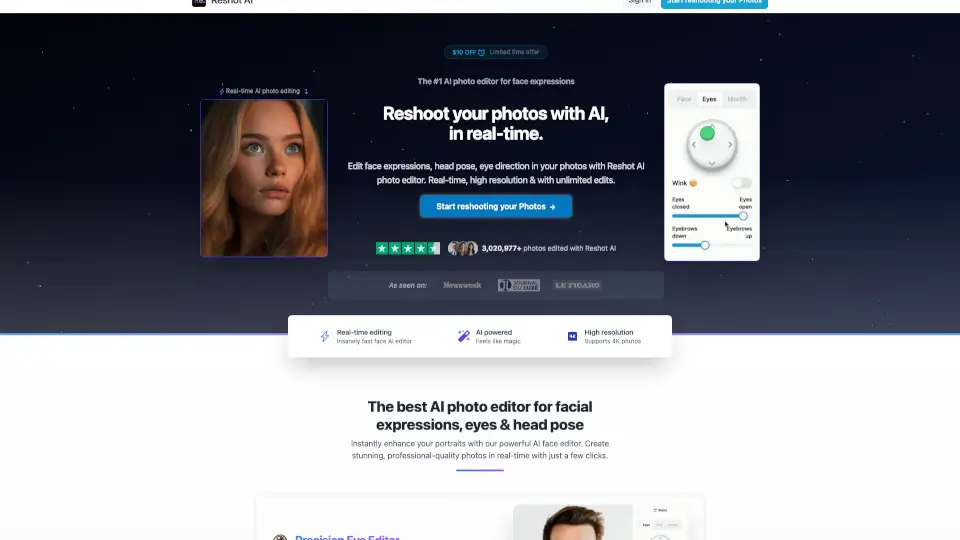
Tired of stiff, awkward headshots or bland social media photos? Reshot AI is a powerful online tool that lets you edit facial expressions, eye direction, and head pose in real time—no Photoshop skills needed. Whether you're a content creator, photographer, or just want better profile pics, Reshot AI uses advanced artificial intelligence to transform your existing photos into professional-quality portraits with lifelike expressions and perfect angles.

What makes Reshot AI stand out is its precision and speed. You’re not stuck with generic filters—you get fine control over smiles, eyebrow raises, eye openness, head tilt, and more, all while maintaining natural-looking results in high resolution (even up to 4K). With over 3.6 million photos edited by professionals and creators, it’s quickly become the go-to AI face editor for anyone who wants studio-level results in seconds.

What are the features of Reshot AI?

  • Precision Eye Editor: Adjust eye movement, eyelid openness, eyebrow position, and even add a subtle wink for expressive, engaging eyes.
  • Advanced Expression Sculptor: Craft the perfect smile or mouth shape with AI-powered control that looks natural, not robotic.
  • 3D Pose Manipulator: Rotate and tilt the head in 3D space to fix awkward angles or create dynamic compositions without reshooting.
  • Real-Time Editing: See changes instantly as you adjust sliders—no waiting for renders or batch processing.
  • Unlimited High-Resolution Edits: Edit as many photos as you want in full quality, including 4K support.
  • Commercial Rights Included: You own all edited photos and can use them for business, social media, or portfolios with no restrictions.
  • Green Screen Friendly: Works seamlessly with green-screen portraits for YouTube thumbnails, avatars, and digital content.

What are the use cases of Reshot AI?

  • Create high-converting YouTube thumbnails with expressive, eye-catching faces that boost click-through rates.
  • Fix poorly lit or awkwardly posed professional headshots for LinkedIn, resumes, or agency portfolios.
  • Generate multiple expression variations for AI avatars, 3D characters, or game assets without new photo sessions.
  • Enhance social media profile pictures to look confident, friendly, or approachable based on your brand.
  • Rescue old photos where the subject blinked or frowned—turn them into polished, usable images.
  • Produce consistent, on-brand visuals for influencers, coaches, or online course creators using a single base photo.

How to use Reshot AI?

  • Upload a clear, front-facing photo with good lighting (the AI works best with visible facial features).
  • Use the intuitive sliders to adjust eye direction, smile intensity, head rotation, and other expression controls.
  • Preview changes in real time and fine-tune until you get the desired look.
  • Download your edited photo in high resolution—ready to use anywhere.
  • For best results, avoid heavily shadowed or low-resolution source images.
  • Try multiple variations quickly; unlimited edits mean you can experiment risk-free.
Reshot AI Contact Email:

[email protected]

Do you like this tool?

Upvote to help others discover it!

Reshot AI Alternatives

Expression Editor AI

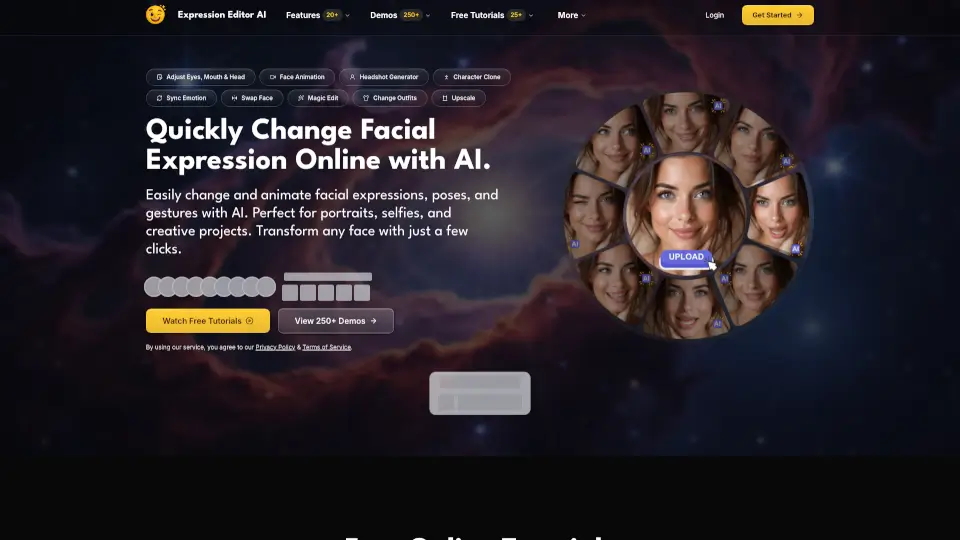
Edit faces like a pro in minutes—no skills needed. Perfect for social media, headshots, or creative fun.

US
10.79%
|
22.1K
|
4.0
CrazyFaceAI

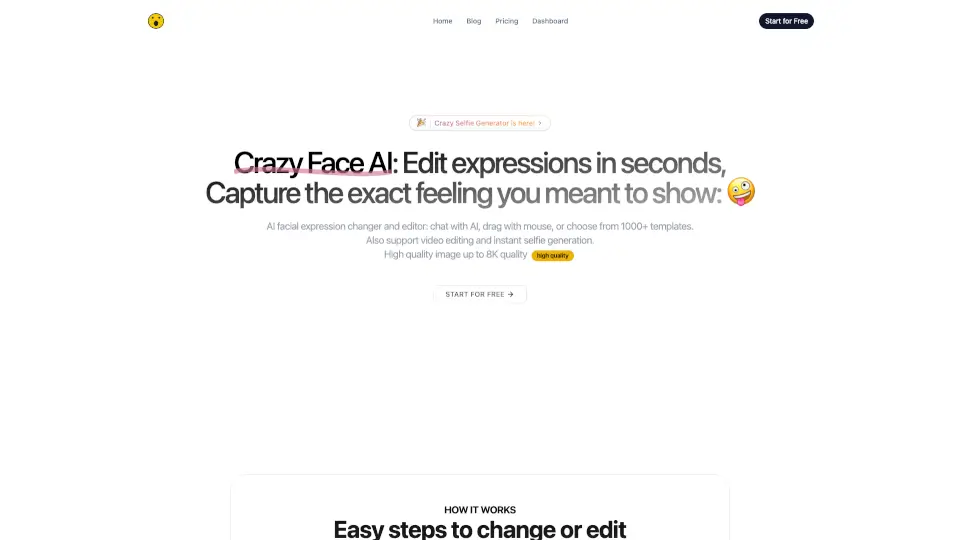
CrazyFace AI lets you edit facial expressions like a pro—perfect for thumbnails, selfies, and memes. Try it free today!

US
62.01%
|
3.4K
|
3.0
HeyPhoto

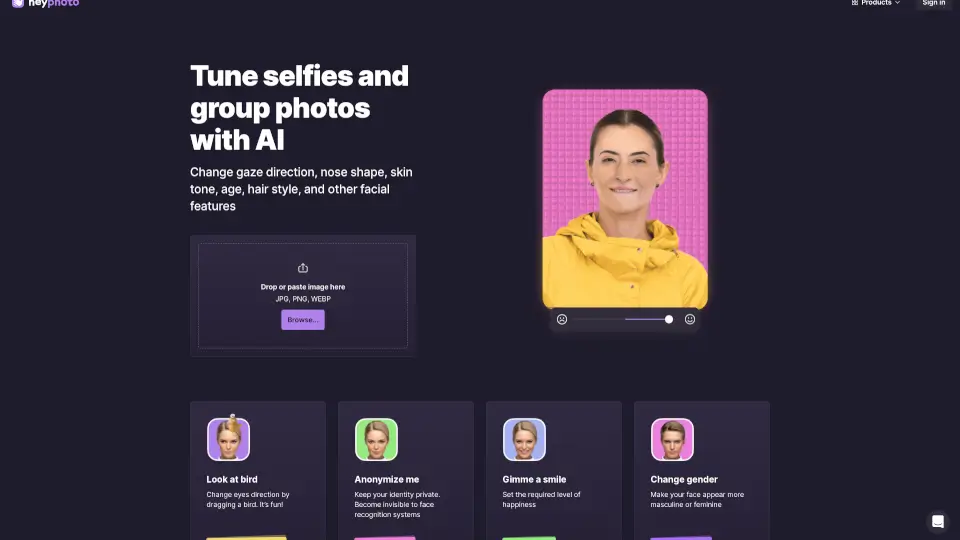
HeyPhoto is a fun, easy AI photo editor for tweaking faces—smiles, age, hair, and more. Perfect for social media, dating apps, or just goofing around.

US
18.24%
|
71.4K
|
5.0
FacePoke

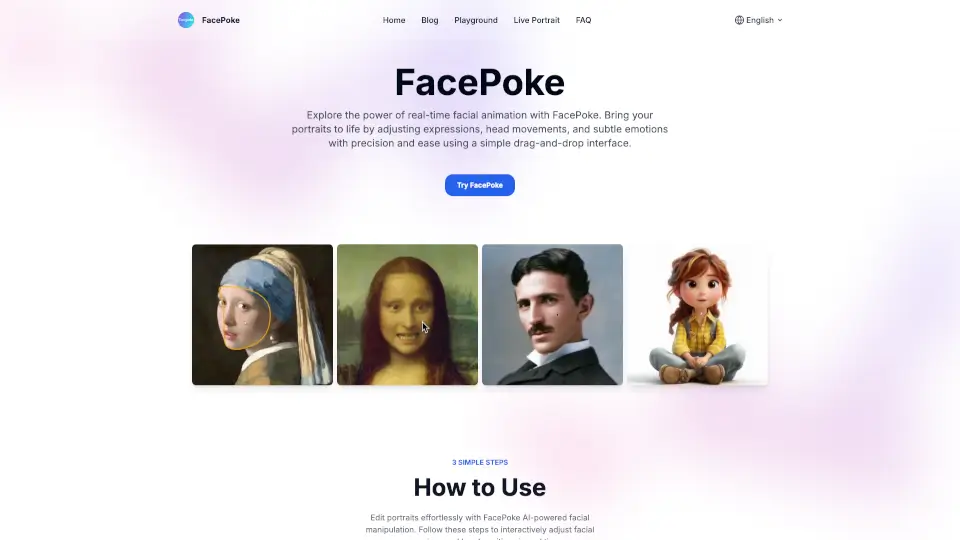
FacePoke is a free, AI-powered tool for real-time facial editing, perfect for digital art, content creation, and marketing.

US
39.06%
|
8.5K
|
3.0
MimicPhoto

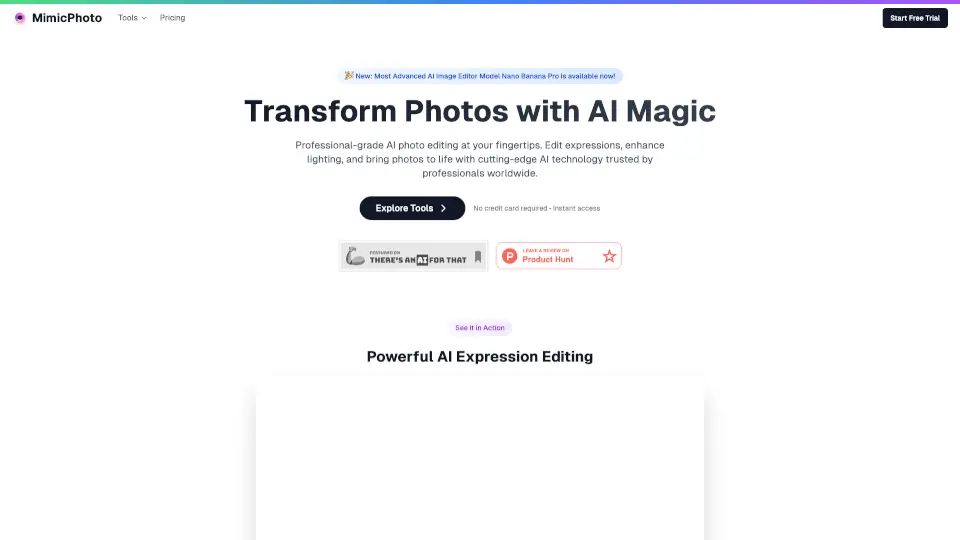
MimicPhoto lets anyone edit photos like a pro—swap faces, animate pics, or add magic effects in clicks. Free to try, no credit card needed!

US
34.13%
|
23.1K
|
4.0
Facetune

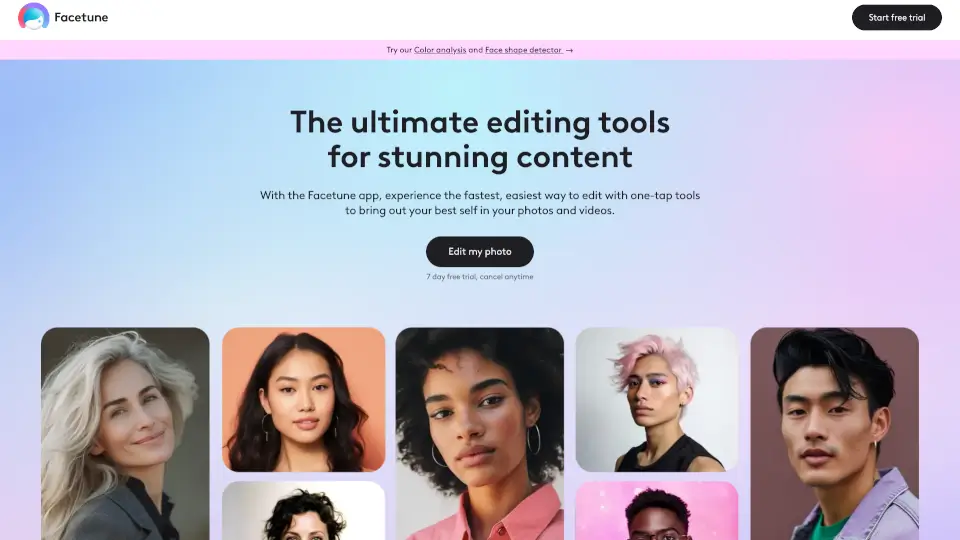
Facetune is the ultimate photo & video editor with AI tools for effortless, pro-level edits. Perfect for social media, headshots, or just having fun!

US
36.05%
|
452.9K
|
5.0
AI Image Editor

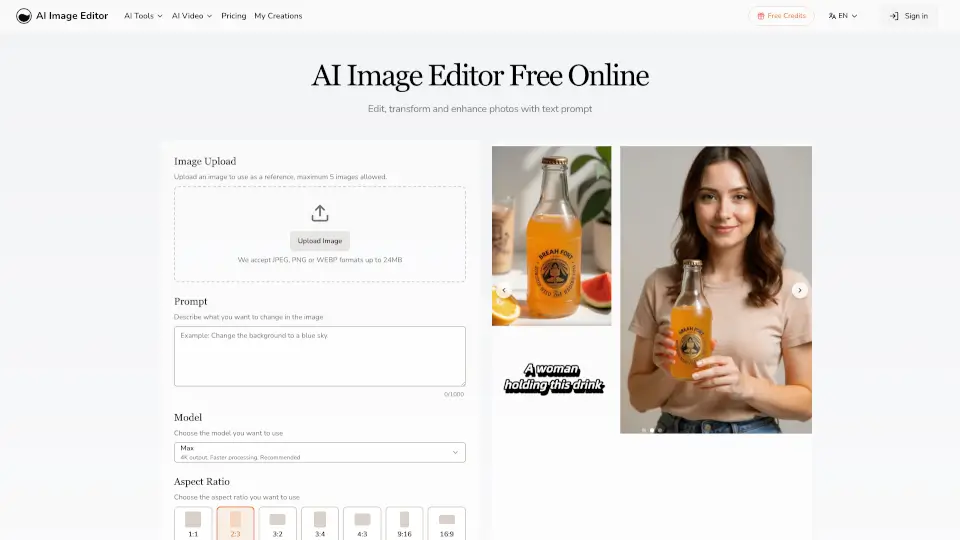
AI Image Editor lets you quickly edit and enhance photos with simple text prompts. No design skills needed—just upload your image, describe your changes, and get professional results fast.

US
26.96%
|
74.1K
|
5.0
Phot.ai

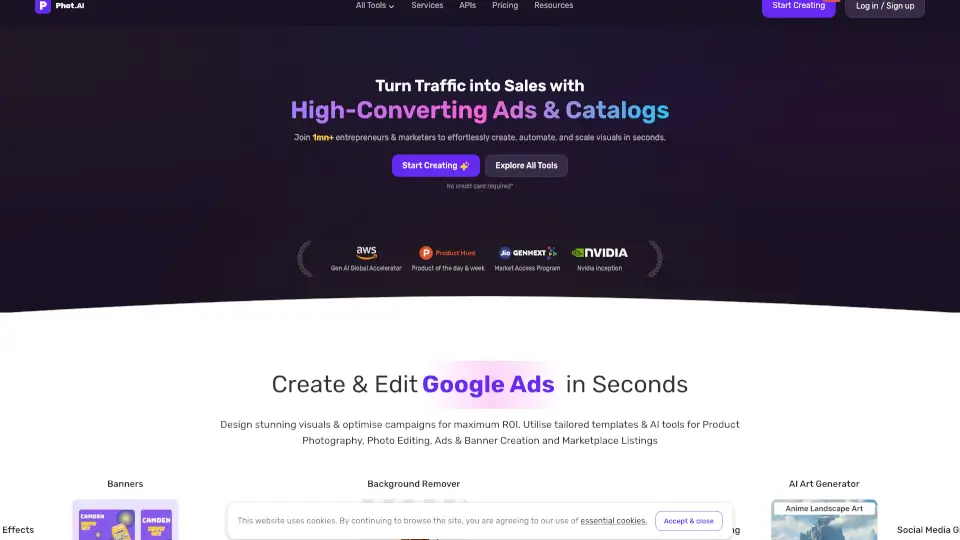
Phot.AI is a powerful, user-friendly AI photo editing platform with 30+ tools to enhance, transform, and create stunning visuals. Perfect for photographers, designers, and e-commerce businesses.

IN
33.78%
|
199.5K
|
5.0
Reshot AI Related Other Categories

Reshot AI Traffic Analysis

💡 Insights

🌱
Emerging Tool
10K-100K monthly visits. Niche or new tool with potential unique value.
⚠️
Slight Decline
Traffic has slightly decreased recently.
👍
Good Experience
Bounce rate of 34%. Users are willing to explore features.
🎯
Strong Brand
71% direct traffic. High user loyalty.
  • Monthly Visits

    42.13K

  • Bounce Rate

    33.97%

  • Pages Per Visit

    2.02

  • Visit Duration

    00:00:35

  • Global Rank

    753291

  • Country Rank

    125917

Visits Over Time

Traffic Sources

Direct70.58%
SearchOrganic24.61%
Referrals2.43%
SocialOrganic2.19%
GenAi0.19%
SearchPaid0.00%
SocialPaid0.00%
Affiliate0.00%

Top Keywords

1
reshot
CPC$1.33
420Traffic
2
eye correction ai
CPC$0.58
250Traffic
3
eye pics editor
160Traffic
4
ai image eye fixer
120Traffic
5
open and close and move eyes edit
110Traffic

Top Regions

RegionPercentage
United States
United States
35.47%
United Kingdom
United Kingdom
11.90%
India
India
9.75%
Brazil
Brazil
7.38%
Indonesia
Indonesia
4.95%
Low
High

Reshot AI FAQ

What is Reshot AI?

How does Reshot AI work?

Do I own the photos edited by Reshot AI?

How long does it take to edit photos?

Can I customize the edited photos?

Why should I choose Reshot AI over other photo editors?

Is there a limit to how many photos I can edit?

How can I start using Reshot AI?

Reshot AI Reviews

0

0

0 Reviews
Sign Into leave a review

Recent Reviews

No reviews yet

Reshot AI Pricing

Monthly Plan

Unlimited photos, Unlimited AI editing
$19/month
  • Limited time offer
  • Originally $29

Yearly Plan

Unlimited photos, Unlimited AI editing
$9/month
  • Billed yearly $99
  • Originally $228
  • 6+ months free

Reshot AI Embed

Use website badges to drive community support for SeekTool.ai. They are easy to embed in your homepage or footer.

Light
Dark
Reshot AI - Featured on SeekTool.aiReshot AI - Featured on SeekTool.ai
How to install?

Looking for Reshot AI Alternatives?

Compare top AI tools similar to Reshot AI. Find the best option for your needs.

View Alternatives

Reviews

0.0

Share your experience with this tool...

Category Rankings

Ranked by monthly traffic

Trending

Featured

Subscribe to our AI Newsletter

Get the top AI stories delivered to your inbox weekly.