
What is Reshot AI?
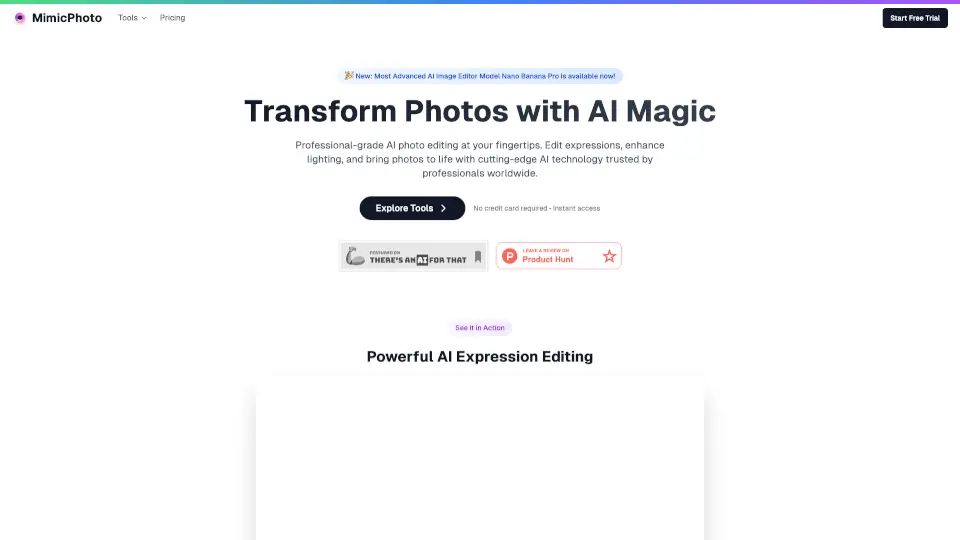
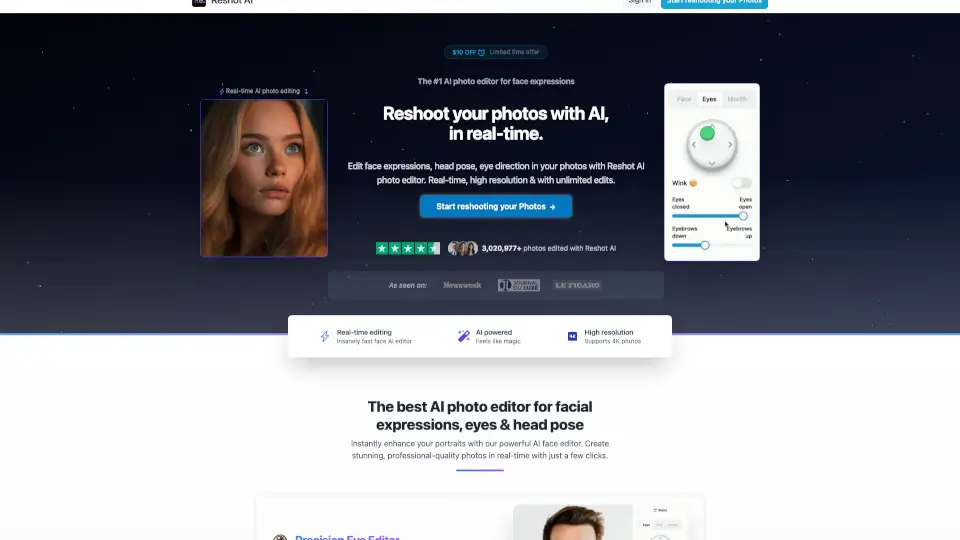
Tired of stiff, awkward headshots or bland social media photos? Reshot AI is a powerful online tool that lets you edit facial expressions, eye direction, and head pose in real time—no Photoshop skills needed. Whether you're a content creator, photographer, or just want better profile pics, Reshot AI uses advanced artificial intelligence to transform your existing photos into professional-quality portraits with lifelike expressions and perfect angles.
What makes Reshot AI stand out is its precision and speed. You’re not stuck with generic filters—you get fine control over smiles, eyebrow raises, eye openness, head tilt, and more, all while maintaining natural-looking results in high resolution (even up to 4K). With over 3.6 million photos edited by professionals and creators, it’s quickly become the go-to AI face editor for anyone who wants studio-level results in seconds.
What are the features of Reshot AI?
- Precision Eye Editor: Adjust eye movement, eyelid openness, eyebrow position, and even add a subtle wink for expressive, engaging eyes.
- Advanced Expression Sculptor: Craft the perfect smile or mouth shape with AI-powered control that looks natural, not robotic.
- 3D Pose Manipulator: Rotate and tilt the head in 3D space to fix awkward angles or create dynamic compositions without reshooting.
- Real-Time Editing: See changes instantly as you adjust sliders—no waiting for renders or batch processing.
- Unlimited High-Resolution Edits: Edit as many photos as you want in full quality, including 4K support.
- Commercial Rights Included: You own all edited photos and can use them for business, social media, or portfolios with no restrictions.
- Green Screen Friendly: Works seamlessly with green-screen portraits for YouTube thumbnails, avatars, and digital content.
What are the use cases of Reshot AI?
- Create high-converting YouTube thumbnails with expressive, eye-catching faces that boost click-through rates.
- Fix poorly lit or awkwardly posed professional headshots for LinkedIn, resumes, or agency portfolios.
- Generate multiple expression variations for AI avatars, 3D characters, or game assets without new photo sessions.
- Enhance social media profile pictures to look confident, friendly, or approachable based on your brand.
- Rescue old photos where the subject blinked or frowned—turn them into polished, usable images.
- Produce consistent, on-brand visuals for influencers, coaches, or online course creators using a single base photo.
How to use Reshot AI?
- Upload a clear, front-facing photo with good lighting (the AI works best with visible facial features).
- Use the intuitive sliders to adjust eye direction, smile intensity, head rotation, and other expression controls.
- Preview changes in real time and fine-tune until you get the desired look.
- Download your edited photo in high resolution—ready to use anywhere.
- For best results, avoid heavily shadowed or low-resolution source images.
- Try multiple variations quickly; unlimited edits mean you can experiment risk-free.