
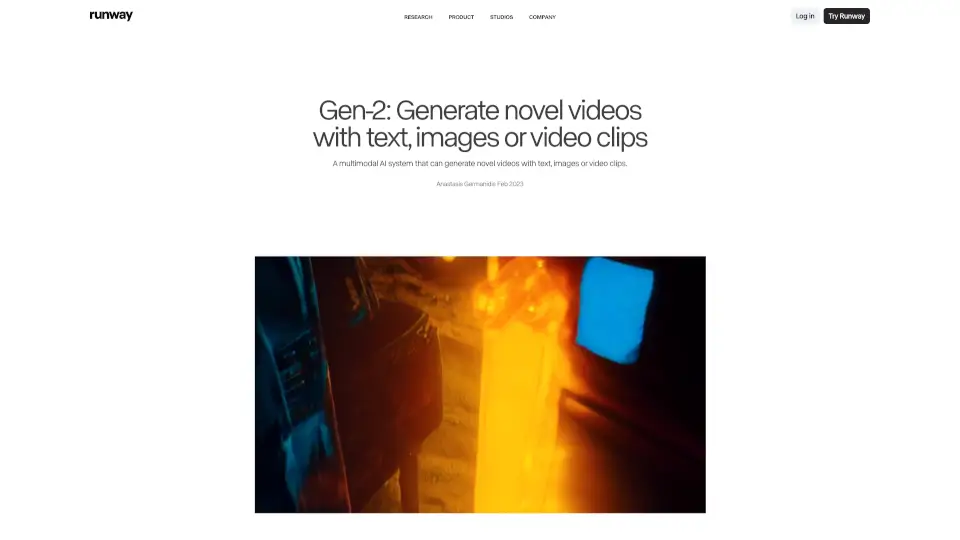
What is Gen-2 by Runway?
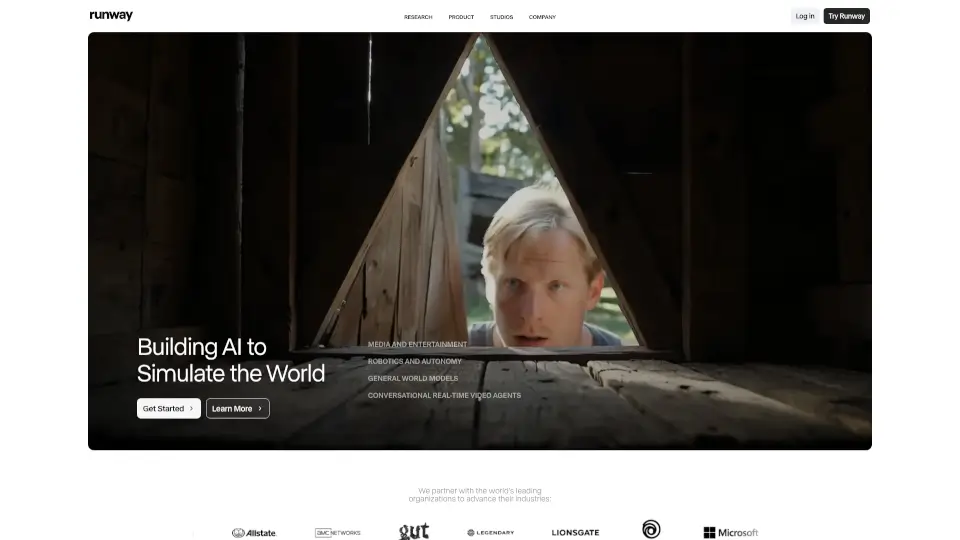
Runway Gen-2 is a groundbreaking multimodal AI video generator that lets you create original, high-quality videos from just text, images, or existing video clips—no camera or lighting required. Whether you're a filmmaker, content creator, or designer, Gen-2 empowers you to bring ideas to life with cinematic realism and consistent motion.
Unlike traditional video tools, Gen-2 understands both visual style and narrative context. You can describe a scene in words ("late afternoon sun in a NYC loft") or combine an image with a prompt to generate something entirely new. It’s like directing a movie without ever stepping on set—making creativity faster, more flexible, and accessible to everyone.
What are the features of Gen-2 by Runway?
- Text-to-Video: Generate complete videos from nothing but a written description—ideal for visualizing scenes you can imagine but haven’t filmed.
- Image + Text-to-Video: Combine a reference image with a text prompt to control both visual style and action (e.g., a man walking under neon signs).
- Image-to-Video (Variations): Animate a single still image into a short, coherent video with natural motion.
- Stylization Mode: Apply the artistic style of any image or prompt across every frame of your source video.
- Storyboard Animation: Turn rough mockups or sketches into polished, animated sequences.
- Mask-Guided Generation: Use masks to specify which parts of a video should change while keeping others intact.
- Render Enhancement: Transform untextured 3D renders into photorealistic outputs using style prompts or reference images.
- Customization Options: Fine-tune results for higher fidelity by leveraging Gen-1’s advanced personalization features.
What are the use cases of Gen-2 by Runway?
- Filmmakers creating concept trailers or mood reels without expensive shoots
- Social media creators generating eye-catching short-form videos from simple prompts
- Game developers animating character concepts or environment previews
- Ad agencies rapidly prototyping commercial ideas using client-provided imagery
- Educators illustrating abstract concepts through custom-generated visuals
- Designers turning static mood boards into dynamic presentations
How to use Gen-2 by Runway?
- Start with a clear, descriptive text prompt—include details like time of day, lighting, camera angle, and mood.
- For better consistency, use high-quality input images when working in Image or Image+Text modes.
- Experiment with stylization mode to match your brand’s visual identity across video projects.
- Use masking to preserve key elements (like a logo or character) while transforming the background.
- Try variations of the same prompt to explore different creative directions quickly.
- Always review output quality and iterate—Gen-2 improves with precise, thoughtful inputs.