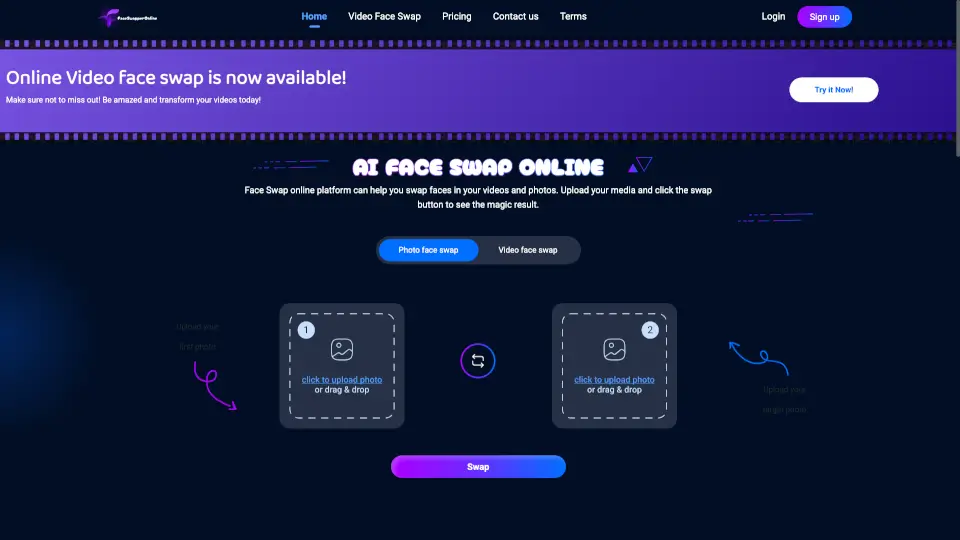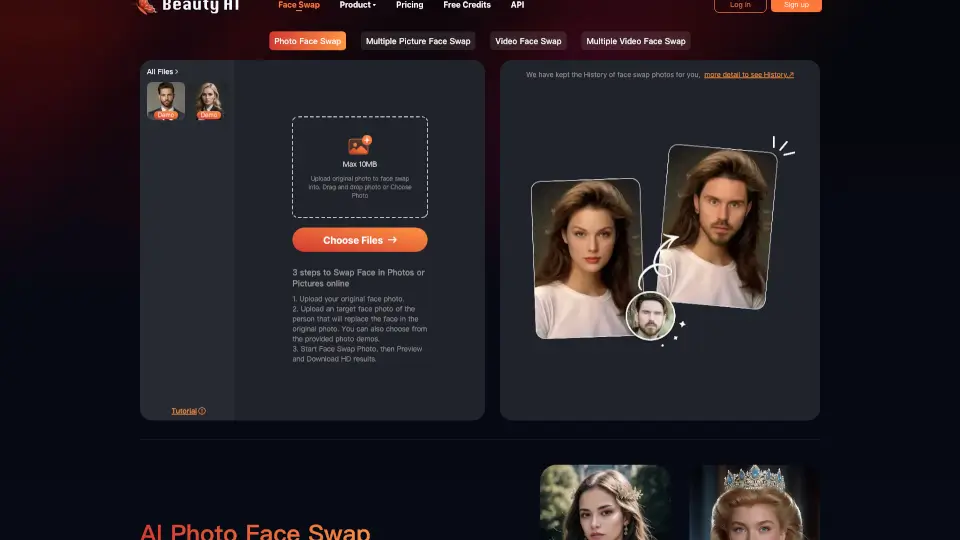

What is FaceVary?
Looking to swap faces in photos or videos—fast, free, and without any hassle? Face Swap Online Free by Remaker AI lets you replace faces instantly with no sign-up, no watermarks, and no hidden fees. Whether you're making a meme, fixing a group photo, or just having fun with friends’ faces, this tool delivers realistic results in seconds.
Powered by smart AI, it works directly in your browser on desktop or mobile—no downloads needed. From single swaps to batch processing and even video face swaps, it’s built for both casual users and content creators who want quick, high-quality edits without the learning curve.
What are the features of FaceVary?
- Free Face Swapping: Swap faces in photos or videos completely free—no account or payment required.
- No Watermark or Sign-Up: Get clean, ready-to-share results without branding or registration barriers.
- Multiple Swap Modes: Choose from Single Face Swap, Multi-Face Swap, or Batch Swap for photos and videos.
- AI-Powered Realism: Uses advanced models (v1 and v2) for natural-looking blends, even with tricky angles or lighting.
- Mobile-Friendly: Works smoothly on iPhone, Android, and all modern browsers like Safari, Chrome, and Firefox.
- Auto-Deletion for Privacy: All uploaded and generated images are automatically deleted within 48 hours.
- Video & GIF Support: Swap faces not just in still images but also in short videos and animated GIFs.
- Integrated AI Tools: Access complementary features like Background Remover, AI Photo Editor, and Magic Eraser for polished results.
What are the use cases of FaceVary?
- Fix a group photo where someone blinked or looked away by swapping in their best expression from another shot.
- Create hilarious memes by putting your face into viral templates or classic internet jokes.
- Try a celebrity face swap to see what you’d look like as your favorite movie star or pop icon.
- Join the gender swap trend popular on TikTok and Instagram for playful, engaging social content.
- Insert yourself into famous paintings or movie scenes for artistic or entertainment projects.
- Generate personalized talking avatars using AI Talking Photo or Lip Sync Generator for social media.
- Produce custom headshots with the AI Headshot Generator for professional profiles or portfolios.
- Make fun birthday or holiday collages by swapping faces with family members or pets.
How to use FaceVary?
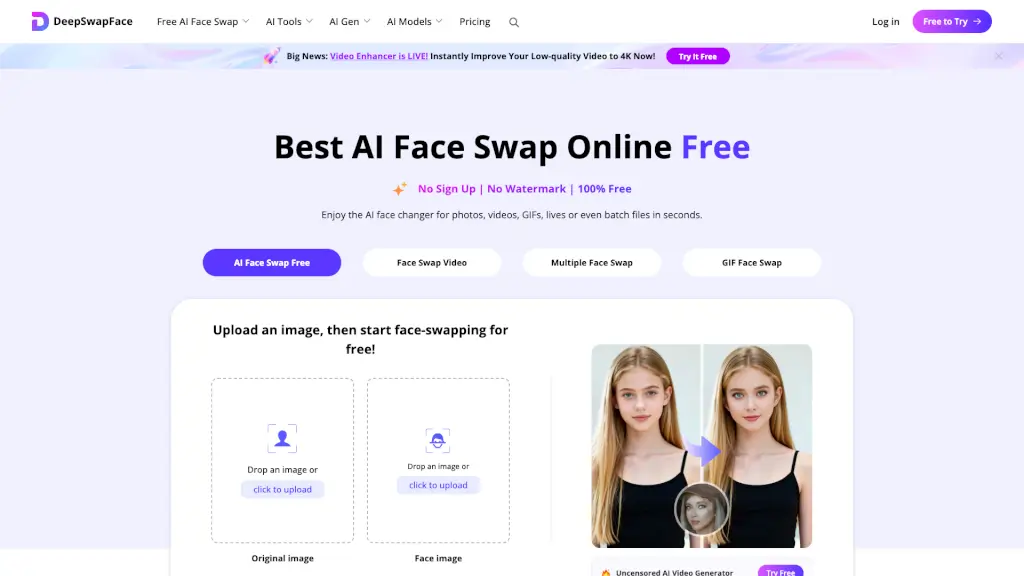
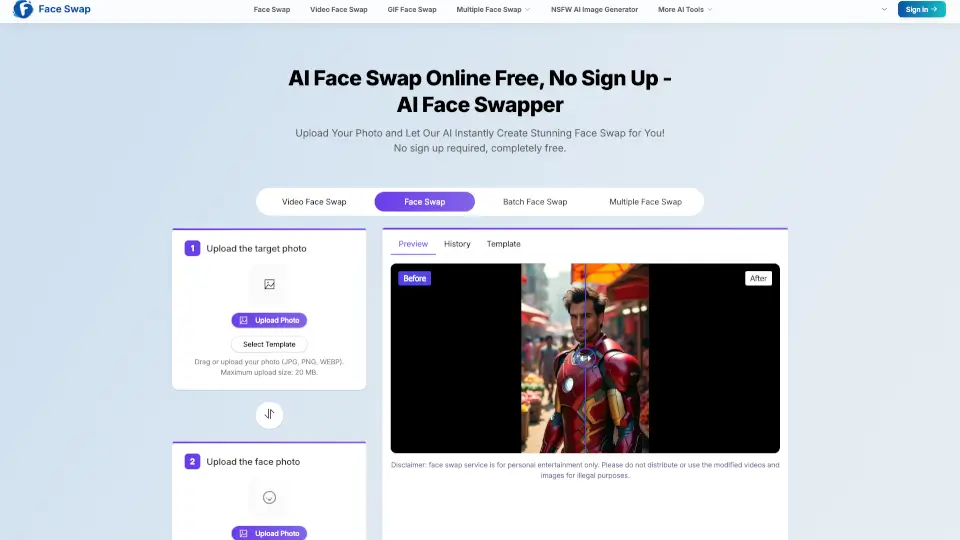
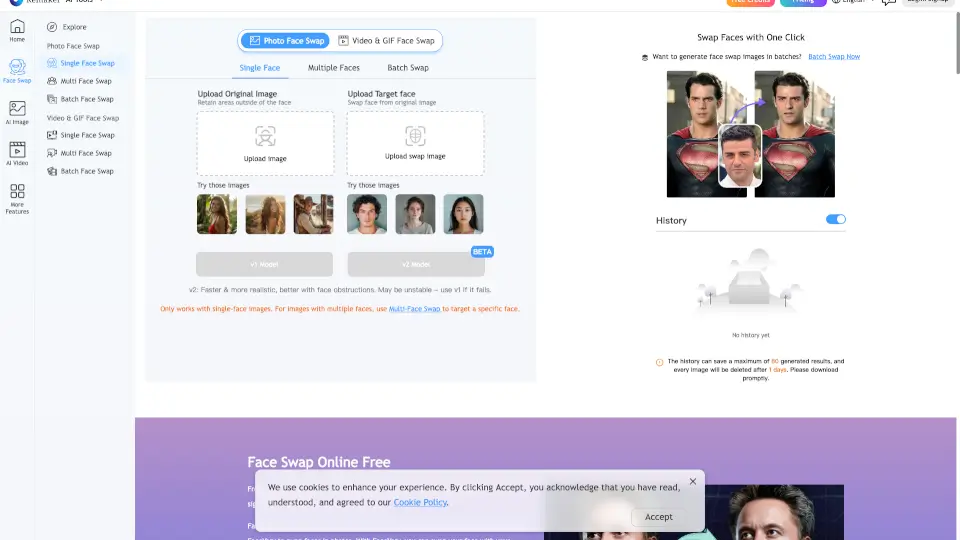
- Upload your original image (the photo you want to edit) and choose whether to retain areas outside the face.
- Upload your target face image—the photo containing the face you want to swap in.
- Select the AI model version: v2 for faster, more realistic results (best for single-face images), or v1 if v2 fails.
- Click “Generate” and wait a few seconds for the AI to process your face swap.
- Preview the result, then download immediately—your history only saves up to 80 images for 24 hours.
- For multiple faces or batch jobs, use Multi-Face Swap or Batch Face Swap to save time.