
What is face swapper online?
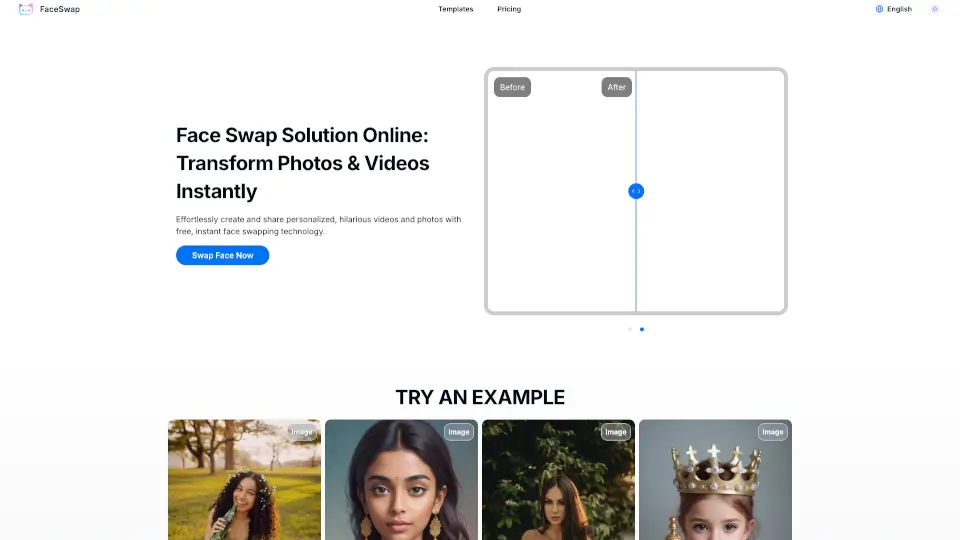
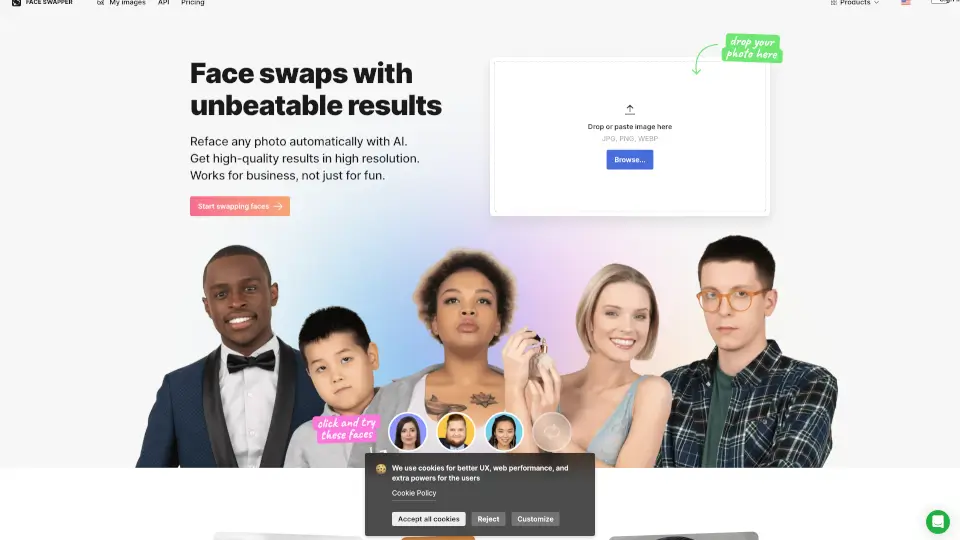
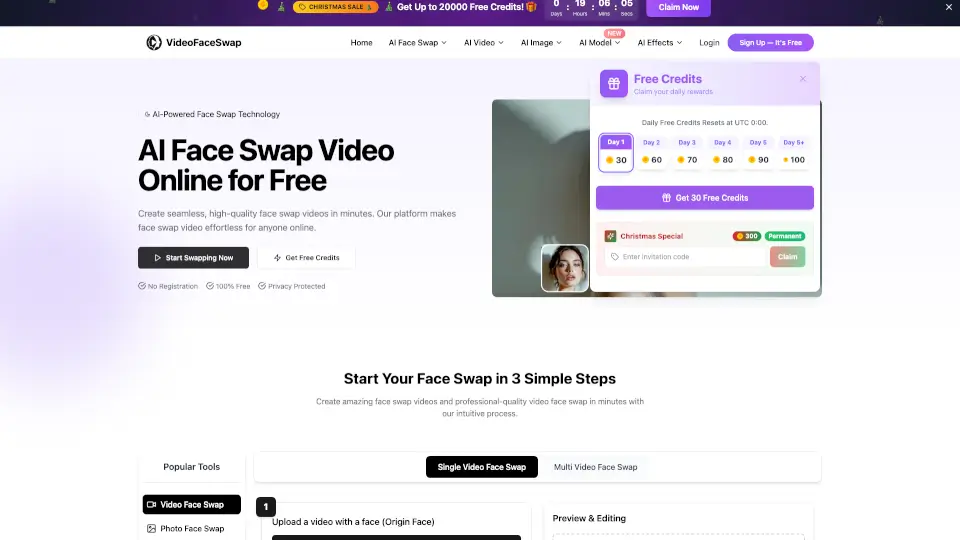
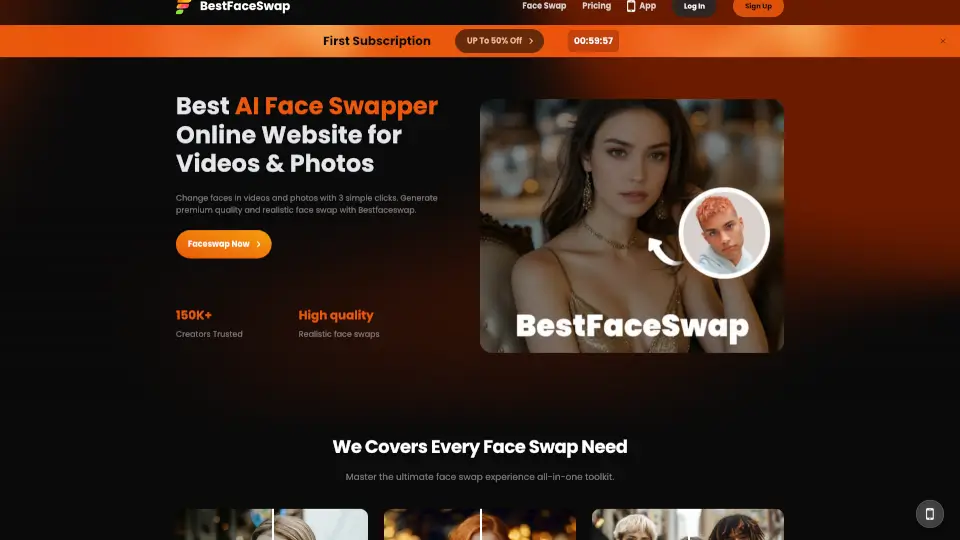
Face Swapper Online is an AI face swap tool that lets you swap faces in both photos and videos with high realism. Designed for content creators, social media users, and anyone curious about face transformation, it uses advanced AI to deliver seamless, lifelike results. The platform supports uploading your own media, clicking a swap button, and getting instant output. It also offers a trial period so you can test the quality before committing. This tool is best for quick, creative projects where you want to change faces without manual editing.
What are the features of face swapper online?
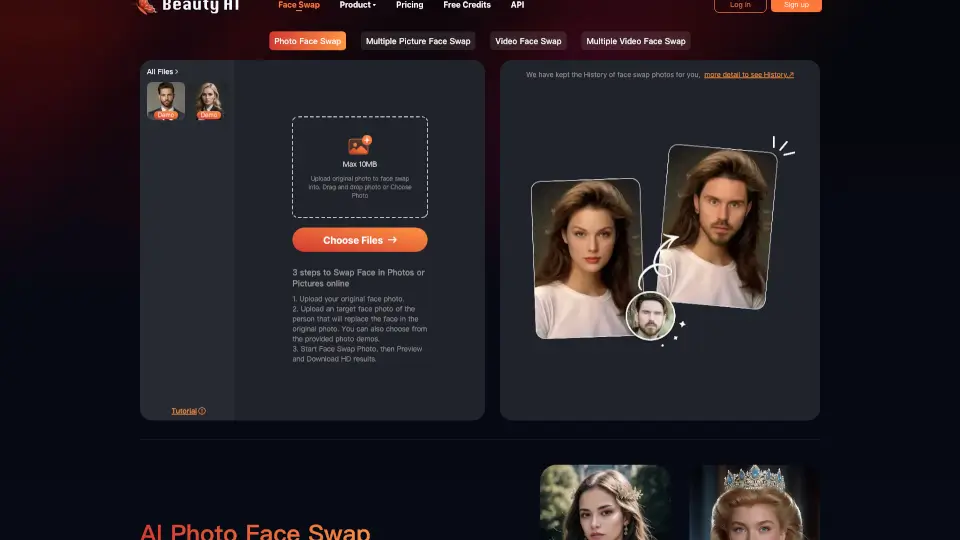
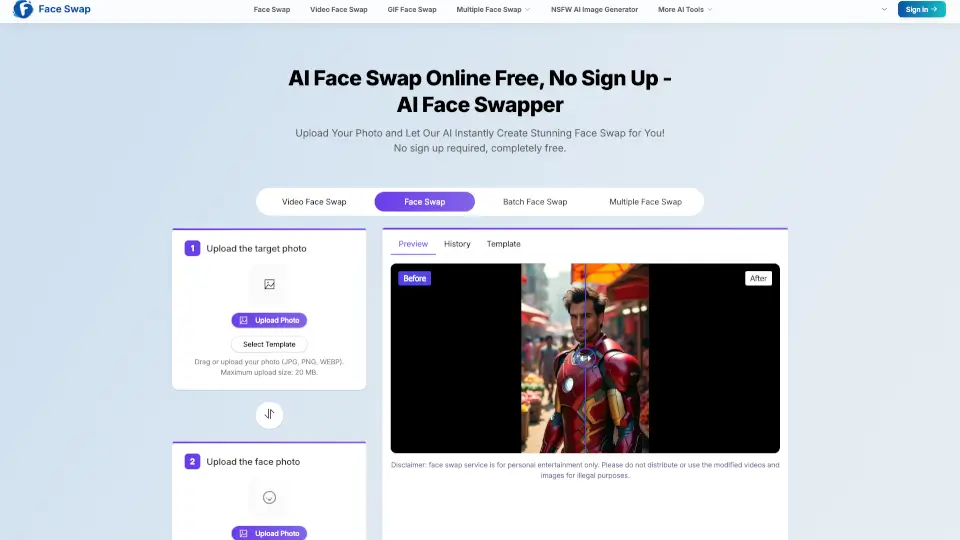
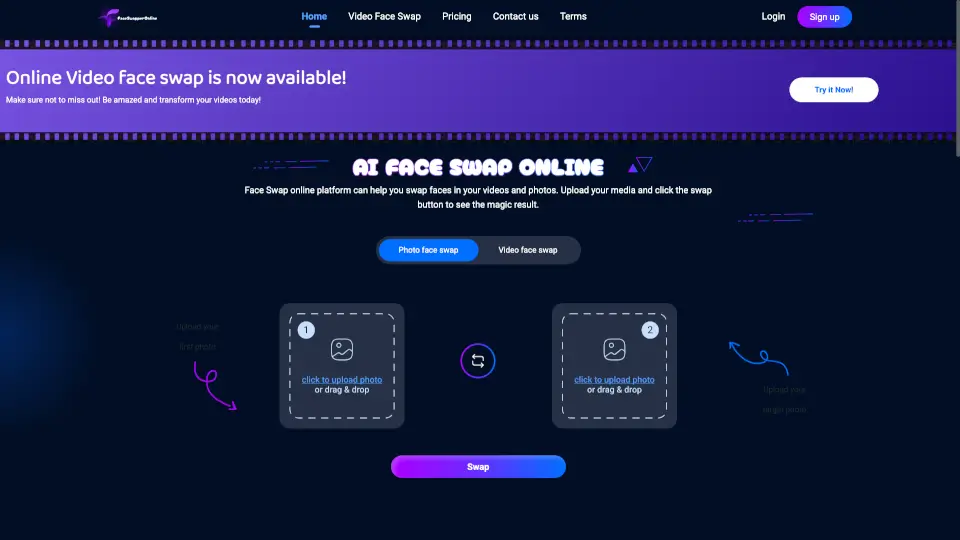
- Photo Face Swap: Upload a source photo and a target photo, then click swap. The AI automatically aligns faces and blends skin tones for realistic results.
- Video Face Swap: Swap faces in video clips. The AI processes each frame to maintain consistent face tracking and smooth motion across the sequence.
- AI Gender Swap: A dedicated tool that transforms facial features to appear as the opposite gender, useful for creative or experimental content.
- Reface AI Online: Beyond basic swaps, this feature offers advanced editing options like expression changes or style adjustments for more control.
- High-Quality Upload Guidance: The platform recommends using clear, well-lit images without facial coverings to maximize swap accuracy and final output quality.
What are the use cases of face swapper online?
- Social media creators swapping faces in viral photo challenges or memes for quick engagement.
- Video editors who need to replace a face in a short clip without complex manual masking.
- Users experimenting with gender swap for fun profile pictures or character concepts.
- Marketers testing different face placements in ad creatives to see which resonates with audiences.
How to use face swapper online?
- Upload your first photo (source face) by clicking the upload area on the homepage.
- Upload your target photo (the face you want to replace) in the second slot.
- Click the "Swap" button and wait for the AI to process the result.
- Preview the swapped image or video, then download or swap again for adjustments.