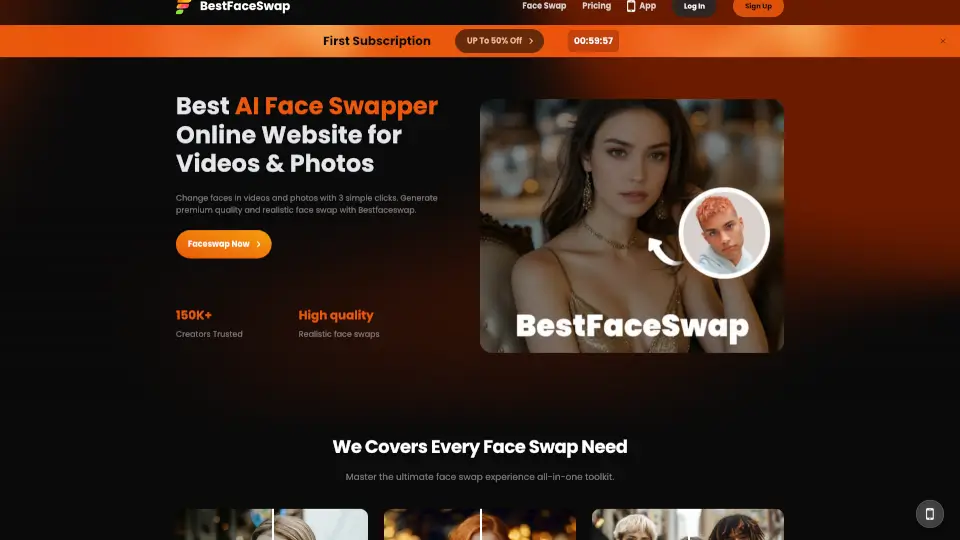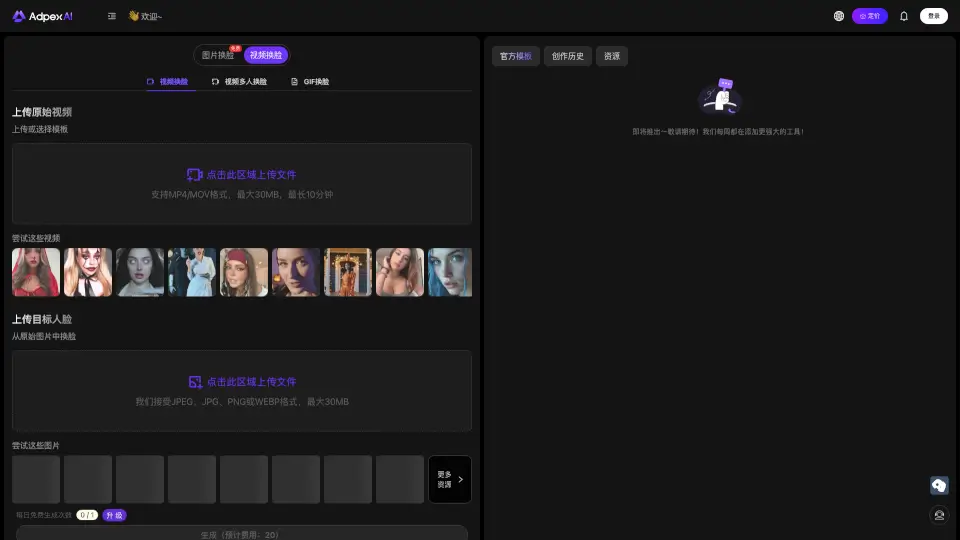

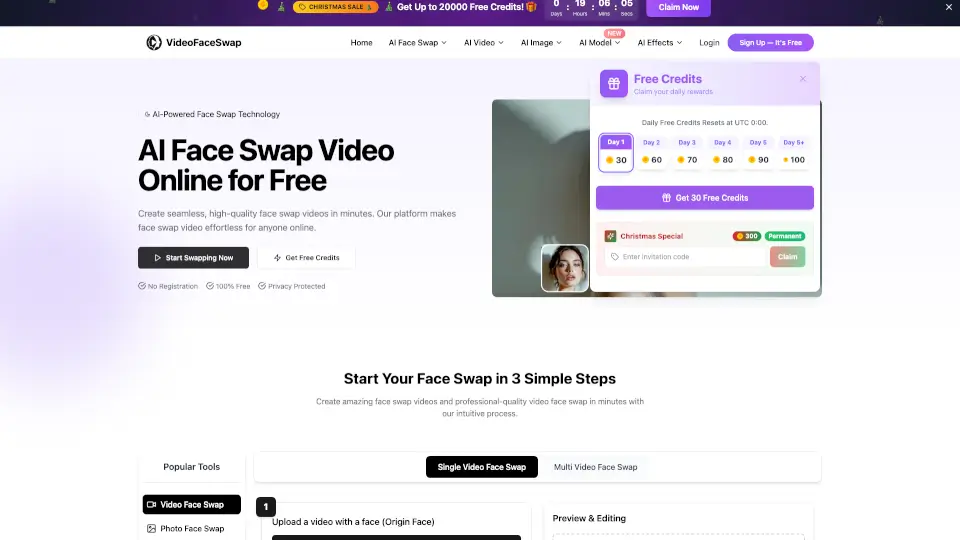
Was ist Video Face Swap?
VideoFaceSwap ist ein beeindruckendes Online-Tool, das dir erlaubt, Gesichter in Videos mithilfe fortschrittlicher KI-Technologie auszutauschen. Ob du ein lustiges Video für deine Freunde erstellen möchtest oder einfach nur deine kreative Seite entdecken willst, bietet VideoFaceSwap eine einfache und kostenlose Möglichkeit, hochwertige Gesichtsaustauschvideos zu erstellen. Mit seiner intuitiven Benutzeroberfläche und der Fähigkeit, mehrere Gesichter gleichzeitig auszutauschen, kannst du in Minuten professionelle Ergebnisse erzielen.
Was sind die Merkmale von Video Face Swap?
- Unbegrenzte Nutzung: Erhalte unbegrenzte Zugriff auf die Gesichtsaustauschfunktion, ohne dass du dafür bezahlen musst.
- Hochwertige Ergebnisse: Die KI-Technologie sorgt für nahtlose und realistische Gesichtsaustausche, die selbst bei genauerem Hinsehen überzeugen.
- Schnelle Verarbeitung: Lade dein Video und die Zielbilder hoch, und erhalte in kürzester Zeit das fertige Gesichtsaustauschvideo.
- Datenschutz: Deine Daten sind sicher, und du hast die volle Kontrolle darüber, wann sie gelöscht werden.
- Unterstützung vieler Formate: MP4, MOV, PNG, JPG, JPEG und WEBP werden unterstützt, sodass du keine Probleme mit der Kompatibilität hast.
Was sind die Anwendungsfälle von Video Face Swap?
- Unterhaltung: Erstelle lustige Videos, indem du dein Gesicht mit dem deiner Lieblingsstars austauschst.
- Kreativität: Experimentiere mit verschiedenen Gesichtern, um einzigartige und kreative Inhalte zu produzieren.
- Präsentationen: Nutze das Tool, um präsentative Videos zu erstellen, die den Zuschauern besser auffallen.
- Soziale Medien: Teile deine Gesichtsaustauschvideos auf Plattformen wie Instagram, TikTok und YouTube, um mehr Aufmerksamkeit zu erregen.
Wie benutzt man Video Face Swap?
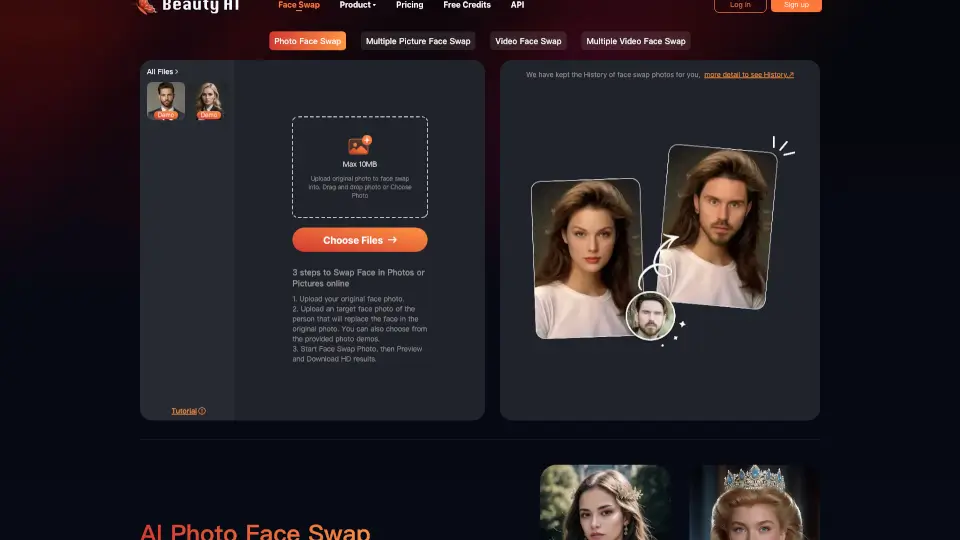
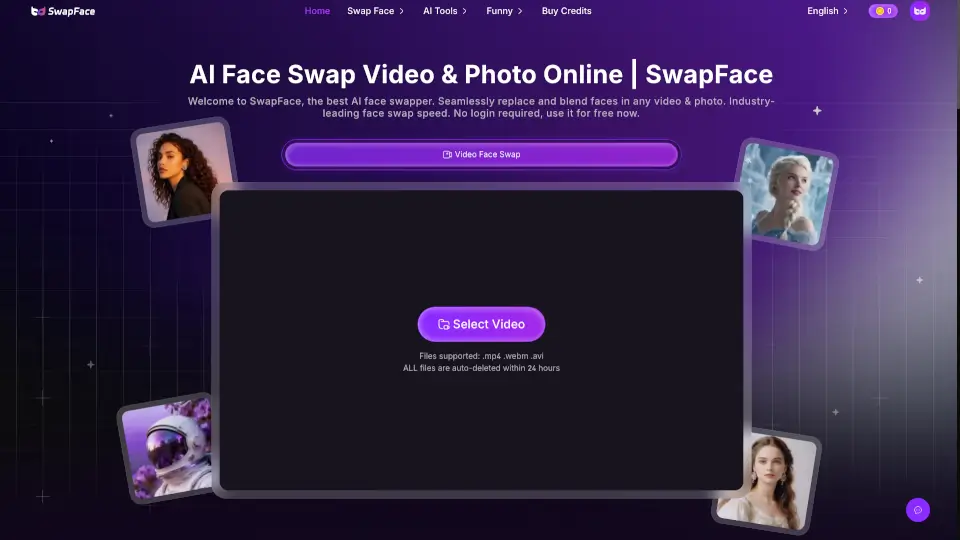
- Wähle das Video, in dem du das Gesicht austauschen möchtest, und lade es hoch.
- Lade das Foto des Gesichts hoch, das du in das Video einfügen möchtest.
- Starte den Gesichtsaustauschprozess und warte, bis er abgeschlossen ist.
- Überprüfe das Ergebnis und lade das bearbeitete Video herunter.