
What is Read Something?
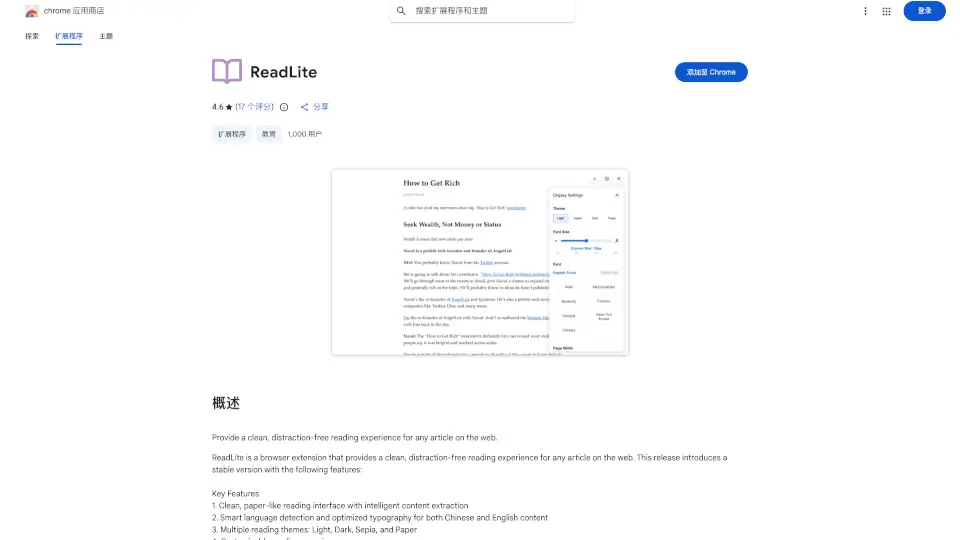
Read Something is an open-source Chrome extension that transforms web pages into a reader-friendly mode. It comes packed with AI-powered features like summarization, translation, and Markdown conversion, making your reading experience smoother and more efficient.
What are the features of Read Something?
- Reader Mode: Customize font styles, line spacing, and page width for a comfortable reading experience.
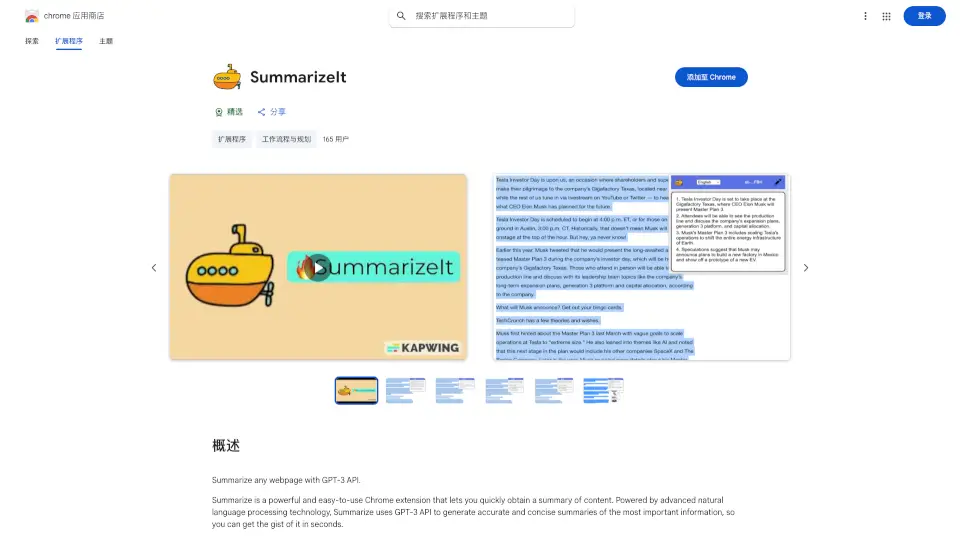
- Chat Article: Generate concise summaries and engage in interactive Q&A to better understand the content.
- Translation: Supports Google Translate, Tencent Translate, and OpenAI Translate for seamless global content access.
- Markdown Download: Save articles in Markdown format for easy offline access and future reference.
What are the use cases of Read Something?
- Students: Simplify research by summarizing lengthy articles and translating foreign content.
- Professionals: Quickly digest industry news and save important articles in Markdown for later use.
- Casual Readers: Enjoy a distraction-free reading experience with customizable settings.
How to use Read Something?
- Install the Read Something extension from the Chrome Web Store.
- Open any webpage and click the extension icon to activate Reader Mode.
- Use the AI tools to summarize, translate, or download the content as needed.