
What is Raycast?
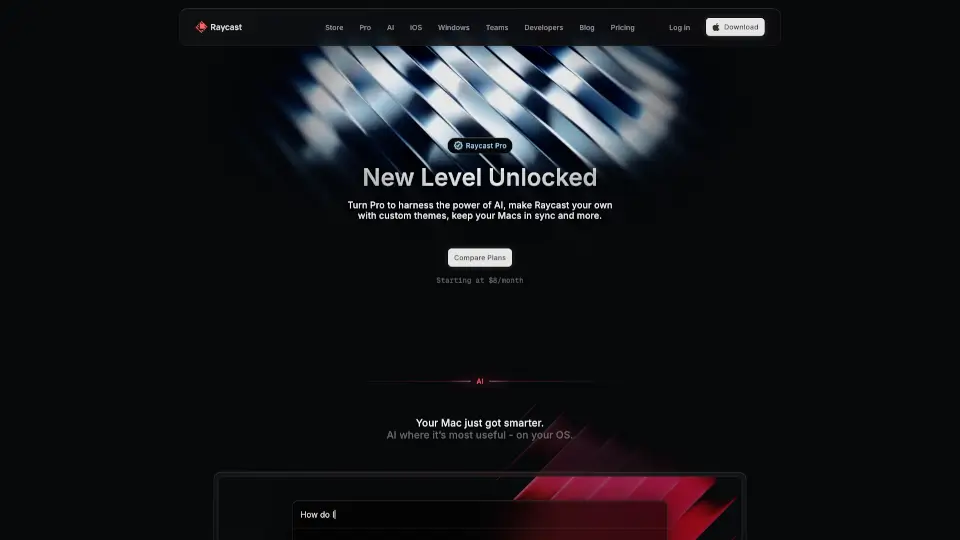
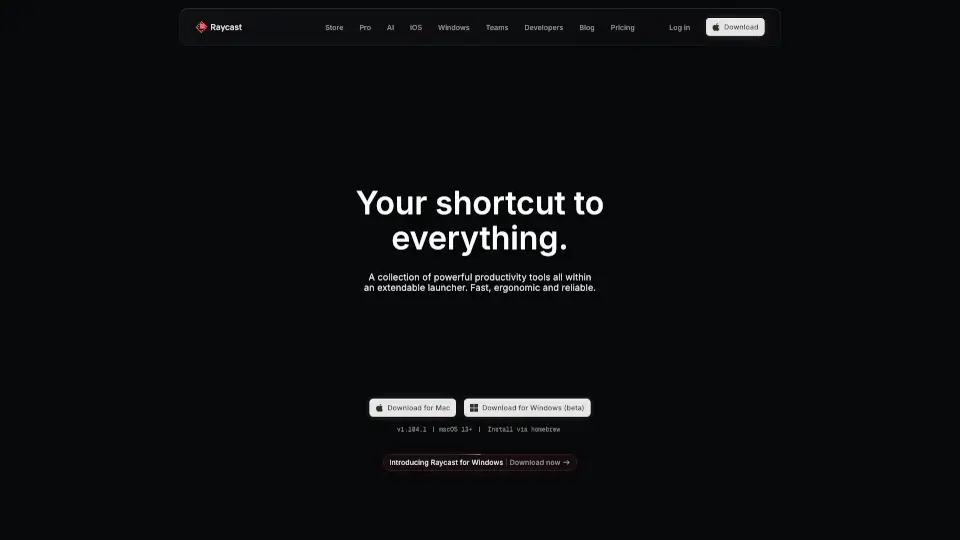
Raycast is your ultimate shortcut to productivity, offering a collection of powerful tools within an extendable launcher. Designed to be fast, ergonomic, and reliable, it’s the perfect companion for anyone looking to streamline their workflow on macOS.
What are the features of Raycast?
- Fast Performance: Think in milliseconds with lightning-fast responses.
- Keyboard-First Design: Ergonomic and efficient, designed for keyboard enthusiasts.
- Native Integration: Pure performance with seamless macOS integration.
- Reliable Operation: Boasts a 99.8% crash-free rate for uninterrupted use.
- AI Extensions: Enhance your Mac with AI-powered tools for smarter workflows.
What are the use cases of Raycast?
- Productivity: Manage tasks, set timers, and control apps like Spotify and Slack without leaving your keyboard.
- Design & Development: Use extensions for tools like Linear, JIRA, and Notion to stay productive.
- Automation: Create custom AI commands to automate repetitive tasks and save time.
- Quick Access: Search files, manage windows, and translate languages instantly.
How to use Raycast?
- Download & Install: Get Raycast for Mac or join the Windows waitlist.
- Explore Extensions: Browse the store for thousands of extensions to customize your experience.
- Create Snippets: Save time by creating snippets for frequently used text.
- Use Quicklinks: Launch anything from anywhere with quicklinks.
- Assign Hotkeys: Speed up your workflow by assigning hotkeys to common commands.