
What is Powder?
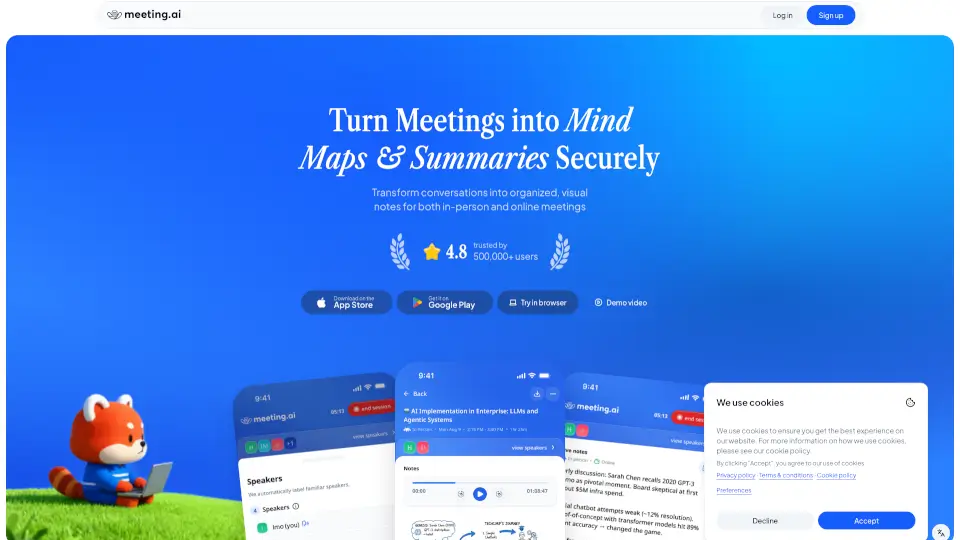
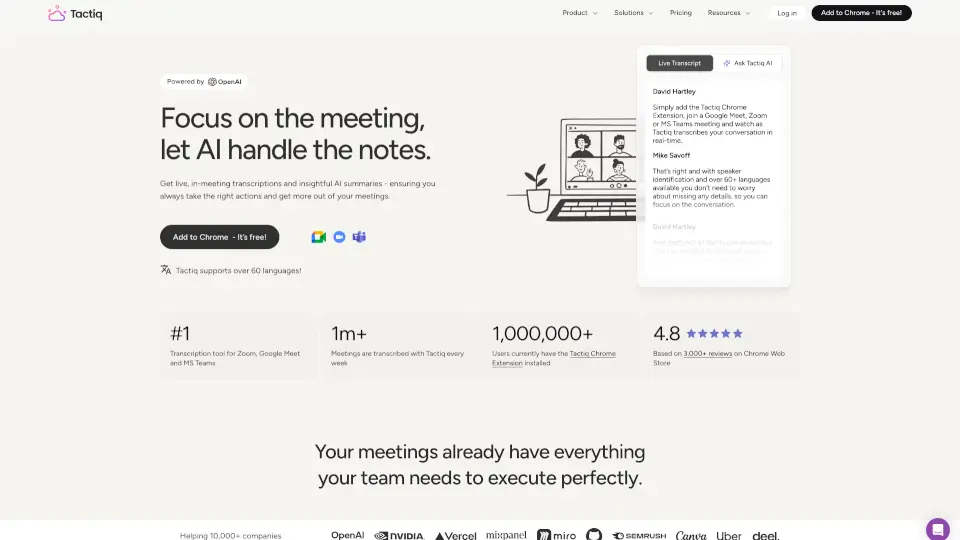
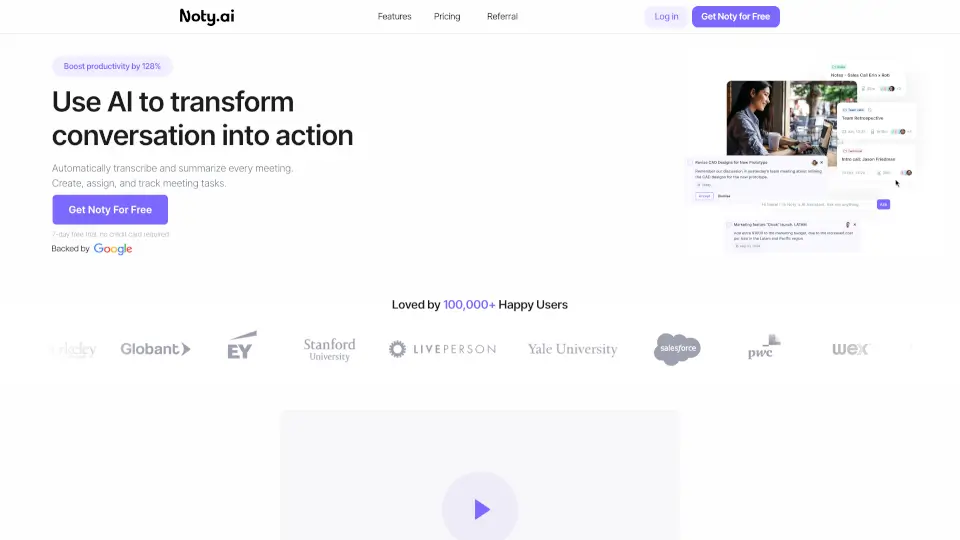
Powder is a smart meeting assistant designed to help teams capture, transcribe, and share meeting notes effortlessly. Whether you're in a Zoom call, Google Meet, or an in-person brainstorming session, Powder listens in real time and turns conversations into clear, actionable summaries—so you can focus on the discussion, not note-taking.
Built for remote teams, students, and professionals who value their time, Powder eliminates the stress of missing key points or spending hours cleaning up messy notes. With AI-powered organization and seamless sharing options, it transforms how you collaborate, follow up, and stay aligned after every meeting.
What are the features of Powder?
- Real-Time Transcription: Accurately captures spoken words during live meetings across Zoom, Google Meet, and more.
- AI-Powered Summaries: Automatically generates concise, readable meeting summaries with action items and decisions highlighted.
- One-Click Sharing: Instantly share polished notes via link, email, or export to Google Docs, Notion, or Slack.
- Speaker Identification: Clearly labels who said what, making it easy to track responsibilities and feedback.
- Searchable Archive: All past meetings are stored and searchable by keyword, topic, or participant.
- Cross-Platform Sync: Works seamlessly across desktop and mobile, so your notes are always accessible.
What are the use cases of Powder?
- Remote teams running weekly stand-ups without assigning a dedicated note-taker
- Students recording study group sessions to review key concepts later
- Freelancers documenting client calls for accurate project scope and next steps
- Sales reps capturing discovery calls to share insights with internal stakeholders
- Project managers tracking decisions and action items across multi-department meetings
- Educators summarizing parent-teacher conferences for follow-up records
How to use Powder?
- Install the Powder browser extension or app and connect it to your calendar or video conferencing tool.
- Start your meeting as usual—Powder joins automatically (with your permission) and begins recording.
- After the call ends, review the AI-generated summary, edit if needed, and click “Share” to send it to your team.
- Use the search bar in your Powder dashboard to find past meetings by topic, date, or participant.
- Customize notification settings to get alerts when new summaries are ready.
- Export notes to Google Docs with one click for official documentation or collaboration.