
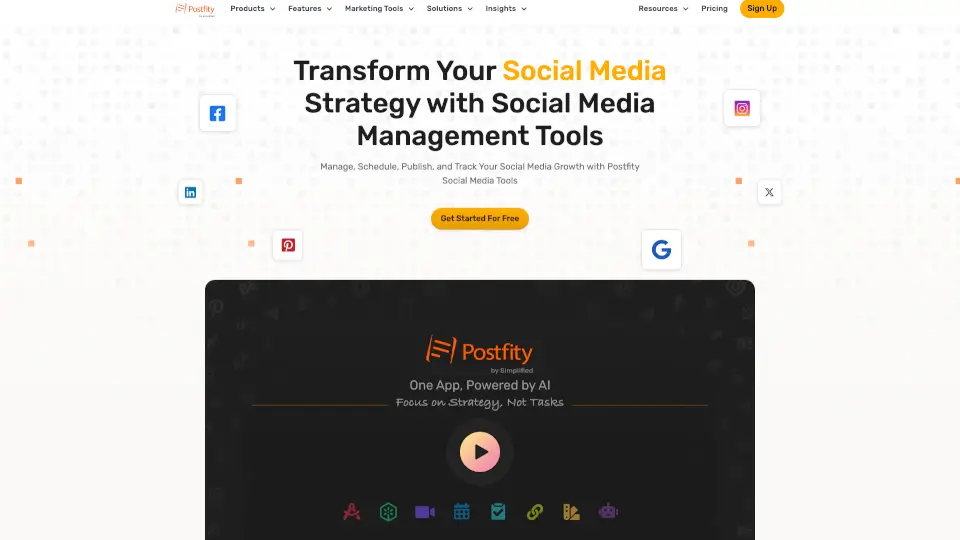
What is Postfity?
Postfity is a social media scheduling and management tool that helps you plan, schedule, and publish content across multiple platforms from one dashboard. It’s designed for small business owners, marketers, and freelancers who want to save time and stay consistent on social media without logging into each network separately. Think of it as your personal social media assistant that keeps your posts organized and on schedule.
What are the features of Postfity?
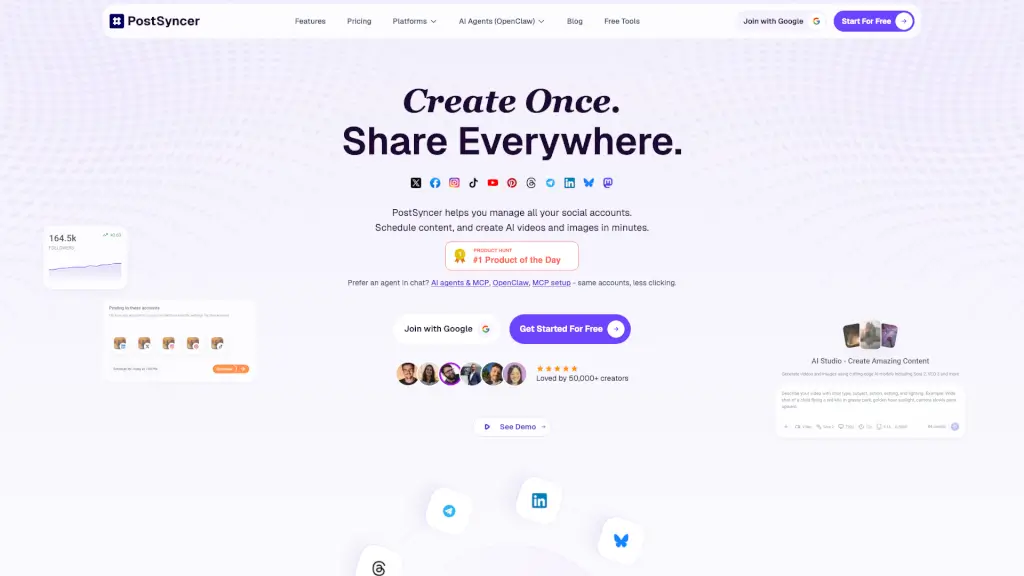
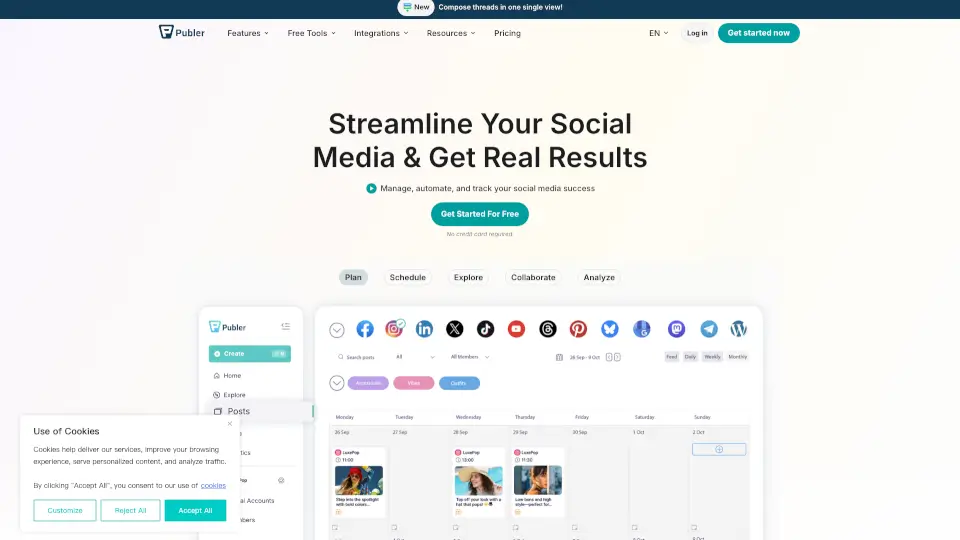
- Multi-Platform Scheduling: Schedule posts to Facebook, Twitter, LinkedIn, Instagram, Pinterest, and more from a single calendar view.
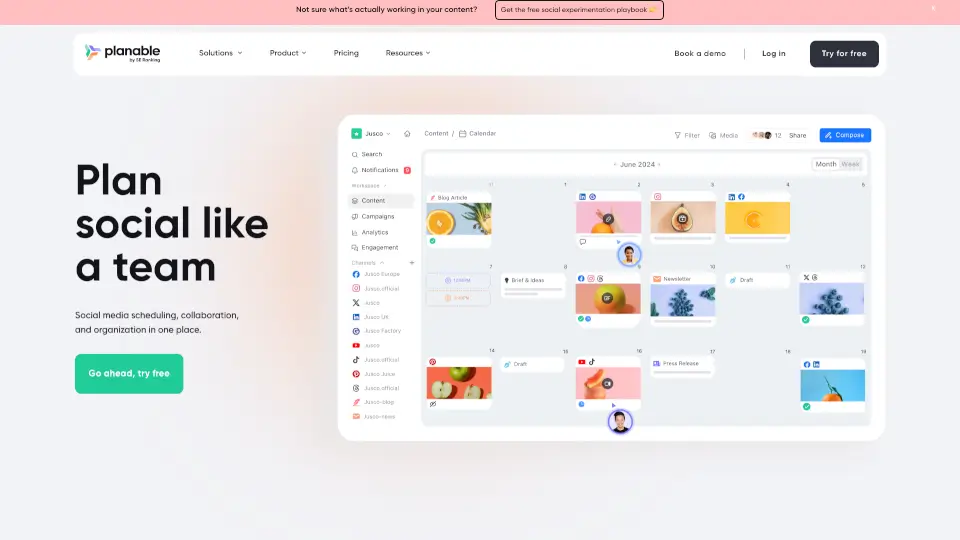
- Drag-and-Drop Calendar: Visually plan your content by dragging posts onto specific dates and times.
- Content Library: Save and reuse your best-performing posts, images, and templates for quick scheduling.
- Auto-Queue: Turn on the queue feature to automatically fill empty slots in your schedule with pre-approved content.
- Analytics (Basic): Track engagement metrics like likes, comments, and shares to see what’s working.
- Team Collaboration: Invite team members to review, approve, or edit scheduled posts before they go live.
What are the use cases of Postfity?
- Scheduling a month’s worth of social posts in one sitting – perfect for busy business owners who want to batch their content.
- Maintaining a consistent posting schedule – use the auto-queue to never miss a day, even when life gets hectic.
- Coordinating a product launch campaign – schedule teasers, launch day announcements, and follow-ups across all platforms ahead of time.
- Managing multiple brand accounts – handle content for different clients or business pages from a single login.
How to use Postfity?
- Sign up for a free trial or paid plan at Postfity.com (once the site is accessible).
- Connect your social media accounts (Facebook, Twitter, LinkedIn, etc.) via the dashboard.
- Create a new post by adding text, images, or links, then choose the platforms and schedule date/time.
- Use the drag-and-drop calendar to rearrange posts or fill empty slots with the auto-queue feature.
- Review and approve any pending team posts before they go live.