
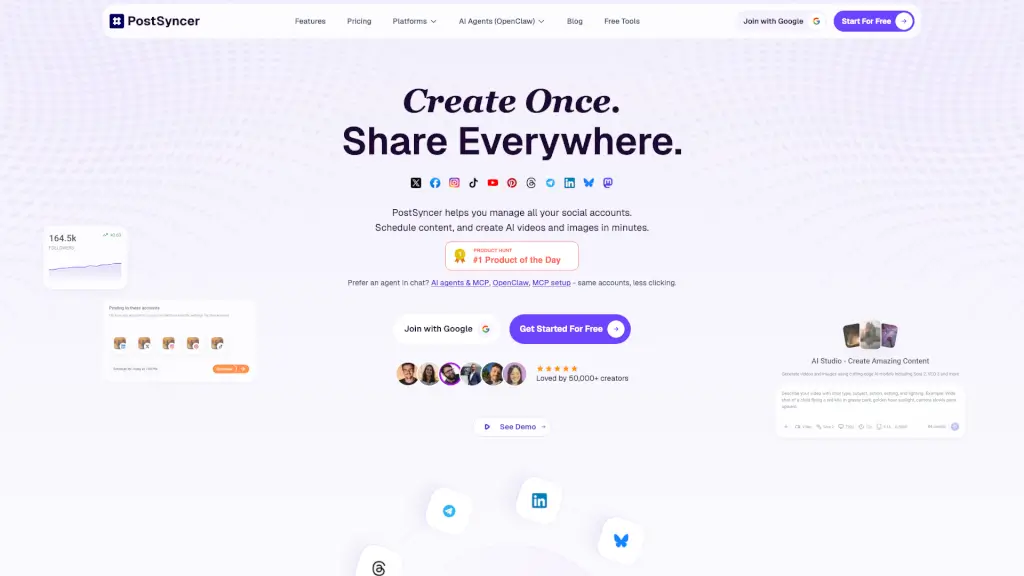
What is PostSyncer?
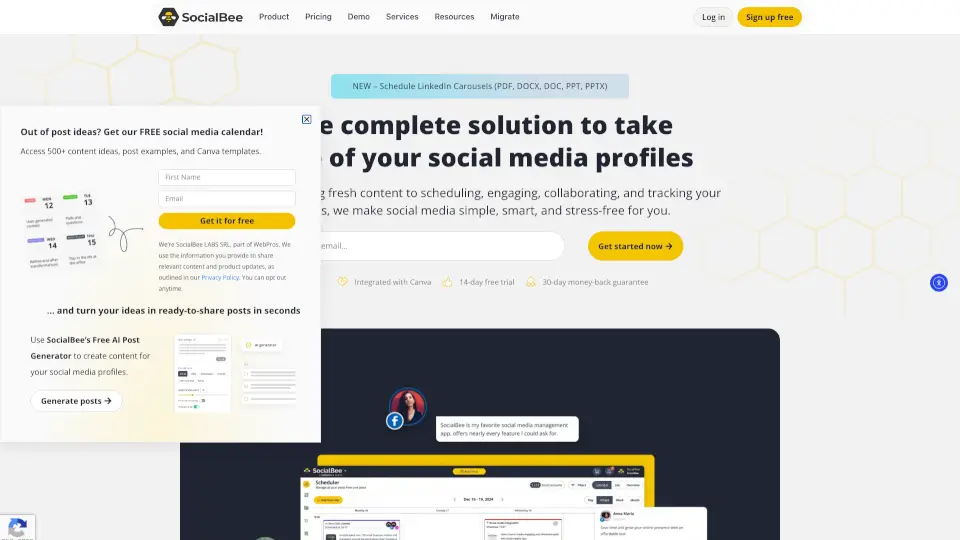
PostSyncer is an all-in-one social media scheduler that helps creators, freelancers, and teams manage every major platform—from Instagram and TikTok to LinkedIn, Threads, Bluesky, and more—from a single calendar. Instead of juggling multiple apps, you can plan, create, and publish content everywhere with one click, saving hours each week while staying consistent.
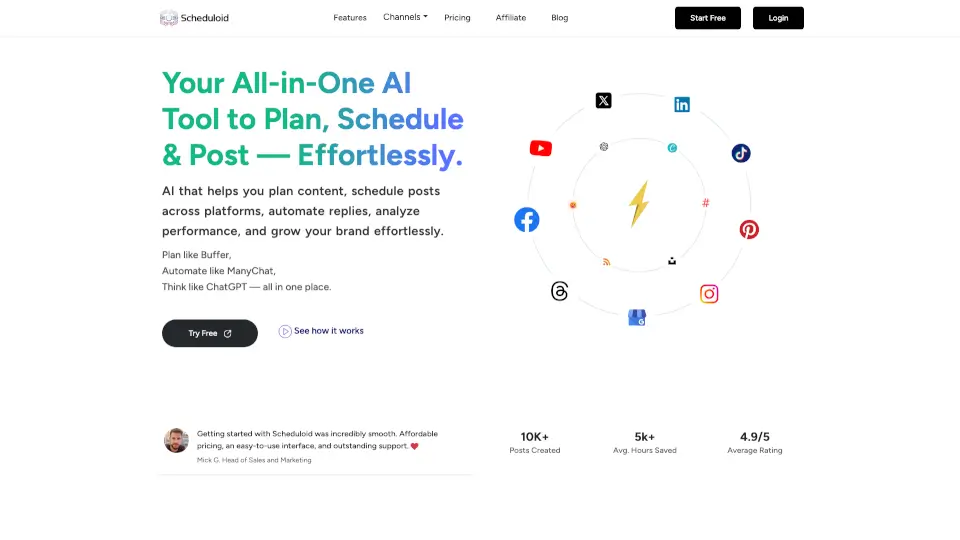
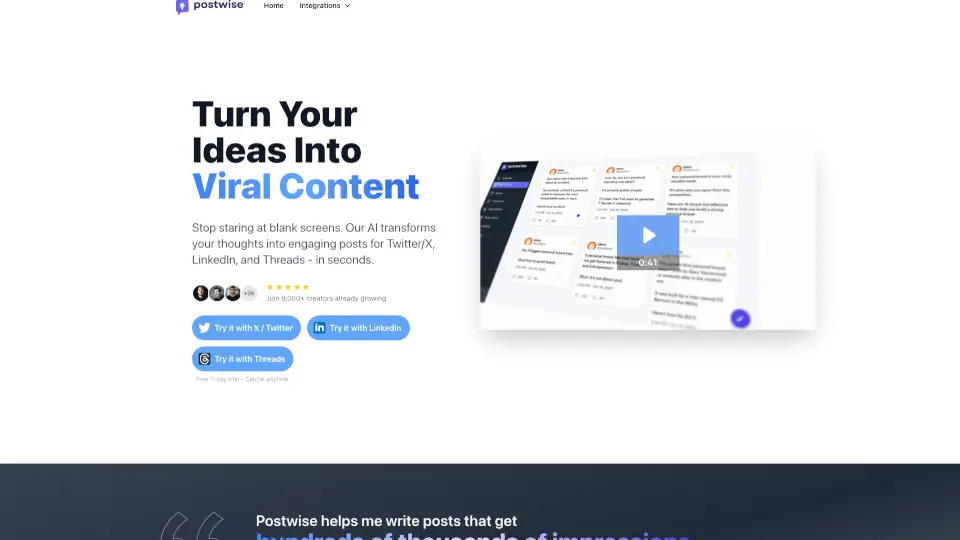
What sets PostSyncer apart is its powerful blend of AI-powered content creation and seamless automation. It doesn’t just schedule posts—it generates AI videos, images, captions, and even turns blog posts into social content. Plus, with MCP (Model Context Protocol) support, you can connect AI assistants like Claude, Cursor, or OpenClaw directly to your workflow, letting smart agents help draft, edit, or analyze your content in real time.
What are the features of PostSyncer?
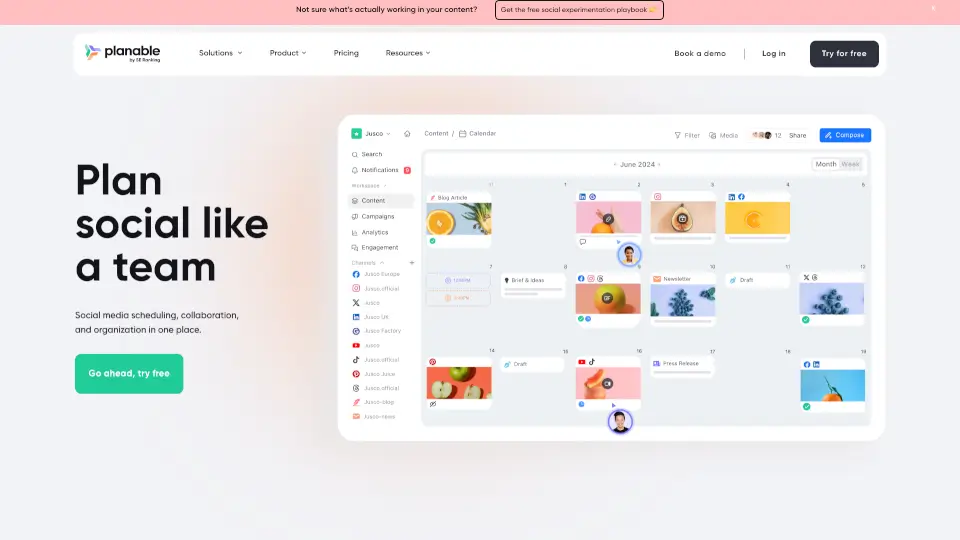
- Unified Social Calendar: Schedule posts across 10+ platforms—including X, Instagram, TikTok, YouTube, LinkedIn, Pinterest, Telegram, Threads, Bluesky, and Mastodon—in one visual drag-and-drop calendar.
- AI Content Studio: Generate scroll-stopping AI videos, images, captions, and hooks using advanced models like Veo 3 and Sora 2—all optimized for each platform’s best practices.
- MCP Integration: Connect Claude, Cursor, or OpenClaw via MCP to bring AI agents into your content loop for research, rewriting, or auto-replies—no extra setup needed.
- Team Collaboration Tools: Invite unlimited team members, assign roles, use approval workflows, and manage multiple brands with separate workspaces (even on the Starter plan).
- Built-in Analytics & CRM: Track performance across all networks in real time, manage comments in one inbox, and store audience contacts with integrated CRM tools.
What are the use cases of PostSyncer?
- A solo creator uses PostSyncer to turn one blog post into 10 platform-specific social posts—complete with AI-generated carousels and Reels—scheduled over two weeks.
- An agency manages five client brands using separate workspaces, with team members drafting content and clients approving posts before auto-publishing.
- A startup founder connects Claude via MCP to automatically generate weekly thread ideas from their product updates, then schedules them across X, Threads, and LinkedIn.
- A YouTuber repurposes long-form videos into TikTok clips, Instagram Reels, and Pinterest pins using the AI Video Creator, all scheduled with custom thumbnails.
- A community manager moderates comments from 8 platforms in one dashboard, using AI-powered auto-replies for FAQs while tracking engagement trends.
How to use PostSyncer?
- Connect your accounts: Click “Join with Google” and link all your social profiles in minutes using secure OAuth.
- Create content once: Use the AI Studio to generate a post from a URL, PDF, or idea—or upload your own media—and select all platforms you want to share it on.
- Schedule smartly: Drag posts onto the visual calendar, set optimal times, or use the Post Queue for evergreen content that auto-publishes consistently.
- Bring in AI agents: Go to settings, enable MCP, and connect your preferred assistant (like Claude Desktop) using the provided Bearer token—docs at docs.postsyncer.com/mcp.
- Analyze and adapt: Check your unified analytics dashboard weekly to see what’s working, then double down on high-performing formats or topics.