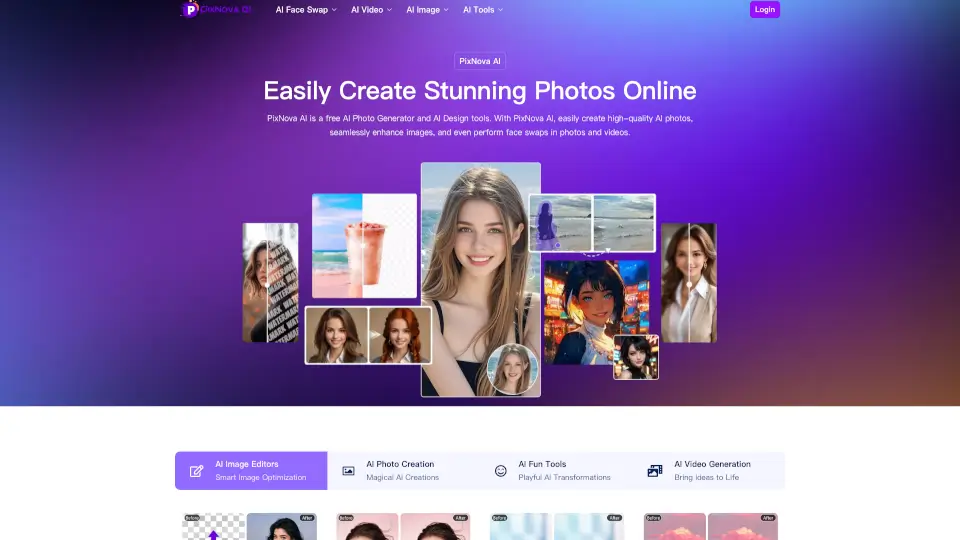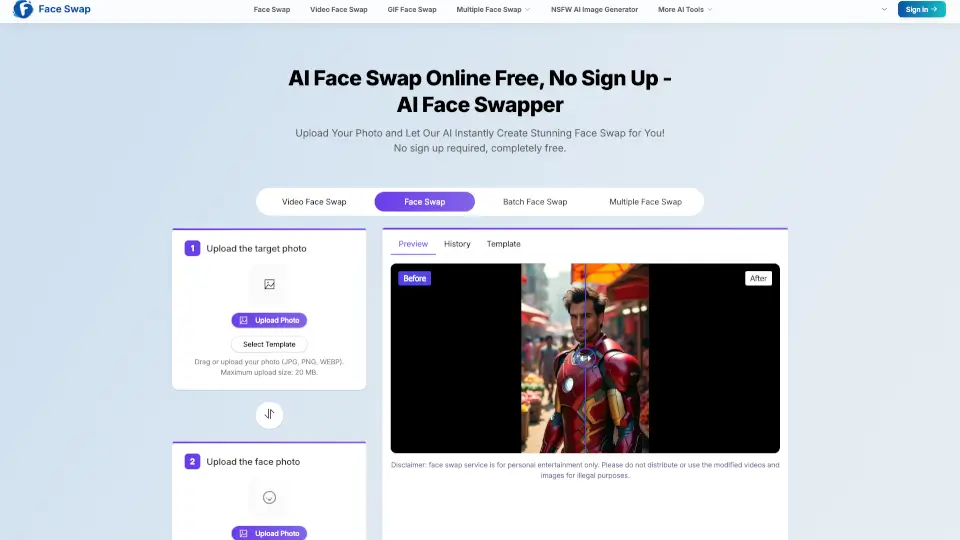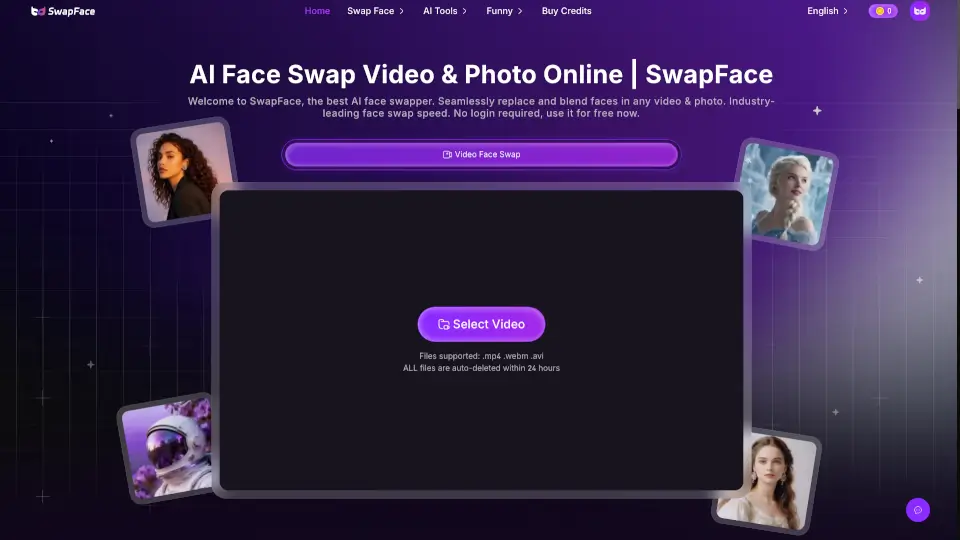

What is PixNova Face Swap?
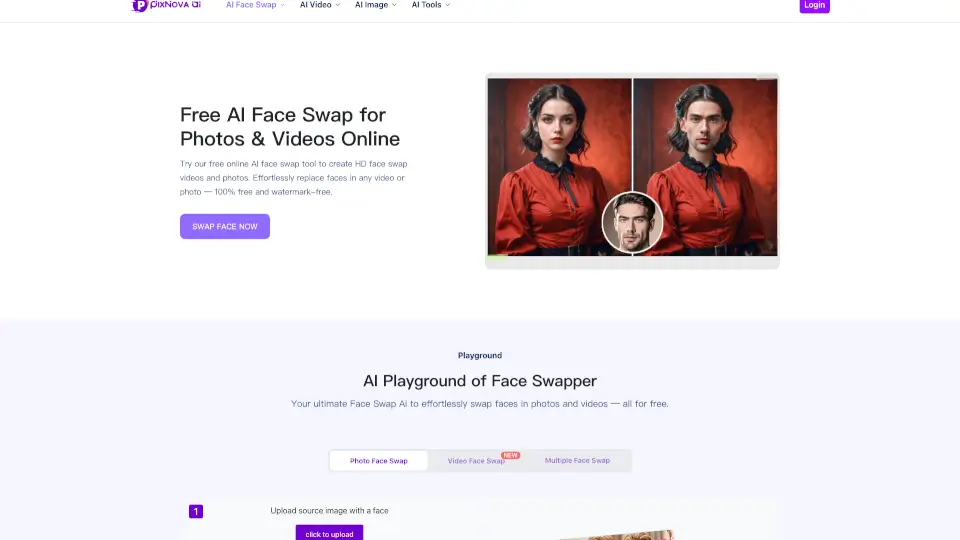
PixNova AI Face Swap is an online AI tool for replacing faces in photos, videos, and GIFs without requiring a sign-up. It targets content creators, casual users, and educators who want quick, realistic face swaps. The tool supports HD output, multiple face swap (up to 5 faces), and batch processing. Users upload a source image or video and a target face image, then the AI processes the swap in seconds. No software installation is needed, and results are watermark-free for daily free credits.
What are the features of PixNova Face Swap?
- Photo Face Swap: Upload any photo (JPG, PNG, WEBP) and a target face image; the AI swaps faces in 3–5 seconds with HD quality.
- Video Face Swap: Replace faces in videos up to 10 seconds long (M4V, MP4, MOV, WEBM) while preserving original video quality.
- GIF Face Swap: Swap faces in animated GIFs and WebP files for fun, shareable content.
- Multiple Face Swap: Supports swapping up to 5 distinct faces in a single photo or video, ideal for group shots.
- Batch Face Swap: Process multiple images in one go, saving time for bulk editing tasks.
- Pre-made Templates: Choose from curated templates (Christmas, superhero, business, sports, etc.) as source faces for quick swaps.
What are the use cases of PixNova Face Swap?
- Content creators swapping their face into viral memes or movie scenes to boost engagement on social media.
- Educators making funny emoticons or class photos by swapping faces with colleagues or students.
- Home users trying on different hairstyles, outfits, or gender expressions by swapping faces with model photos.
- Social media influencers blending their face into trending video templates without editing skills.
- Marketers creating personalized campaign images by swapping team faces into professional headshot templates.
How to use PixNova Face Swap?
- Upload the original photo or video (source) where you want the face replaced.
- Upload the target face image (JPG, PNG, WEBP) that will be swapped in.
- Click "Start face swapping" and wait for the AI to process the result.
- Review the output and download or share directly. Files are auto-deleted after 1 day or you can remove manually.