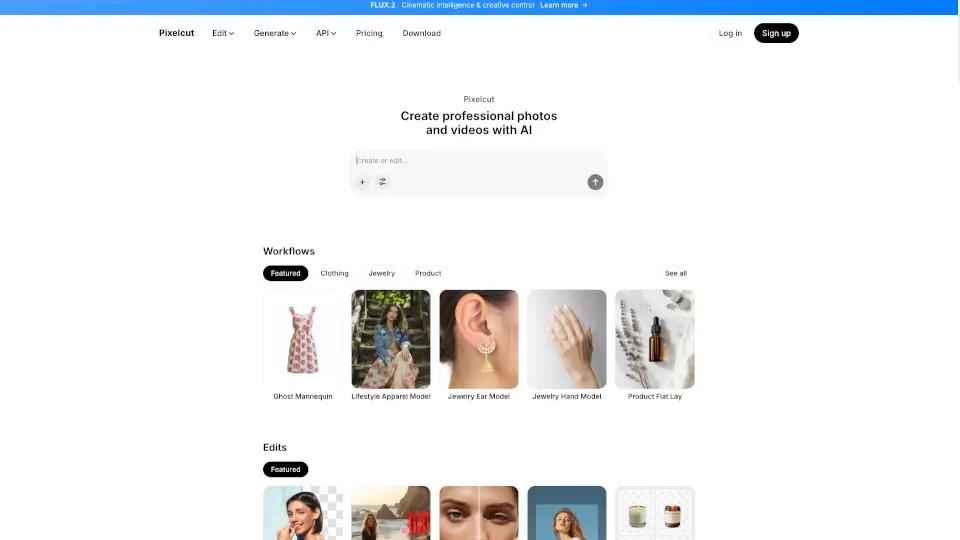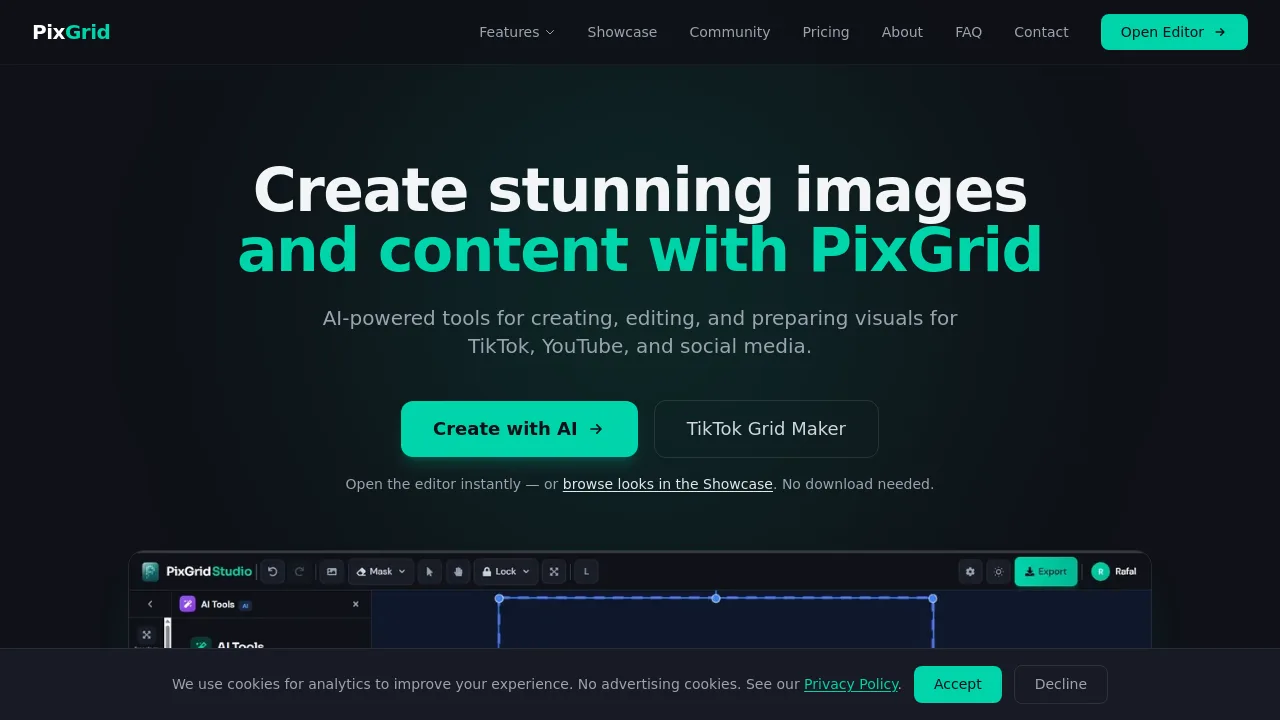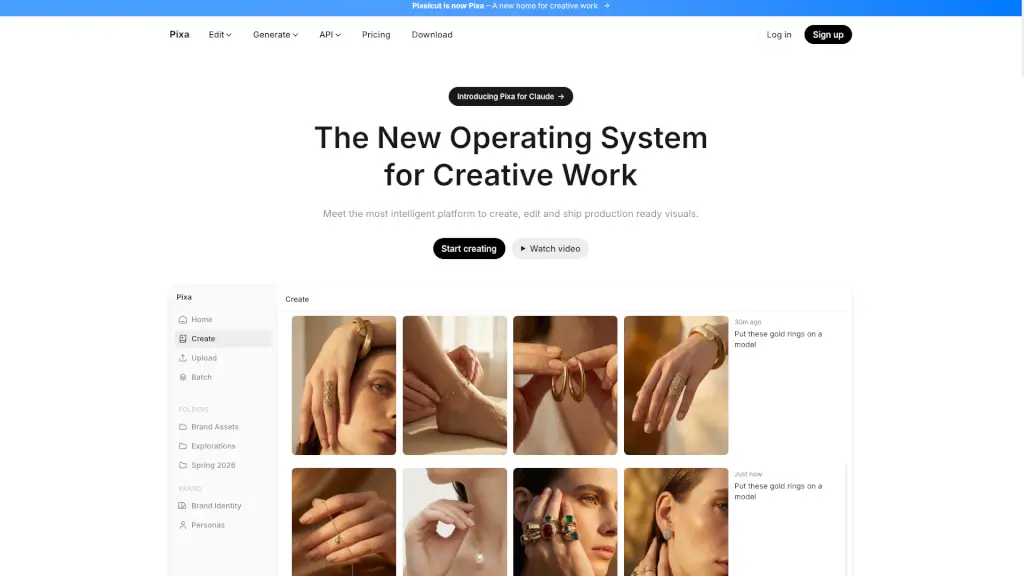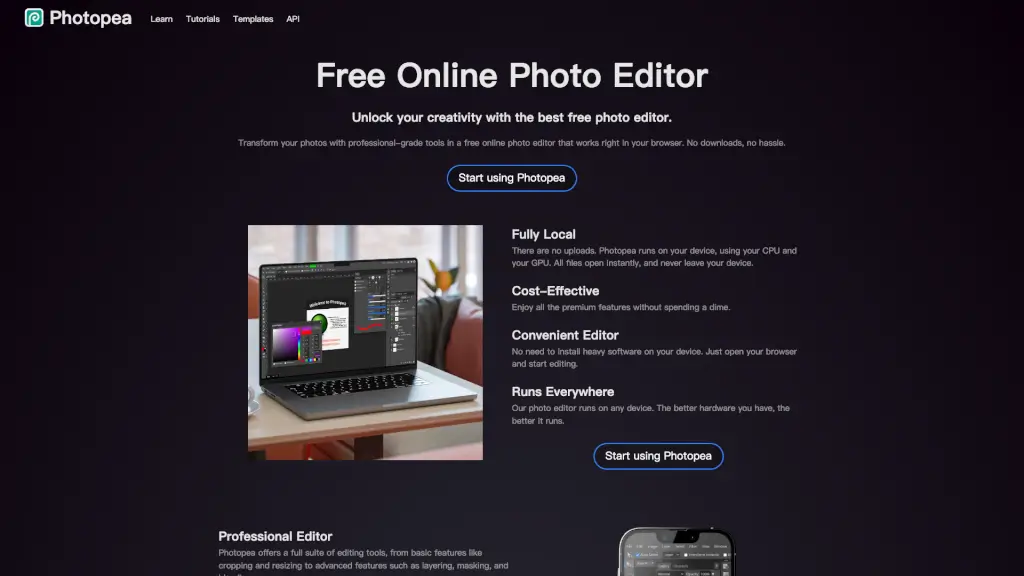

What is Pixelied?
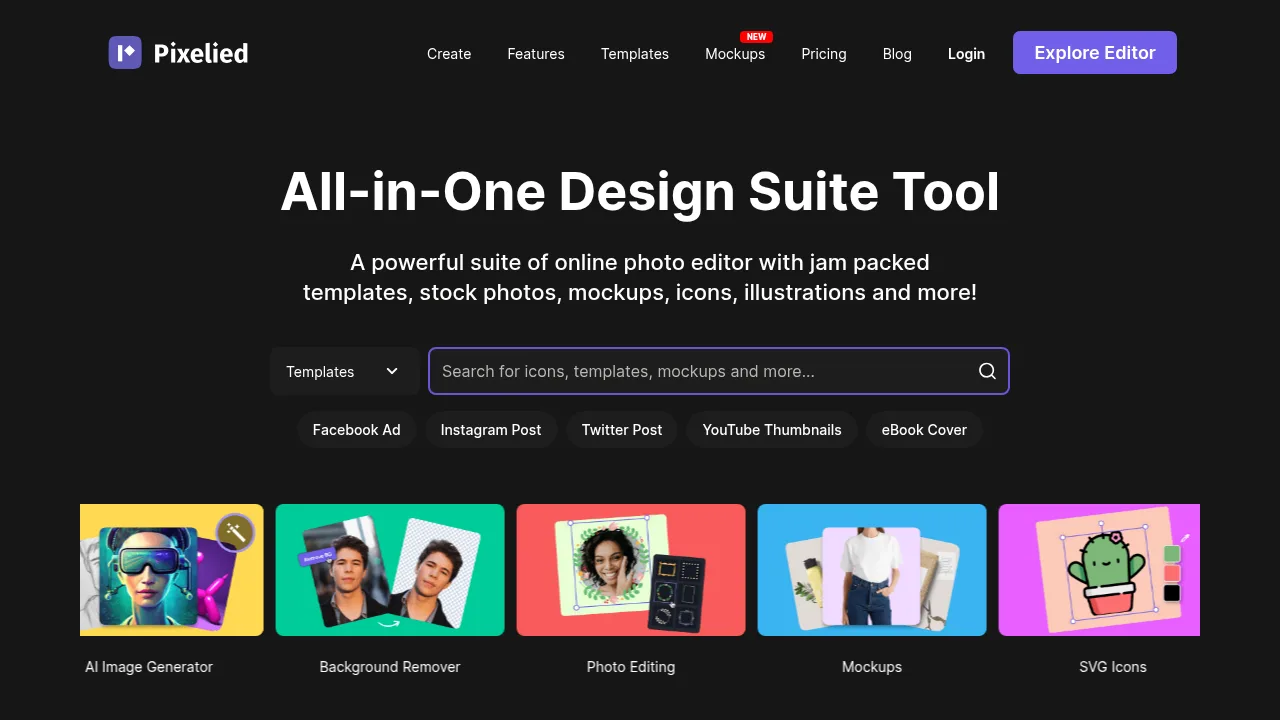
Pixelied is a web-based graphic design suite for creating social media graphics, banners, and other visual content. It provides templates, stock photos, icons, illustrations, and editing tools for users without design experience. Account creation is required to use the platform.
What are the features of Pixelied?
- Template libraryProvides ready-made designs for formats including Facebook posts, YouTube thumbnails, Instagram stories, eBook covers, and blog featured images.
- Background removalRemoves image backgrounds in a single click to produce transparent images for products or graphics.
- Photo editing toolsAdjusts brightness, contrast, saturation, and hue; applies filters like sepia or grayscale; and supports cropping, flipping, rotating, resizing, merging, and watermarking.
- Asset librariesIncludes over 4 million royalty-free stock photos, thousands of SVG icons, and over 700 hand-drawn illustrations with editable colors.
- WorkspacesOrganizes projects by brand or team, storing specific colors, files, and settings while allowing invitations for collaborators.
- Vector editingAccepts uploaded vector files from programs like Photoshop and Illustrator for color, style, and background modifications within the editor.
What are the use cases of Pixelied?
- Creating multi-channel social media campaigns by resizing a single design to preset dimensions for platforms like Instagram, Twitter, and LinkedIn.
- Producing product mockups for apps and websites using built-in templates.
- Designing podcast cover art, Kindle covers, or Wattpad covers from pre-formatted templates.
Pixelied Pricing Information:
- Free account: Instant registration required; includes access to the online editor, templates, and photo editing tools. Specific feature limits or paid plan prices are not detailed in the source.