What is Pikto AI Studio?
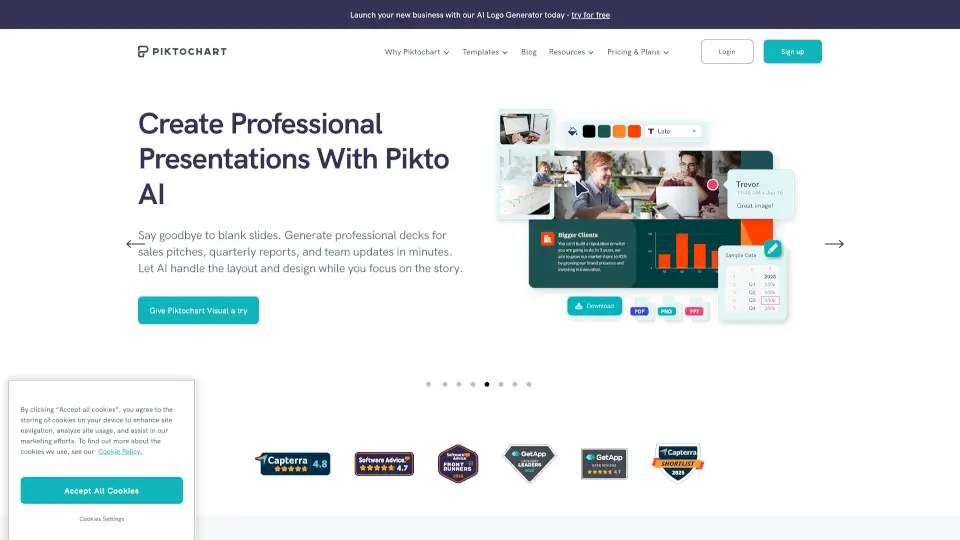
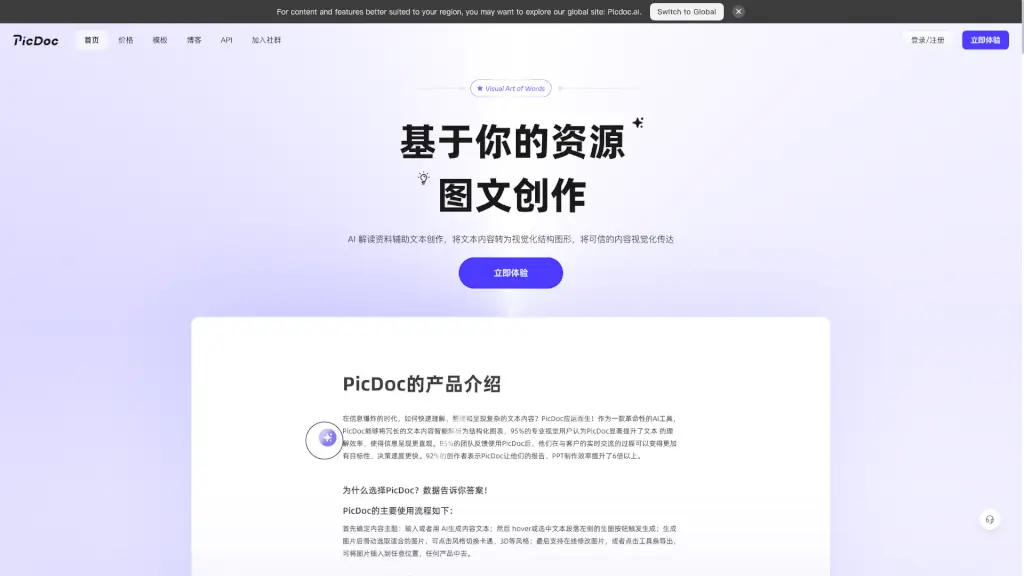
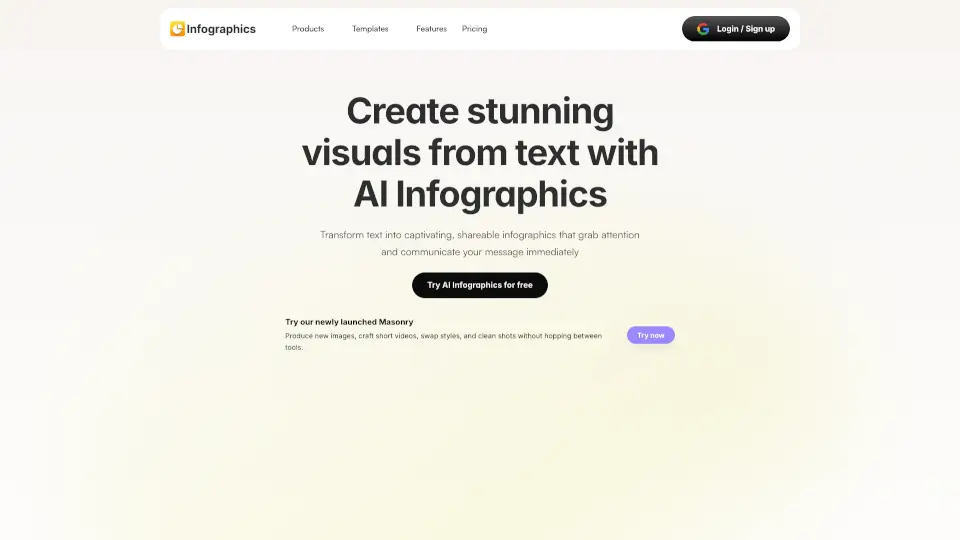
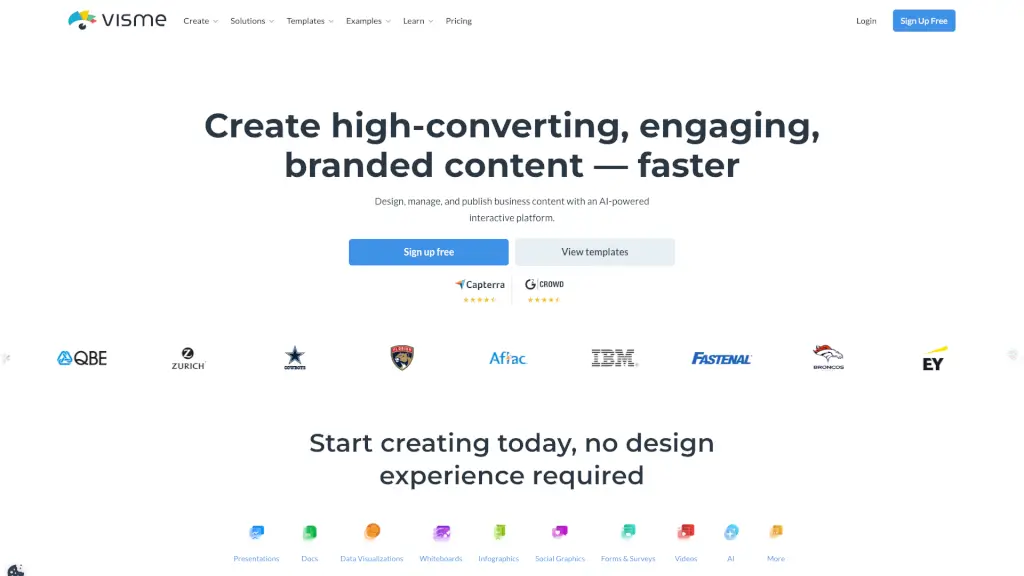
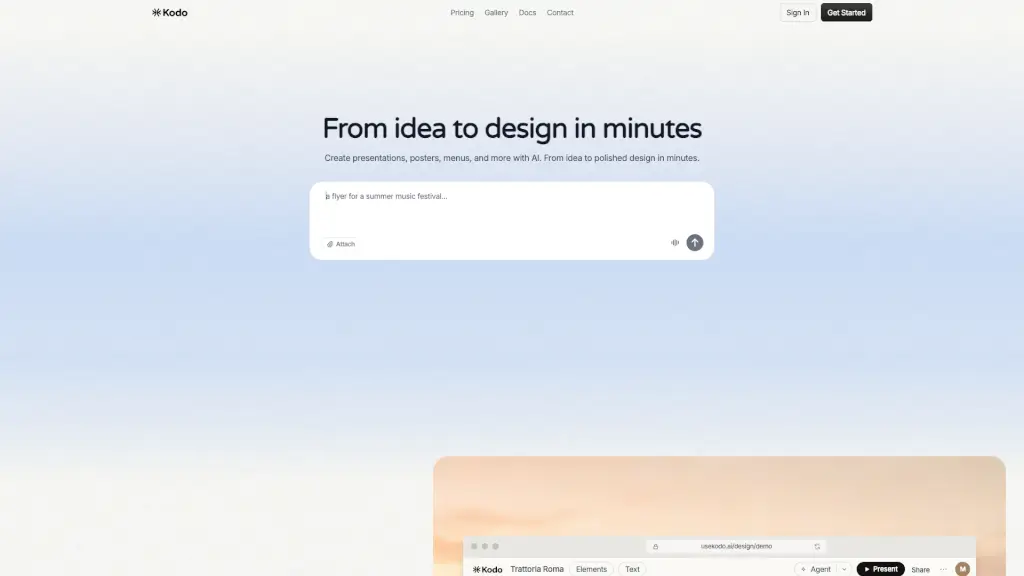
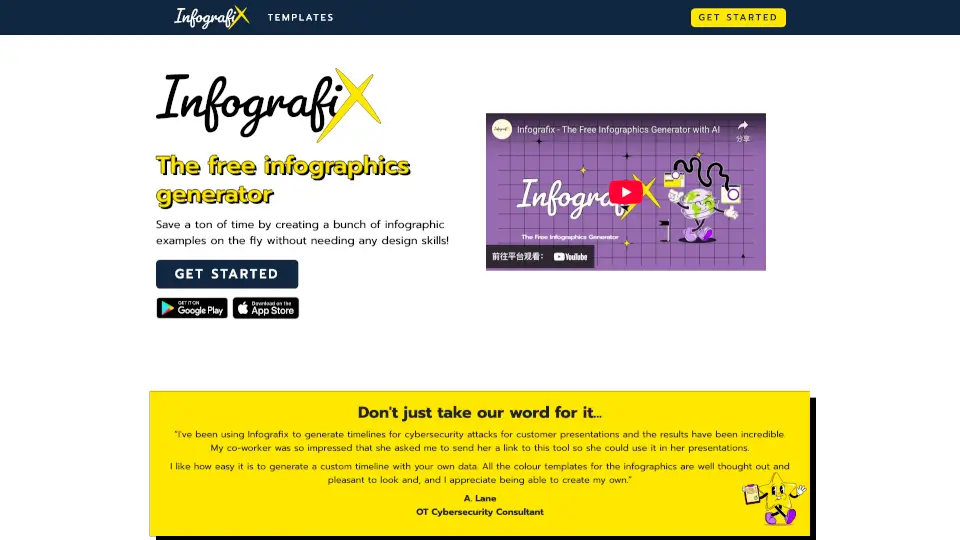
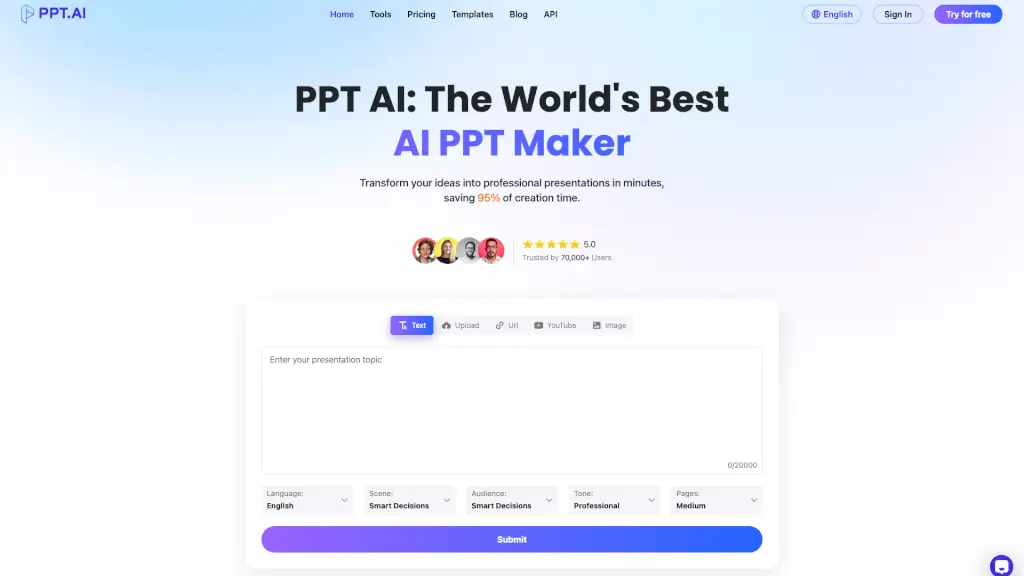
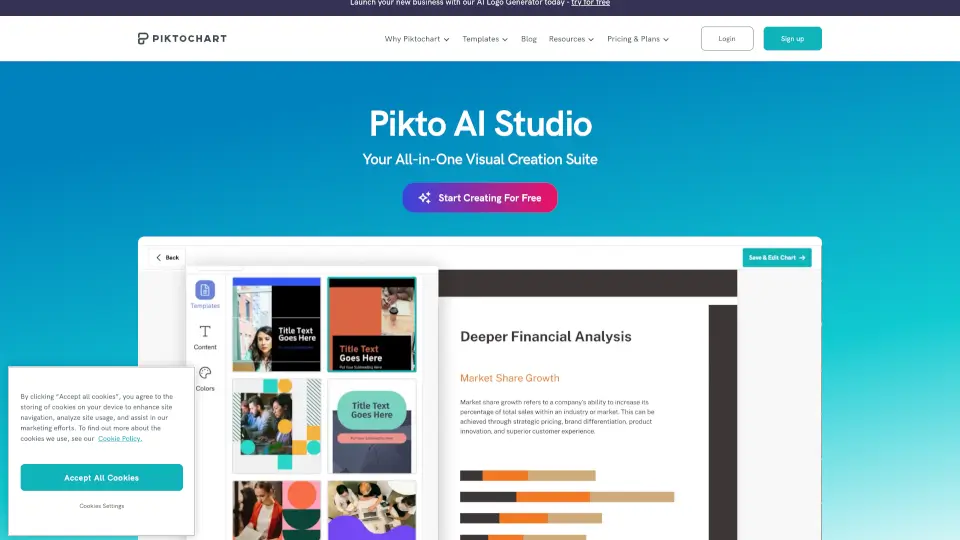
Pikto AI Studio is an all-in-one AI design suite made for non-designers. It helps you create stunning visuals fast, all on one platform. Whether you need infographics, social media posts, presentations, or videos, Pikto AI Studio handles the entire design process—from idea to final product—without needing any design skills.
What are the features of Pikto AI Studio?
- AI Image Generator: Turn simple text prompts into eye-catching visuals in under 10 seconds.
- AI Image Modifier: Edit images easily by removing backgrounds, upscaling, or erasing unwanted objects.
- AI Outline & Preserve Content: Organize and automate your content for clearer messaging.
- Wide Template Library: Access 100+ professional templates for infographics, presentations, social media, and more.
- Full Creative Control: Customize colors, fonts, logos, and graphics to match your brand perfectly.
- Upcoming Features: AI Object Eraser, AI Image Resizer, and AI Video Generator to enhance your creative options.
What are the use cases of Pikto AI Studio?
- Marketing & Sales Teams: Quickly create pitch decks, campaign visuals, and client reports.
- Creatives & Designers: Use flexible templates and AI tools to bring ideas to life effortlessly.
- Students & Educators: Make study guides, classroom visuals, and academic reports with ease.
How to use Pikto AI Studio?
- Sign up for a free Piktochart account to get started.
- Type a descriptive prompt to generate your first AI visual.
- Customize your design using the full editor—add logos, change colors, and tweak fonts.
- Save, download, or share your finished visuals directly from the platform.