What is PicDoc?
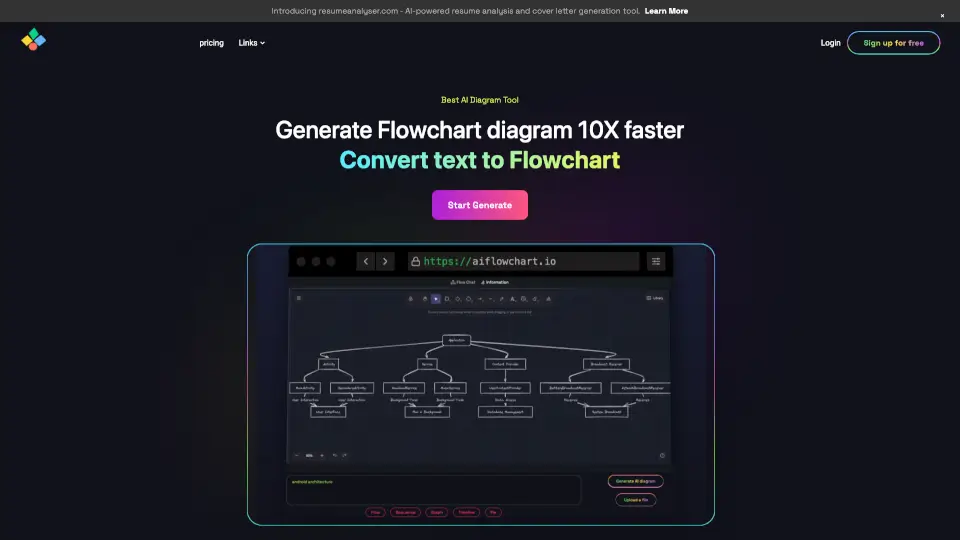
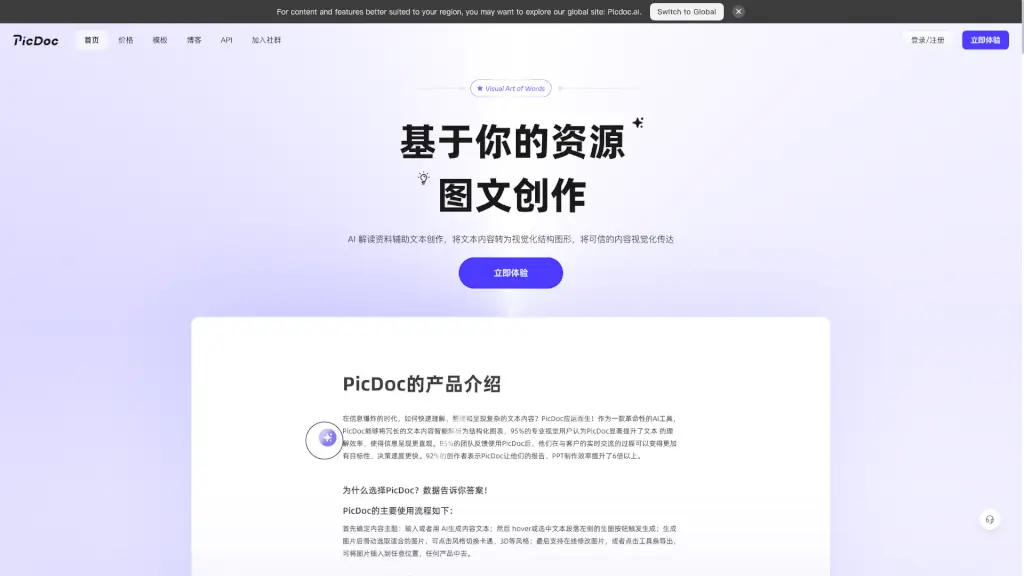
Tired of spending hours turning your ideas into professional visuals? PicDoc-AI is a smart, AI-powered tool that transforms plain text into stunning charts, infographics, flowcharts, and more—in just 1 second. Whether you're explaining blockchain, planning a project, or preparing a sales pitch, PicDoc turns complex concepts into clear, visual stories without needing design skills.
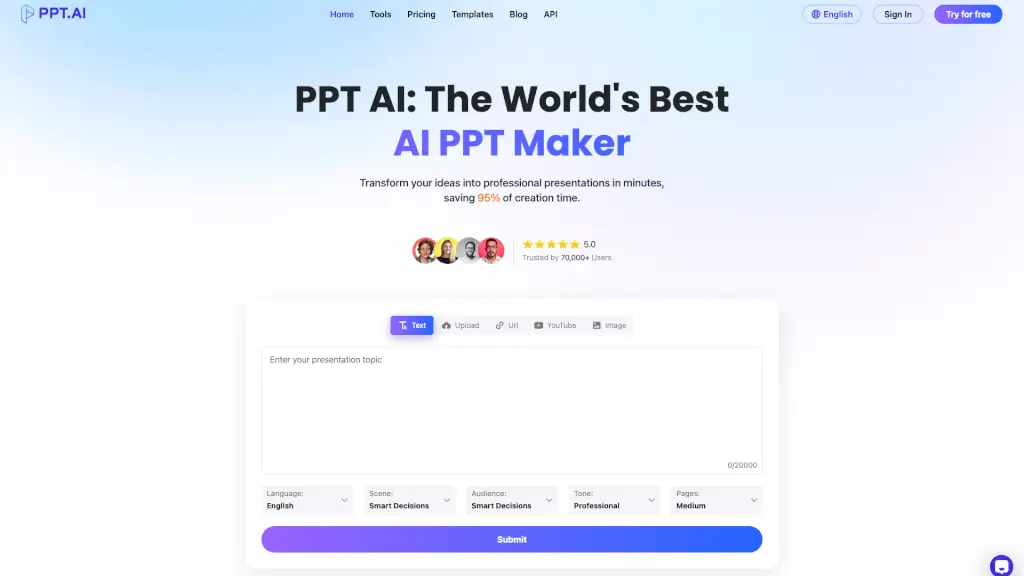
Built for content creators, marketers, developers, educators, and business professionals, PicDoc helps you communicate smarter and faster. Just type your key points—or upload documents—and let AI generate polished, ready-to-use visuals that fit seamlessly into PPTs, reports, blogs, or social posts.
What are the features of PicDoc?
- 1-Second Visual Generation: Instantly convert text into over 30+ visual formats like SWOT analysis, Gantt charts, mind maps, and funnel diagrams.
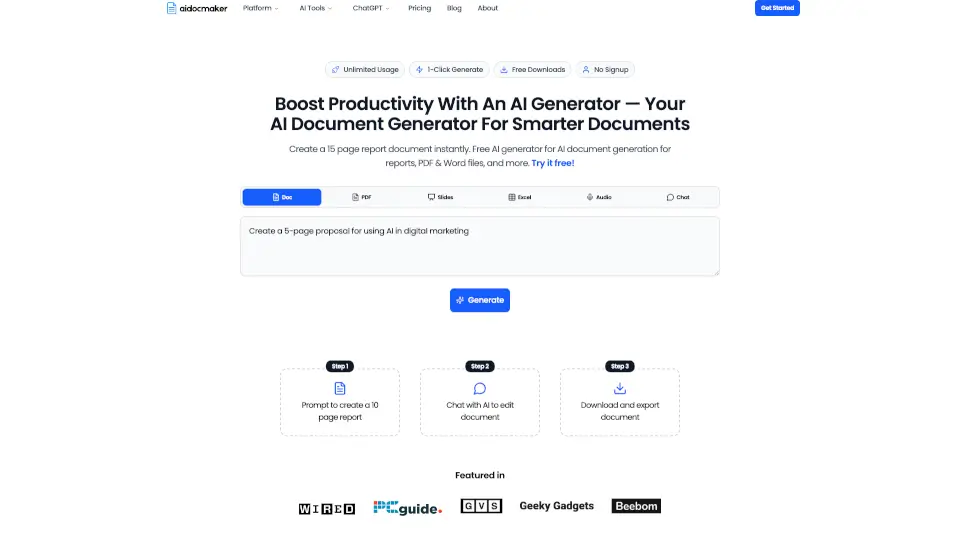
- Multi-Format Input Support: Upload and analyze content from PPT, PDF, Word, Excel, audio files, web pages, or images to auto-generate relevant visuals.
- AI-Powered Content Interpretation: Goes beyond simple conversion—AI deeply understands your context to create accurate, meaningful diagrams with smart layout and color choices.
- Commercial-Use License: All generated images come with full rights for commercial use, perfect for client work or business presentations.
- Cross-Platform Export: Easily export visuals as high-quality images or embed directly into PowerPoint, Word, or other tools.
- Multilingual Support: Create and share visuals in multiple languages—ideal for global teams and diverse audiences.
What are the use cases of PicDoc?
- A tech blogger turns a dense article about blockchain into an easy-to-understand flowchart for readers.
- A product manager updates client-facing PPTs in minutes after a feature change—no manual redrawing needed.
- A startup founder organizes scattered meeting notes into a structured strategic roadmap using AI-generated logic diagrams.
- A teacher creates engaging lesson visuals from lecture notes for classroom slides or student handouts.
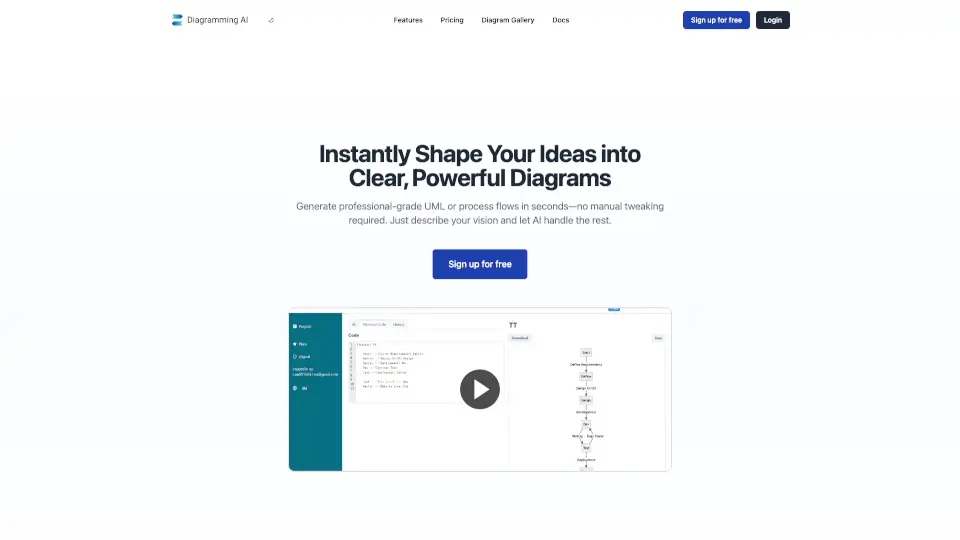
- A developer generates clean architecture or process diagrams for technical documentation without design tools.
- A marketing team brainstorms campaign ideas using AI-generated mood boards and concept maps from keyword prompts.
How to use PicDoc?
- Type or paste your core idea, bullet points, or paragraph into PicDoc’s editor.
- Select your desired visual format (e.g., timeline, pie chart, fishbone diagram) from the template library.
- Let PicDoc’s AI analyze and generate a polished visual in seconds.
- Tweak colors, labels, or layout if needed—then download or copy directly into your workflow.
- For advanced use, upload existing files (PDF, PPT, etc.) so AI can extract insights and auto-create supporting visuals.
- Save projects to build a personal knowledge library for future reuse and team sharing.