Photoroom logo

Photoroom

India14.48%

Photoroom is an AI-powered photo editor and listing studio that creates professional, marketplace-ready product visuals in minutes—no studio or design skills required.

Social Media:
Photoroom

Photoroom Product Information

What is Photoroom?

Photoroom is an AI-powered photo editor and listing studio built specifically for e-commerce sellers, social media creators, and small businesses who need professional product visuals—fast. Instead of hiring photographers or spending hours in complex editing software, you can generate studio-quality images in minutes, right from your phone or computer. Whether you’re listing on Amazon, Shopify, Instagram, or Etsy, Photoroom automates the tedious parts of product photography so you can focus on selling.

From removing backgrounds with pixel-perfect accuracy (even on tricky transparent items like glass bottles) to generating realistic AI scenes and virtual models, Photoroom turns ordinary photos into sales-ready visuals that build trust and reduce returns. Plus, it scales with your business—whether you’re uploading one product or 10,000.

What are the features of Photoroom?

  • AI Background Remover
    Instantly delete or replace backgrounds with one click—even handles hair, fur, and transparent objects better than most tools.
  • Product Staging & Virtual Models
    Place your product in realistic AI-generated scenes or on diverse virtual models without a photoshoot.
  • Batch Editing & Catalog Scaling
    Edit hundreds or thousands of product images at once with consistent branding and formatting.
  • Brand Kit
    Save your logo, colors, and templates to ensure every visual stays on-brand across teams and channels.
  • AI Product Beautifier
    Transform casual snaps into polished, studio-grade product shots in seconds—no lighting or camera skills needed.
  • Multi-Platform Optimization
    Auto-resize and format images for Amazon, Shopify, Instagram, Facebook, and more with preset templates.
  • Product Video Generator
    Create short, engaging product videos from still photos—no video equipment required.

What are the use cases of Photoroom?

  • Launch new product listings on Amazon or Shopify in minutes instead of days
  • Create scroll-stopping social media ads for fashion, beauty, or home goods with consistent branding
  • Generate clean, white-background images required by major marketplaces to improve search visibility
  • Produce high-volume catalog imagery for dropshippers or resellers managing hundreds of SKUs
  • Make food delivery or restaurant menu photos look appetizing and professional using AI enhancement
  • Replace costly photo studios for small brands needing scalable, repeatable visual content

How to use Photoroom?

  • Upload a product photo from your phone or computer—natural lighting works fine!
  • Use the Background Remover to instantly isolate your product; choose white, transparent, or an AI-generated backdrop.
  • Apply your Brand Kit to add logos, colors, or text overlays for consistency.
  • Select a use-case template (e.g., “For Amazon” or “Instagram Ad”) to auto-resize and optimize.
  • Use Batch Mode to apply the same edits to dozens or hundreds of images at once.
  • Download or publish directly to Shopify, or share via link with your team for approval.
Do you like this tool?

Upvote to help others discover it!

Photoroom Alternatives

ProductAI

ProductAI

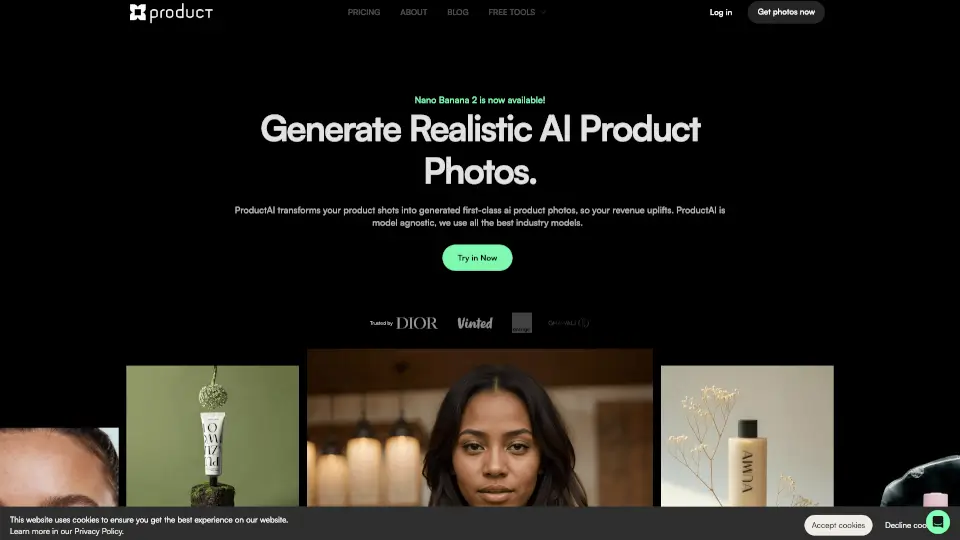
ProductAI is the ultimate AI photographer, offering professional product photos at a fraction of the cost, with unlimited reshots and 24/7 availability.

US
28.32%
23.0K
0
Fotographer.ai

Fotographer.ai

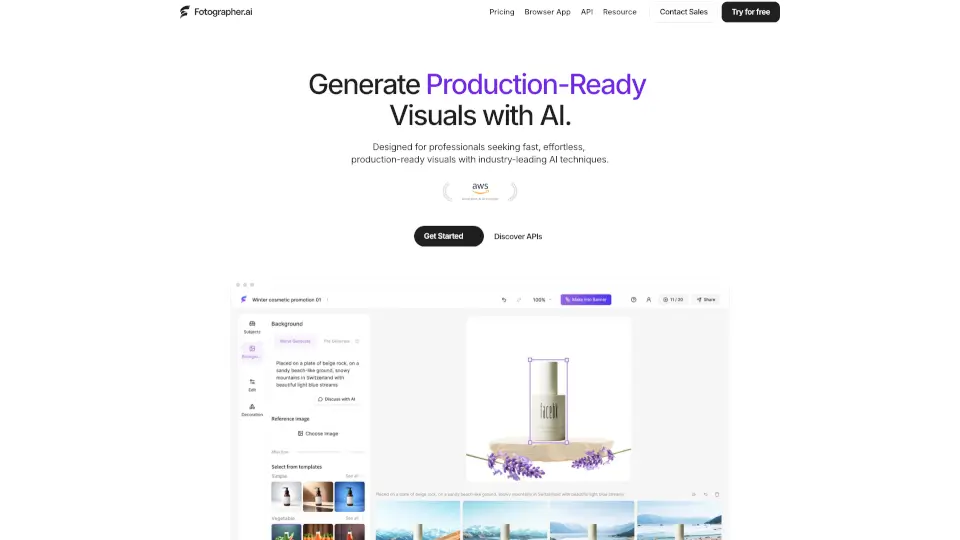
Create stunning product images effortlessly with Fotographer.ai.

US
32.90%
9.7K
0
iFoto

iFoto

iFoto AI Photo Studio is a free, all-in-one online editor that uses smart AI tools to enhance, transform, and optimize photos for e-commerce, social media, and personal use.

RU
11.32%
133.1K
0
Claid.ai

Claid.ai

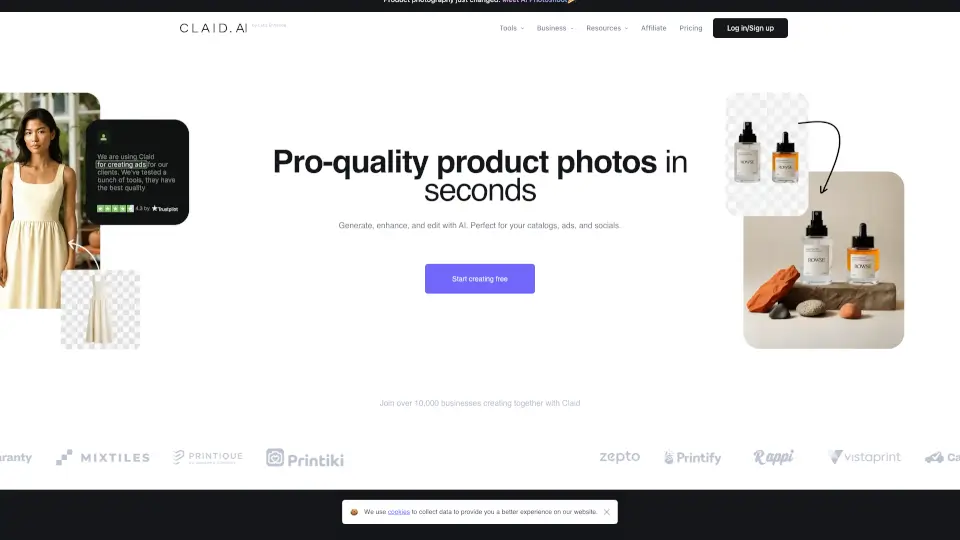
Claid uses specialized AI to transform basic product and fashion photos into realistic, 4K-ready visuals with lifelike models, scenes, and perfect cutouts.

IN
13.26%
228.5K
0
PixPretty

PixPretty

PixPretty Online is a powerful AI photo editor that makes background removal, image resizing, and photo editing quick and easy, perfect for both personal and professional use.

US
17.74%
72.5K
0
Cutout Pro

Cutout Pro

Cutout.Pro is an all-in-one AI photo and video editing platform that transforms images into professional-grade visual content with one-click automation.

IN
37.02%
7.6M
0
Pixa

Pixa

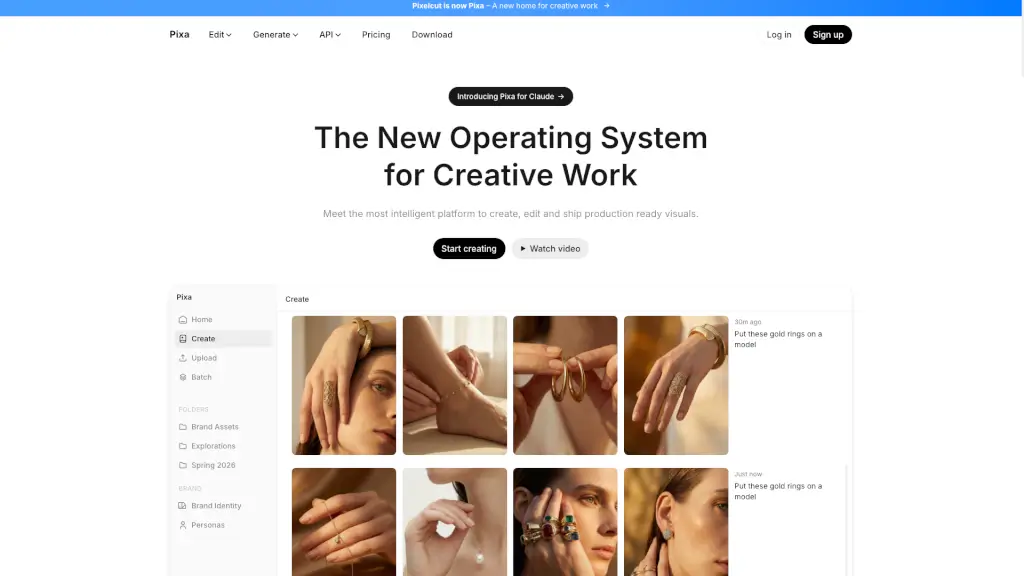
Pixa, the free AI photo editor, offers powerful and easy-to-use tools for creating, editing, and sharing high-quality visuals, making it perfect for small businesses and creatives alike.

US
61.71%
44.4K
0
SellerPic

SellerPic

SellerPic uses AI to turn basic product photos into sales-boosting visuals—models, videos, and more. Try it free and grow your e-commerce biz!

ID
9.47%
196.1K
0

Photoroom Related Other Categories

Photoroom Traffic Analysis

Website traffic estimates for photoroom.com. Visits are not unique users or product usage.

💡 Insights

🚀
Super High Traffic
Over 10M monthly visits. A market leader with extremely high user trust.
⚠️
Slight Decline
Traffic has slightly decreased recently.
👍
Good Experience
Bounce rate of 59%. Users are willing to explore features.
🌐
Global Reach
Balanced user distribution worldwide.
  • Monthly Visits

    18.74M

  • Bounce Rate

    58.74%

  • Pages Per Visit

    2.89

  • Visit Duration

    00:03:26

  • Global Rank

    3348

  • Country Rank

    2048

Visits Over Time

Traffic Sources

Search Organic42.79%
Direct40.98%
Social Organic7.65%
Referrals3.47%
Search Paid2.09%
Gen Ai1.36%
Display Ads0.94%
Mail0.64%
Social Paid0.05%
Affiliate0.03%

Top Keywords

1
photoroom
CPC$0.27
702.79KTraffic
2
remove background
CPC$0.31
304.88KTraffic
3
remove bg
CPC$0.31
289.27KTraffic
4
quitar fondo
CPC$0.21
287.47KTraffic
5
background remover
CPC$0.34
220.94KTraffic

Top Regions

RegionPercentage
India
India
14.48%
Russia
Russia
7.41%
Brazil
Brazil
6.57%
United States
United States
6.21%
Indonesia
Indonesia
5.76%
Low
High

Powered by SimilarWeb

Photoroom FAQ

Can Photoroom handle transparent or reflective products like glass or jewelry?

Yes! Photoroom’s AI background remover is trained to accurately detect edges on challenging items like glass bottles, metal, and clear packaging—something many generic tools struggle with.

Do I need design skills to use Photoroom?

Not at all. The interface is intuitive enough for beginners, and AI does most of the heavy lifting—like lighting correction, shadow creation, and background generation—so you get pro results without experience.

Can I edit multiple product images at once?

Absolutely. Photoroom’s Batch feature lets you upload and process entire catalogs with the same edits, saving hours when scaling your store or marketplace listings.

Does Photoroom integrate with Shopify?

Yes—it connects directly to Shopify so you can auto-generate and push optimized product images straight to your store, speeding up your time-to-market.

Is there a mobile app?

Yes! Photoroom offers free apps for iPhone, iPad, and Android, so you can shoot, edit, and publish professional visuals on the go.

Will my images look obviously “AI-generated”?

No. Photoroom focuses on realistic enhancements that stay true to your actual product—avoiding the over-processed or fake look common with other AI tools. This helps reduce customer returns due to misleading visuals.

What if I sell on multiple platforms like Amazon, Etsy, and Instagram?

Photoroom includes preset formats for each platform, so you can quickly resize and reformat one master image into versions that meet every channel’s specs—saving time and ensuring compliance.

Photoroom Reviews

3
1 Reviews
Sign Into leave a review

Recent Reviews

1
Mun
Mun8mo ago

https://modkinemaster.com/

Photoroom Embed

Use website badges to drive community support for SeekTool.ai. They are easy to embed in your homepage or footer.

Light
Dark
Photoroom - Featured on SeekTool.aiPhotoroom - Featured on SeekTool.ai
How to install?