
What is Photiu.ai?
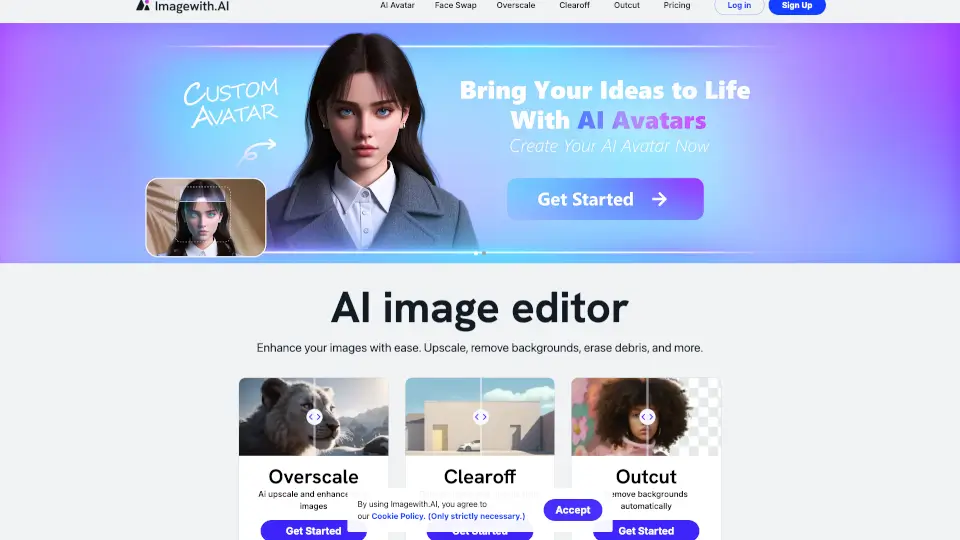
Photiu.ai is a powerful online tool that makes photo editing a breeze. Whether you need to remove backgrounds, upscale images, or erase unwanted objects, Photiu.ai has got you covered. With its advanced AI technology, you can achieve professional-quality edits in just a few clicks. Say goodbye to complex software and hello to a user-friendly platform that anyone can use, from high school students to professionals.
What are the features of Photiu.ai?
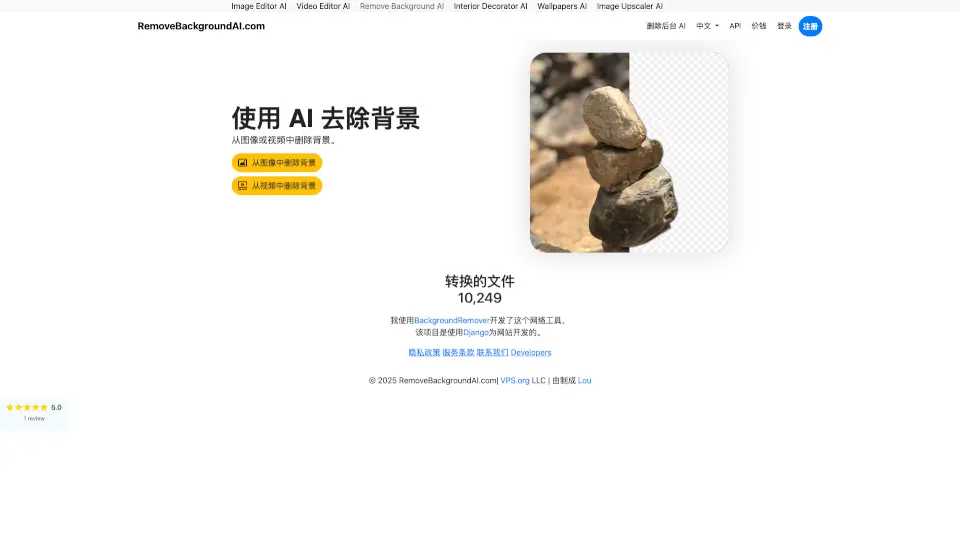
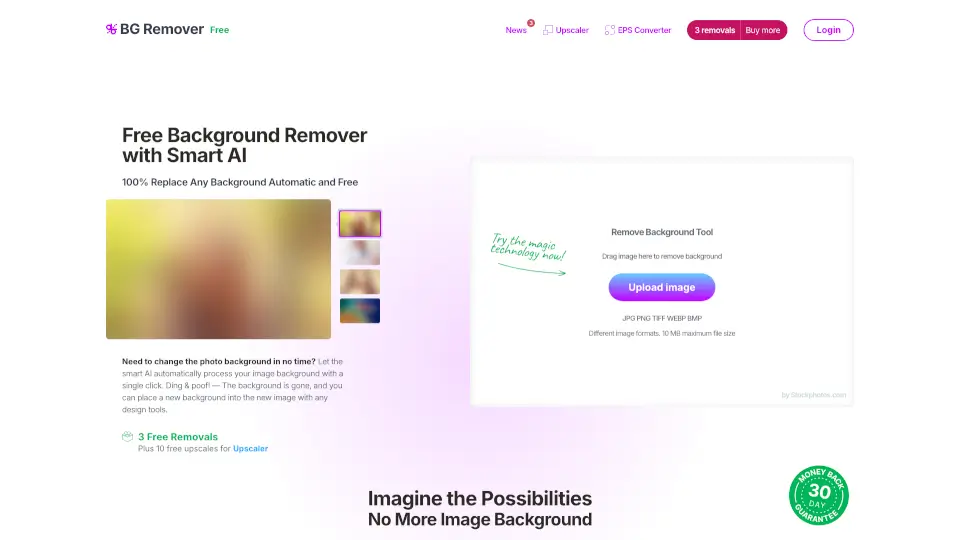
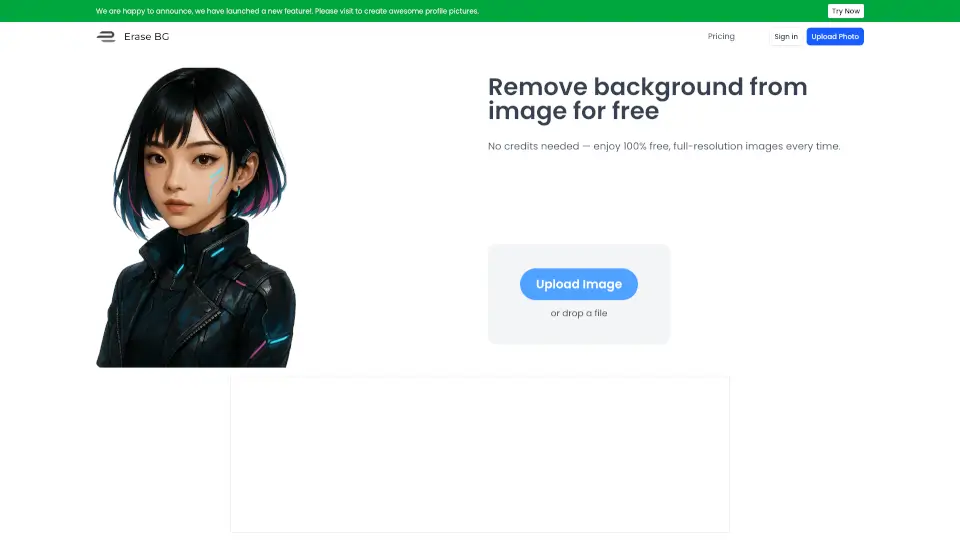
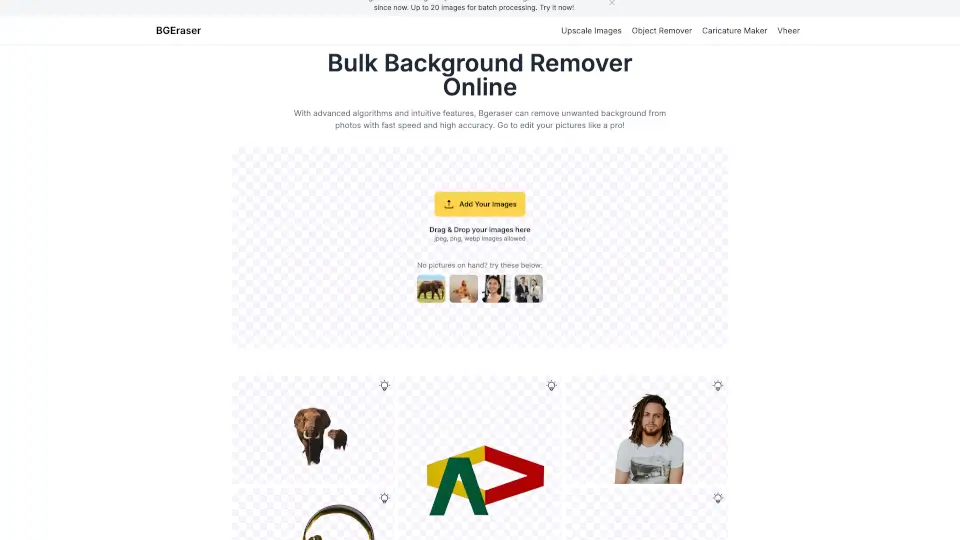
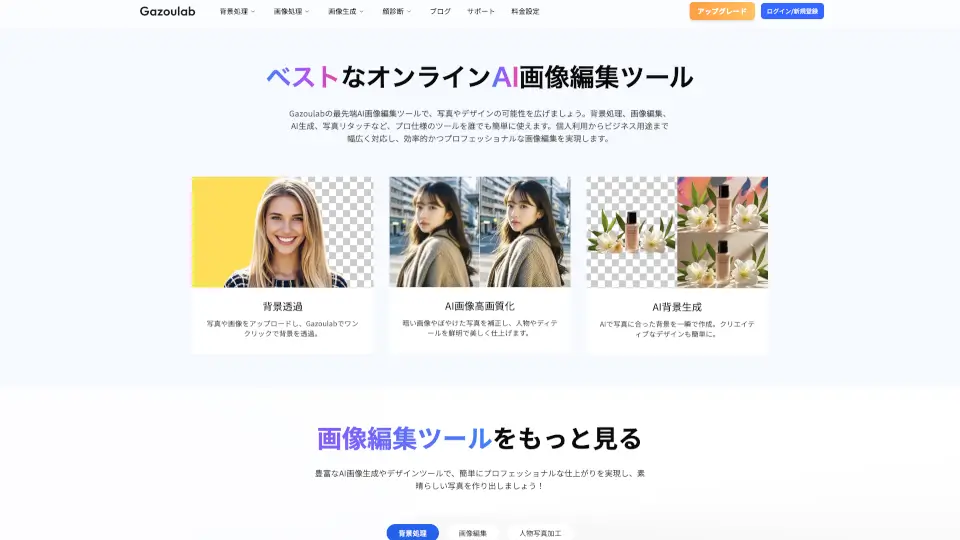
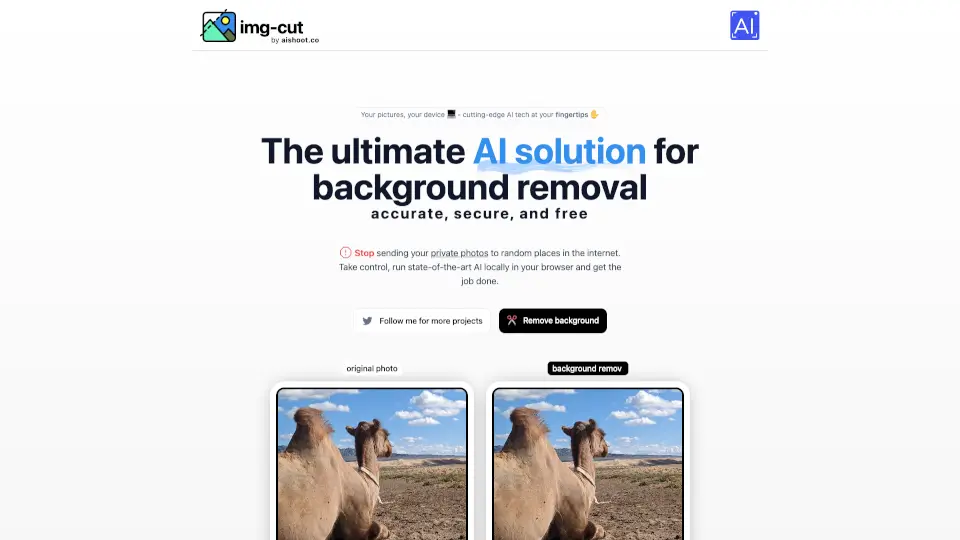
- Remove Background: Instantly remove the background from any image with just one click. The AI ensures precise and clean cutouts, saving you time and effort.
- Image Upscale: Enhance the resolution of your images up to 4K, making them look crisp and clear without losing quality.
- Magic Eraser: Easily erase unwanted objects from your photos. The tool offers both automatic and manual refinement options for perfect results.
- HD Background Removal: Experience stunningly precise background removal with support for HD and 4K resolutions, ensuring crystal-clear images every time.
- Change Background: After removing the background, you can choose from a library of templates or upload your own custom background to create a unique look.
What are the use cases of Photiu.ai?
- E-commerce Product Photos: Remove backgrounds and add a consistent, professional look to your product images.
- Social Media Posts: Create eye-catching posts by removing distracting elements and adding new, engaging backgrounds.
- Personal Photos: Edit family and vacation photos by removing unwanted objects or enhancing the overall quality.
- Logo Editing: Clean up and enhance logo images for a more polished and professional appearance.
- Real Estate Listings: Improve property photos by removing clutter and adding appealing backgrounds to attract potential buyers.
How to use Photiu.ai?
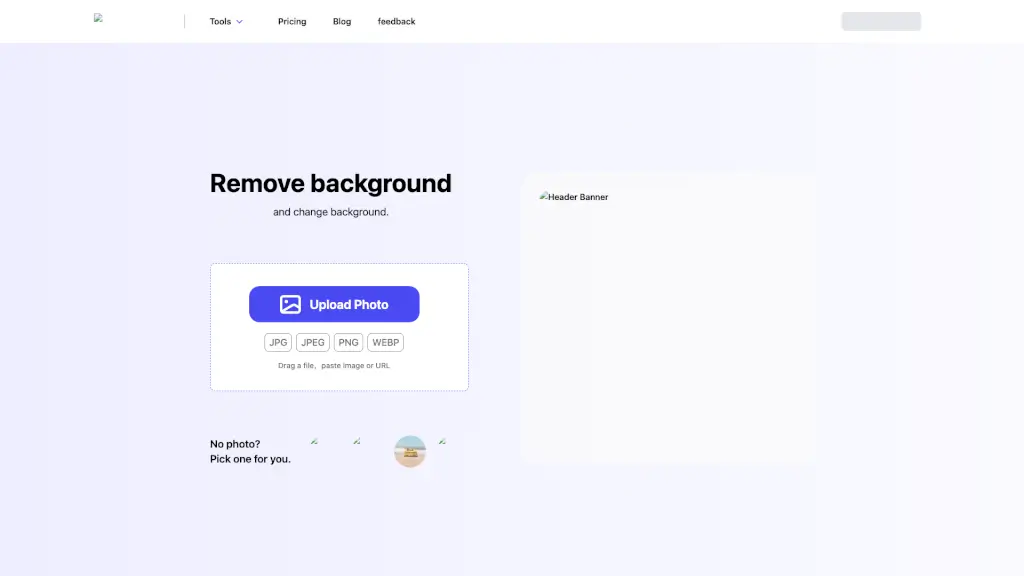
- Upload Your Photo: Drag and drop an image file, paste an image, or enter a URL.
- Remove Background: Click the "Remove Background" button to automatically remove the background.
- Refine Edges: Use the manual tools to refine edges if needed.
- Add New Background: Choose a new background from the library or upload your own.
- Download: Save the edited image in your desired format and resolution.