What is PDFToQuiz?
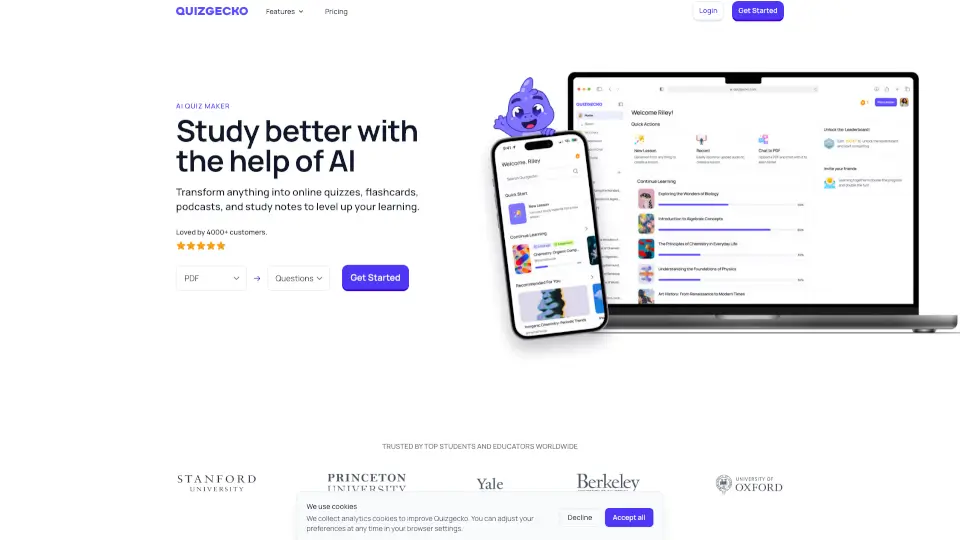
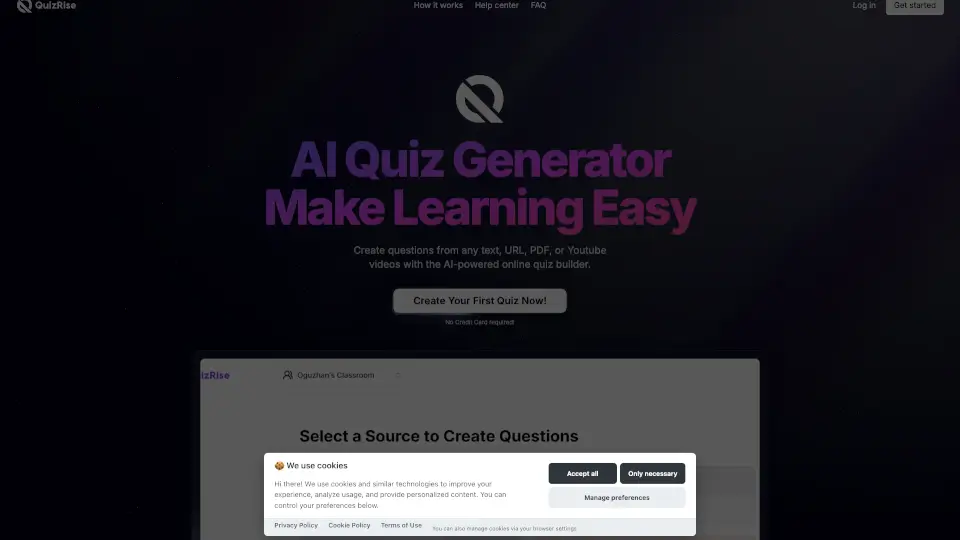
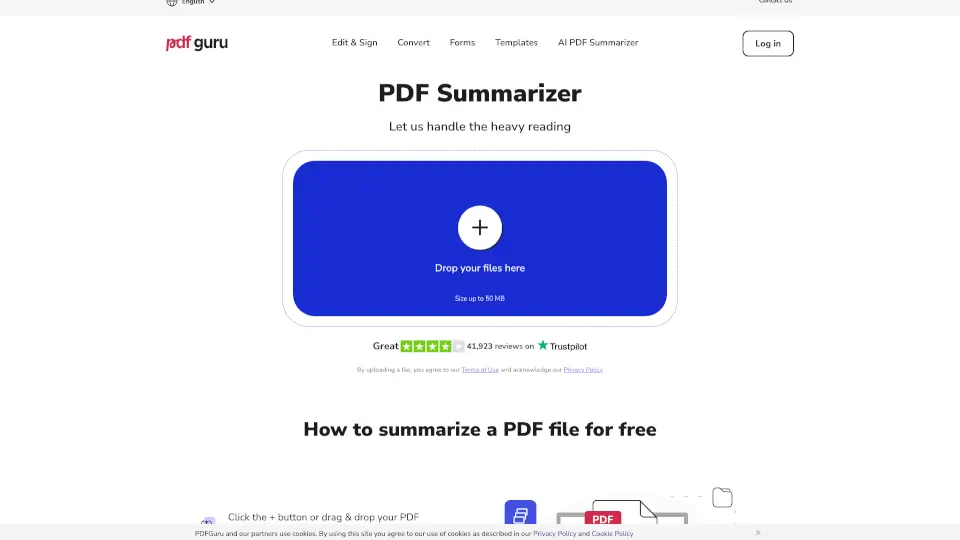
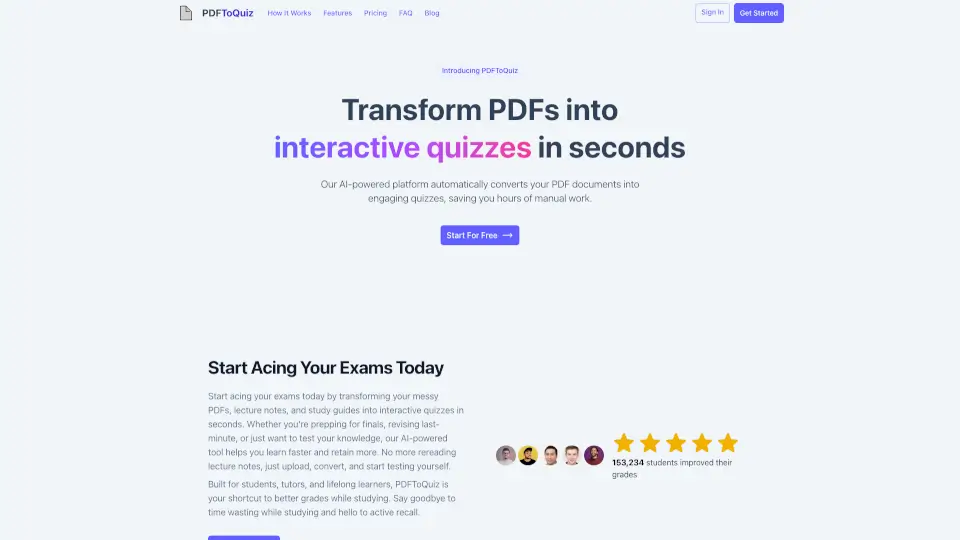
Stop re-reading your notes over and over again. PDFToQuiz is a free AI-powered study companion that instantly transforms your PDFs, Word docs, PowerPoint slides, or web links into interactive, auto-graded quizzes. Built for students who want to learn faster and stress less, it uses advanced language models to pull out the most important concepts and turn them into targeted practice questions. Whether you're cramming for a final or building a daily review routine, PDFToQuiz replaces passive scrolling with active recall, helping you retain information longer and walk into exams feeling actually prepared.
What are the features of PDFToQuiz?
- Instant AI Quiz Generation: Drop in a document or paste a link and receive a complete, structured quiz in under 60 seconds using advanced OpenAI GPT-5 technology.
- Multi-Format Question Styles: Match your test day setup by switching between Multiple Choice, True/False, Fill in the Blank, and Long Answer formats.
- AI Deep Explanations: Skip the guesswork. Every wrong answer triggers a clear, concept-focused breakdown so you fix misunderstandings immediately instead of memorizing blindly.
- Progress & Weakness Tracking: Visual dashboards show exactly which topics you've mastered and where you still need practice, so you never waste study hours on what you already know.
- 40+ Language Support: Generate practice sets in nearly any major language, making it highly effective for ESL learners or foreign coursework.
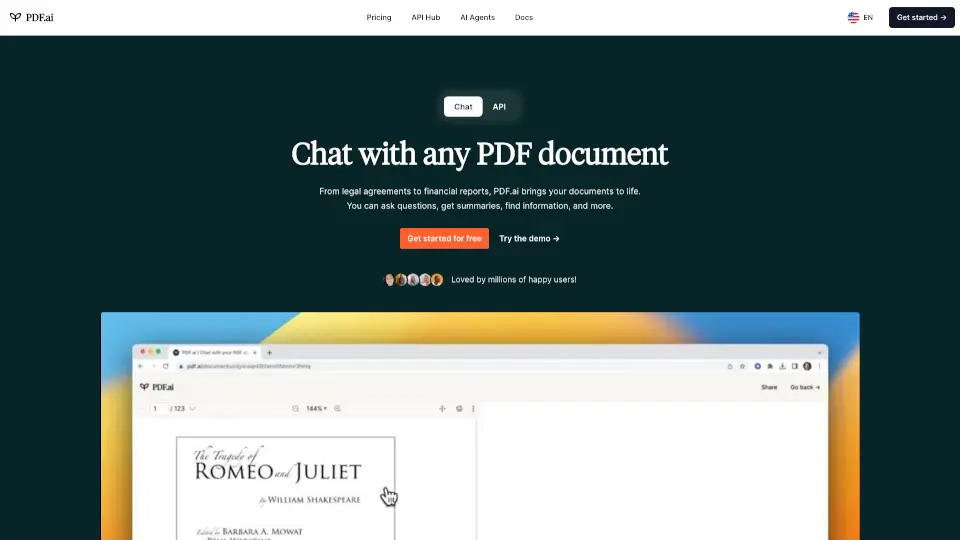
- Smart Chat Assistant: Stuck on a confusing paragraph? Ask the built-in AI anything about your uploaded file to get instant summaries or simple clarifications.
What are the use cases of PDFToQuiz?
- High school and college students converting dense textbook chapters or messy lecture slides into quick self-tests before midterms.
- Teachers rapidly generating formative assessments and auto-graded worksheets from lesson handouts without breaking a sweat.
- University researchers pulling core findings from academic journals to build peer-review study guides or conference prep sheets.
- Tutoring groups and student clubs creating single-click quiz links so everyone practices the same material effortlessly outside of scheduled meetings.
How to use PDFToQuiz?
- Upload your study material directly as a PDF, paste a webpage URL, or simply type a subject/topic into the text box.
- Select your preferred question types and choose your target language from the supported dropdown menu.
- Click generate and let the AI scan your content to build a tailored, auto-graded quiz in seconds.
- Take the quiz, then click through the AI explanations for any missed questions to close knowledge gaps on the spot.
- Review your performance dashboard, track improvements over multiple sessions, or export your results to PDF, CSV, or XLSX for offline printing and backup.