
What is Openart?
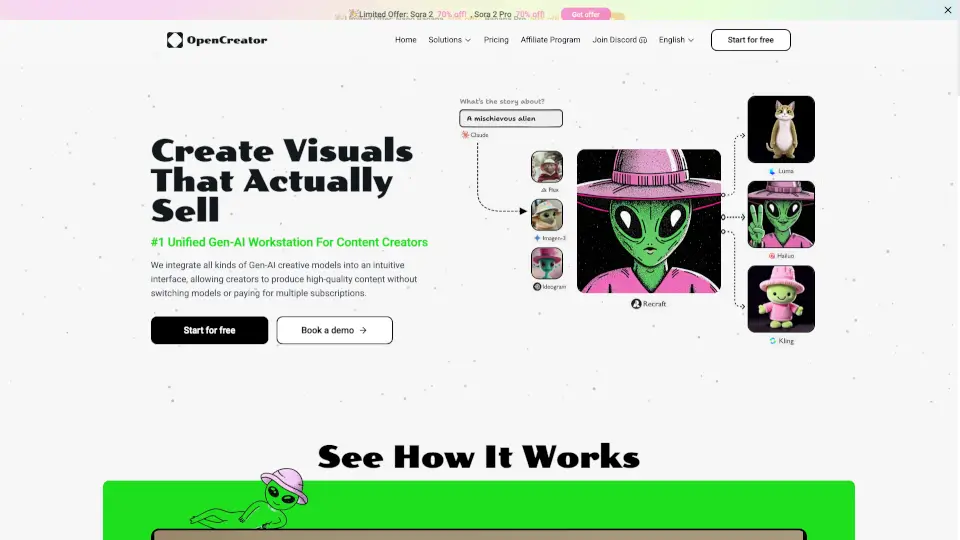
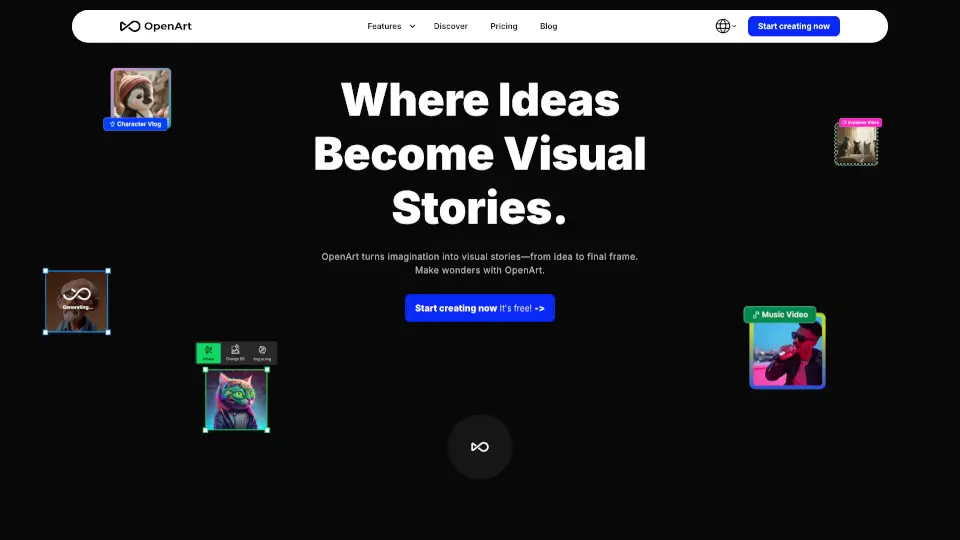
OpenArt is a free, all-in-one AI creation platform that lets anyone generate AI images, videos, music, and audio without needing design skills or expensive software. Whether you're a solo creator, marketer, or filmmaker, OpenArt brings together over 100 top AI models—from Google, OpenAI, ByteDance, and more—so you can go from idea to finished content in seconds.
Trusted by over 10 million creators worldwide, OpenArt isn’t just another text-to-image tool. It’s a full creative studio where you can build consistent characters, direct multi-scene stories, sync music videos, and even create navigable 3D worlds—all in one place, with no switching between apps.
What are the features of Openart?
- AI Video Generator: Create cinematic clips up to 15 seconds in 4K using models like Seedance 2.5, Sora 2, or Kling 3.0—just type a prompt or upload an image.
- Consistent Character Builder: Design a character once and reuse them across images and videos with perfect facial consistency—ideal for AI influencers or brand mascots.
- OpenArt Director: “Vibe-direct” your scenes via chat: layout storyboards, adjust shots, and refine sequences naturally without technical editing.
- 3D World Generation: Turn a single text prompt into a fully navigable 3D environment where you can place characters, take photos, or export to 3D tools.
- AI Audio & Music Tools: Add voiceovers in 30+ languages with lip-sync, generate original background scores, or layer realistic sound effects—all synced to your video.
- Smart Editing Suite: Upscale images, change camera angles, replace backgrounds, relight scenes, or apply motion from reference videos—all inside the same canvas.
What are the use cases of Openart?
- Create scroll-stopping UGC-style ads that look authentic and convert better on social media.
- Produce cinematic short films or micro-dramas with consistent characters and multi-scene direction.
- Generate on-brand product ads quickly for e-commerce or marketing campaigns.
- Turn any song into a synchronized AI music video in minutes.
- Build an AI influencer with a unique look who appears across posts, reels, and stories.
- Make explainer videos for apps, services, or complex ideas with clear visuals and voiceover.
- Design film trailers with dramatic cuts, lighting, and pacing—no film crew needed.
How to use Openart?
- Click “Start for Free” to sign up—no credit card required—and get daily credits to begin creating.
- Choose a template (like Music Video, Short Film, or Product Ad) or start from scratch with text/image prompts.
- Select your preferred AI model (e.g., Seedance 2.5 for fluid motion, GPT Image 2 for sharp graphics).
- Use OpenArt Director to refine scenes via chat or apply tools like Camera Angle Control and Motion Sync.
- Add voice, music, or sound effects using the built-in audio suite with automatic lip-sync.
- Export your final video in the right format—vertical for TikTok/Reels, widescreen for YouTube, or square for Instagram.