
What is Notebook.ai?
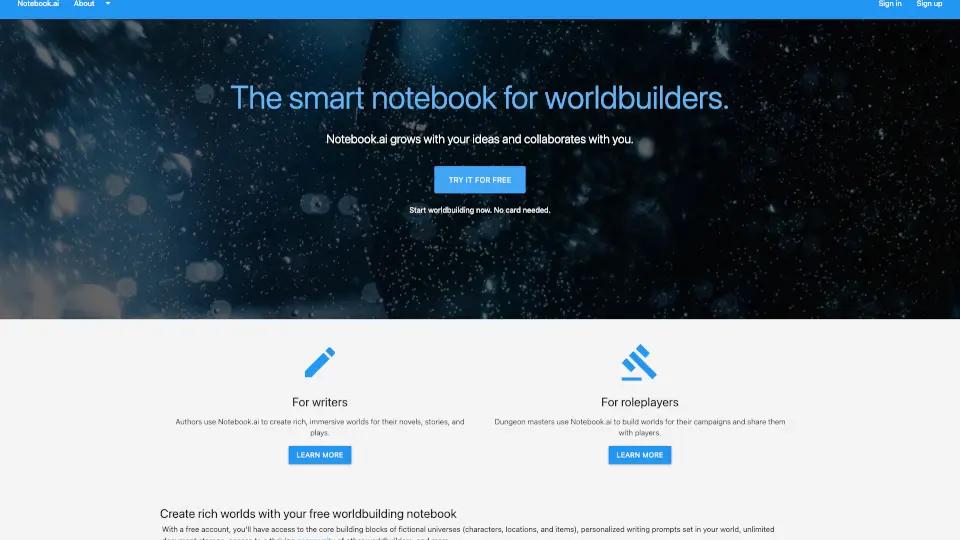
Notebook.ai is a digital worldbuilding platform designed for writers, game masters, and creators to build and organize fictional universes. Think of it as a smart notebook for your imagination—you can create characters, locations, magic systems, timelines, and more, all in one place. Whether you're planning a novel, a D&D campaign, or a comic series, it helps you keep every detail consistent and easy to find.
What are the features of Notebook.ai?
- Smart TemplatesPre-built forms for characters, locations, items, scenes, and lore—just fill in the blanks so you don’t miss important details.
- Cross-LinkingTag and connect entries (e.g., link a character to their hometown or a magic item) to see how everything fits together.
- Organized NotebooksGroup related ideas into separate “notebooks” per project, keeping your sci-fi world separate from your fantasy novel.
- Content PreviewsHover over links to see a quick summary without leaving the page—perfect for fast reference.
- AI Writing Assistant (optional)Generate descriptions, character bios, or plot hooks to spark new ideas (available as an add-on).
- Export OptionsDownload your world as PDF, Markdown, or JSON to back up or share with collaborators.
What are the use cases of Notebook.ai?
- Novel PlanningBuild a fantasy kingdom with detailed geography, political factions, and a cast of 20+ characters—all linked so you never forget a sibling’s name.
- Tabletop RPG CampaignsCreate a Pantheon of gods, map out dungeons, and track NPC motivations for your D&D or Pathfinder sessions.
- Comic or ScreenwritingOrganize scene-by-scene timelines, costume notes, and dialogue cues for a webcomic or TV pilot.
- Collaborative WorldbuildingInvite co-creators (e.g., a writing partner or your gaming group) to edit and comment on shared notebooks.
- Fandom/Fanfiction ProjectsKeep an alternate universe consistent by documenting canon divergences and original OC details.
How to use Notebook.ai?
- Sign up for freeat notebook.ai and create your first notebook (name it after your project).
- Choose a template(e.g., “Character” or “Location”) and fill in the fields—don’t worry about perfection, you can edit later.
- Link entriesusing the @mention tool—for example, @Forest of Shadows in a character’s “Current Location” field.
- Use the sidebarto browse all entries in your notebook; reorganize them into folders if you have over 50.
- Preview your worldwith the “Story Mode” view (available on paid plans) to read entries in a book-like layout.
- Export periodicallyto keep a backup—especially before major edits.