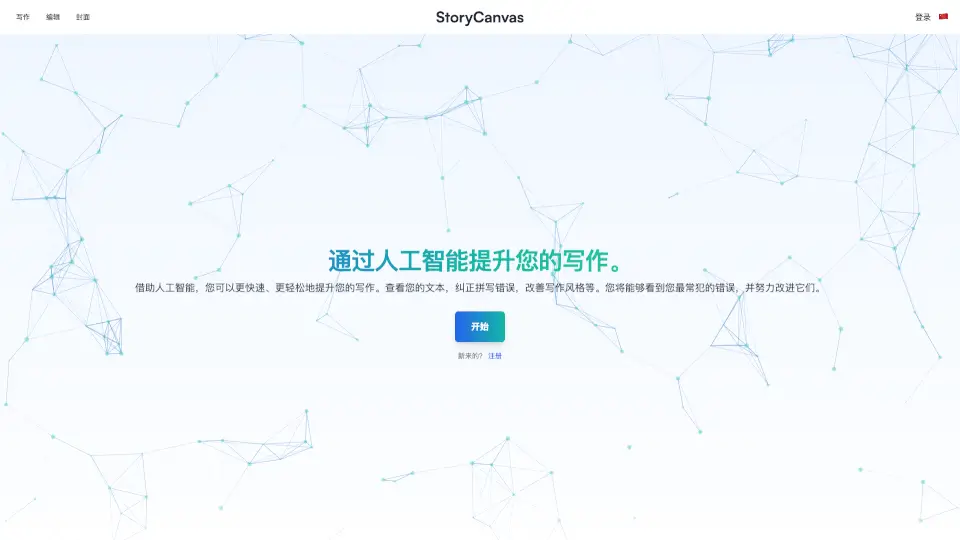
What is StoryCanvas?
StoryCanvas is your all-in-one writing assistant designed to make storytelling easier and more fun. Whether you’re writing a novel, creating characters, or designing a book cover, StoryCanvas gives you the tools to bring your ideas to life. With features like AI-powered spelling and grammar checks, note-taking, timeline creation, and even cover design, you can focus on your creativity while StoryCanvas handles the details.
What are the features of StoryCanvas?
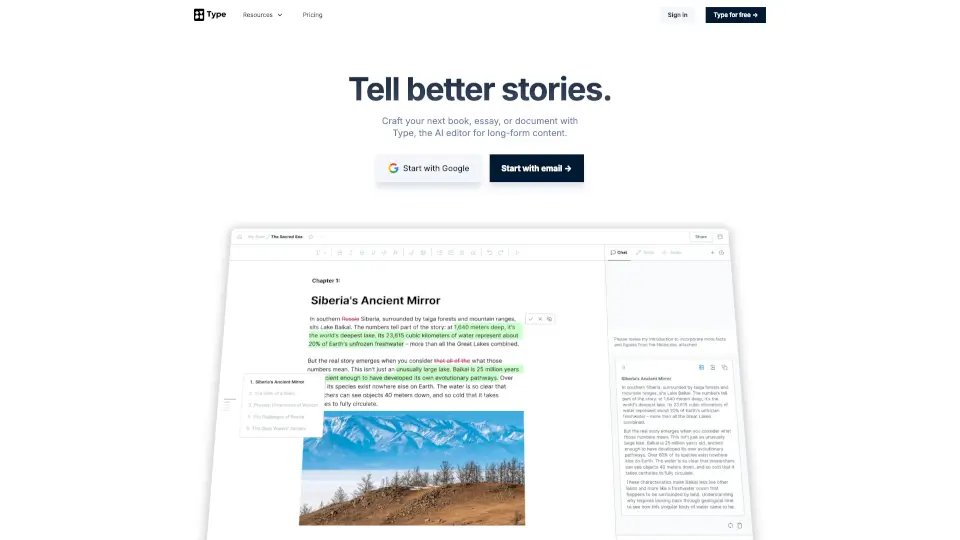
- Chapter WritingWrite and organize chapters quickly, spot common mistakes, and improve your writing.
- NotesKeep detailed notes to track key story elements and important details.
- Character BuilderCreate memorable characters with unique personalities.
- Location DesignerBuild unique settings to give your story a special background.
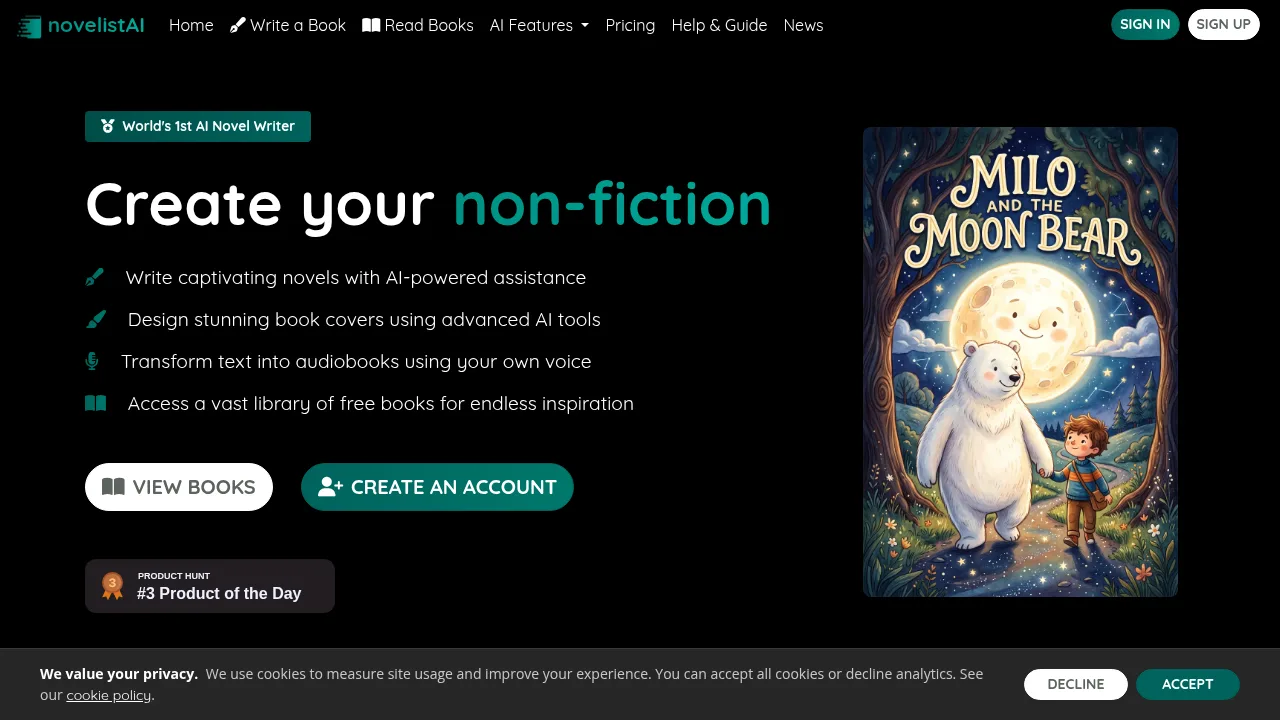
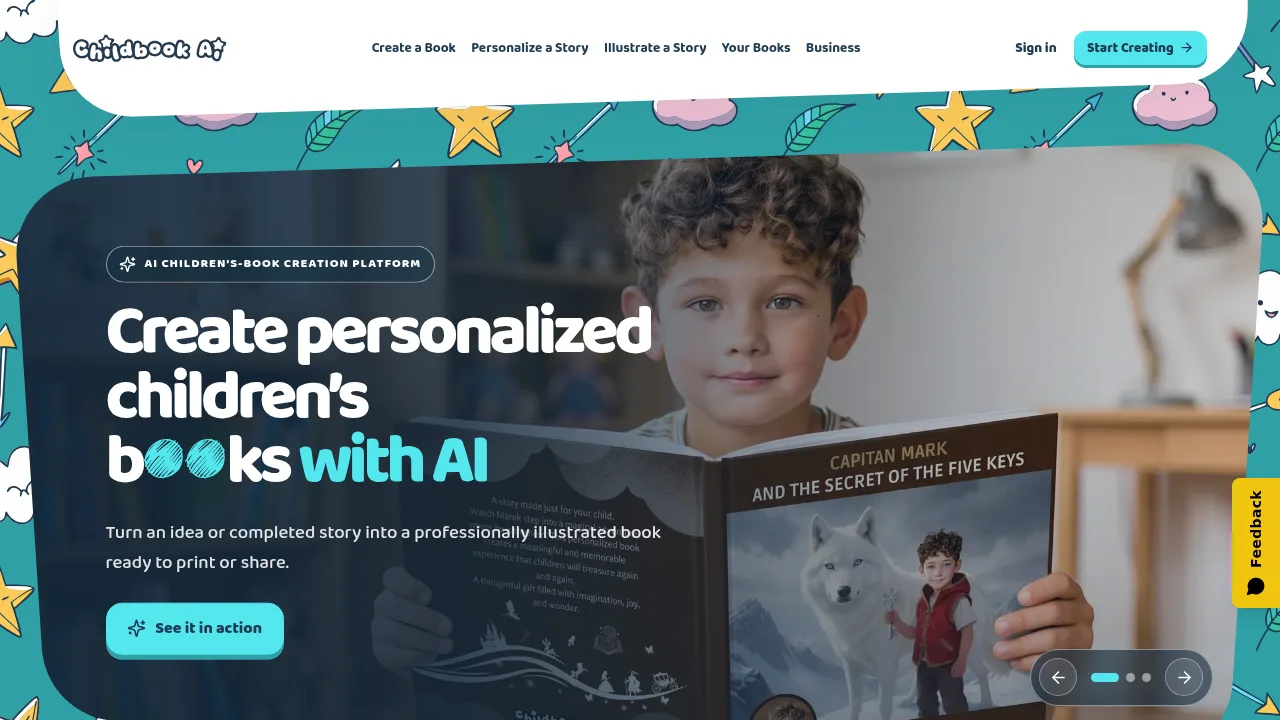
- Cover CreatorDesign eye-catching covers that capture your story’s essence.
- Kanban BoardOrganize your ideas efficiently with lists and cards.
- Mind MapVisualize and organize your ideas creatively with interactive mind maps.
- TimelineStructure your story events in a clear, chronological order.
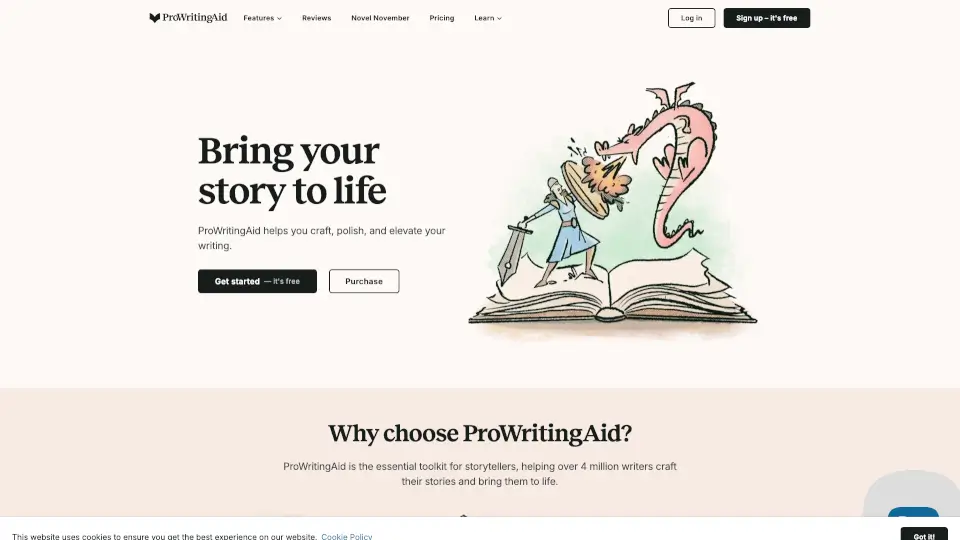
- AI Spelling & Grammar CheckInstantly correct spelling, grammar, and style issues.
- Name GeneratorGenerate names for characters, places, and items.
- Download OptionsExport your book or chapters in .DOCX format.
- Image Editing & GenerationEdit images or generate new ones for your story.
- WhatsApp IntegrationAccess tools directly through WhatsApp.
- Text TranslationTranslate your text into English easily.
What are the use cases of StoryCanvas?
- Writing novels, short stories, or scripts
- Organizing story ideas and timelines
- Creating and managing characters and settings
- Designing book covers for self-publishing
- Collaborating with others on story projects
- Translating stories or chapters into English
How to use StoryCanvas?
- Sign up or log in to StoryCanvas.
- Start a new project or open an existing one.
- Use the chapter tool to write and organize your story.
- Add notes, characters, and locations as needed.
- Design your book cover with the cover creator.
- Use the AI tools to check spelling, grammar, and style.
- Download your work in .DOCX format when ready.
- Use the mind map, timeline, and Kanban board to organize your ideas.
- Generate names and images as needed.
- Translate your text or access tools via WhatsApp.