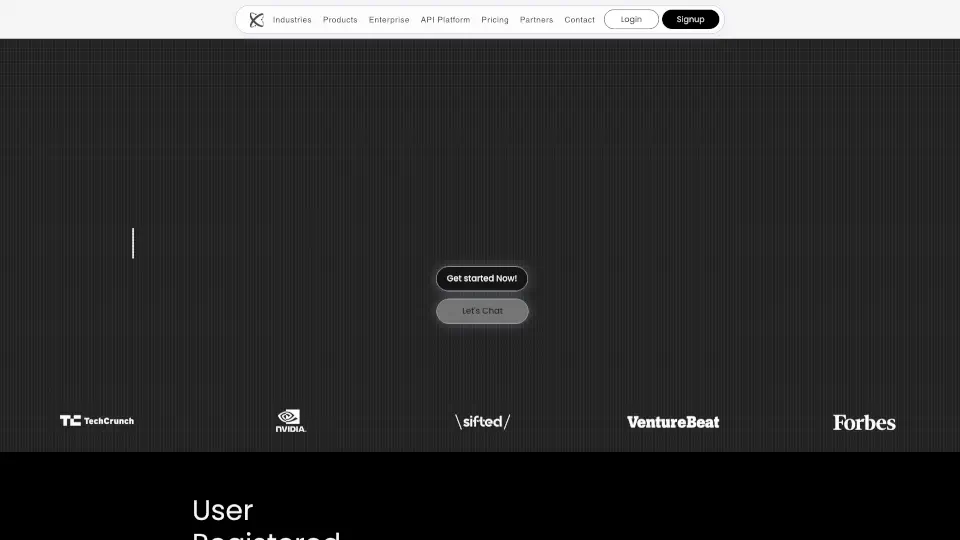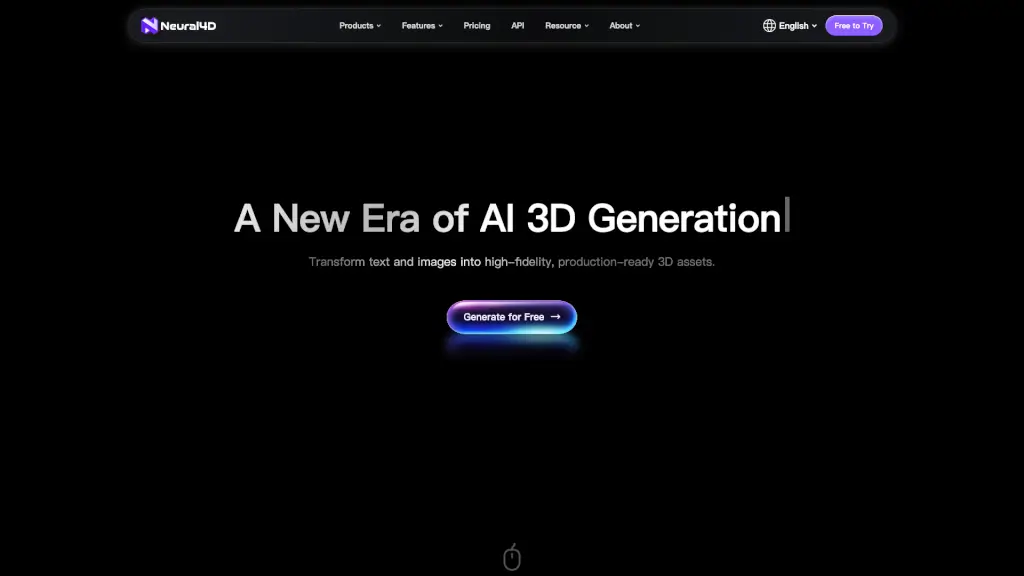
What is Neural4D?
Welcome to Neural4D, the fastest and most cost-effective AI 3D generator that transforms your text and images into high-quality, production-ready 3D models in just seconds. Whether you're a game developer, 3D designer, or just someone with a creative idea, Neural4D makes it incredibly easy to bring your concepts to life. Say goodbye to days of manual modeling and hello to instant, high-fidelity 3D assets.
What are the features of Neural4D?
- Text to 3D Generator: Convert your written descriptions into detailed 3D models with just a few clicks.
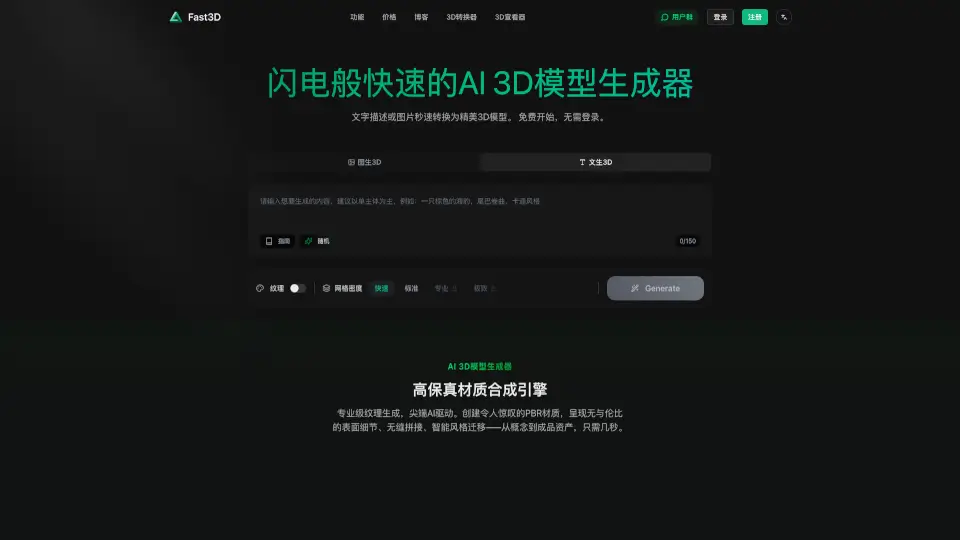
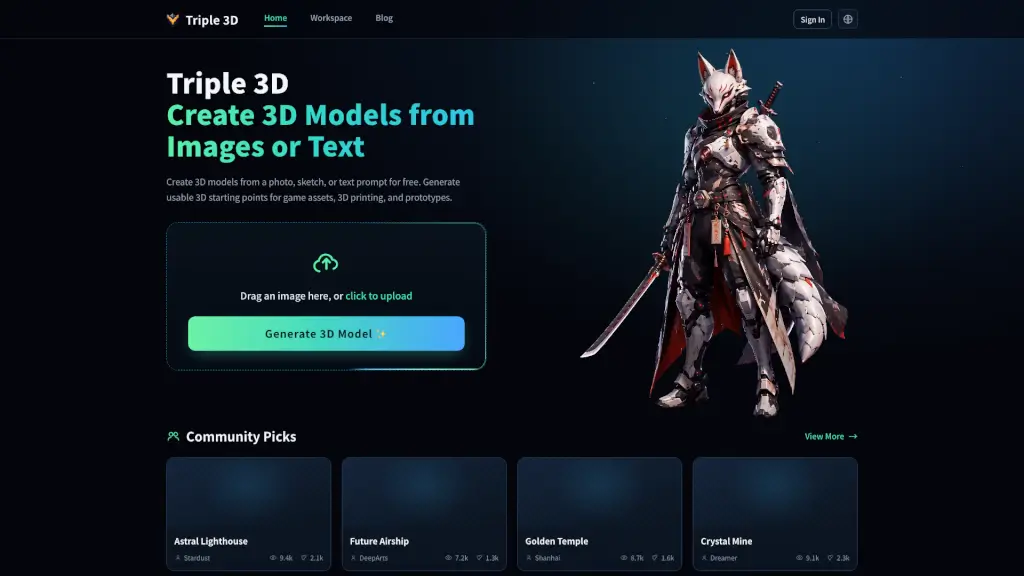
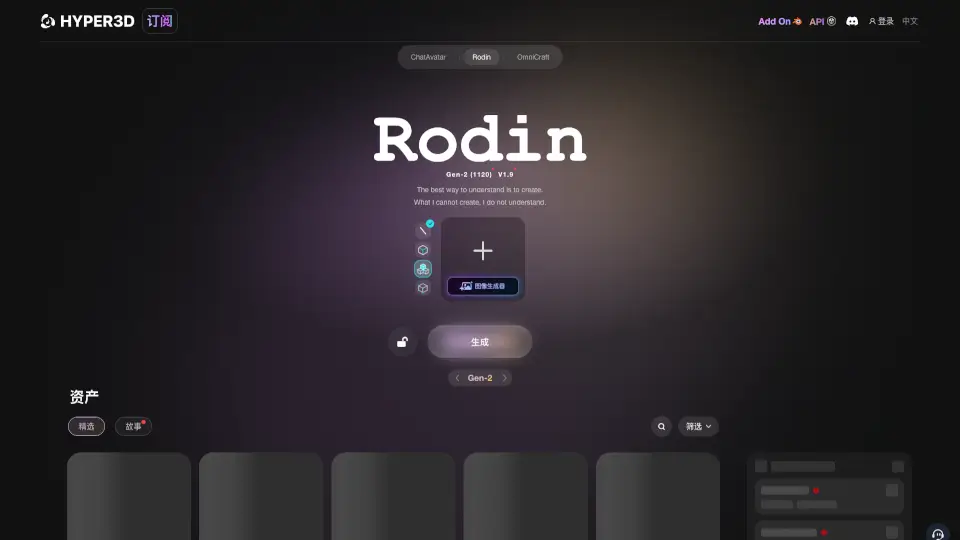
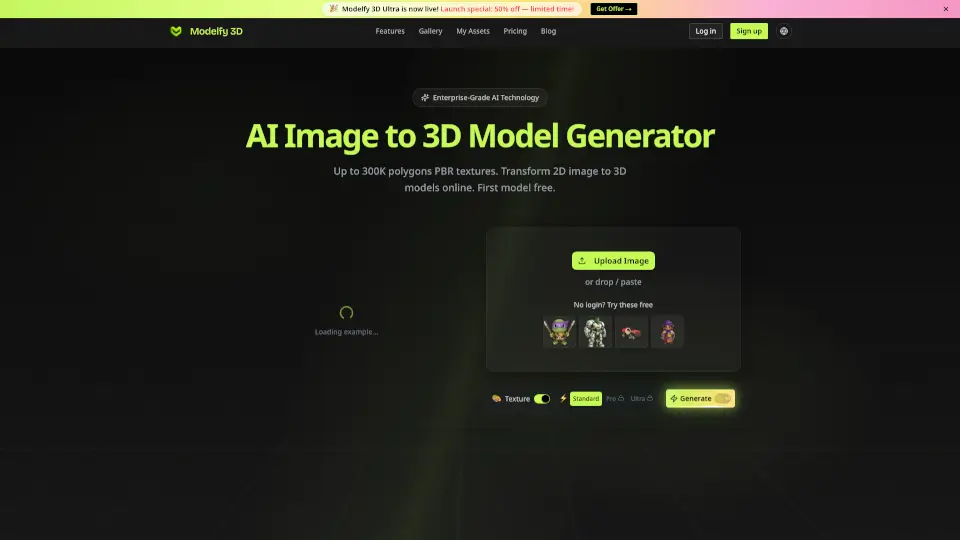
- Image to 3D Generator: Turn 2D images into 3D models, perfect for turning sketches or photos into 3D assets.
- AI Texture Stylization: Customize your 3D models with unique textures using text prompts or reference images.
- Rigging & Animation: Automatically rig and animate your 3D models with clean skeletons and smooth skin weights, ready for export.
- Multiple Export Formats: Supports .obj, .fbx, .glb, .usdz, and .stl formats, making it compatible with popular 3D software.
- Power Packs: Top up your generation power with affordable packs, ensuring you never run out of credits.
What are the use cases of Neural4D?
- Game Development: Quickly create and customize 3D characters, props, and environments for your next game.
- Education: Generate 3D models for educational purposes, such as visual aids for science and history lessons.
- Animation: Bring your stories to life with fully rigged and animated 3D characters.
- VR/AR: Develop immersive virtual and augmented reality experiences with high-fidelity 3D assets.
- Architecture: Create detailed 3D models of buildings and interiors for architectural presentations.
- Industrial Design: Prototype and design products with precise 3D models, from concept to final product.
How to use Neural4D?
- Upload Your Image or Enter Text: Start by uploading an image or entering a text description of what you want to create.
- Select Your Preferences: Choose the type of 3D model and any additional features like textures or animations.
- Generate Your Model: Click the "Generate" button and watch as your 3D model is created in seconds.
- Customize and Refine: Use the built-in tools to refine and customize your 3D model to your liking.
- Export and Use: Download your 3D model in the desired format and integrate it into your project.