
What is mymind?
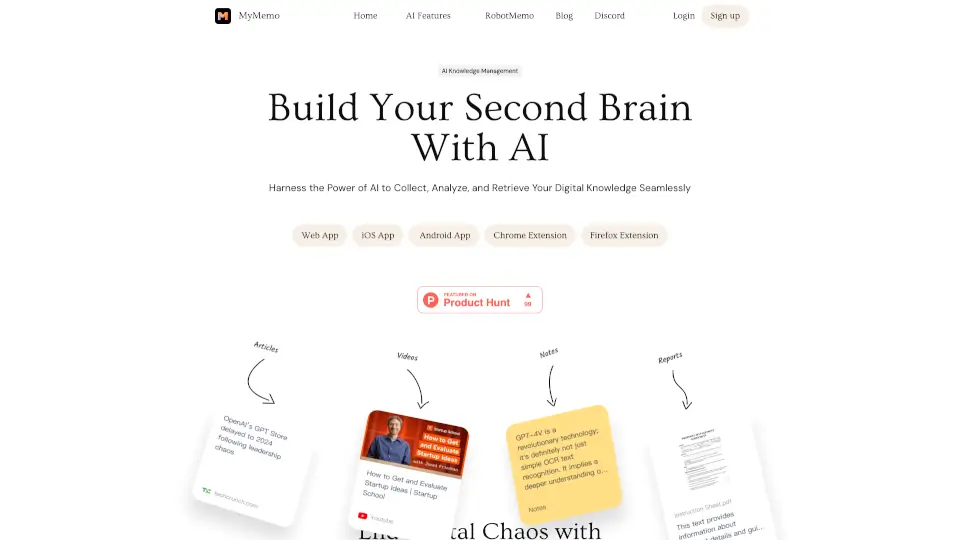
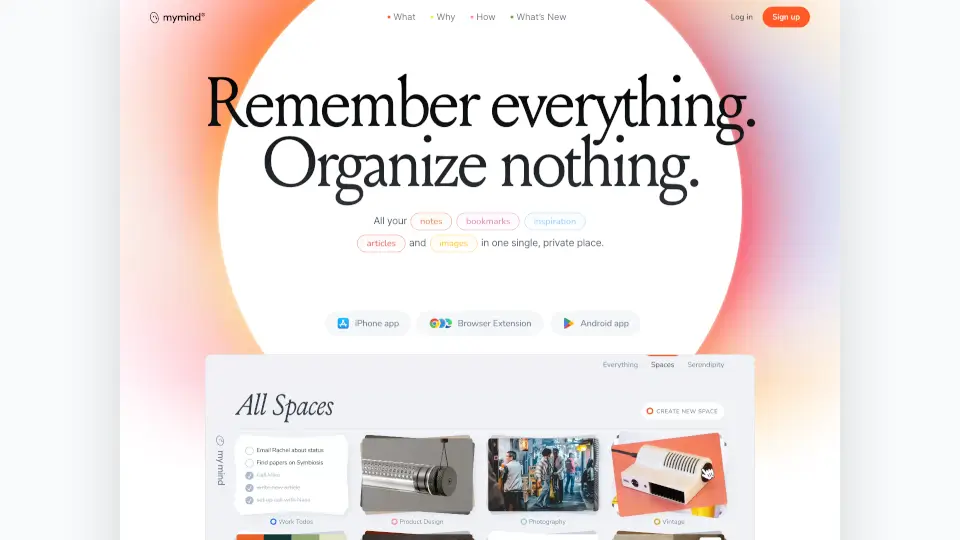
Think of mymind as a direct extension of your own brain. It is a beautifully simple, completely private space designed to hold your most precious notes, images, quotes, and highlights. Instead of forcing you to act like a librarian, mymind embraces a core philosophy: remember everything, organize nothing. It is built for creative thinkers who want to capture ideas instantly without getting bogged down by digital clutter.
Instead of making you waste time creating folders, adding tags, or sorting files, mymind uses smart AI to handle the heavy lifting. You simply save what you love, and the app magically understands what it is, organizing and visualizing it for you. It strips away the anxiety of losing great ideas and removes the friction of traditional note-taking, letting you stay in your creative flow.
What are the features of mymind?
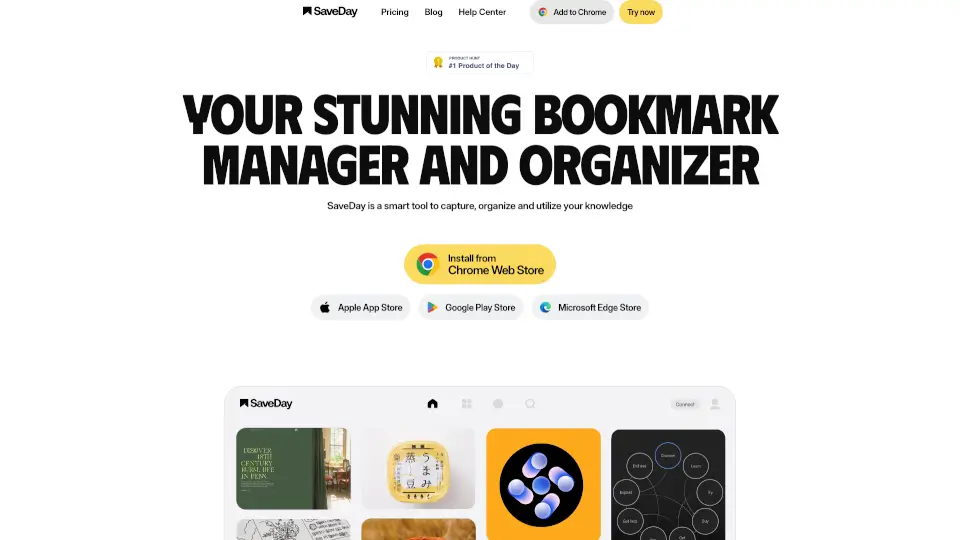
- AI Smart Bookmarking: Save any URL and let the AI automatically format it beautifully, whether it is an article, a product, a book, or a recipe.
- Associative Search: Ditch the folder tree. Find your saved items instantly by searching for visual cues like color, brand, keyword, or date.
- Frictionless Notetaking: Capture quick thoughts on the go, then use Focus Mode to expand on them later in a clean, distraction-free environment.
- Distraction-Free Reading: Automatically strips away ads, pop-ups, and website clutter from saved articles so you can focus purely on the text.
- Bidirectional Linking: Connect your notes and ideas seamlessly as your knowledge grows, building your own personal web of thoughts without manual sorting.
- Text Recognition: Search for specific words inside images, memes, or handwritten notes using built-in optical character recognition.
- Serendipity & Top of Mind: Gently resurfaces forgotten saved items for review, while letting you pin your current top priorities for easy daily access.
What are the use cases of mymind?
- Visual Moodboarding for Designers: Collect and organize visual inspiration, color palettes, and design references in one boundless, visually searchable space.
- Distraction-Free Writing for Authors: Save research, quotes, and highlights to build a private reference hub that keeps you in the creative flow without tab overload.
- Campaign Inspiration for Marketers: Quickly clip competitor ads, catchy copy, and brand assets, letting AI sort them so you can find exactly what you need when pitching.
- Deep Research for Academics: Store articles, books, and complex papers without worrying about folder structures, using bidirectional links to connect complex concepts.
- Code & Resource Hub for Developers: Keep track of documentation, GitHub repos, and tech articles in a private, easily searchable digital brain that respects your privacy.
How to use mymind?
- Install the Extension or App: Download the browser extension for Chrome, Edge, or Safari, or get the mobile app for iOS and Android to start saving instantly.
- Save with a Single Click: When you see something you like, just click the mymind button. Do not worry about tagging or filing it; the AI handles the categorization.
- Use Associative Search to Find Items: When you need to find something, just type what you remember. Search by the image's main color, a specific keyword, or the brand name.
- Create Smart Spaces: Set up automated collections based on your own rules so your mind automatically sorts new saves into the right places without your input.
- Try the Serendipity Feature: Take a peaceful stroll through your saved items to rediscover old inspirations and decide if you want to keep them or let them go.