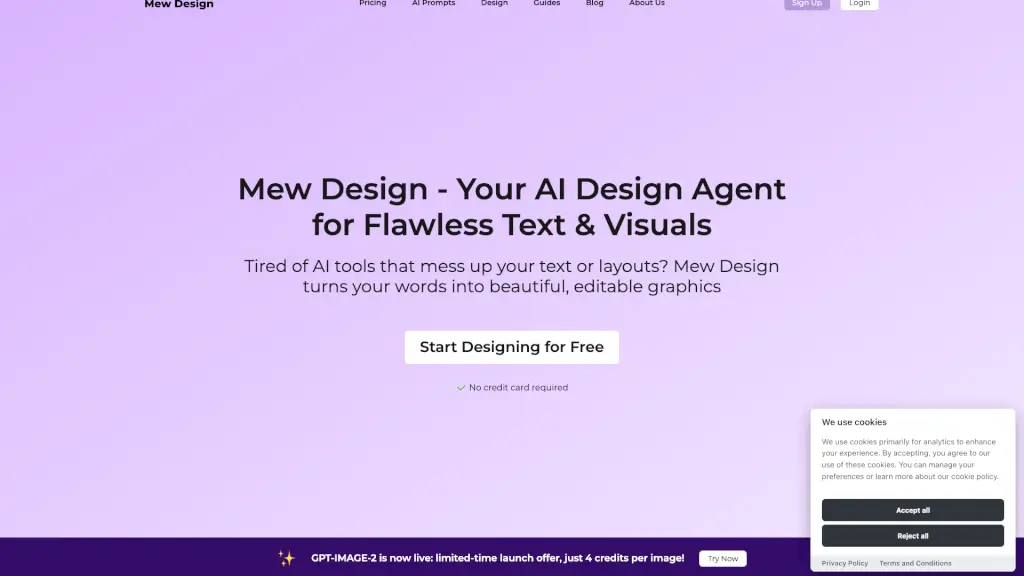
What is Mew Design?
Tired of wrestling with complicated design software just to make a simple social post or flyer? Mew Design is a free online AI design generator that lets you create stunning, professional-looking graphics using plain English—no design skills required. Just describe what you want (like “a cute bake sale poster with cupcakes”), and your personal AI designer—aka your “Meow Designer”—generates beautiful, editable visuals in seconds.
What sets Mew Design apart is its focus on flawless text and layout, something many AI image tools struggle with. Whether you’re a student, small business owner, or marketing pro, Mew Design gives you creative freedom without the learning curve of tools like Adobe or Figma—and goes beyond template-based platforms like Canva by generating truly unique designs from scratch.
What are the features of Mew Design?
- Natural Language Design: Create and edit graphics by simply typing commands like “use pastel colors” or “make the font playful.”
- Meow Designers (AI Agents): Choose or train specialist AI assistants—like “Kawaii Meow” for cute styles—that learn your preferences and brand guidelines.
- Editable, Text-Accurate Graphics: Unlike Midjourney or DALL·E, Mew Design renders clean, fully editable text in posters, flyers, and social posts.
- Community Inspiration: Browse and remix designs from other users to jumpstart your creativity.
- Multiple Export Options: Download high-res PNGs now, with JPG, PDF, and SVG coming soon.
- Credit-Based Free Tier: Get 50 free credits on signup (enough for 5 designs) with no credit card needed.
- Brand Consistency Tools: Teams can deploy custom Meow Agents that auto-apply logos, fonts, and color palettes.
- DeepMode Creation: Generate design series or batches efficiently on paid plans.
What are the use cases of Mew Design?
- A neighborhood organizer creates a bake sale flyer with cute illustrations in under a minute.
- A solopreneur designs on-brand Instagram posts using a trained “Minimalist Meow” agent.
- A teacher makes classroom event posters using simple prompts like “colorful back-to-school night banner.”
- A startup team rolls out consistent LinkedIn ads across departments using a shared branded Meow Designer.
- An artist experiments with styles by prompting “remix this in cyberpunk” on a community design.
- A student crafts a club recruitment poster without touching design software.
How to use Mew Design?
- Sign up for free at mew.design to get 50 starter credits.
- Type a clear description like “Create a summer music festival poster with palm trees and bold typography.”
- Browse or upload reference images to guide your Meow Designer’s style.
- Refine your design with natural language edits (“change background to sunset orange,” “add my logo here”).
- Choose a specialist Meow Designer (e.g., “Kawaii Meow”) for consistent aesthetics.
- Download your final graphic as a transparent PNG or upgrade for print-quality PDFs.