
What is Mentimeter?
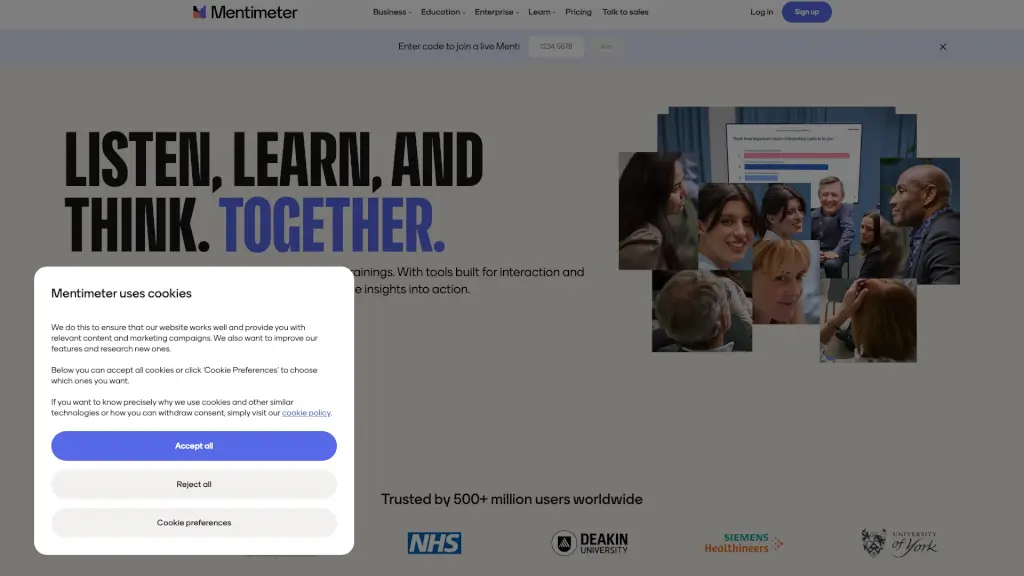
Mentimeter is an interactive presentation and audience engagement tool that turns passive listeners into active participants—whether you're teaching a class, running a meeting, or leading a training session. Instead of just talking at your audience, you ask questions, gather real-time responses, and use those insights to shape what happens next. It works on any device, requires no downloads, and makes it easy for everyone to share their thoughts anonymously or openly.
With Mentimeter, you’re not just presenting—you’re listening, learning, and adapting in real time. Trusted by over 500 million users worldwide, it’s designed to boost understanding, inclusion, and productivity through simple yet powerful interactions like live polls, word clouds, quizzes, and open Q&As.
What are the features of Mentimeter?
- Live Polling: Ask multiple-choice, rating, or scale questions and see results update instantly as people respond.
- Word Cloud: Visualize popular ideas or themes by collecting one-word answers that form a dynamic, colorful cloud.
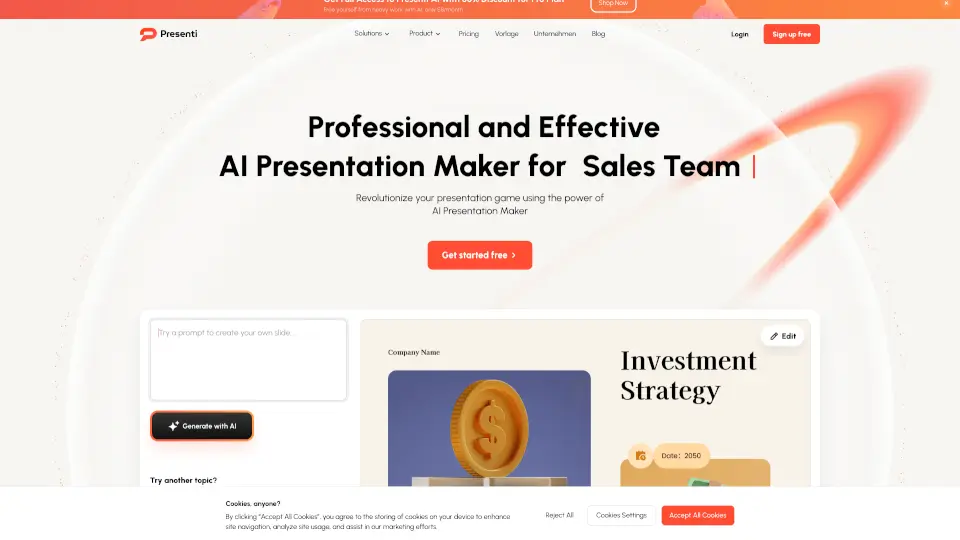
- AI Presentation Creator: Generate interactive presentations in seconds by prompting AI—then customize to fit your style.
- Quizzes & Knowledge Checks: Create fun, competitive quizzes or low-stakes knowledge checks to reinforce learning.
- Open Q&A: Let participants submit questions anonymously during sessions, helping shy voices be heard.
- Surveys & Feedback: Collect honest, real-time feedback after meetings, lectures, or workshops to improve future sessions.
- Flexible Templates: Choose from dozens of free, customizable templates for education, business, or events.
- Hybrid-Friendly Setup: Works seamlessly whether your audience is in-person, remote, or a mix of both.
What are the use cases of Mentimeter?
- A teacher uses a quick live poll at the start of class to gauge student understanding before diving into new material.
- A corporate trainer runs a word cloud activity to brainstorm team values during an onboarding session.
- A manager gathers anonymous feedback after a strategy meeting to uncover honest reactions without group pressure.
- An instructor creates an AI-generated quiz to review key concepts before a final exam—students play along on their phones.
- A workshop facilitator uses open Q&A to let participants ask sensitive questions they wouldn’t raise out loud.
- A nonprofit leader hosts a hybrid town hall, engaging both in-room and remote volunteers with real-time voting.
How to use Mentimeter?
- Go to mentimeter.com and sign up for free—no credit card needed to start.
- Choose to create from scratch, pick a template, or use the AI Menti Creator to build your first interactive slide.
- Add your question type (poll, word cloud, quiz, etc.), customize wording, and hit “Present.”
- Share your unique 6-digit code or link so participants can join at menti.com on any device.
- Present your slides while watching responses flow in live—use arrow keys to navigate, Enter/Space to activate.
- After the session, review or export results to inform next steps or share insights with your team.