
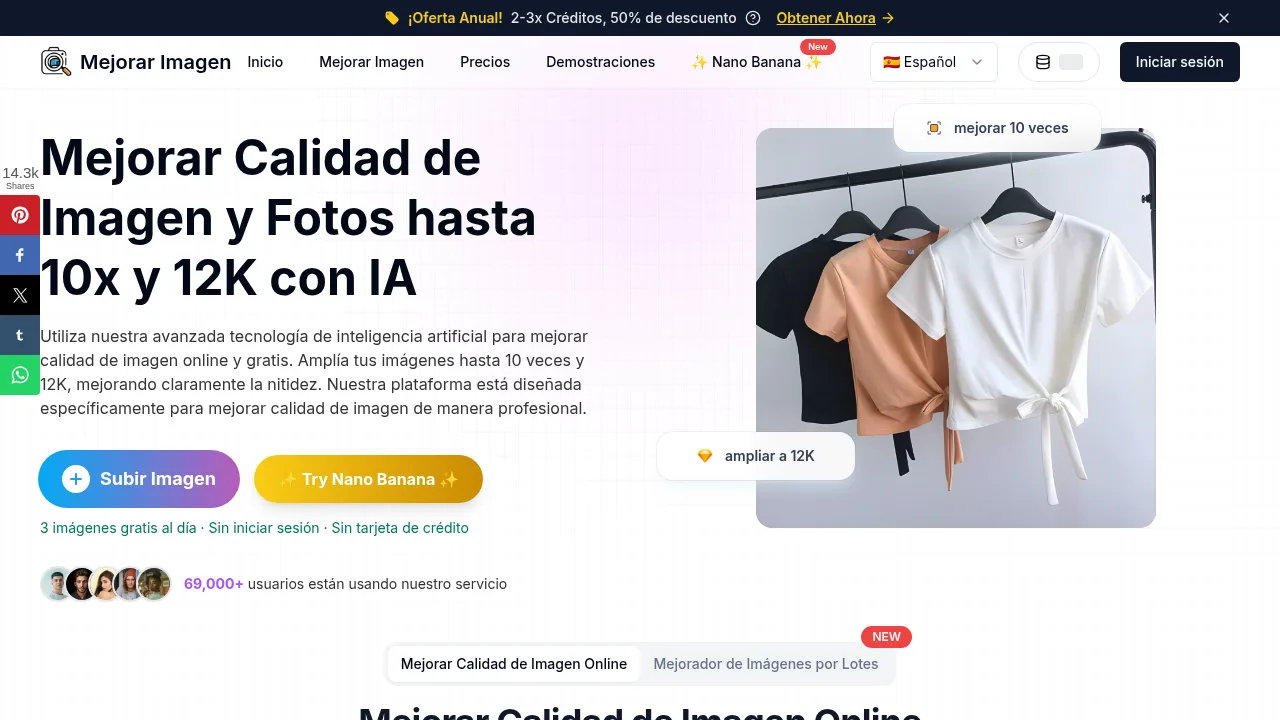
What is Mejorar Imagen?
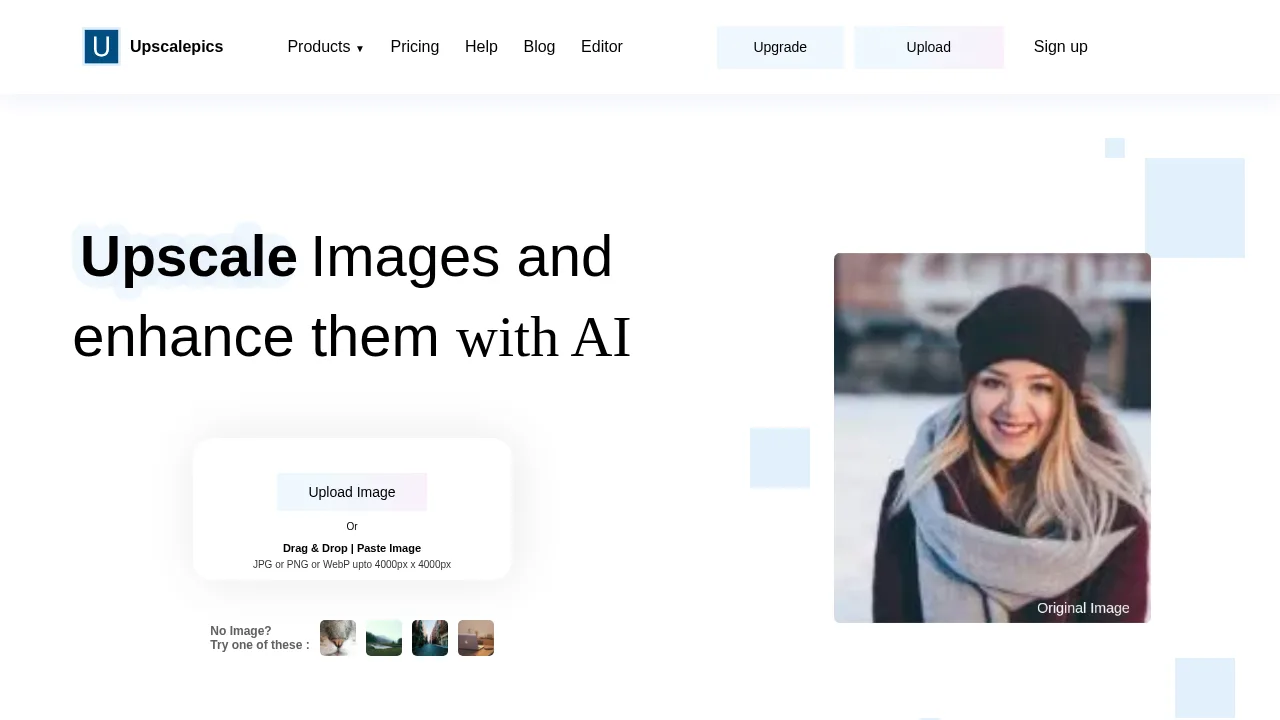
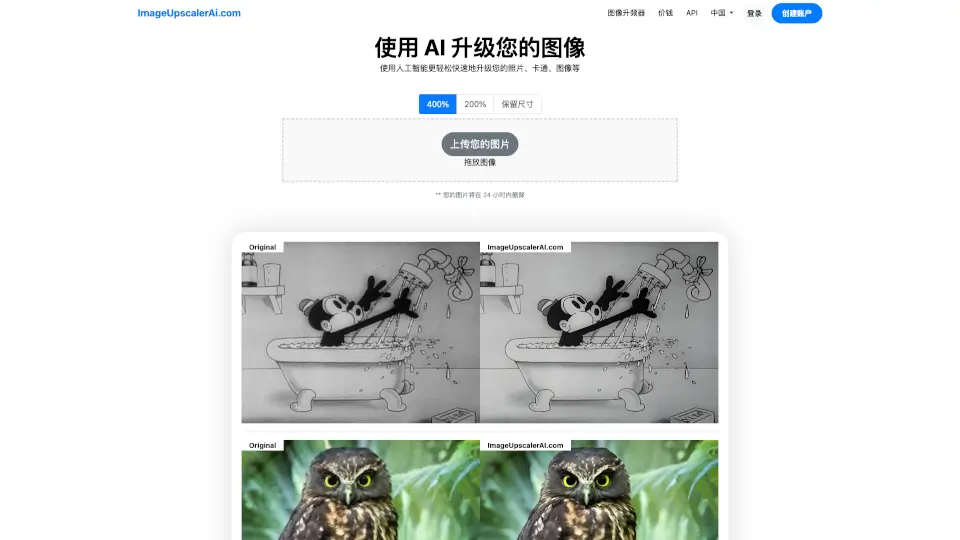
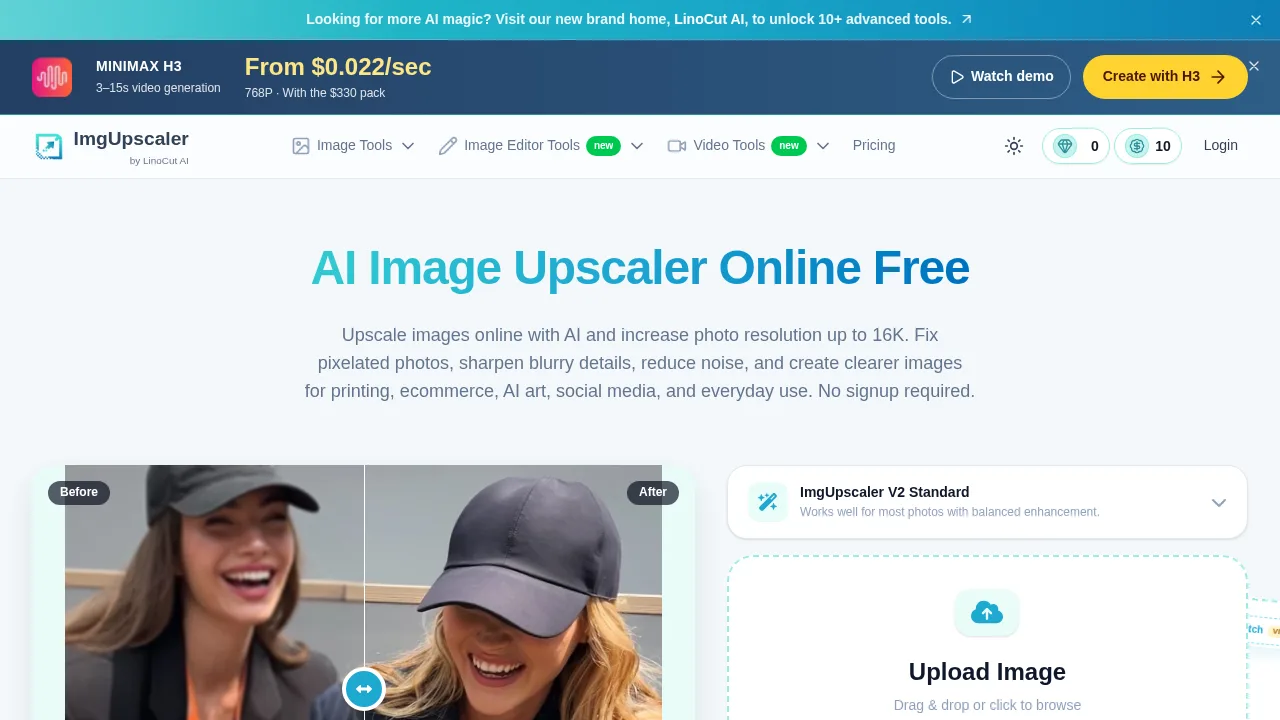
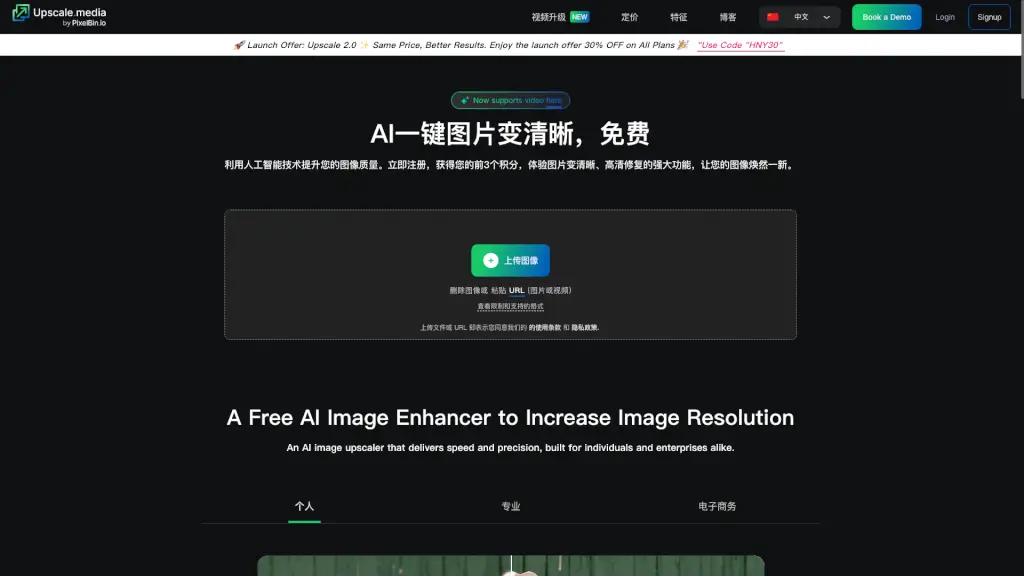
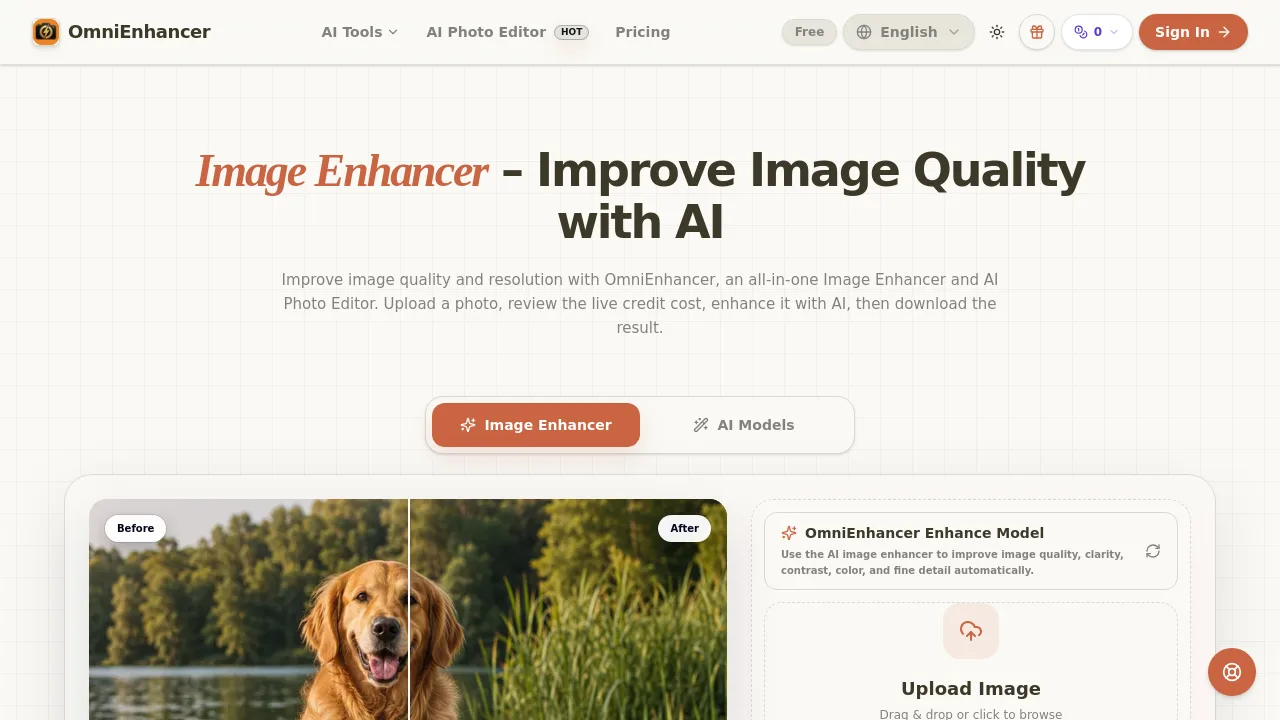
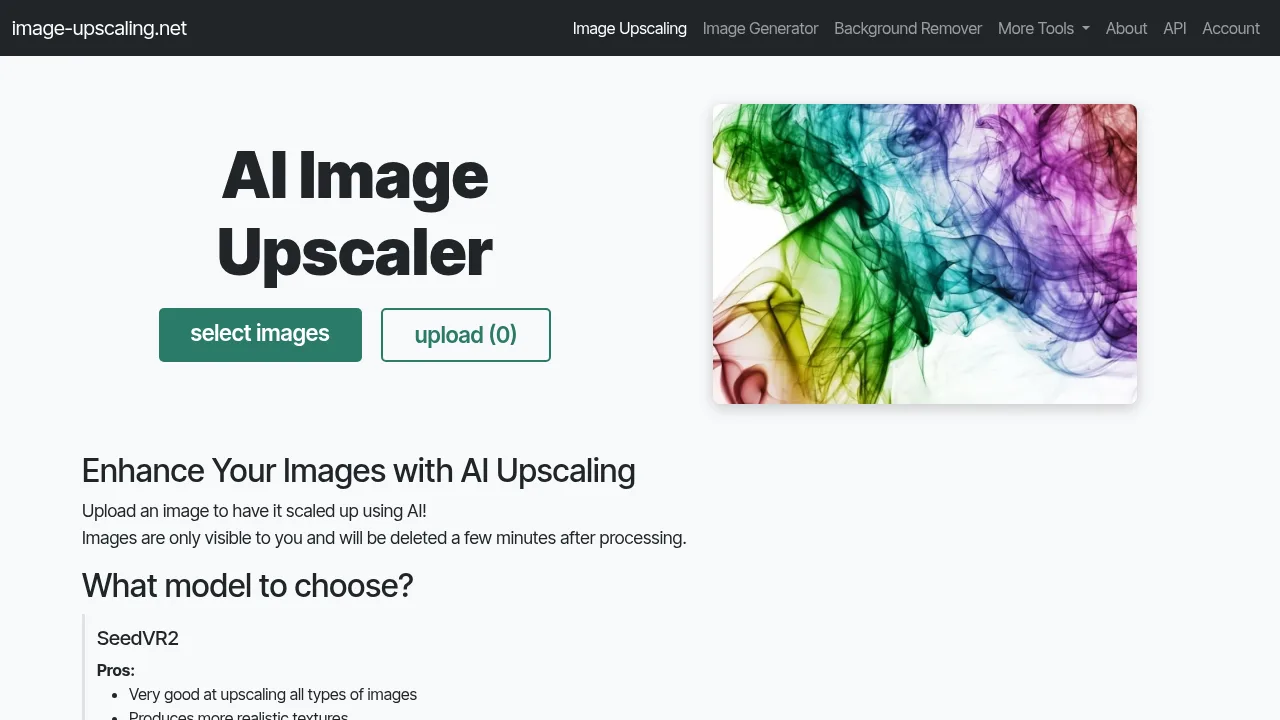
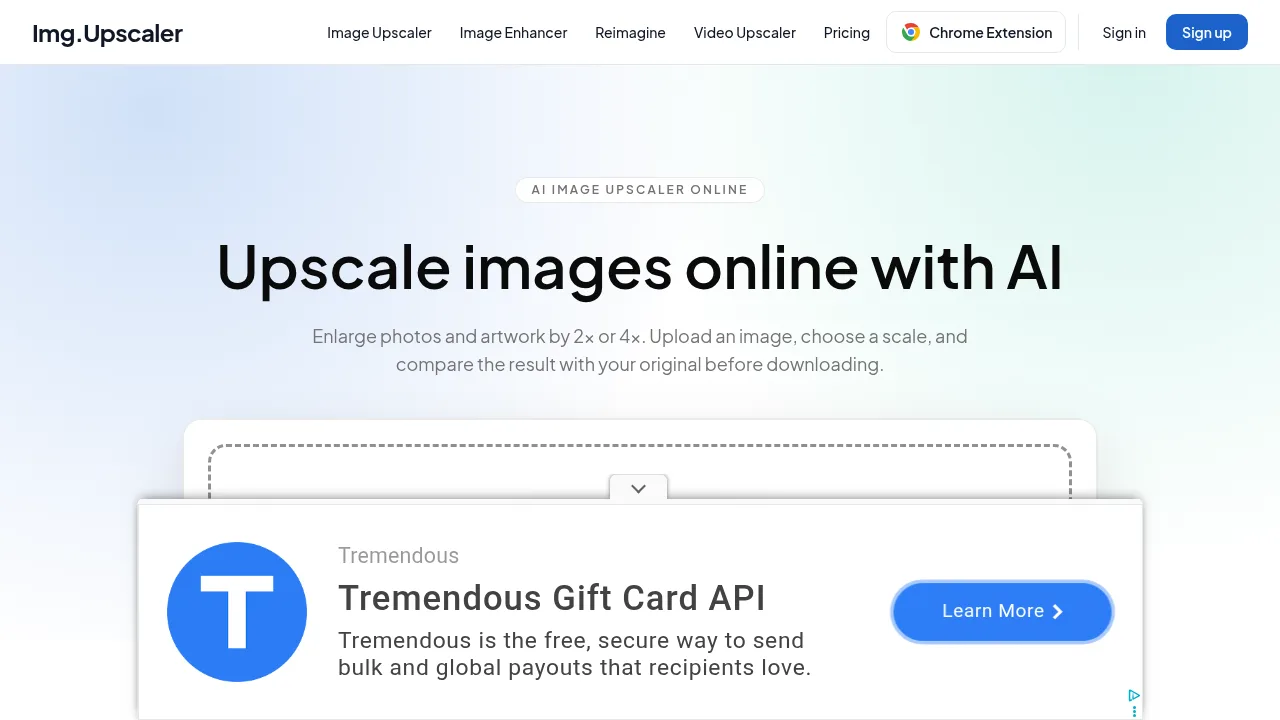
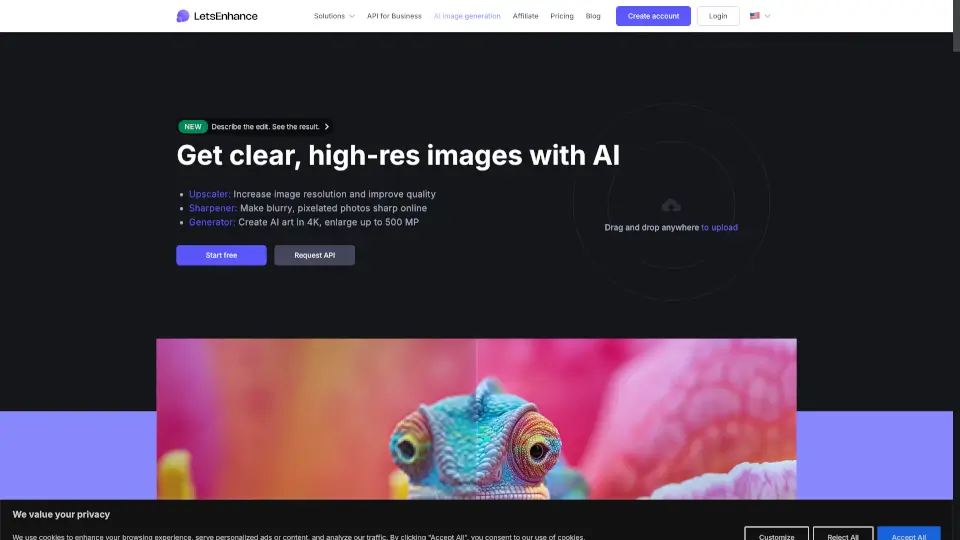
Mejorar Imagen is a web-based AI tool that upscales and enhances image resolution up to 10x, with a maximum output of 12K (12000x12000 pixels). It accepts JPG, JPEG, PNG, WEBP, BMP, TIFF, and PDF files up to 20 MB. Guest users can process three images per day without signing in, but enhanced files are automatically deleted from the servers after one hour.
What are the features of Mejorar Imagen?
- Resolution upscalingEnlarges images by selectable multipliers from 1x to 10x, reaching a maximum resolution of 12000x12000 pixels.
- Format supportAccepts JPG, JPEG, PNG, WEBP, BMP, TIFF files up to 20 MB, as well as images contained within PDF documents.
- Batch processingSupports enhancing multiple images simultaneously through a batch image enhancer feature.
- Mobile compatibilityAccessible via web browsers on iPhone and Android devices.
What are the use cases of Mejorar Imagen?
- Print preparationUpscaling photographs for high-resolution physical prints while maintaining detail clarity.
- Document restorationEnhancing old photos or screenshots to restore details and improve sharpness for presentations or archiving.
How to use Mejorar Imagen?
- Upload fileSelect or drag and drop an image or PDF onto the web platform.
- Select multiplierChoose an enlargement level between 1x and 10x.
- ProcessWait for the AI to enhance the resolution and sharpness.
- Download resultSave the enhanced image to your device before the one-hour server deletion window expires.
Mejorar Imagen Pricing Information:
- Free guest access3 credits per day, renewing daily; each processed image consumes 1 credit. No sign-in or credit card required.
- Paid creditsAdditional credits available for purchase; specific pricing is not detailed in the source.
- Annual offerAdvertised as providing 2-3x credits at a 50% discount; exact price and billing terms are not specified.