What is Mango Animate?
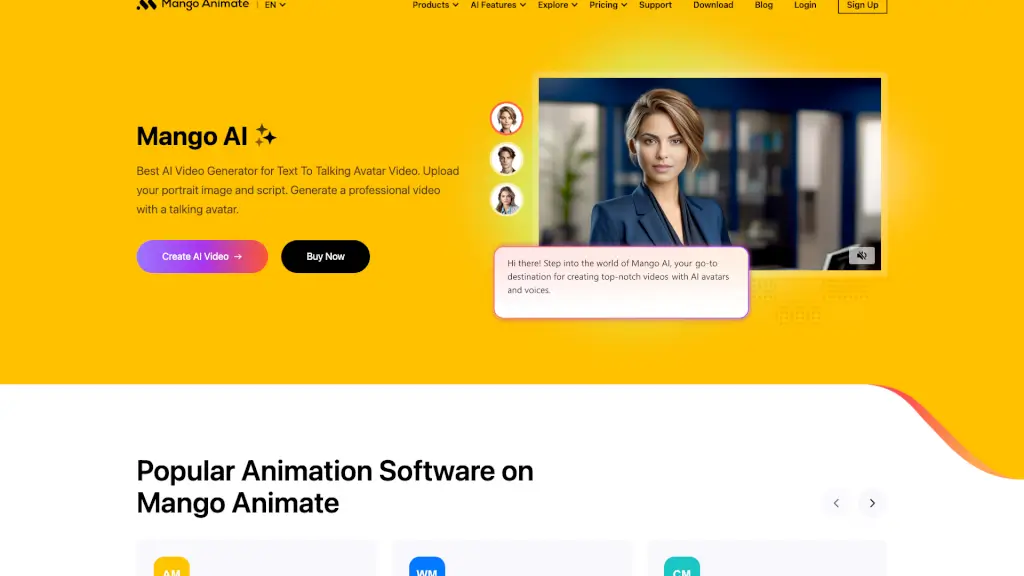
Mango AI - AI Video Generator - Mango Animate is a powerful and creative tool that brings your ideas to life with the help of AI. Whether you're a marketer, teacher, or just someone who loves to create, this platform offers a wide range of features to make professional videos easily. With Mango AI, you can turn simple text into engaging videos, swap faces, and even animate photos. It’s perfect for anyone looking to add a dynamic touch to their content without needing advanced video editing skills.
What are the features of Mango Animate?
- AI Video Generator: Create high-quality videos from text, images, or existing content.
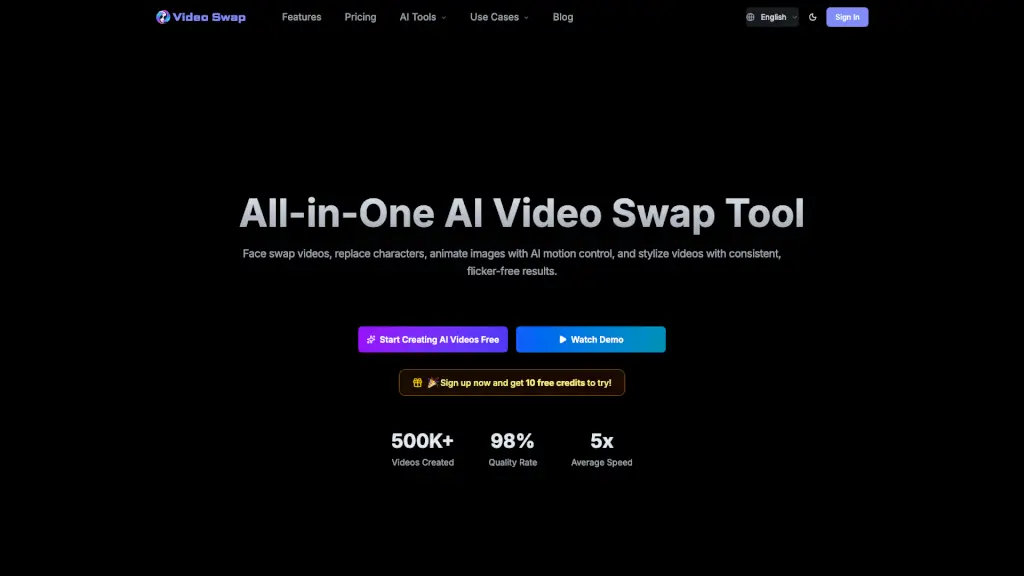
- Face Swap and Multiple Face Swap: Seamlessly swap faces in videos to create unique and personalized content.
- Talking Avatar: Generate lifelike avatars that can speak your script, adding a human touch to your videos.
- Text to Animation: Convert text into animated videos, making it easy to explain complex ideas.
- Custom Avatar: Design and customize your own avatar to match your brand or personal style.
- Voice Cloning: Use AI to clone voices, ensuring your videos sound natural and professional.
What are the use cases of Mango Animate?
- Business Presentations: Create engaging and professional presentations for meetings or webinars.
- Educational Videos: Produce informative and visually appealing videos for online courses or classroom use.
- Marketing Campaigns: Develop eye-catching promotional videos to boost your marketing efforts.
- Personal Projects: Bring your stories to life with personalized videos for social media or personal blogs.
- Training Videos: Make detailed and interactive training videos for onboarding new employees or teaching new skills.
How to use Mango Animate?
- Upload Your Content: Start by uploading your script, images, or existing video content.
- Choose an Avatar: Select or customize an avatar that fits your needs.
- Add Voice and Animation: Use the AI voice cloning and text-to-animation features to bring your content to life.
- Edit and Customize: Fine-tune your video with additional effects, backgrounds, and animations.
- Export and Share: Once you’re satisfied, export your video and share it on your preferred platforms.