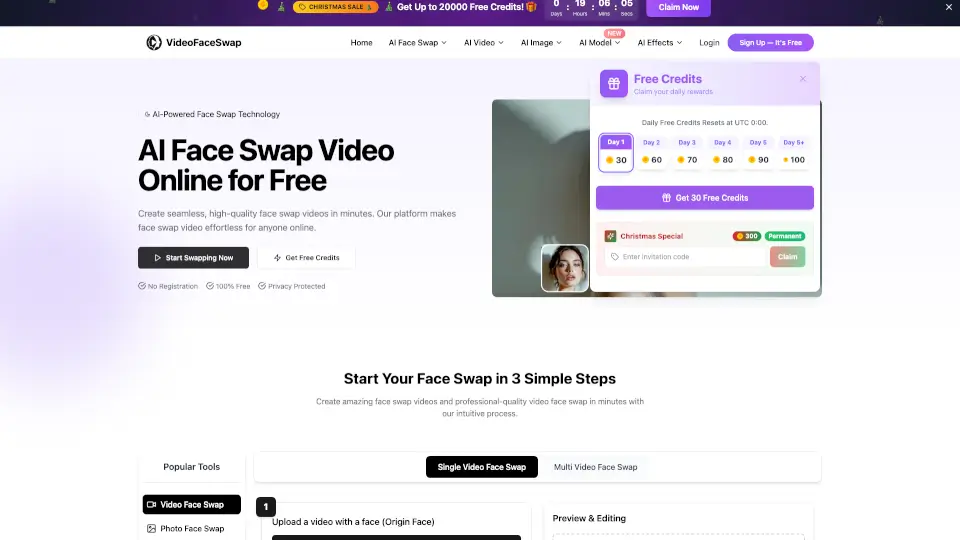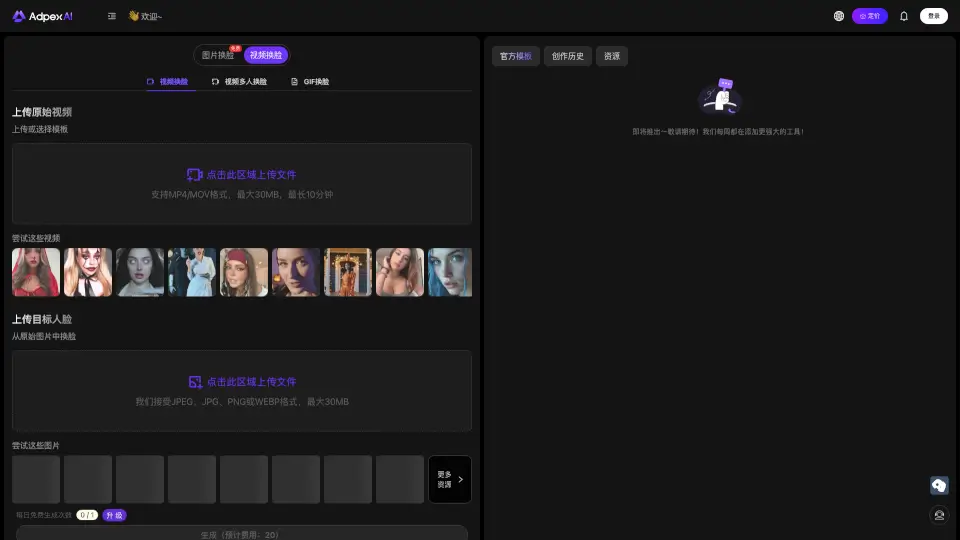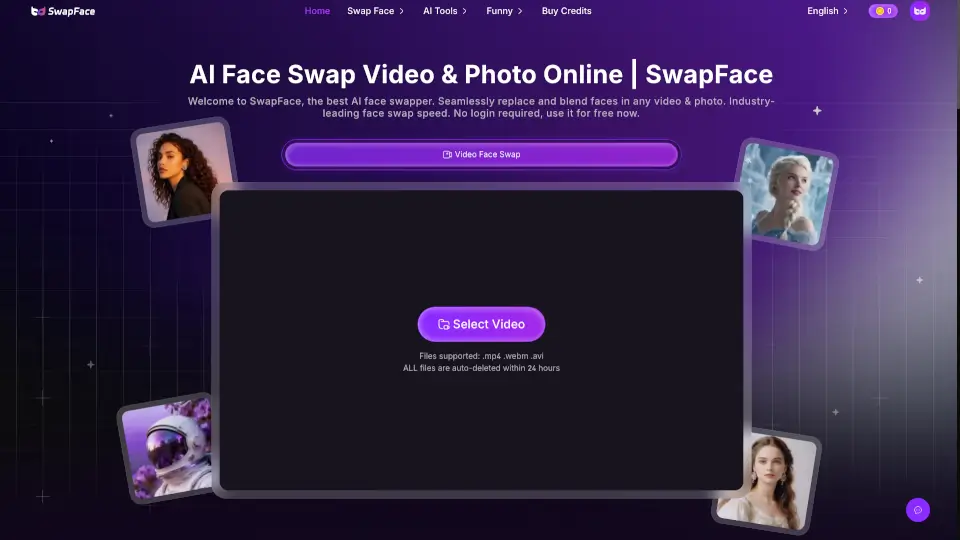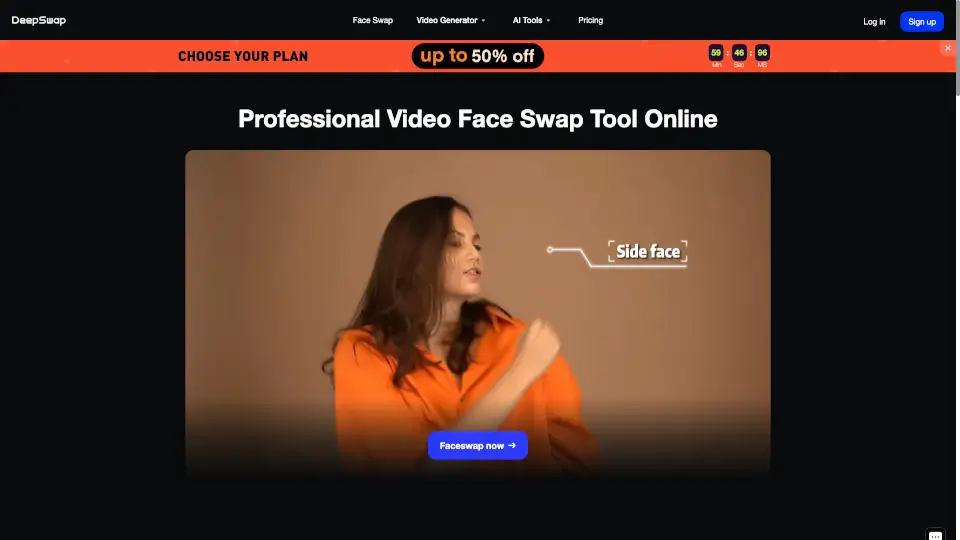
What is Video Swap?
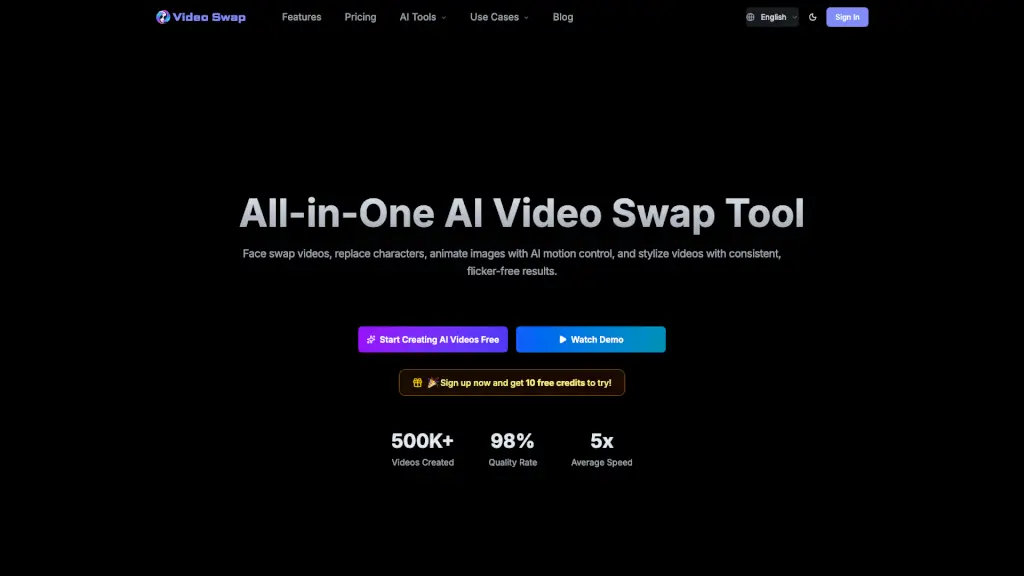
Video Swap is an all-in-one AI video tool that lets you swap faces, replace characters, transfer motion to static images, and stylize clips — all in one seamless workflow. Designed for creators, marketers, and teams, it delivers flicker-free, natural results right in your browser. No software download needed. Just upload, choose your effect, and generate professional-quality videos in minutes. With over 500K videos created and a 98% quality rate, it’s built for speed and consistency across social media, ads, brand content, and more.
What are the features of Video Swap?
- Video Face Swap: Swap faces in videos while keeping expressions, lighting, and movements smooth and natural — no flickering between frames.
- Character Swap: Replace characters in a scene while maintaining background consistency, perfect for ad localization or mascot insertion.
- AI Motion Control: Animate static images by transferring motion from a reference video — bring photos, illustrations, or characters to life.
- Video Style Transfer: Apply one-click stylization (anime, cinematic, cartoon, etc.) with consistent, flicker-free results across the entire clip.
- Multi-Platform Ready: Works entirely in your browser on desktop, tablet, or phone — no app installation required.
- Commercial Use License: All generated videos can be used for ads, social media, brand content, and other commercial projects (with legal rights to your input materials).
What are the use cases of Video Swap?
- Short-form creators (TikTok, Reels, Shorts): Quickly swap faces in trending videos while keeping expressions stable — no more flickering or reshoots.
- Ad agencies & marketing teams: Generate multiple ad variants fast by replacing characters in the same scene, speeding up A/B testing and localization.
- Content creators & social media marketers: Bring static photos to life with AI motion control — turn old family pictures or product shots into eye-catching animations.
- Brand teams & channel operators: Convert video styles (e.g., anime, cinematic) to create a unified series look across all content.
- Virtual hosts & course creators: Record one talking-head video and swap faces to different on-screen personas while maintaining consistent lighting and expression — save re-shoot costs.
- Illustrators & short-film studios: Use AI motion control to turn a reference performance into an animated character, making your artwork act out a scene.
How to use Video Swap?
- Step 1: Upload your source material — a face image, character image, static photo, or video clip.
- Step 2: Choose the feature you want: Face Swap, Character Swap, AI Motion Control, or Video Style Transfer.
- Step 3: Select your output resolution and quality mode (Professional or Standard). Longer clips and higher quality consume more credits.
- Step 4: Click “Generate” and wait a few seconds for processing.
- Step 5: Preview the result, then download or share directly. You can also re-run with different inputs to create multiple variants.
- Tip: For best results, use a clear front-facing face image for swaps and a stable reference video for motion control.