
Makefun logo

Makefun

5.0
(0 Reviews)
United States30.24%

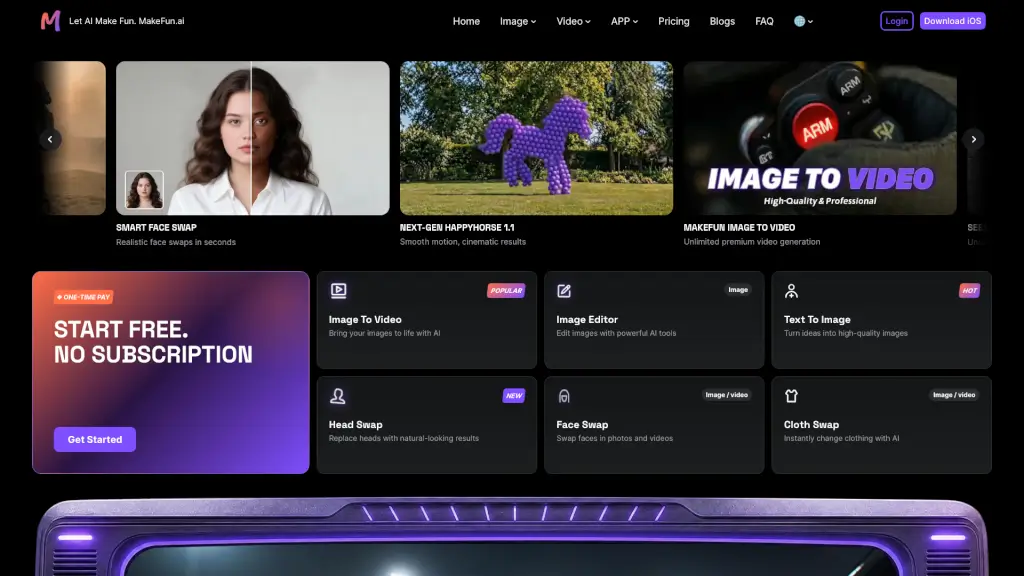
Makefun AI is an unrestricted AI video and image generator that lets you create realistic videos, avatars, face swaps, and voice clones from text or photos with a one-time pay model.

Verified by SeekTool
Makefun

Makefun Product Information

What is Makefun?

Makefun AI is an unrestricted AI video and image generator that lets you create videos and images from text or photos without a subscription. It’s built for content creators, developers, marketers, and anyone who wants to quickly produce realistic AI-generated media — including image-to-video, face swaps, head swaps, voice cloning, and talking avatars. The platform offers a wide range of AI models (e.g., Seedream 5.0, Wan 2.7, Kling 3.0, HappyHorse) that you can use with a one-time pay model, so you only pay for what you use. It also provides an API and MCP server for developers who want to integrate avatar or video generation into their own apps.

What are the features of Makefun?

  • Image to Video: Upload a photo and turn it into a short video with realistic motion. Supports models like Seedance 2.0, Wan 2.7, and Veo 3.1. The output includes native audio on some models.
  • Face Swap / Head Swap: Swap faces in photos or videos with natural-looking results. Works for both images and video files. The head swap feature replaces heads while keeping the rest of the scene consistent.
  • Cloth Swap: Change clothing in images using AI. Upload a photo and describe the new outfit (or use a reference image) to instantly alter appearance.
  • Text to Image: Generate high-quality images from text prompts. Supports multiple models: FLUX 2 Pro, Nano Banana, Seedream 4.5, GPT Image 1.5, Z-Image, and more.
  • AI Avatar / Talking Photo: Create a realistic avatar from a video or image, then generate a talking video with lip-sync. You can also upload a photo and make it speak with a cloned voice.
  • Voice Clone / Video to Audio: Clone a voice from a short audio sample and use it to dub videos in multiple languages. Also supports converting video to audio for subtitles or reuse.
  • API & MCP Integration: Developers can access video and avatar generation through a REST API or a world’s first MCP server for AI avatars. The API supports custom avatars, voices, and lip-sync, and can be integrated into any app or workflow.

What are the use cases of Makefun?

  • Content creators making short social media videos: upload a still image, animate it with Seedance 2.0, and add voiceover from a cloned voice.
  • Marketers producing multilingual product demos: record a video, use voice clone to dub it into different languages, and lip-sync with the talking avatar feature.
  • Developers building interactive avatar experiences: integrate the Makefun API to generate human-like talking videos from text input, available in any face, voice, style, and language.
  • Educators creating explainer videos: turn a static slide into a talking photo with lip-sync, using a cloned voice to narrate the content.
  • Entertainment users experimenting with face swaps: put your face on a superhero clip or a movie scene, then add a cloned voice for dubbing.
  • E-commerce teams generating product avatars: use the Product Avatar tool to create AI-generated models wearing different clothing styles without a photoshoot.

How to use Makefun?

  • Start free: Visit the Makefun AI homepage and click “Get Started” — no subscription required. You’ll receive free credits for initial generations.
  • Choose a tool: Select from the main menu (e.g., Image to Video, Face Swap, Talking Photo). Each tool has a dedicated page with model options.
  • Upload or describe: For image-to-video, upload a photo. For text-to-image, type a prompt. For face swap, provide the source image and target image/video.
  • Select a model: Pick from available models (e.g., Seedance 2.0, Wan 2.7, Kling 3.0). Some models offer higher quality or native audio.
  • Generate and download: Click the generate button. Wait for processing (usually a few seconds to minutes). Preview the result and download it in your preferred format.
  • For API access: Review the API docs on the site, then sign up for a paid plan (starting at $9.9 per month) to get API keys and integrate into your app.

Do you like this tool?

Upvote to help others discover it!

Makefun Alternatives

MakeFun Free and Uncensored AI Videos

Makefun.ai is a versatile and user-friendly platform for creating personalized AI videos, from text and images to lifelike digital avatars.

US
30.24%
|
1.4M
|
5.0
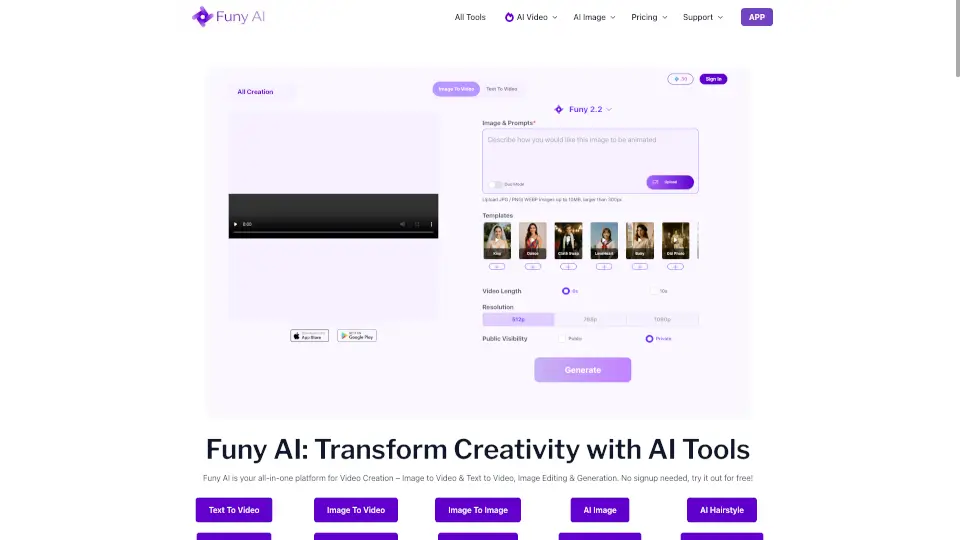
Funy AI: AI Video, AI Image, Face Swap

Funy AI makes AI creativity easy, free, and fun—no skills or sign-up required. Swap faces, generate videos, or enhance photos in seconds!

US
10.13%
|
370.2K
|
5.0
Talking Photo - LipSync

Transform photos into talking animations with realistic lip sync and expressions. Perfect for social media, education, marketing, and more. Easy, fast, and fun!

US
13.39%
|
508.6K
|
5.0
Vidgo AI

Transform photos into stunning videos instantly with Vidgo AI's image to video generator. Free, easy, and high-quality results! ---

BR
10.78%
|
65.5K
|
5.0
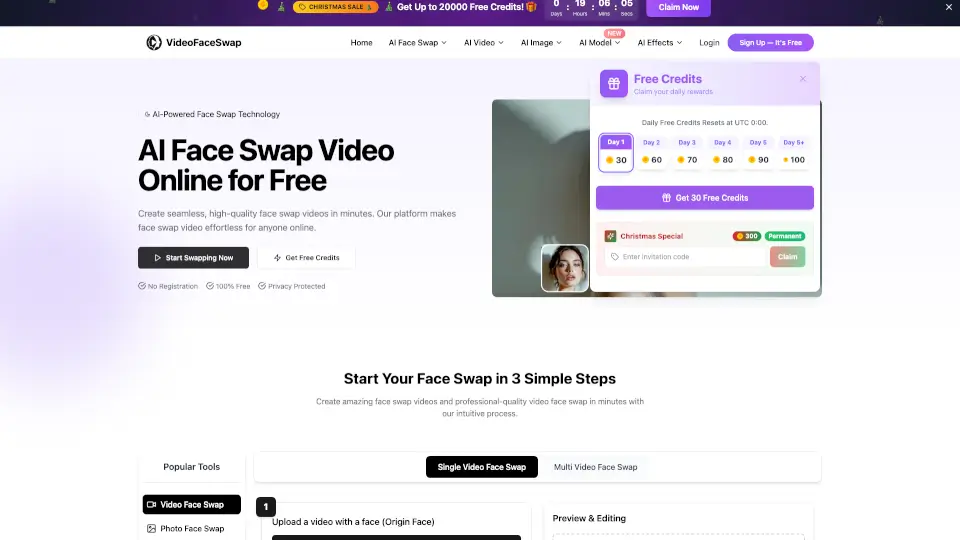
Video Face Swap

VideoFaceSwap offers high-quality, unlimited, and free video face swapping, making it easy and fun to create seamless, realistic face-swapped videos.

US
49.76%
|
61.4K
|
5.0
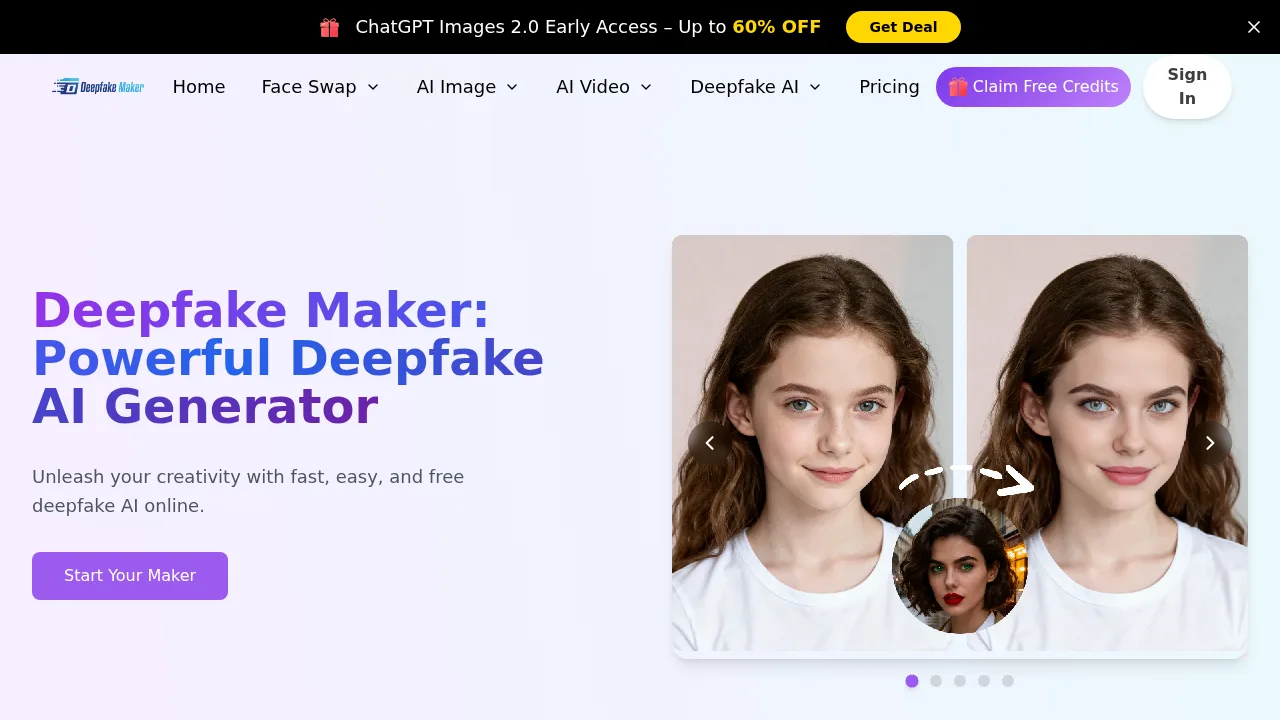
Deepface Maker

Deepfake Maker is a free, easy-to-use AI tool for face swapping in photos and videos. It’s perfect for fun, creativity, and exploration, with no privacy concerns.

MY
9.27%
|
220.7K
|
5.0
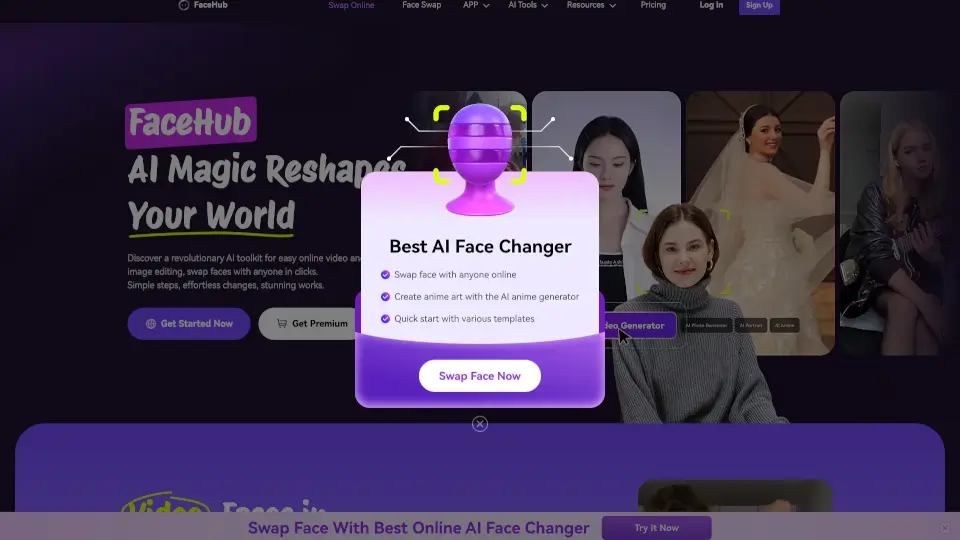
FaceMod

FaceHub is a revolutionary AI toolkit that makes face swapping and video editing simple, fun, and accessible for everyone. Whether for personal use or professional projects, FaceHub delivers stunning results in seconds.

US
39.24%
|
7.4K
|
3.0
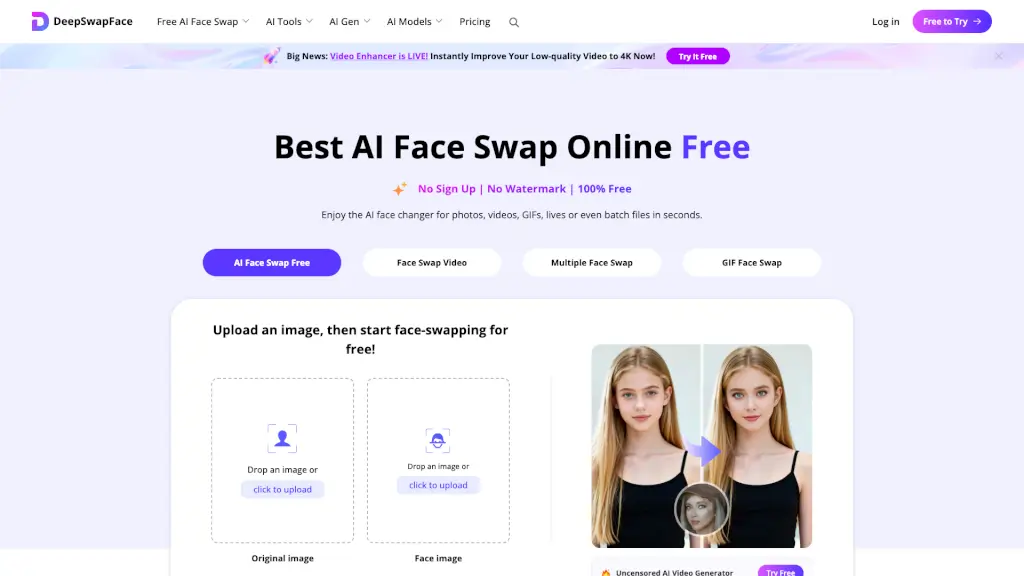
DeepSwapFace

DeepSwapFace is the best free AI face swap online with no sign-up, no watermark, and instant results for photos, videos, and GIFs.

US
28.57%
|
370.3K
|
5.0

Makefun Related Other Categories

Makefun Traffic Analysis

💡 Insights

📈
High Traffic
Over 1M monthly visits. Widely recognized and stable choice.
➡️
Stable
Traffic remains stable, indicating a mature product.
👍
Good Experience
Bounce rate of 40%. Users are willing to explore features.
🎯
Strong Brand
57% direct traffic. High user loyalty.
  • Monthly Visits

    1.38M

  • Bounce Rate

    40.35%

  • Pages Per Visit

    4.33

  • Visit Duration

    00:08:32

  • Global Rank

    37762

  • Country Rank

    3084

Visits Over Time

Traffic Sources

Direct56.84%
Referrals37.31%
SocialOrganic3.21%
SearchOrganic1.99%
GenAi0.39%
Mail0.24%
SearchPaid0.02%
SocialPaid0.00%
Affiliate0.00%

Top Keywords

1
makefun
200Traffic
2
fun ai
CPC$1.32
160Traffic
3
joyfun ai
CPC$0.81
30Traffic
4
head swap a2e
20Traffic
5
joyfun
CPC$1.47
10Traffic

Top Regions

RegionPercentage
United States
United States
30.24%
Mexico
Mexico
10.34%
Argentina
Argentina
8.78%
Germany
Germany
8.39%
Indonesia
Indonesia
5.87%
Low
High

Powered by SimilarWeb

Makefun FAQ

What is Makefun AI?

Makefun AI is an unrestricted AI video and image generator that lets you create videos, images, avatars, and voice clones from text or photos without a subscription. It’s designed for content creators, developers, and marketers.

Is Makefun free to use?

Yes, Makefun offers free AI video tools for personal creative workflows. Paid credits and plans are available when you need higher-volume generation, API usage, or team workflows. See the pricing page for current options.

What AI video workflows does Makefun support?

Makefun supports image-to-video, text-to-video, AI avatar, lip-sync, talking photo, face swap, voice clone, and video API workflows — all from one site. Each workflow has its own dedicated tool page.

Can developers use Makefun through an API?

Yes. Developers can review the Makefun API docs, then use the AI Video API and AI Avatar API to evaluate model coverage, workflow fit, and integration options. The API supports custom avatars, voices, and lip-sync.

What AI models are available on Makefun?

Image models include FLUX 2 Pro, Nano Banana, Seedream 4.5/5.0, GPT Image 1.5/2, Z-Image, and more. Video models include HappyHorse, Seedance 2.0, Kling 3.0, Wan 2.7, Hailuo 2.3, Veo 3.1, and Sora 2 Pro. Voice models include A2E, MiniMax, Cartesia, and Elevenlabs.

How does the pricing work?

Makefun uses a one-time pay model — no subscription required. You can start with free credits, then buy credits as needed. Pricing starts at $9.9 for a starter package, with by-usage subscription and dedicated server options available.

Makefun Reviews

0

0

0 Reviews
Sign Into leave a review

Recent Reviews

No reviews yet

Makefun Embed

Use website badges to drive community support for SeekTool.ai. They are easy to embed in your homepage or footer.

Light
Dark
Makefun - Featured on SeekTool.aiMakefun - Featured on SeekTool.ai
How to install?