
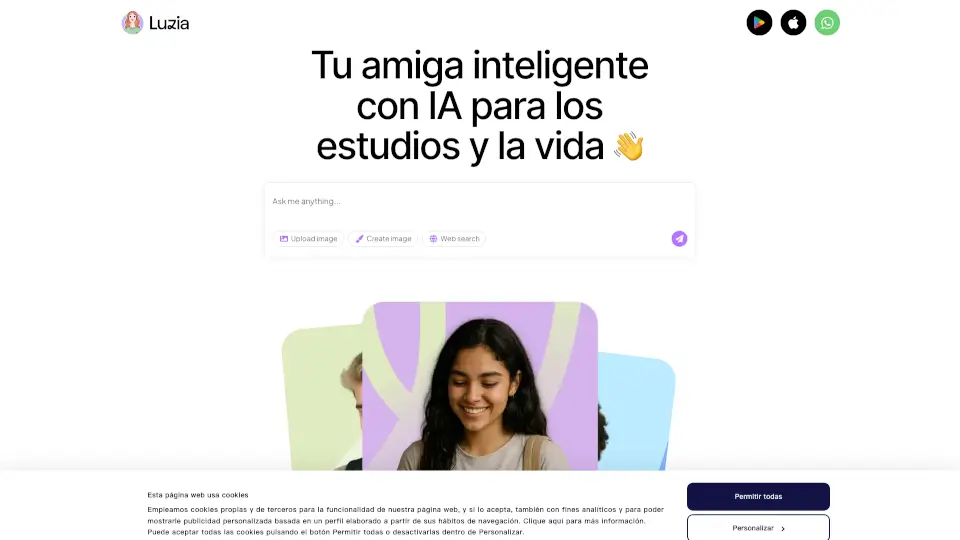
What is Luzia?
Luzia is your friendly, free AI assistant designed to make everyday life easier—whether you're studying, working, or just exploring your passions. Think of Luzia as your smart companion who’s always ready to help without complicated commands or hidden fees. From solving math problems to writing essays, translating languages, or even generating images from your ideas, Luzia adapts to how you think and work.
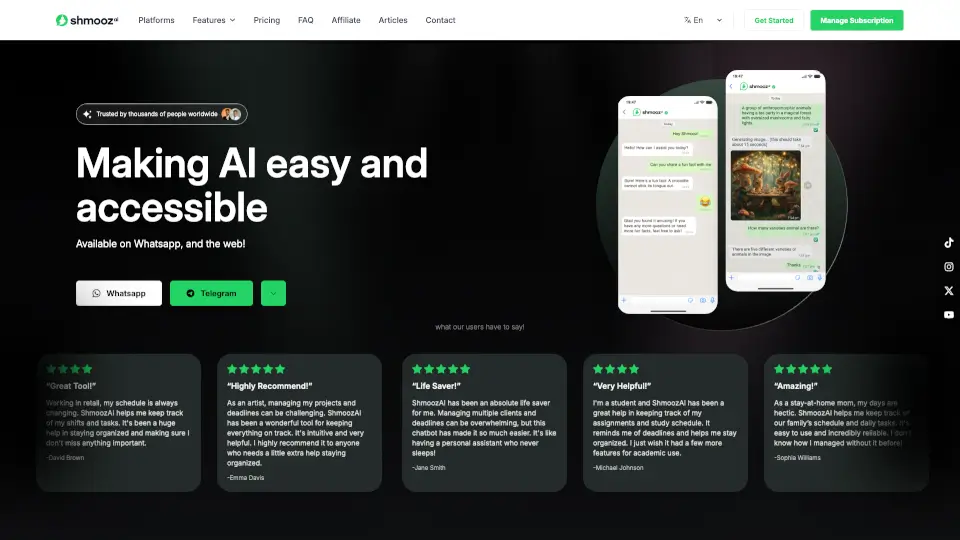
Available on WhatsApp (in select countries), iOS, Android, and web, Luzia brings powerful artificial intelligence right to your fingertips. No tech expertise needed—just start chatting like you would with a helpful friend. With over 85 million users worldwide and ranked #1 in more than 5 countries, Luzia proves that smart, human-like AI can be both free and incredibly useful.
What are the features of Luzia?
- Free AI Assistance: Get unlimited help with tasks like writing, coding, explaining concepts, and more—at no cost.
- Multi-Platform Access: Use Luzia via WhatsApp, mobile apps (iOS/Android), or desktop web for seamless support anywhere.
- Image Generation & Analysis: Turn your ideas into visuals or upload photos/PDFs for instant insights and results.
- Natural Conversation: No commands or tricks—just talk normally, and Luzia understands context and intent.
- Personalized AI Friends: Create custom AI characters tailored to your personality or needs.
- Real-Time Web Search: Get up-to-date information by searching the web directly through the chat.
- Multilingual Support: Translate, write, and communicate effortlessly across languages.
- Luzia+ Premium Option: Upgrade for ad-free experience, longer chats, higher-quality image generation, and advanced reasoning.
What are the use cases of Luzia?
- A student uses Luzia to explain complex math problems step-by-step before an exam.
- A professional drafts emails, reports, or code snippets quickly during a busy workday.
- Someone learning a new language practices conversations and translations in real time.
- A creative user turns a rough sketch idea into a high-quality AI-generated image.
- A traveler gets instant translation help while navigating a foreign country via WhatsApp.
- A hobbyist transcribes voice notes or interviews from uploaded audio files.
- Users create a personalized AI friend for motivation, journaling, or companionship.
How to use Luzia?
- Download the Luzia app from the App Store or Google Play, or visit the web version at luzia.com.
- If available in your region, start chatting with Luzia directly on WhatsApp—no extra setup needed.
- Type your request naturally: “Help me write a cover letter” or “Explain photosynthesis simply.”
- Use built-in tools like “Upload PDF,” “Create Image,” or “Search the Web” from the chat interface.
- For enhanced features, explore Luzia+ in-app to unlock longer conversations and better image quality.
- Manage privacy preferences anytime via the Cookie Settings banner on the website.