

What is Lunabot.AI?
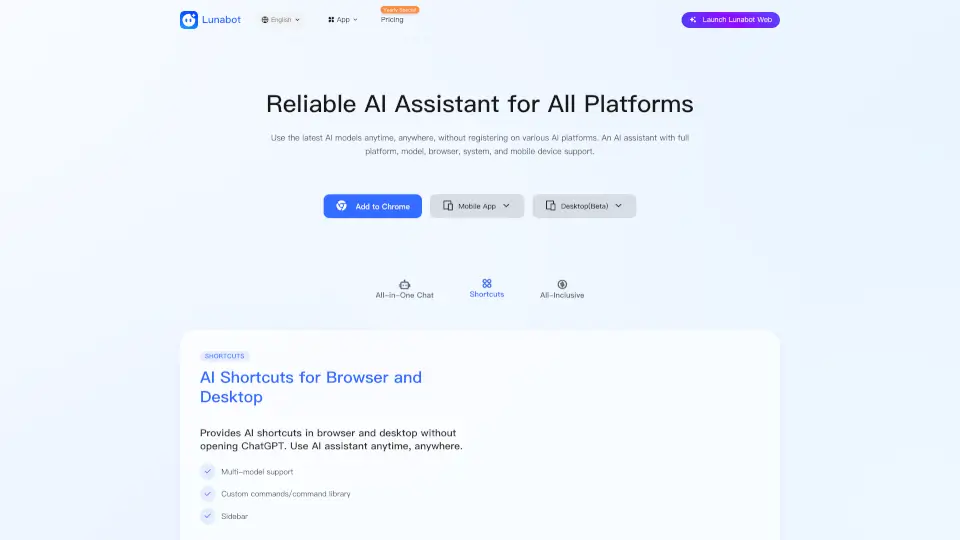
Lunabot is your all-in-one AI assistant, designed to make your life easier and more productive. Whether you're at home, in the office, or on the go, Lunabot is there to help you with a wide range of tasks. With support for multiple platforms like Chrome, Edge, Firefox, iOS, Android, Telegram, Siri, and more, Lunabot ensures that you can access the latest AI models anytime, anywhere. No need for a ChatGPT account or OpenAI API key—just install and start using Lunabot to unlock the full potential of AI.
What are the features of Lunabot.AI?
- All-Platform Support: Available on browsers, mobile devices, desktops, and even through voice assistants like Siri.
- Advanced AI Models: Supports the latest and most powerful AI models, including GPT-4o, Gemini, Claude, Mistral, and Ollama.
- Chat Memory: Remembers your previous conversations, so you don't have to repeat yourself.
- Night Mode: Automatically switches to a darker theme at night to protect your eyes.
- Voice Interaction: Supports both voice input and output, making it easy to use hands-free.
- Privacy Protection: Uses advanced encryption and provides a privacy control panel to keep your data safe.
What are the use cases of Lunabot.AI?
- Writing Assistance: Get help with writing emails, social media posts, and more.
- Research and Summarization: Quickly summarize long articles or research papers.
- Translation: Translate text between multiple languages effortlessly.
- Task Automation: Create custom commands to automate repetitive tasks.
- Document Chat: Ask questions about documents without needing to download them.
- Voice Commands: Use voice commands to control your smart home devices or set reminders.
How to use Lunabot.AI?
- Install the Browser Extension: Add Lunabot to your favorite browser for quick access.
- Download the Mobile App: Get the app from the App Store or Google Play for on-the-go assistance.
- Set Up Voice Integration: Connect Lunabot with Siri or other voice assistants for hands-free use.
- Customize Your Experience: Set up custom commands and preferences in the settings.
- Use Night Mode: Enable night mode in the settings for a comfortable viewing experience in low light.