What is Lucy Edit?
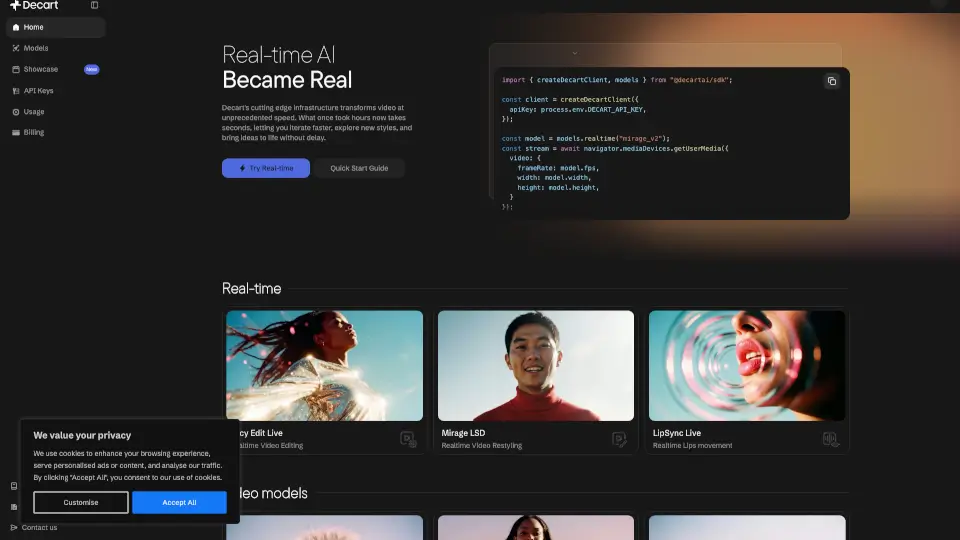
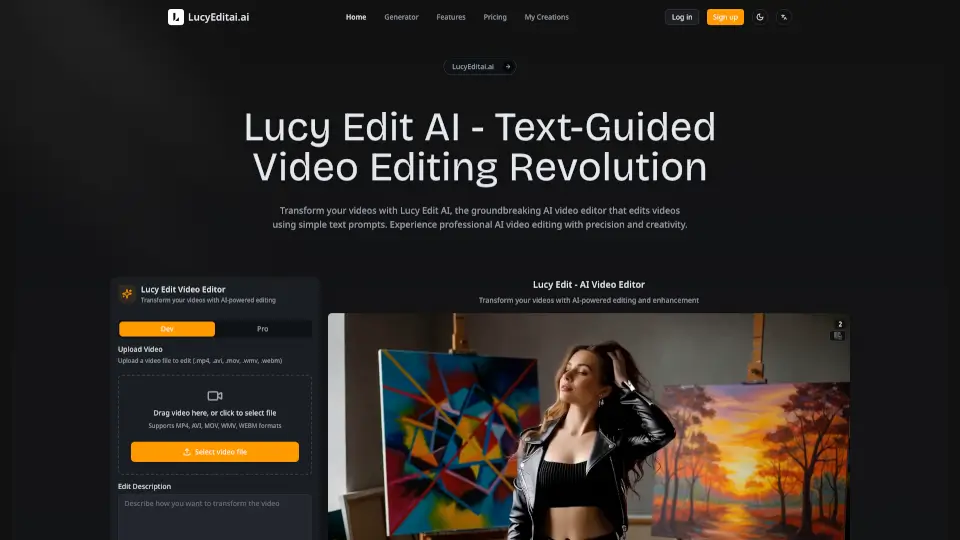
Lucy Edit AI is a smart, text-guided video editor that lets you transform your videos with simple written instructions. Whether you want to change outfits, swap backgrounds, or turn a person into a tiger, Lucy Edit AI makes it easy. The platform stands out for its ability to keep the original motion and timing of your video, so your edits look natural and professional. No need for complicated software or technical skills—just describe what you want, and Lucy Edit AI does the rest.
What are the features of Lucy Edit?
- Text-Guided Video Editing: Edit videos using plain English prompts.
- Motion Preservation: Keeps original movements and timing intact during edits.
- Character & Wardrobe Changes: Easily swap outfits, add accessories, or transform people into animals or fictional characters.
- Scene & Style Transformation: Change backgrounds, apply artistic styles, or modify environments.
- Multiple Video Formats Supported: Works with MP4, AVI, MOV, WMV, and WEBM files.
- Iterative Editing: Review and refine your edits as many times as you need.
- Professional Quality Exports: Download high-quality videos ready for web, broadcast, or further editing.
What are the use cases of Lucy Edit?
- Content Creators: Quickly update or enhance videos for YouTube, TikTok, or Instagram.
- Marketing Teams: Create eye-catching ads or promotional videos without reshoots.
- Fashion & Lifestyle Influencers: Instantly change outfits or add accessories for creative content.
- Film & Video Production: Save time and budget by making post-production changes easily.
- Educators & Students: Make engaging video projects with unique visual effects.
How to use Lucy Edit?
- Upload Your Video: Start by uploading your video file in a supported format.
- Describe Your Edits: Type out what you want to change using clear, detailed prompts (about 20-30 words works best).
- Let Lucy Edit AI Work: The AI processes your instructions, making edits while preserving motion and quality.
- Review & Refine: Check the results, make further tweaks if needed, and repeat until satisfied.
- Export Your Video: Download your finished video in high quality, ready to share or use professionally.