
What is Lucidpic?
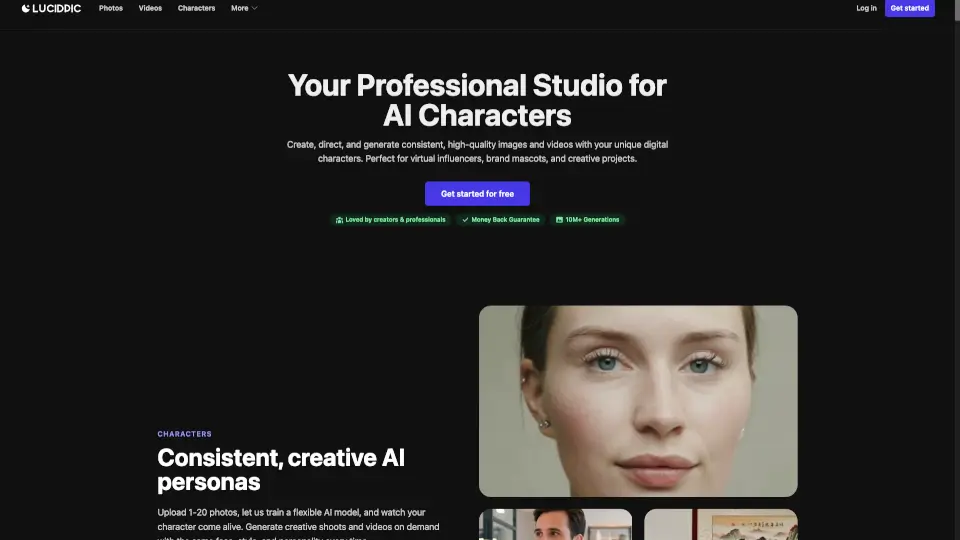
Lucidpic is an all-in-one AI tool that lets you generate realistic people from scratch, edit existing photos, or even turn still images into short videos—all in one place. Whether you need professional headshots, consistent characters for branding, or eye-catching content for social media, Lucidpic streamlines the creative process without requiring photography skills or expensive shoots.
Designed for creators, marketers, authors, and small businesses, Lucidpic combines image generation, smart editing, and video animation so you can go from idea to publish-ready asset fast. No more juggling between apps or losing consistency across campaigns—just upload a photo or describe what you want, and Lucidpic handles the rest.
What are the features of Lucidpic?
- AI Person Generator: Create lifelike people from text prompts or build from your own reference photo.
- Consistent Character Creation: Lock in a face and reuse it across headshots, lifestyle scenes, ads, and videos—no drift.
- Smart Photo Editing: Instantly change clothes, hair, background, lighting, or style without switching tools.
- Image-to-Video Conversion: Turn any generated or uploaded photo into a short, vertical, square, or widescreen video with captions.
- All-in-One Workflow: Generate, edit, refine, and animate within a single workspace using purpose-built AI models.
- Commercial-Ready Output: Produce high-quality, photorealistic images suitable for branding, ads, and influencer content.
What are the use cases of Lucidpic?
- Authors creating promotional trailers and character visuals for book marketing
- Brands building consistent AI influencers for UGC-style ad campaigns
- Job seekers generating professional headshots without a photoshoot
- Social media managers producing themed content (gym, travel, dating, yoga) with the same model
- E-commerce teams creating product-in-context lifestyle images fast
- Creators making TikTok or Instagram Reels from a single photo
How to use Lucidpic?
- Start with a clear selfie or reference photo for best character consistency
- Use descriptive prompts (e.g., “professional headshot, navy blazer, soft lighting”) when generating from scratch
- After generating a base character, use the “Remix” feature to create new outfits or settings while keeping the face intact
- Apply quick edits like hair color or background changes directly in the editor
- Turn your strongest image into a short video by selecting aspect ratio and adding captions
- Save reusable characters to your profile for future projects