
What is LiveLink AI?
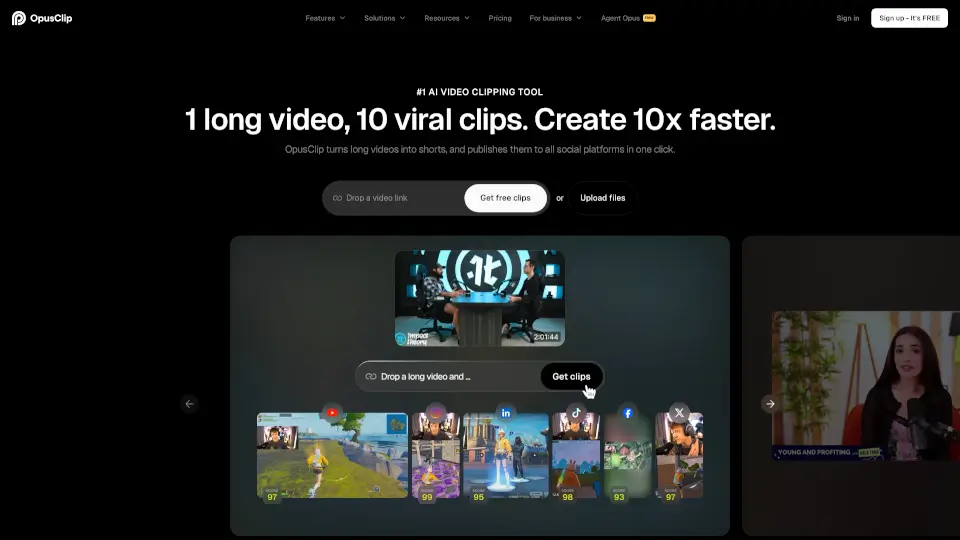
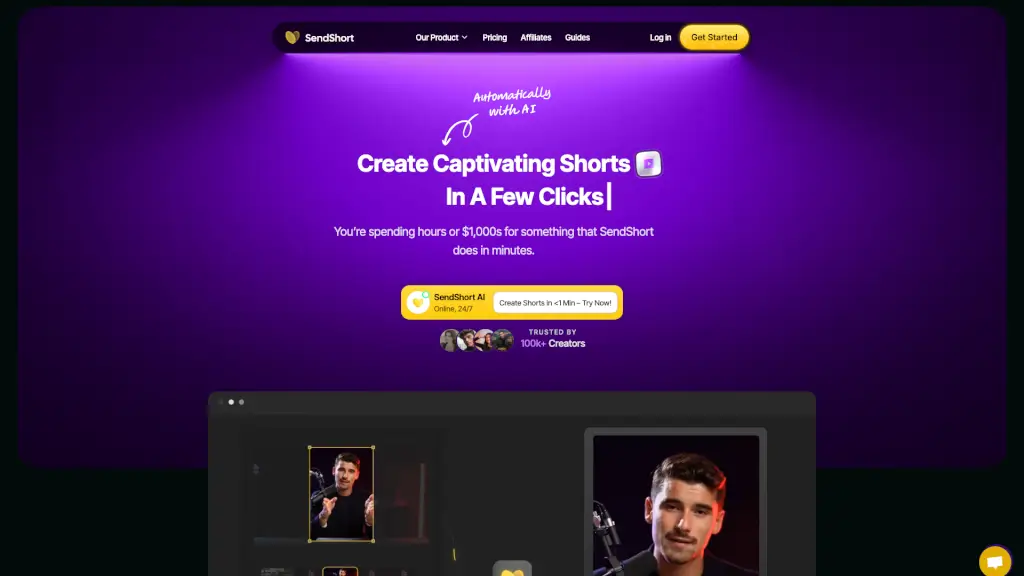
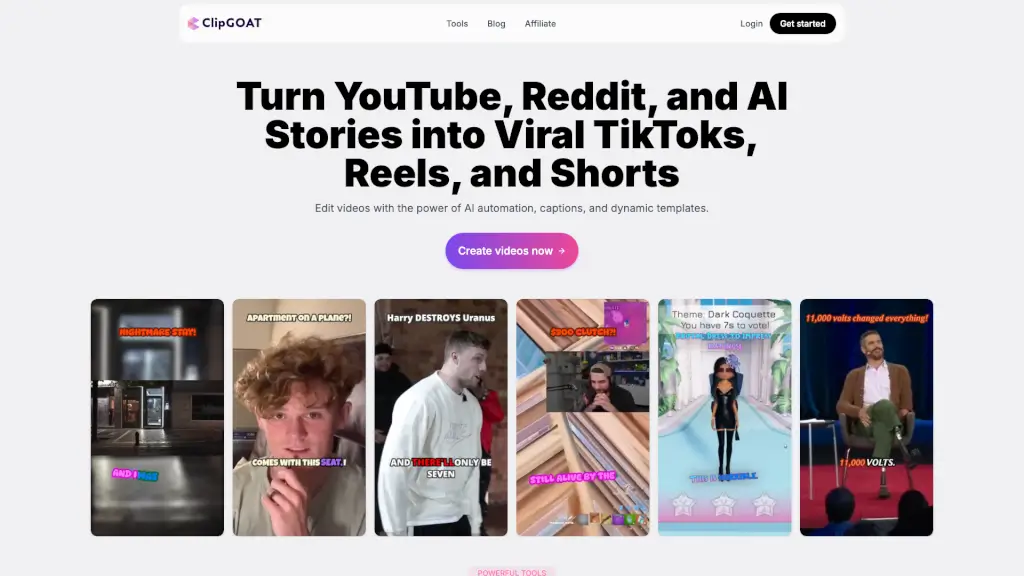
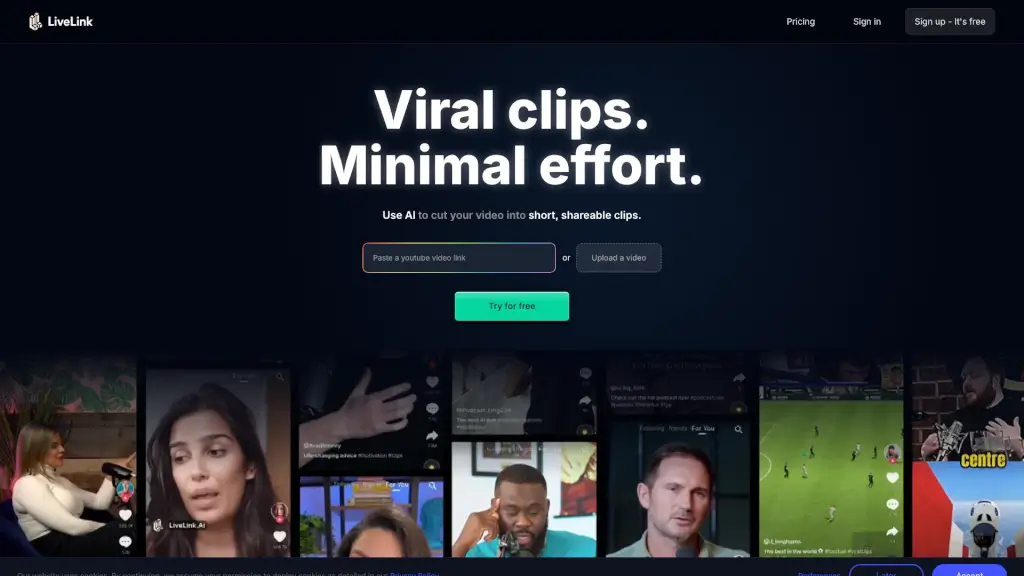
LiveLink is an AI-powered video clipping tool designed to help you create short, shareable clips from long videos in just a few clicks. Whether you're a content creator, marketer, or social media enthusiast, LiveLink makes it easy to find and highlight the best moments from your videos. With its advanced AI, you can quickly transform lengthy recordings into engaging, bite-sized clips that are perfect for platforms like YouTube, TikTok, and Instagram. Say goodbye to manual editing and hello to a streamlined, efficient workflow.
What are the features of LiveLink AI?
- AI Video Clipping: Automatically identifies and extracts the most engaging moments from your long videos.
- Advanced Speaker Tracking: Uses facial recognition to keep the speaker in focus, ensuring high-quality, professional-looking clips.
- Auto-Posting and Scheduling: Seamlessly schedule and auto-post your clips to multiple social media platforms.
- Custom Templates: Apply your brand's look and feel with pre-made templates, saving time and maintaining consistency.
- Automatic Caption Generation: Generates captions automatically, which you can customize to fit your style.
- Powerful Editor: Offers advanced editing capabilities, allowing you trim, update captions, and fine-tune every aspect of your clips.
- Targeted Clip Suggestions: Analyzes viewer preferences to suggest clips that are likely to resonate with your audience.
What are the use cases of LiveLink AI?
- Content Creators: Transform long-form content into shareable short clips for YouTube Shorts, TikTok, and Instagram.
- Marketers: Create promotional content and highlight reels to drive traffic, engagement, and conversions.
- Podcasters: Turn video podcasts into engaging, shareable clips for social media.
- Educators: Break down long educational videos into shorter, more digestible segments.
- Businesses: Repurpose webinars, speeches, and product reviews into engaging social media content.
- Influencers: Quickly create and post viral clips to grow your following and engagement.
How to use LiveLink AI?
- Upload Your Video: Start by uploading the long video you want to clip.
- Select Key Moments: Let the AI analyze and select the best moments, or manually choose your preferred segments.
- Customize Clips: Use the editor to trim, add captions, and apply your brand template.
- Schedule and Post: Connect your social media accounts and schedule your clips for posting.
- Monitor Performance: Track the performance of your clips and adjust your strategy based on engagement metrics.