
LiveLink AI logo

LiveLink AI

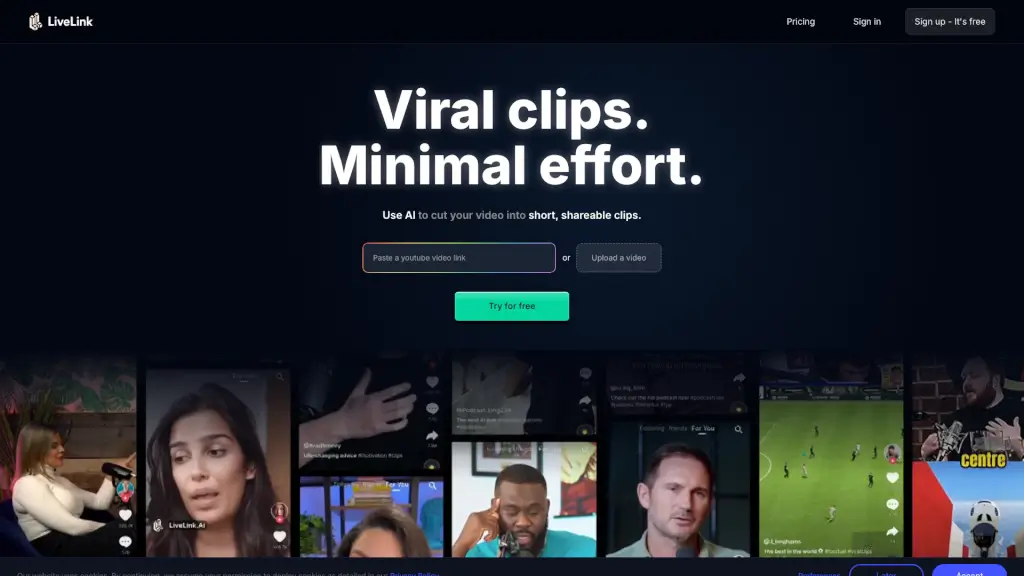
LiveLink is an AI-powered video clipping tool that makes it easy to create and share engaging, short clips from long videos, perfect for social media.

Social Media:
LiveLink AI

LiveLink AI Product Information

What is LiveLink AI?

LiveLink is an AI-powered video clipping tool designed to help you create short, shareable clips from long videos in just a few clicks. Whether you're a content creator, marketer, or social media enthusiast, LiveLink makes it easy to find and highlight the best moments from your videos. With its advanced AI, you can quickly transform lengthy recordings into engaging, bite-sized clips that are perfect for platforms like YouTube, TikTok, and Instagram. Say goodbye to manual editing and hello to a streamlined, efficient workflow.

What are the features of LiveLink AI?

  • AI Video Clipping
    Automatically identifies and extracts the most engaging moments from your long videos.
  • Advanced Speaker Tracking
    Uses facial recognition to keep the speaker in focus, ensuring high-quality, professional-looking clips.
  • Auto-Posting and Scheduling
    Seamlessly schedule and auto-post your clips to multiple social media platforms.
  • Custom Templates
    Apply your brand's look and feel with pre-made templates, saving time and maintaining consistency.
  • Automatic Caption Generation
    Generates captions automatically, which you can customize to fit your style.
  • Powerful Editor
    Offers advanced editing capabilities, allowing you trim, update captions, and fine-tune every aspect of your clips.
  • Targeted Clip Suggestions
    Analyzes viewer preferences to suggest clips that are likely to resonate with your audience.

What are the use cases of LiveLink AI?

  • Content Creators
    Transform long-form content into shareable short clips for YouTube Shorts, TikTok, and Instagram.
  • Marketers
    Create promotional content and highlight reels to drive traffic, engagement, and conversions.
  • Podcasters
    Turn video podcasts into engaging, shareable clips for social media.
  • Educators
    Break down long educational videos into shorter, more digestible segments.
  • Businesses
    Repurpose webinars, speeches, and product reviews into engaging social media content.
  • Influencers
    Quickly create and post viral clips to grow your following and engagement.

How to use LiveLink AI?

  • Upload Your Video
    Start by uploading the long video you want to clip.
  • Select Key Moments
    Let the AI analyze and select the best moments, or manually choose your preferred segments.
  • Customize Clips
    Use the editor to trim, add captions, and apply your brand template.
  • Schedule and Post
    Connect your social media accounts and schedule your clips for posting.
  • Monitor Performance
    Track the performance of your clips and adjust your strategy based on engagement metrics.
Do you like this tool?

Upvote to help others discover it!

LiveLink AI Alternatives

AI Video Cut

AI Video Cut

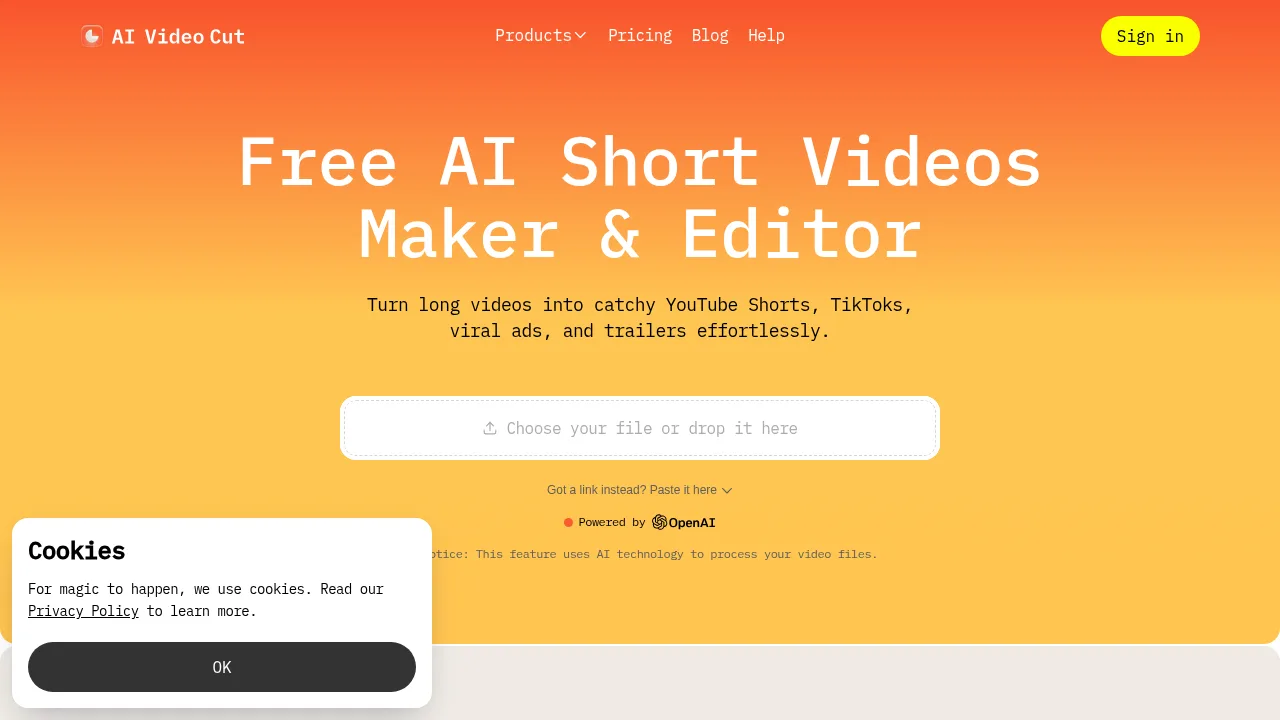
AI Video Cut converts long-form videos into short, captioned MP4 clips using customizable text prompts and face-tracking cropping.

BR
17.49%
142.0K
0
Vizard.ai

Vizard.ai

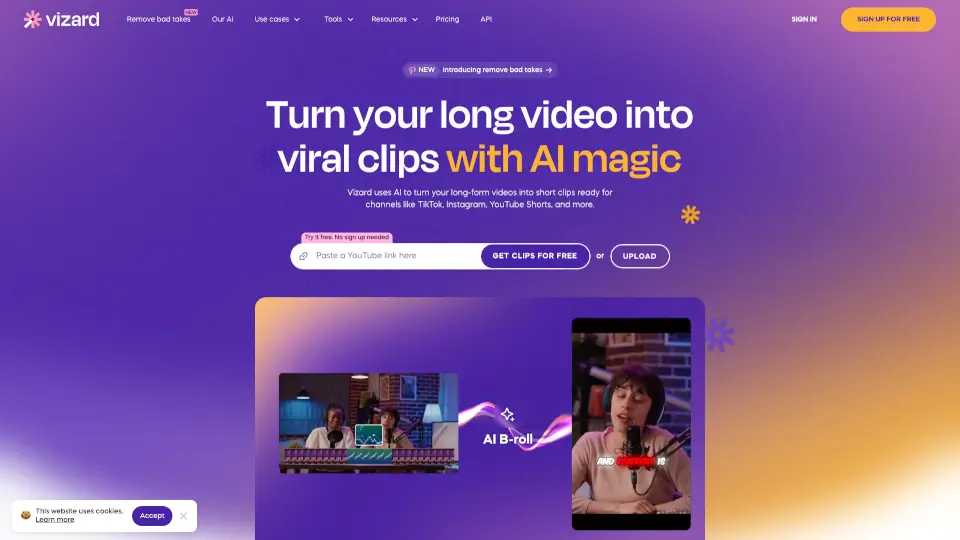
Vizard.ai uses AI to automatically turn long-form videos, podcasts, and blog posts into engaging short-form clips for social media marketing.

IN
13.15%
1.5M
0
Flowjin

Flowjin

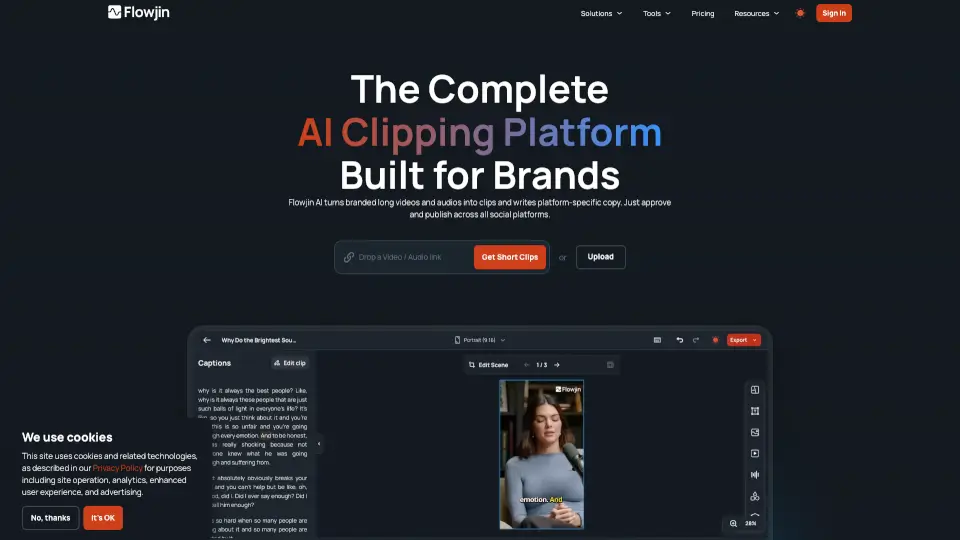
Flowjin uses AI to turn long videos and audio into viral-ready short clips with platform-specific captions—no editing skills needed.

US
18.81%
78.3K
0
SendShort

SendShort

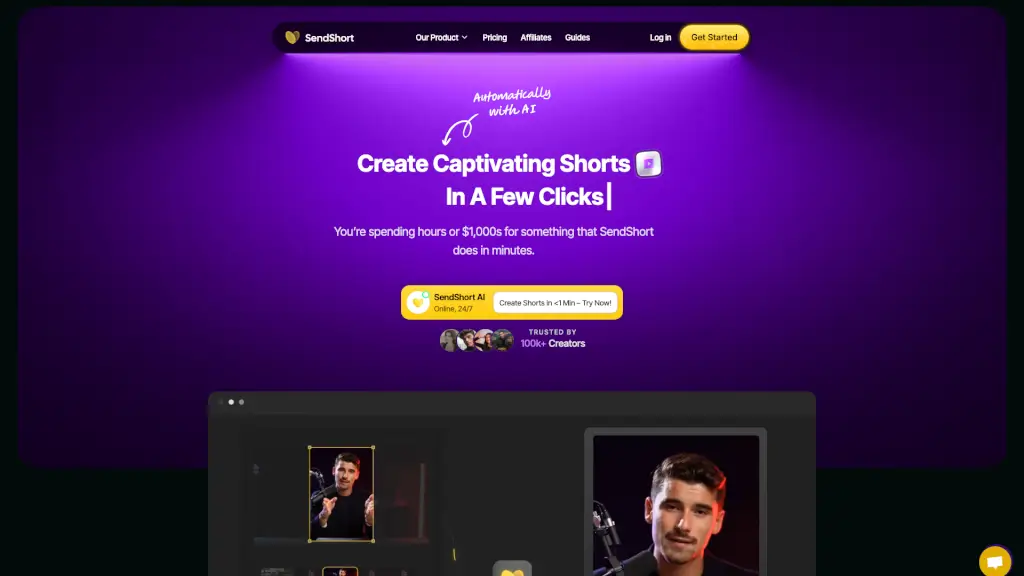
SendShort is an AI-powered tool that turns long videos into engaging short clips, adding auto-generated captions, translations, and more, all in minutes.

FR
15.43%
95.3K
0
ClipGOAT

ClipGOAT

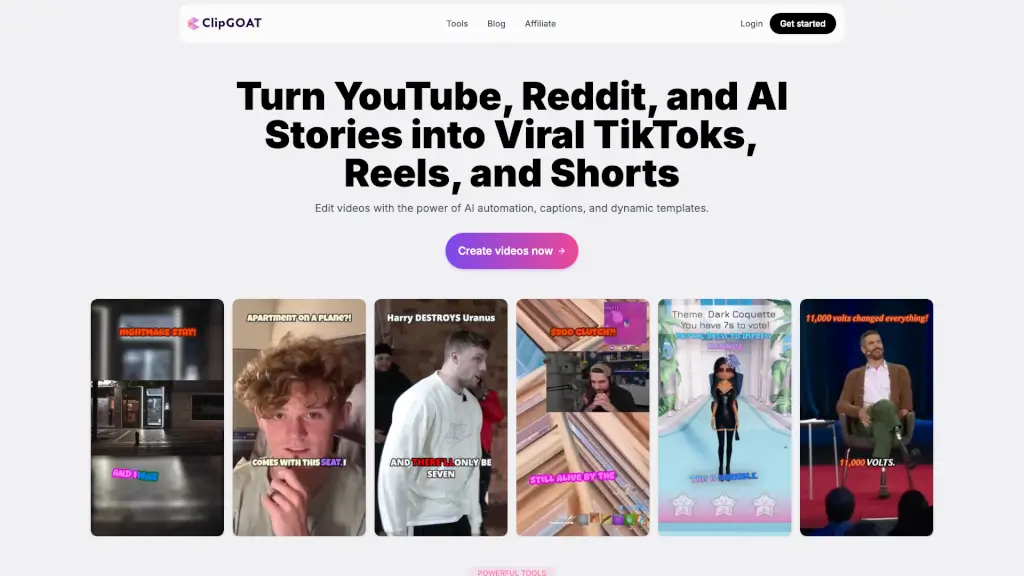
ClipGOAT is a powerful AI-driven platform that turns long videos, Reddit threads, and AI stories into engaging TikToks, Reels, and Shorts, with features like auto-reframing, auto-generated captions, and scheduling.

US
23.64%
23.7K
0
Opus Clip

Opus Clip

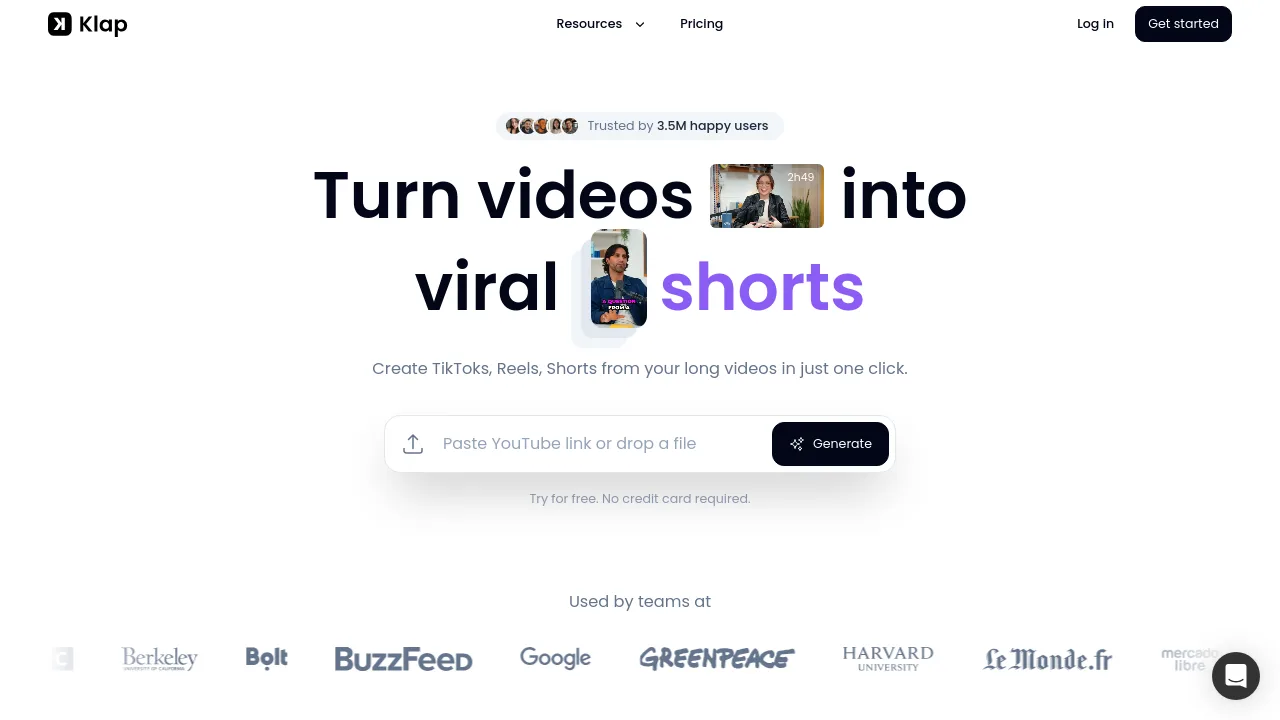
OpusClip extracts short-form social videos from long-form footage using automated clipping, captioning, and resizing tools.

US
31.34%
5.1M
0
Klap

Klap

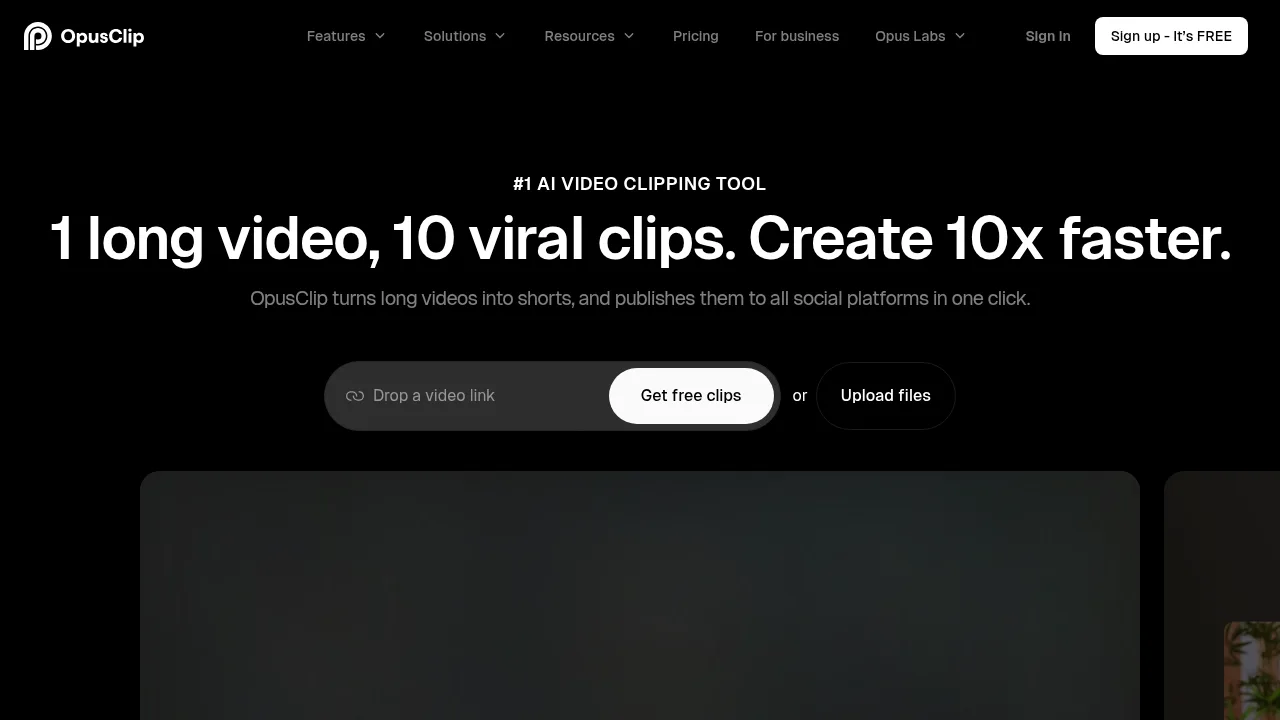
Klap is an AI-powered video clipping tool that helps creators and marketers turn long YouTube videos into viral-ready TikToks, Reels, and Shorts in one click.

US
13.09%
429.5K
0
HiClip

HiClip

HiClip is an AI-powered video editing tool that turns long videos into viral short clips in seconds, perfect for social media creators and businesses.

IN
61.48%
2.8K
0

LiveLink AI Related Other Categories

LiveLink AI Traffic Analysis

Website traffic estimates for livelink.ai. Visits are not unique users or product usage.

💡 Insights

🌱
Emerging Tool
10K-100K monthly visits. Niche or new tool with potential unique value.
➡️
Stable
Traffic remains stable, indicating a mature product.
👍
Good Experience
Bounce rate of 36%. Users are willing to explore features.
🌐
Global Reach
Balanced user distribution worldwide.
  • Monthly Visits

    57.00K

  • Bounce Rate

    36.13%

  • Pages Per Visit

    1.67

  • Visit Duration

    00:00:12

  • Global Rank

    628584

  • Country Rank

    159208

Visits Over Time

Traffic Sources

Search Organic38.17%
Direct37.39%
Referrals9.73%
Social Organic7.12%
Display Ads1.98%
Mail1.98%
Search Paid1.14%
Affiliate1.07%
Gen Ai0.94%
Social Paid0.49%

Top Keywords

1
youtube shorts downloader
CPC$2.47
6.82KTraffic
2
youtube converter
CPC$1.06
4.59KTraffic
3
livelink ai
CPC$0.30
1.12KTraffic
4
livelink
CPC$2.88
720Traffic
5
yt shorts downloader
CPC$0.15
540Traffic

Top Regions

RegionPercentage
United States
United States
11.97%
India
India
7.61%
Indonesia
Indonesia
5.07%
Bangladesh
Bangladesh
4.84%
Brazil
Brazil
4.55%
Low
High

Powered by SimilarWeb

LiveLink AI FAQ

What does the AI video generator do?

The LiveLink AI video generator automates the process of creating video clips from your long form videos, selecting and arranging the best parts to save you time.

How does the AI video generator work its magic?

It uses advanced algorithms to analyze your long form videos, identify key moments, and arrange them in a way that makes sense, taking the hard work out of manual video editing.

What types of videos can I create using this tool?

You can create a wide range of videos, including promotional content, social media clips, and highlight reels. It works well with educational videos, video podcasts, speeches, product reviews, and commentary videos.

Can I have a trial with LiveLink AI?

Yes, LiveLink AI offers a 7-day trial. After the trial period, you can choose from a variety of plans tailored to your specific requirements.

Can I customize the clips generated by the tool?

Yes, you can customize the generated clips in the editor. You can even add your own personal touch by including your own branding.

Can I add captions?

Absolutely! Our AI will automatically add captions for you, and you can change and edit the text, style, and display of the captions.

LiveLink AI Reviews

0
0 Reviews
Sign Into leave a review

Recent Reviews

No reviews yet

LiveLink AI Embed

Use website badges to drive community support for SeekTool.ai. They are easy to embed in your homepage or footer.

Light
Dark
LiveLink AI - Featured on SeekTool.aiLiveLink AI - Featured on SeekTool.ai
How to install?