
What is Kimi AI with K3?
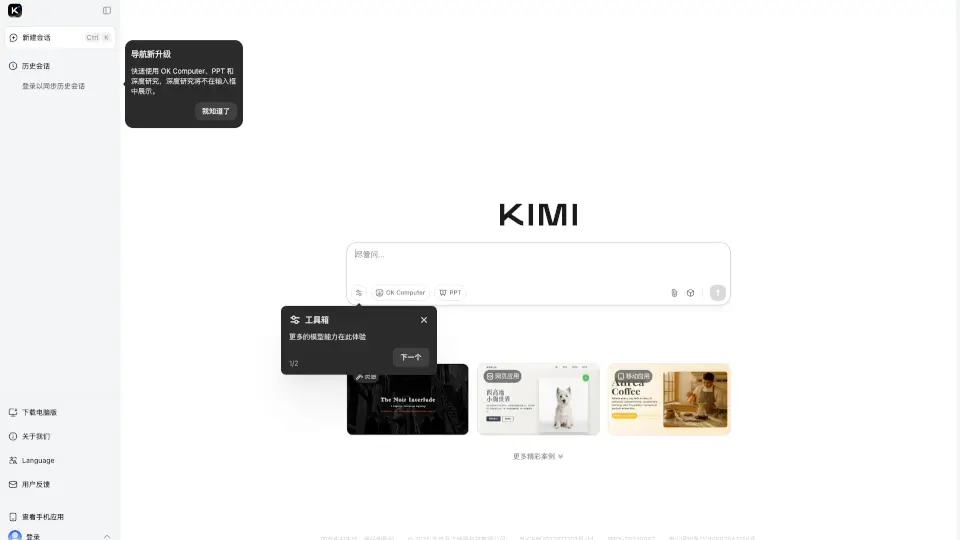
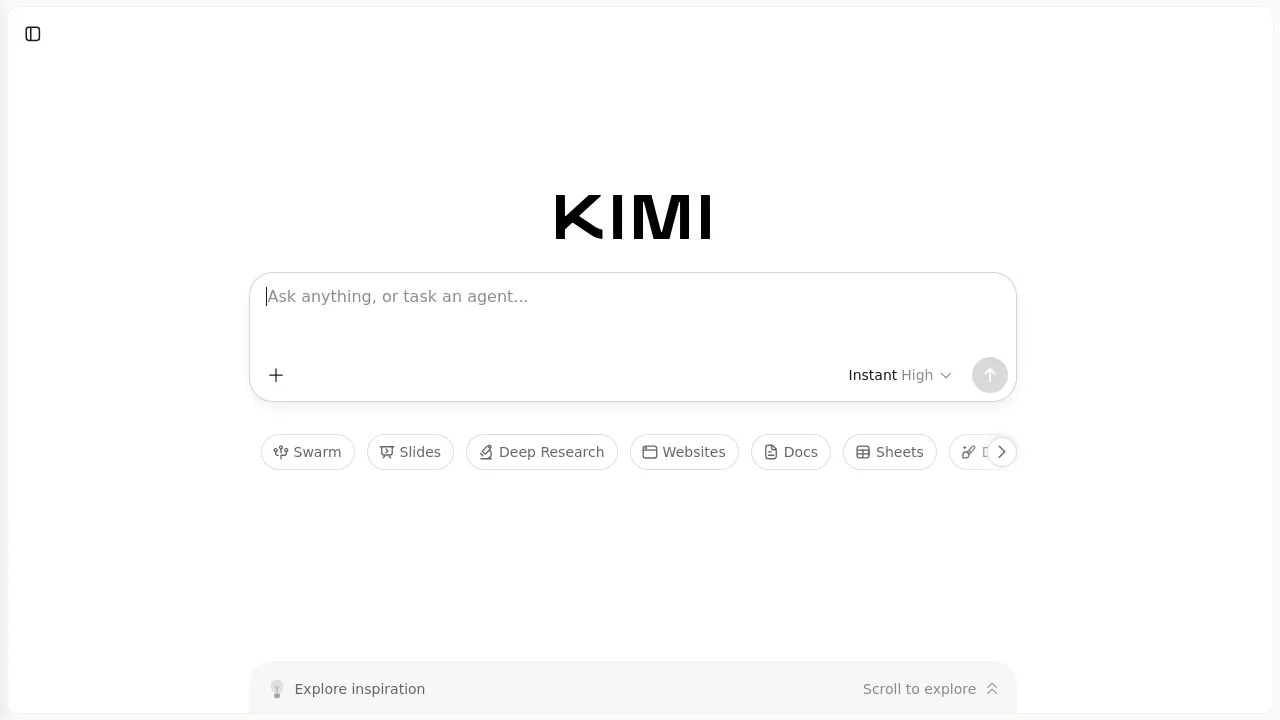
Kimi AI with K3 is an AI agentic tool for coding and knowledge work, offering a suite of plugins for tasks like slides, deep research, sheets, design, and code. It supports scheduled tasks, swarm collaboration, and project-based chats. Best suited for developers, researchers, and teams who need a multi‑modal AI assistant that integrates directly into document and web workflows.
What are the features of Kimi AI with K3?
- Plugins for Task Automation: Use dedicated plugins for slides, deep research, websites, docs, sheets, and design — each tailored to a specific workflow.
- Swarm Mode: Run multiple AI agents in parallel to tackle complex, multi‑step tasks collaboratively.
- Scheduled Tasks: Set up recurring or one‑time AI actions to run automatically at specified times.
- Kimi Code & Kimi Work: Two specialized modes — one for agentic coding assistance, another for document and knowledge work.
- Project & Chat Organization: Organize conversations and tasks into projects, with synced chat history across sessions.
- Deep Research Capability: Launch in‑depth research sessions that gather and synthesize information from multiple sources.
What are the use cases of Kimi AI with K3?
- Developers using Kimi Code to write, debug, or refactor code with agentic assistance.
- Knowledge workers creating slides and docs with AI‑generated content and design suggestions.
- Researchers running deep research tasks to collect and summarize information from the web.
- Teams planning scheduled tasks for recurring reports, data pulls, or content generation.
- Designers using Kimi Claw and Sheets plugins for visual layout and spreadsheet analysis.
How to use Kimi AI with K3?
- Start a new chat or open a project to begin working with Kimi AI with K3.
- Select the appropriate plugin (e.g., Slides, Code, Deep Research) for your task.
- Type your request or upload a file — the AI will process and respond within the plugin context.
- Use Swarm mode for complex tasks by toggling it on before submitting your request.
- Review and refine outputs iteratively, then export or save results to your project.