
What is SciSpace?
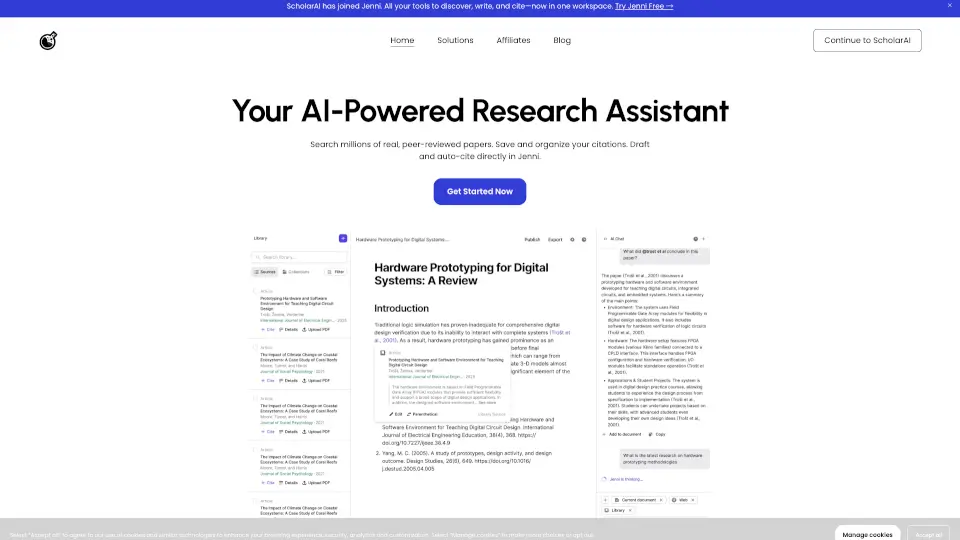
SciSpace is an AI research assistant designed for students, PhDs, and researchers who need to navigate, analyze, and write academic papers. It helps users conduct systematic literature reviews across 280M+ papers, chat with PDFs, draft research papers with cited sources, and generate citations. Researchers trust it for managing the early stages of research workflows—from finding relevant papers to extracting key data and summarizing findings. It also offers an AI Writer for drafting and a paraphraser for refining text.
What are the features of SciSpace?
- Literature Review: Search and analyze 280M+ papers to build systematic reviews, with built-in citation handling for academic integrity.
- Chat with PDF: Upload a research paper and ask specific questions; the AI extracts answers directly from the document.
- AI Writer: Draft research papers, sections, or outlines with automatically generated citations from your chosen sources.
- Citation Generator: Automatically create and format citations in multiple styles (e.g., APA, MLA) from paper metadata or uploaded PDFs.
- Extract Data: Pull structured data (figures, tables, key findings) from research papers to speed up data collection for meta-analyses.
- Paraphraser: Rewrite academic text while preserving meaning, helping researchers avoid plagiarism and improve clarity.
What are the use cases of SciSpace?
- Graduate students conducting a systematic literature review on a niche topic, using the AI to find and summarize relevant papers.
- PhD researchers preparing a manuscript: they draft sections with the AI Writer and verify citations via the citation generator.
- Lab teams collaborating on a meta-analysis: they extract data from dozens of PDFs using the Extract Data feature.
- Undergraduate writers paraphrasing complex academic sources to integrate them into a term paper with proper attribution.
- R&D teams in pharma or biotech scanning recent papers to identify new experimental methods or biomarkers.
How to use SciSpace?
- Sign up for a free account on the SciSpace website or install the Chrome extension for in-browser access.
- Upload a research paper (PDF) to the Chat with PDF tool and start asking questions about its content.
- Use the Literature Review tool to enter a research topic, then filter and review AI-summarized papers.
- Draft a paper section by selecting the AI Writer, specifying your topic, and adding cited sources from your library.
- Review all AI-generated citations for accuracy before final submission, as the tool may misinterpret some references.