
What is Kilo Code?
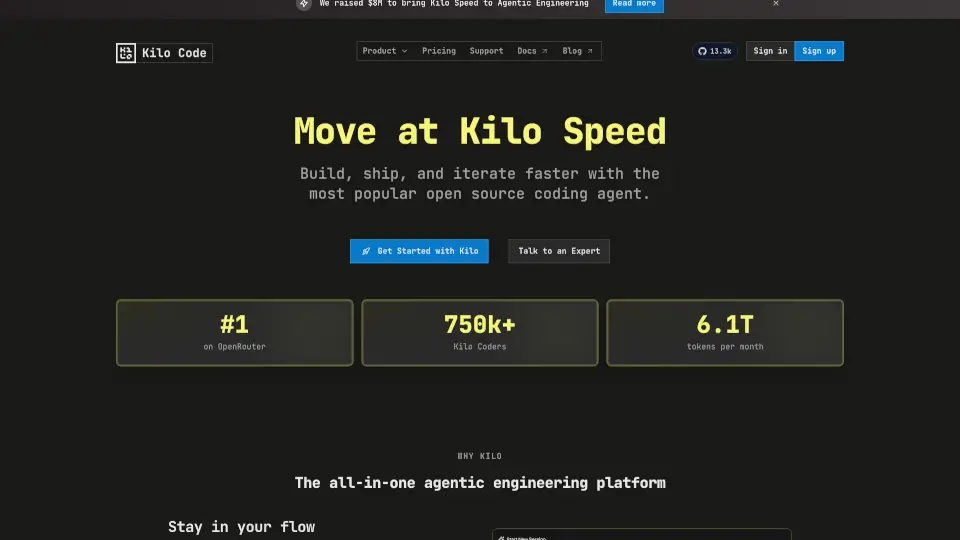
Kilo Code is your open-source AI coding buddy for VS Code. It’s like having a super-smart assistant that writes, debugs, and even plans your code—so you can focus on the fun stuff. No more wrestling with bugs or docs—Kilo handles the boring parts.
What are the features of Kilo Code?
- Orchestrator Mode: Breaks big projects into bite-sized tasks.
- Architect Mode: Designs clean solutions before coding.
- Code Mode: Turns plans into ready-to-ship code.
- Debug Mode: Catches bugs before they ruin your day.
- Automatic Recovery: Fixes its own mistakes (yes, really).
- Hallucination-Free: Checks docs to avoid fake APIs.
- Memory Bank: Remembers your project details—no repeat explanations.
What are the use cases of Kilo Code?
- Crush complex projects by delegating tasks to AI agents.
- Speed up coding with AI-generated, production-ready code.
- Debug faster by letting Kilo hunt down bugs.
- Keep docs/tests updated without lifting a finger.
How to use Kilo Code?
- Install the Kilo Code extension in VS Code.
- Pick a mode (Orchestrator, Architect, Code, or Debug).
- Let Kilo do the heavy lifting—code, test, or debug.
- Customize with your own API keys or use free credits.