

What is Immersive Translate?
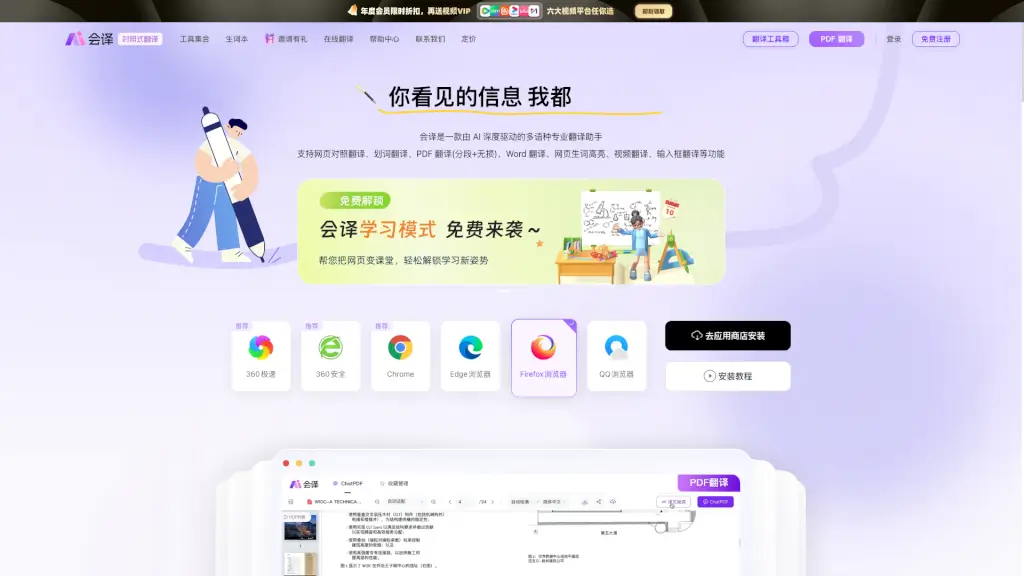
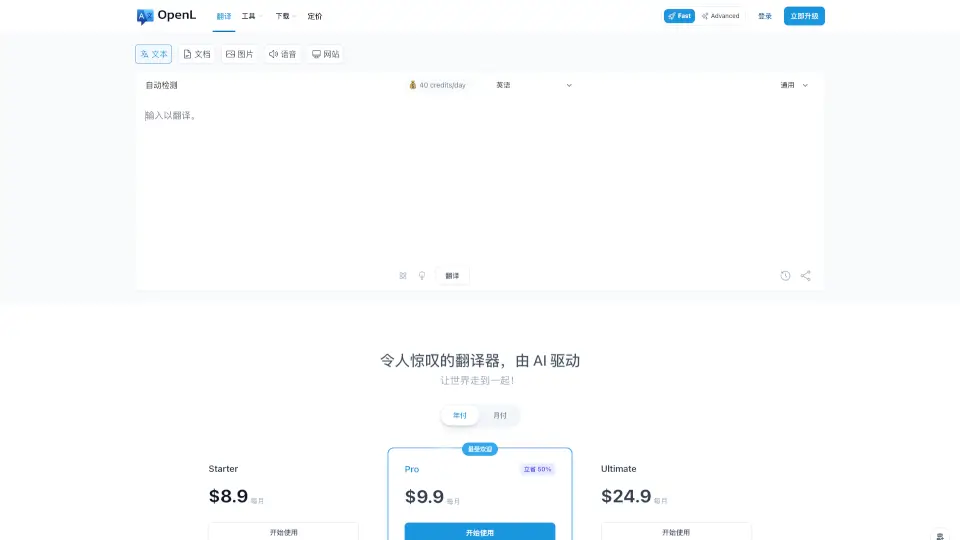
Immersive Translate is your go-to tool for breaking down language barriers. Whether you're browsing websites, watching videos, or reading PDFs, this extension offers bilingual translations in a seamless and user-friendly way. It’s compatible with all major browsers and devices, making it a versatile choice for anyone looking to access global content without the hassle.
What are the features of Immersive Translate?
- Bilingual Webpage Translation: Instantly translates web pages into your preferred language while keeping the original text side by side.
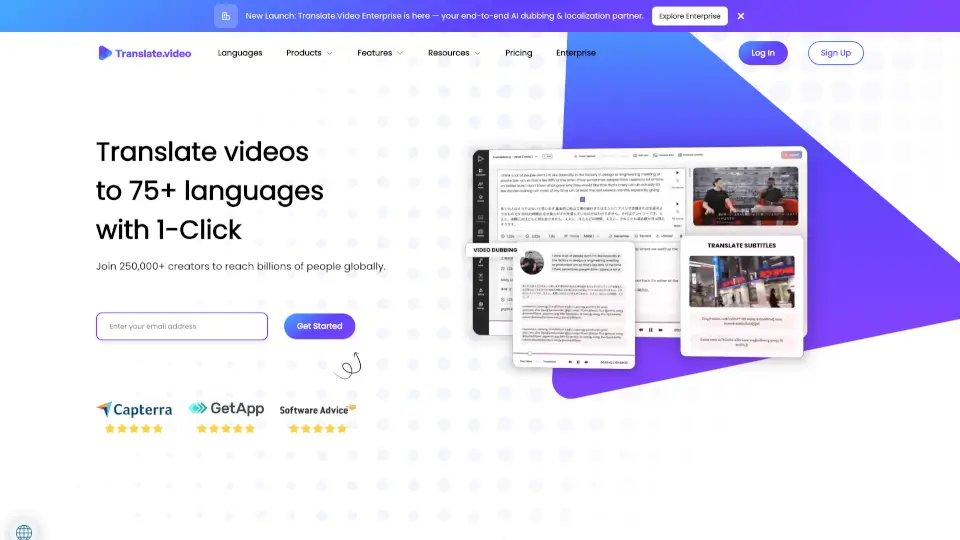
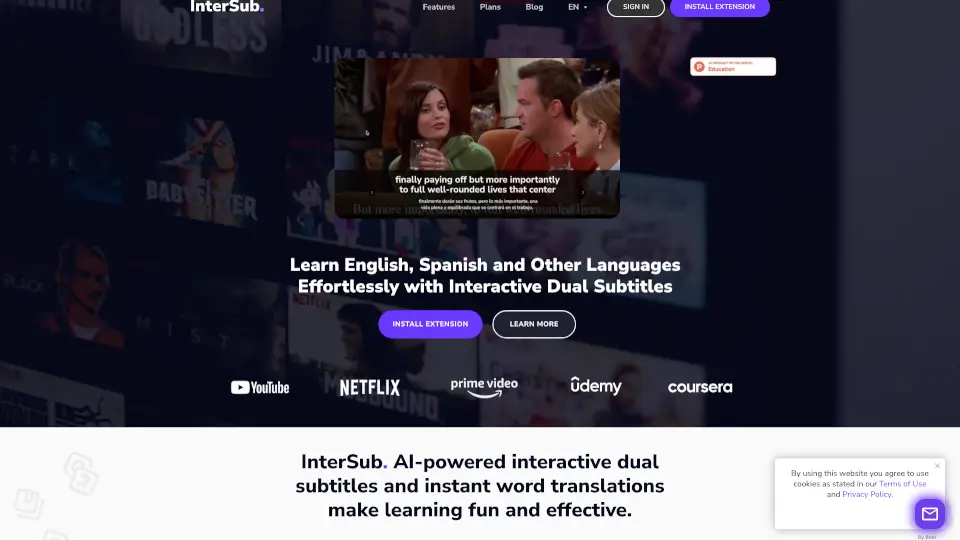
- Video Subtitle Translation: Supports over 60 video platforms like YouTube and Netflix, offering real-time bilingual subtitles.
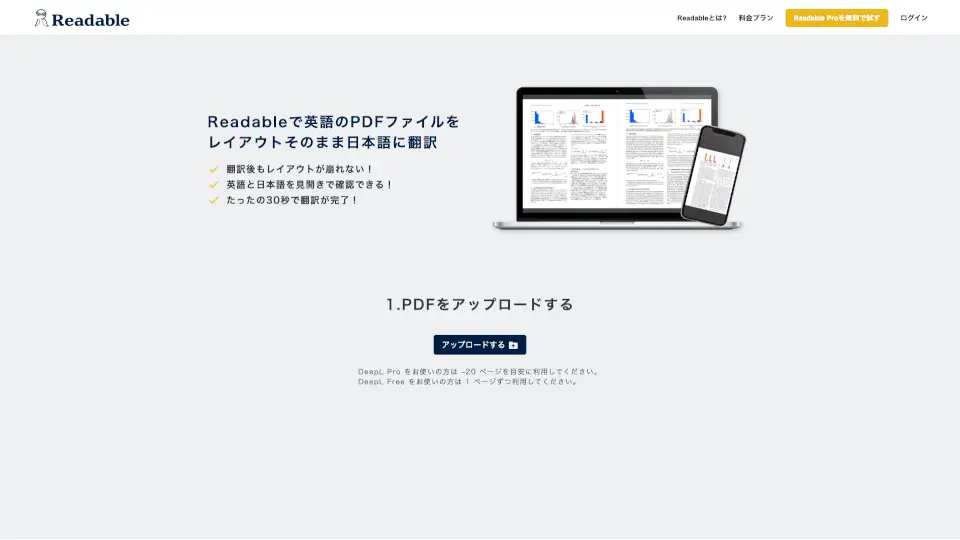
- PDF & EPUB Translation: Translates documents while preserving their original layout, perfect for academic papers or eBooks.
- Image Translation: Translates images on web pages, maintaining the original design and style.
- AI Context Translation: Uses advanced AI to understand the full context before translating, ensuring accuracy.
- Mouse Hover Translation: Hover over any paragraph to see its translation instantly.
- Input Box Translation: Type text into any input box and translate it with a simple shortcut.
What are the use cases of Immersive Translate?
- Reading Foreign Articles: Quickly translate news, blogs, or research papers.
- Watching International Videos: Enjoy videos with bilingual subtitles for better understanding.
- Academic Research: Translate PDFs and EPUBs for side-by-side reading.
- Social Media Browsing: Translate images and posts on platforms like Twitter or Instagram.
How to use Immersive Translate?
- Install the Extension: Add Immersive Translate to your browser (Chrome, Edge, Firefox, Safari).
- Translate Web Pages: Click the extension icon to enable bilingual translation on any webpage.
- Translate Videos: Play a video on supported platforms, and the extension will automatically generate bilingual subtitles.
- Translate PDFs/EPUBs: Upload your document, and the extension will translate it while keeping the original layout.
- Translate Images: Right-click or hover over an image to see its translated version.