
HyperClapper logo

HyperClapper

5.0
(0 Reviews)
United States12.59%

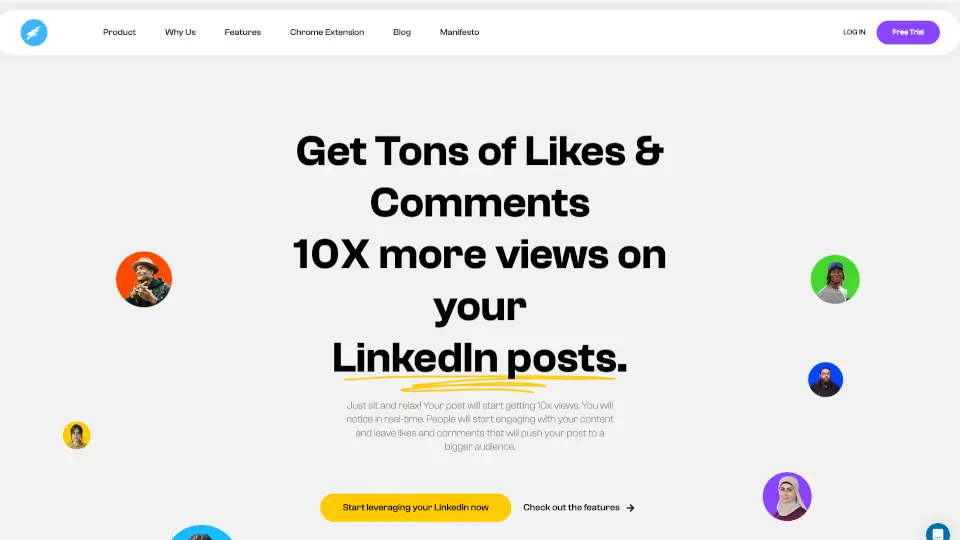
HyperClapper is a LinkedIn engagement tool that helps you boost views, likes, and comments through automation and AI-powered features. Perfect for professionals and businesses looking to grow their LinkedIn presence. ---

Verified by SeekTool
Social Media:

HyperClapper Product Information

What is HyperClapper?

HyperClapper is a powerful LinkedIn engagement tool designed to help you 10x your post views, boost likes and comments, and expand your reach effortlessly. Whether you're a professional looking to grow your personal brand or a business aiming to increase your online presence, HyperClapper makes it easy to leverage LinkedIn automation and get real results.


What are the features of HyperClapper?

  • Join Relevant Pods: Connect with like-minded professionals by joining or creating pods based on location, industry, SSI score, or followers.
  • AI-Powered Comments: Generate high-quality, engaging comments using AI (powered by GPT-4) to make your interactions feel natural and authentic.
  • Dwell Time Technology: Mimics real human behavior by ensuring users spend time reading, watching, or engaging with your content fully.
  • Real-Time Analytics: Track your post performance, including views, likes, comments, and engagement rates, all in one place.
  • Customizable Engagement: Choose how you want to interact with posts, whether it’s liking, commenting, or both.
  • Company Pods: Build your own pod with your team to boost your content without spending on ads.
  • Outreach Campaigns: Follow up with people who engage with your posts to increase conversions.

What are the use cases of HyperClapper?

  • Personal Branding: Increase your visibility and establish yourself as an expert in your field.
  • Business Growth: Promote your products, services, or job openings to a targeted audience.
  • Recruitment: Attract top talent by boosting your job posts and reaching a wider audience.
  • Content Promotion: Drive traffic to your blog posts, videos, or other content by increasing engagement on LinkedIn.

How to use HyperClapper?

  1. Connect Your Profile: Install the Chrome extension, log in to your LinkedIn account, and connect your profile.
  2. Join Pods: Explore and join pods that align with your niche or create your own custom pod.
  3. Share Your Post: Paste your LinkedIn post link, select relevant pods, and customize comments if needed.
  4. Sit Back and Relax: Watch your post gain traction as pod members engage with it automatically.
  5. Track Results: Monitor your post's performance in real-time using HyperClapper's analytics tool.

HyperClapper Contact Email:

Contact HyperClapper


Do you like this tool?

Upvote to help others discover it!

HyperClapper Alternatives

Engage AI

Engage AI

Engage AI is a powerful tool for LinkedIn users, offering AI-driven content creation, lead automation, and profile optimization to help you stand out and build meaningful connections.

US
12.54%
43.8K
4.0
Reach

Reach

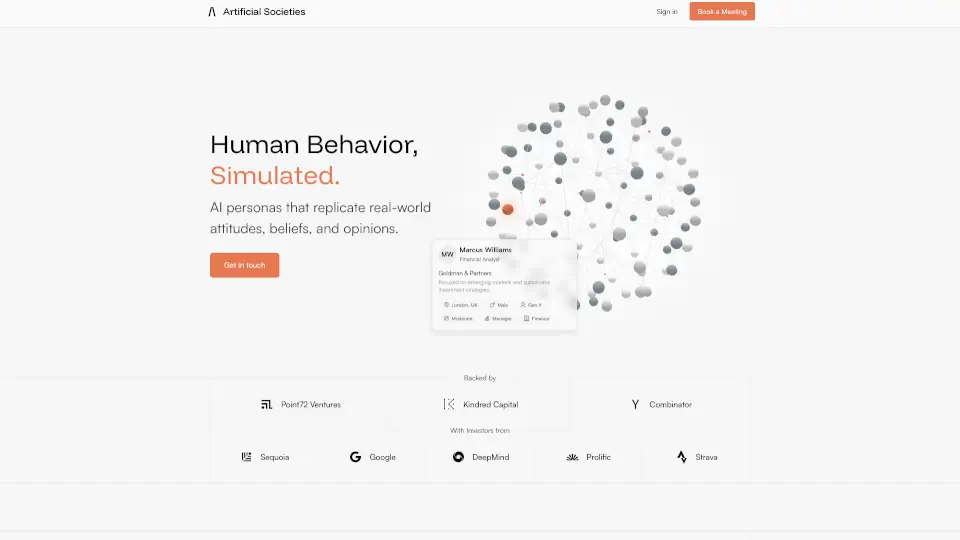
Reach by Artificial Societies is your go-to tool for predicting and enhancing LinkedIn engagement. With AI-driven simulations and audience insights, you can post with confidence and maximize your impact.

US
46.09%
19.2K
4.0
ReachifyMe

ReachifyMe

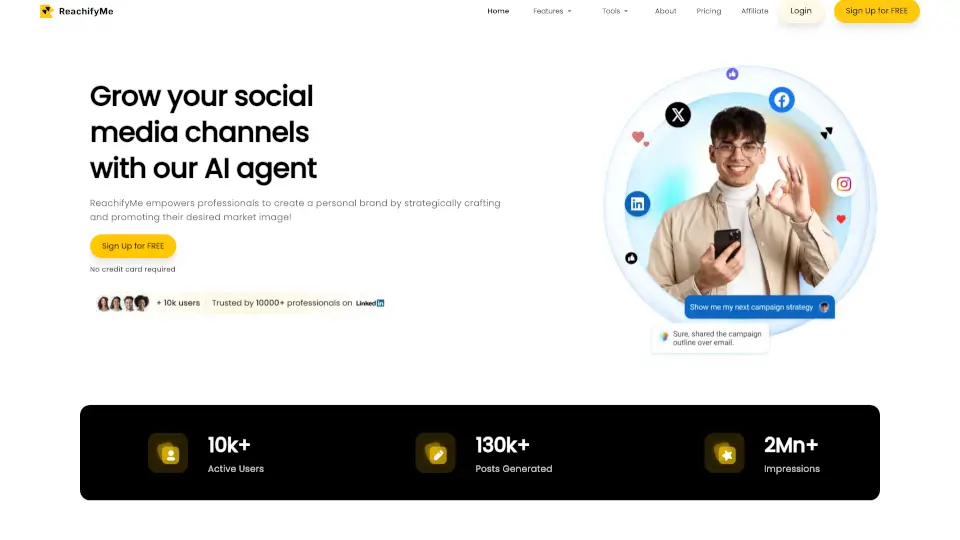
ReachifyMe turns LinkedIn growth into autopilot—AI writes, schedules, and optimizes your posts while you focus on your work.

IN
100.00%
1.2K
3.0
EasyGen

EasyGen

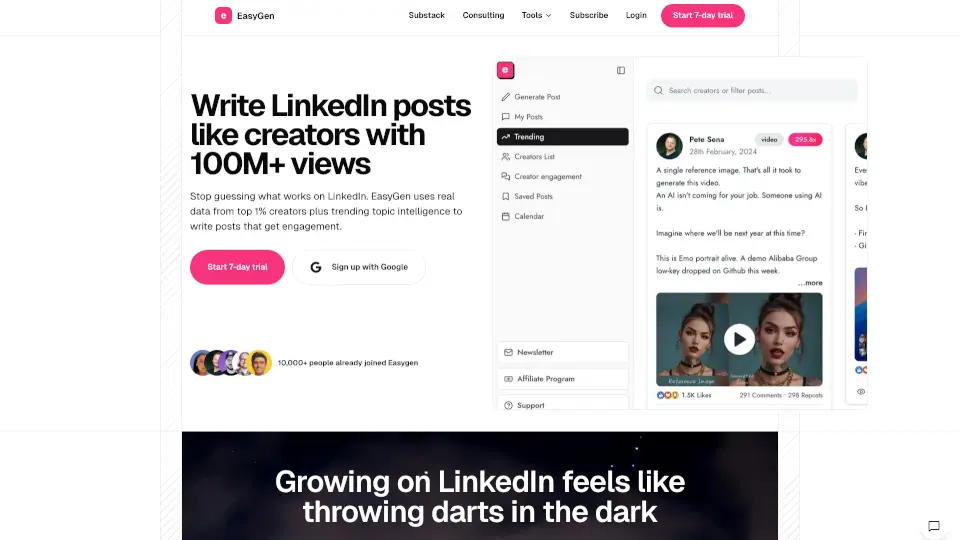
EasyGen is an AI-powered LinkedIn post writer that uses real performance data and trending intelligence to help you create engaging, authentic content fast.

IN
14.69%
30.6K
4.0
LiveLink AI

LiveLink AI

LiveLink is an AI-powered video clipping tool that makes it easy to create and share engaging, short clips from long videos, perfect for social media.

US
11.15%
69.1K
5.0
Postiv AI

Postiv AI

Postiv AI is an AI-powered LinkedIn post creator that helps B2B professionals write, design, and schedule engaging content in minutes.

IN
11.34%
54.4K
5.0
MagicPost

MagicPost

MagicPost is the ultimate AI tool for creating standout LinkedIn posts 10x faster. With features like post scheduling, metrics analysis, and multi-language support, it’s a game-changer for content creators and businesses alike.

IN
10.99%
157.8K
5.0
AuthoredUp

AuthoredUp

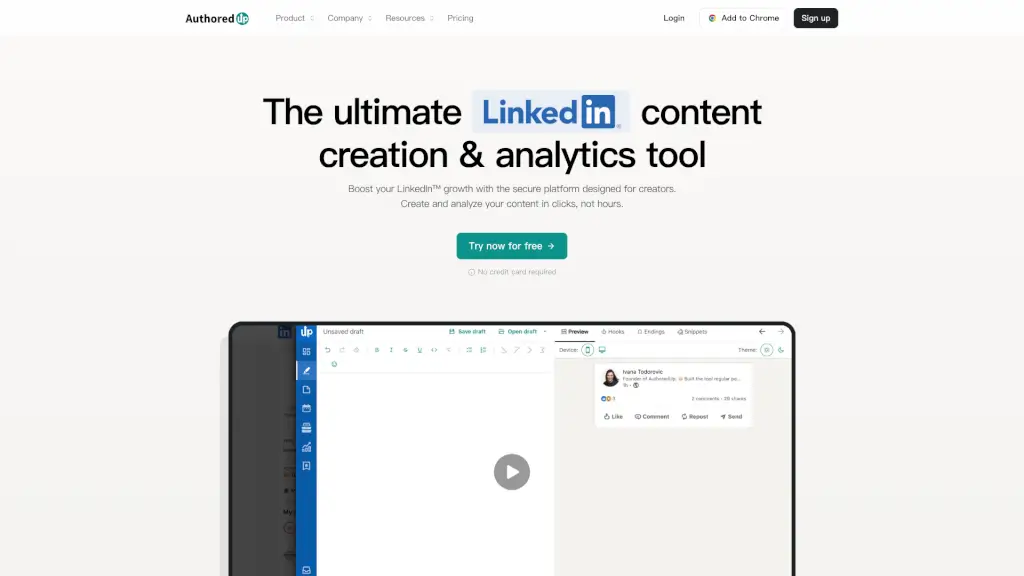
AuthoredUp is the ultimate LinkedIn content creation and analytics tool, helping you format, schedule, and analyze your posts for maximum engagement and growth.

US
15.30%
103.6K
5.0

HyperClapper Related Other Categories

HyperClapper Traffic Analysis

💡 Insights

Medium Scale
100K-1M monthly visits. Growing tool with active development.
➡️
Stable
Traffic remains stable, indicating a mature product.
👍
Good Experience
Bounce rate of 44%. Users are willing to explore features.
🌐
Global Reach
Balanced user distribution worldwide.
  • Monthly Visits

    158.07K

  • Bounce Rate

    43.72%

  • Pages Per Visit

    1.75

  • Visit Duration

    00:01:52

  • Global Rank

    296349

  • Country Rank

    122069

Visits Over Time

Traffic Sources

Search Organic69.21%
Direct18.26%
Social Organic10.14%
Referrals1.51%
Gen Ai0.63%
Display Ads0.26%
Search Paid0.00%
Social Paid0.00%
Affiliate0.00%

Top Keywords

1
linkedin viewer
CPC$1.75
610Traffic
2
linkedin banner size
CPC$1.33
550Traffic
3
linkedin profile viewer
CPC$1.29
510Traffic
4
hyperclapper
CPC$20.60
420Traffic
5
can you tell if you were blocked on linkedin
270Traffic

Top Regions

RegionPercentage
United States
United States
12.59%
United Kingdom
United Kingdom
6.44%
India
India
4.36%
France
France
3.67%
Indonesia
Indonesia
3.08%
Low
High

Powered by SimilarWeb

HyperClapper FAQ

What is a Channel?

A channel is a group of professionals with shared interests who support each other by engaging with each other's content. HyperClapper automates this process.

How do I find and join channels?

Use the "Explore Channels" feature and search by keywords like topic, location, or language. Request to join any channel that fits your needs.

How do I leave a channel?

Go to the "My Channels" tab, hover over the channel name, and click the "Leave Channel" button.

How do I turn auto-likes/comments on/off?

Go to the "Channels" section, select the channel you want to modify, and adjust your settings in the "Your Settings" tab.

How does HyperClapper work?

When a post is shared in a channel, HyperClapper automates engagement from other members. You can customize timing and comments.

How do I boost my first post?

Join one or more channels, go to the "Post" section, paste your LinkedIn post link, select channels, and set your preferences.

How do I create or delete a channel?

To create a channel, go to the "Channels" section and click "Create New Channel." To delete, go to the channel's settings and click "Remove Channel."

How do I customize auto-comments?

You can create custom comments for your posts. Each comment should be one line, and you can use templates for relevance.


HyperClapper Reviews

0

0

0 Reviews
Sign Into leave a review

Recent Reviews

No reviews yet

HyperClapper Pricing

Intro

Free for 14 days. No credit card required.
Free
  • 3 posts / Month
  • Join Unlimited Channels
  • LinkedIn Analytics
  • AI comment/reply
  • Dwell Time
  • Default Comments
  • Multi-LinkedIn Profile

Pro

Perfect for individuals and small teams
$39 / Month
  • 2 posts per day
  • 10 LinkedIn profiles
  • Join Unlimited Channels
  • AI comment/reply
  • Dwell Time
  • Default Comments
  • Block Users
  • Private Channel

Growth

For growing teams and businesses
$59 / Month
  • 3 posts per day
  • 20 LinkedIn profiles
  • Join Unlimited Channels
  • AI comment/reply
  • Dwell Time
  • Default Comments
  • Block Users
  • Private Channel

Enterprise

For large teams and enterprises
$199 / Month
  • 10 posts per day
  • 99 LinkedIn profiles
  • Join Unlimited Channels
  • AI comment/reply
  • Dwell Time
  • Default Comments
  • Block Users
  • Private Channel

HyperClapper Embed

Use website badges to drive community support for SeekTool.ai. They are easy to embed in your homepage or footer.

Light
Dark
HyperClapper - Featured on SeekTool.aiHyperClapper - Featured on SeekTool.ai
How to install?

Category Rankings

Ranked by monthly traffic